TubeInsight is an innovative Chrome extension designed to empower YouTube creators. It offers automated title generation, compelling descriptions, and optimized tags to elevate content optimization. This AI-powered tool serves as a creative ally, helping creators unleash the full potential of their content and streamline their workflow.
TubeInsights
Boost your YouTube channel with automatic titles, descriptions, tags, and powerful media tools for effortless content improvement.
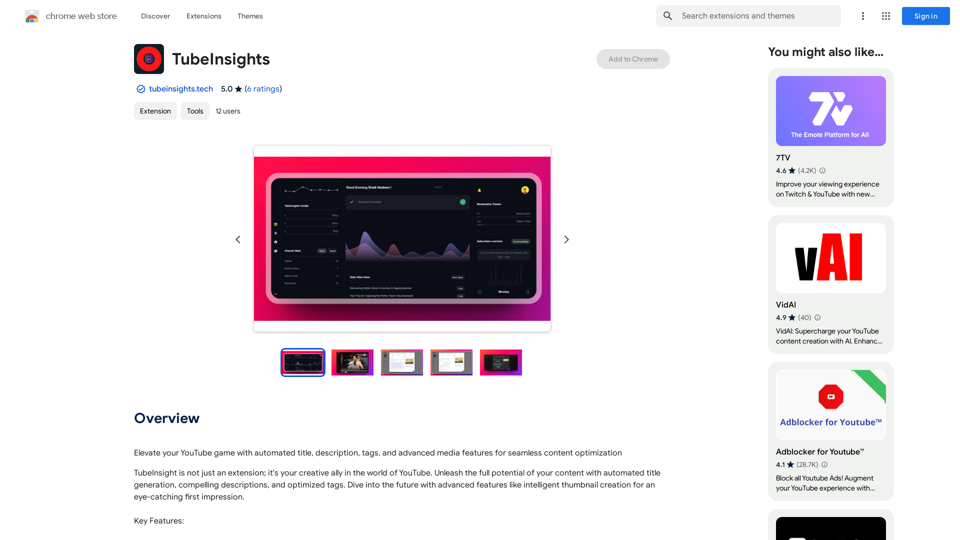
Introduction
Feature
Smart Content Optimization
TubeInsight's AI technology analyzes videos and suggests:
- Compelling titles
- Engaging descriptions
- Relevant tags All in one go, saving time and effort for creators.
Advanced Media Toolkit
- AI-powered thumbnail generation
- Media enhancement tools
- Improves visual appeal of videos
- Helps content stand out and grab audience attention
Effortless Integration
- Seamlessly integrates with Chrome browser
- Allows content optimization within YouTube workspace
Constant Evolution
- Regular updates and new features
- Helps creators stay ahead in the changing digital landscape
Optimize Efficiently
- One-stop solution for video optimization needs
- Saves time and effort in content creation process
Stand Out
- Creates eye-catching thumbnails
- Crafts strategic titles to elevate content
Future-Ready
- Evolves alongside YouTube platform changes
- Keeps creators at the forefront of digital content creation
FAQ
Is TubeInsight free to use?
TubeInsight offers a free version with limited features. Paid subscriptions are available for additional features and benefits.
Is my data safe with TubeInsight?
Yes, TubeInsight handles user data with care and adheres to strict privacy policies.
Can I cancel my subscription at any time?
Yes, users can cancel their subscription at any time and receive a full refund.
Related Websites
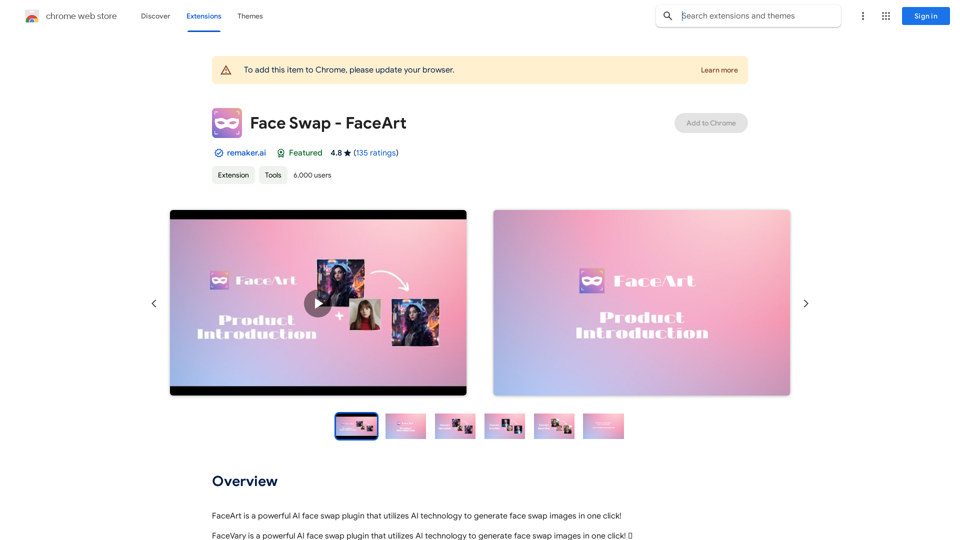
FaceArt is a powerful AI face swap plugin that utilizes AI technology to generate face swap images in one click!
193.90 M

BookSlice - A fun, game-like way to read books for people with busy schedules.
BookSlice - A fun, game-like way to read books for people with busy schedules.Read one book per month, guaranteed, using science-backed techniques.
318
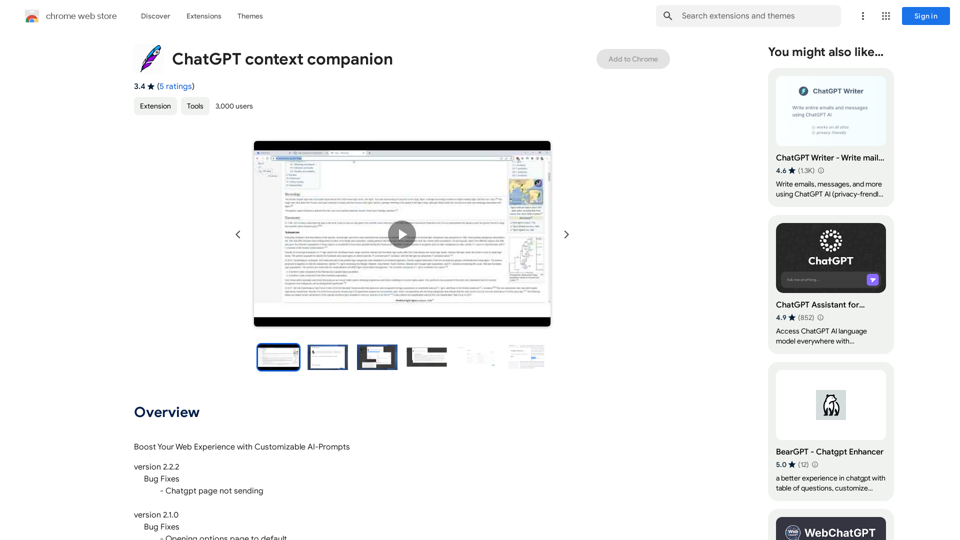
ChatGPT Context Companion The ChatGPT Context Companion is an innovative tool designed to enhance the conversational experience with ChatGPT, a cutting-edge language model. This companion tool provides users with a more comprehensive and engaging interaction by offering real-time suggestions, relevant information, and personalized responses. Key Features * Real-time Suggestions: The Context Companion provides users with relevant suggestions based on the conversation, enabling them to explore new topics, ask follow-up questions, or delve deeper into a subject. * Relevant Information: The tool offers users access to a vast knowledge base, providing them with accurate and up-to-date information on a wide range of topics, from science and history to entertainment and culture. * Personalized Responses: By analyzing the conversation context, the Context Companion generates personalized responses that cater to the user's interests, preferences, and communication style. Benefits * Enhanced Engagement: The ChatGPT Context Companion fosters a more engaging and interactive conversation, encouraging users to explore new ideas, ask questions, and learn from the conversation. * Improved Understanding: By providing users with relevant information and suggestions, the tool helps to clarify complex topics, resolve misunderstandings, and promote a deeper understanding of the subject matter. * Increased Productivity: The Context Companion saves users time and effort by offering quick access to relevant information, enabling them to focus on the conversation and achieve their goals more efficiently. Applications * Education: The ChatGPT Context Companion is an invaluable resource for students, teachers, and researchers, providing them with a wealth of information, suggestions, and insights to support their learning and research endeavors. * Business: The tool is an excellent communication aid for professionals, enabling them to access relevant information, generate ideas, and respond to customer inquiries more effectively. * Entertainment: The Context Companion adds a new dimension to online conversations, making them more engaging, informative, and enjoyable for users.
ChatGPT Context Companion The ChatGPT Context Companion is an innovative tool designed to enhance the conversational experience with ChatGPT, a cutting-edge language model. This companion tool provides users with a more comprehensive and engaging interaction by offering real-time suggestions, relevant information, and personalized responses. Key Features * Real-time Suggestions: The Context Companion provides users with relevant suggestions based on the conversation, enabling them to explore new topics, ask follow-up questions, or delve deeper into a subject. * Relevant Information: The tool offers users access to a vast knowledge base, providing them with accurate and up-to-date information on a wide range of topics, from science and history to entertainment and culture. * Personalized Responses: By analyzing the conversation context, the Context Companion generates personalized responses that cater to the user's interests, preferences, and communication style. Benefits * Enhanced Engagement: The ChatGPT Context Companion fosters a more engaging and interactive conversation, encouraging users to explore new ideas, ask questions, and learn from the conversation. * Improved Understanding: By providing users with relevant information and suggestions, the tool helps to clarify complex topics, resolve misunderstandings, and promote a deeper understanding of the subject matter. * Increased Productivity: The Context Companion saves users time and effort by offering quick access to relevant information, enabling them to focus on the conversation and achieve their goals more efficiently. Applications * Education: The ChatGPT Context Companion is an invaluable resource for students, teachers, and researchers, providing them with a wealth of information, suggestions, and insights to support their learning and research endeavors. * Business: The tool is an excellent communication aid for professionals, enabling them to access relevant information, generate ideas, and respond to customer inquiries more effectively. * Entertainment: The Context Companion adds a new dimension to online conversations, making them more engaging, informative, and enjoyable for users.Boost Your Web Experience with Customizable AI-Prompts
193.90 M
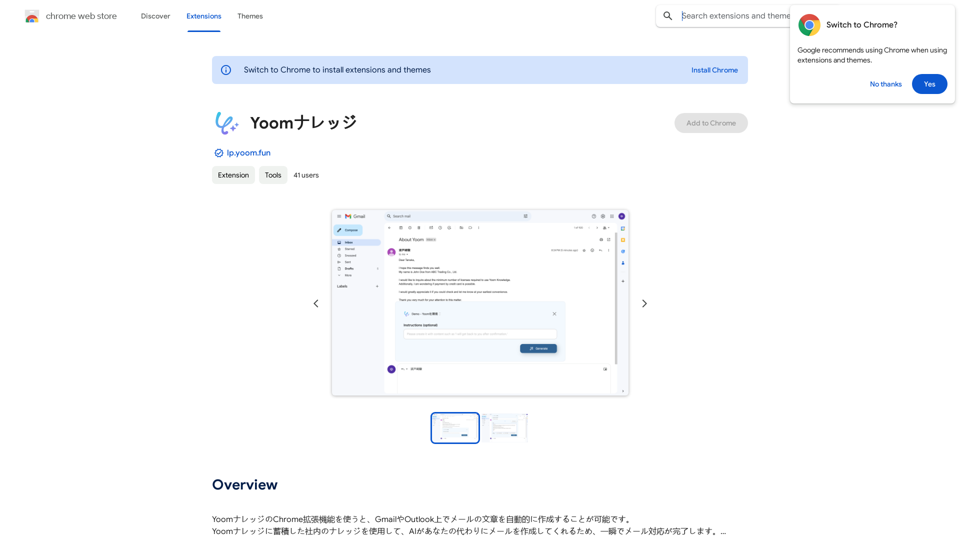
Using the Yoom Knowledge Chrome extension, you can automatically generate email content in Gmail or Outlook. AI will create emails for you using the company knowledge accumulated in Yoom Knowledge, allowing you to complete email responses in an instant.
193.90 M
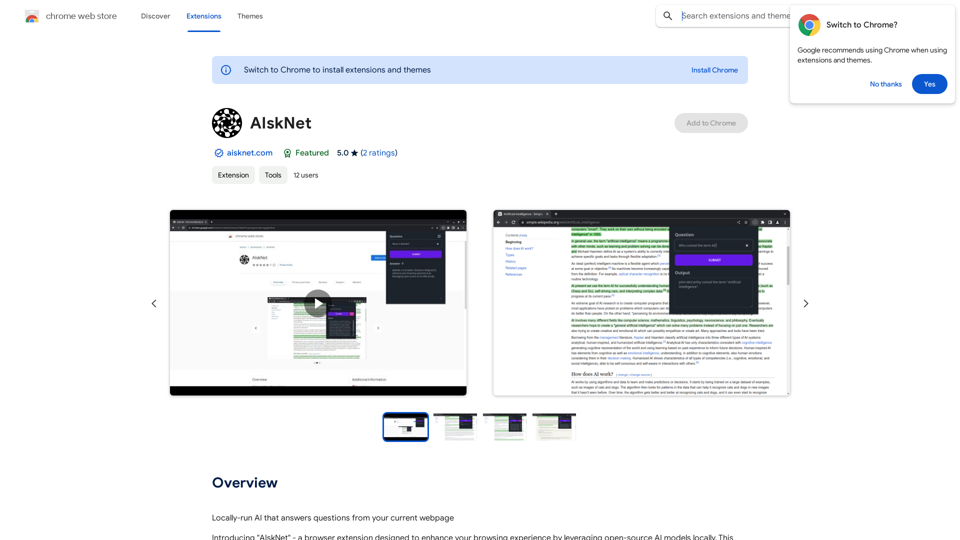
AI that runs on your computer and answers questions about the web page you are currently viewing.
193.90 M
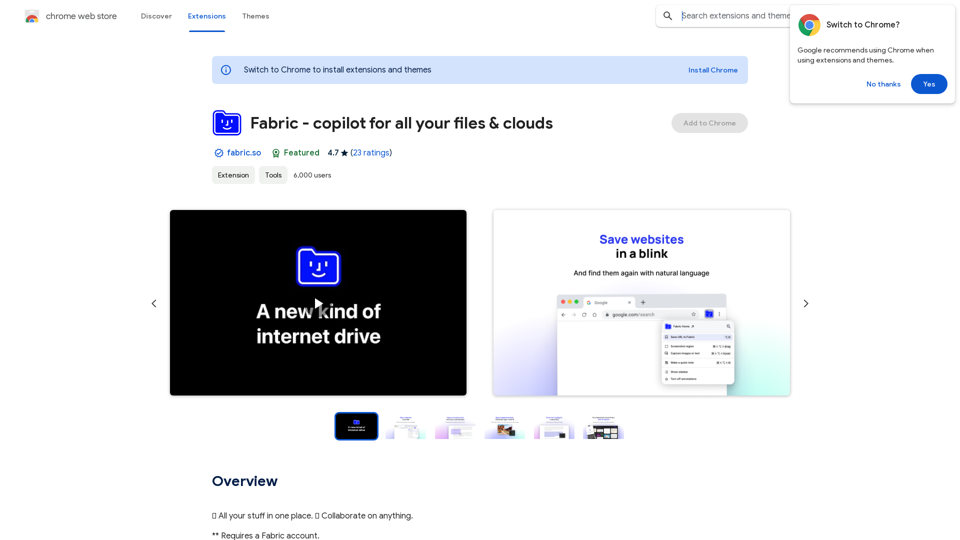
Fabric - Your assistant for all your files and cloud storage.
Fabric - Your assistant for all your files and cloud storage.🍱 All your things in one place. 👋 Work together on anything.
193.90 M