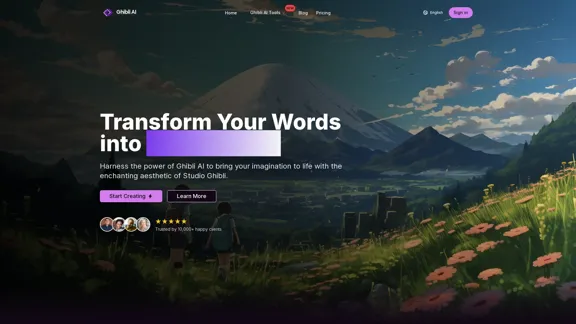
Ghibli AI Image Generator allows users to transform text into enchanting Studio Ghibli-style artwork. By harnessing advanced AI technology, it captures the essence of Ghibli's aesthetic, making it accessible for anyone to create stunning visuals. The platform supports both text-to-image generation and image style transfer, catering to a wide range of creative needs.
Transform Text into Studio Ghibli Art
Create stunning Studio Ghibli style artwork using AI. Our text-to-image generator brings your imagination to life with the magical aesthetic of Ghibli animation.
Introduction
Feature
-
Text-to-Image Generation
Ghibli AI converts written descriptions into breathtaking artwork, ensuring each piece reflects the authentic Ghibli style.
-
Image Style Transfer
Users can upload their photos and have them reimagined in the distinctive Studio Ghibli style, perfect for personal artwork or memorable moments.
-
High-Resolution Output
The platform generates professional-quality images with exceptional detail, suitable for printing and professional use.
-
Creative Control
Users can fine-tune their creations by adjusting colors, lighting, and character styles to achieve their desired Ghibli-inspired vision.
-
Advanced Customization
Ghibli AI offers advanced parameter adjustments, allowing users to modify cinematic lighting and brush stroke details for a more personalized touch.
-
Optimal Input Guidelines
The platform provides best practices for crafting text descriptions that help generate the envisioned artwork effectively.
How to Use?
- Start by uploading a photo you want to transform into Ghibli-style artwork.
- Use clear and descriptive text to guide the AI in generating the desired image.
- Experiment with different customization options to enhance your artwork.
- Review the community's artwork for inspiration and ideas on how to improve your creations.
FAQ
What makes Ghibli AI unique?
Ghibli AI stands out due to its ability to accurately capture the distinctive elements of Studio Ghibli's art style through advanced AI technology.
How do I start creating with Ghibli AI?
To begin, simply upload a photo or enter a text description on the Ghibli AI platform and follow the prompts to generate your artwork.
Can I use Ghibli AI artwork commercially?
Yes, the artwork generated by Ghibli AI can be used commercially, allowing for a wide range of applications.
How does Ghibli AI ensure quality results?
The AI system is designed to analyze and incorporate the unique characteristics of Ghibli art, ensuring high-quality outputs.
What image resolution does Ghibli AI support?
Ghibli AI supports high-resolution outputs, making the images suitable for various professional uses.
Is there a limit to how many images I can generate?
The platform does not specify a limit, allowing users to create as many images as they desire.
How long does it take to generate an image?
Image generation is typically quick, providing users with instant results after input.
Price
| Plan | Price |
|---|---|
| Free Plan | $0/month |
| Basic Plan | $9.99/month |
| Standard Plan | $19.99/month |
| Professional Plan | $49.99/month |
The price is for reference only, please refer to the latest official data for actual information.
Evaluation
- Ghibli AI effectively captures the enchanting aesthetic of Studio Ghibli, making it a valuable tool for artists and creators.
- The text-to-image generation and image style transfer features are intuitive and user-friendly, appealing to both novices and experienced users.
- However, the platform could benefit from additional tutorials or guides to help users maximize the potential of the customization options.
- While the high-resolution output is a significant advantage, users may find the pricing structure a bit steep for casual use.
- Overall, Ghibli AI is a powerful tool for creating unique artwork, but it may require a commitment to fully explore its capabilities.
Related Websites
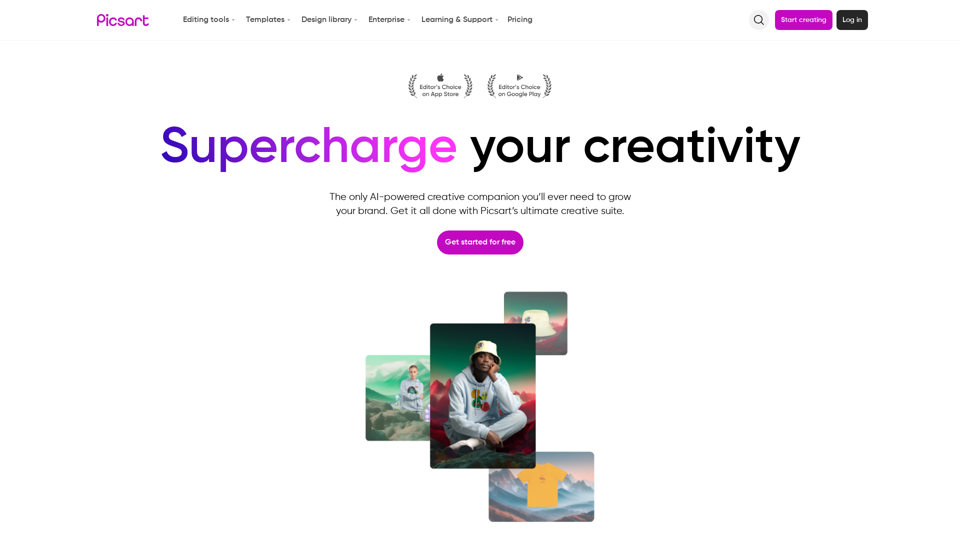
Picsart is the biggest comprehensive creative platform offering photo and video editing tools along with design capabilities. It provides an ecosystem of freely available content and inspiration drawn from other creators.
13.31 M
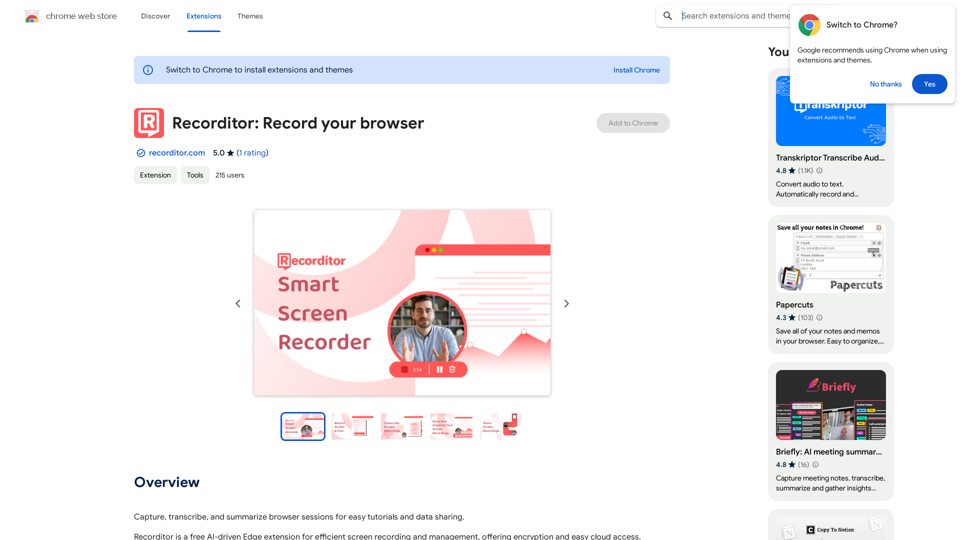
Record, write down, and shorten web browser activities for simple how-to guides and sharing information.
193.90 M
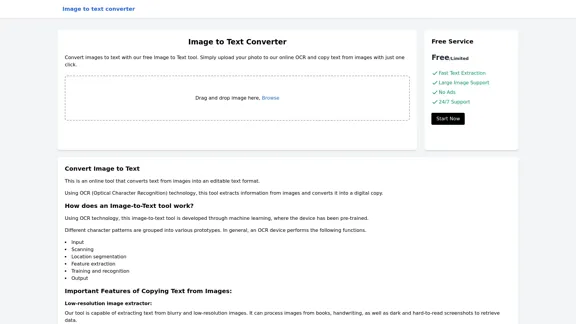
Image to text converter, converting image text to text, how to extract text from an image.
Image to text converter, converting image text to text, how to extract text from an image.Transform images with text into editable, searchable content instantly. Our advanced AI technology extracts text from any image with remarkable accuracy, supporting multiple languages and document types. Simply upload your picture, and watch as handwritten notes, printed documents, screenshots, and signs are converted to crisp, copyable text in seconds.
0
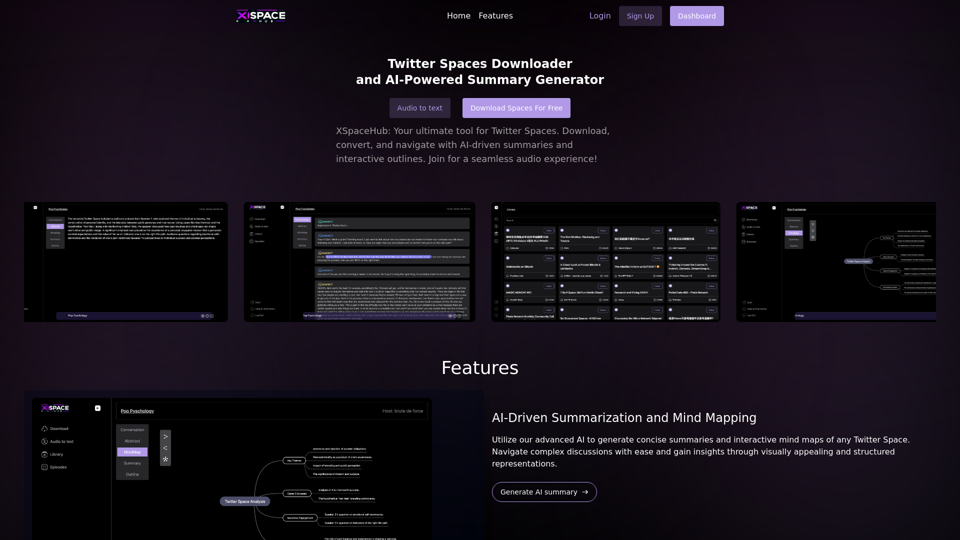
Spaces Downloader and AI-Powered Summary Generator | xspacehub.com
Spaces Downloader and AI-Powered Summary Generator | xspacehub.comXSPaceHub is your ultimate tool to download, convert, summarize, and navigate Twitter Spaces. Access a rich library, enjoy AI-driven summaries, interactive mind maps, and detailed outlines with clickable audio timestamps. Join now for a seamless audio experience!
0
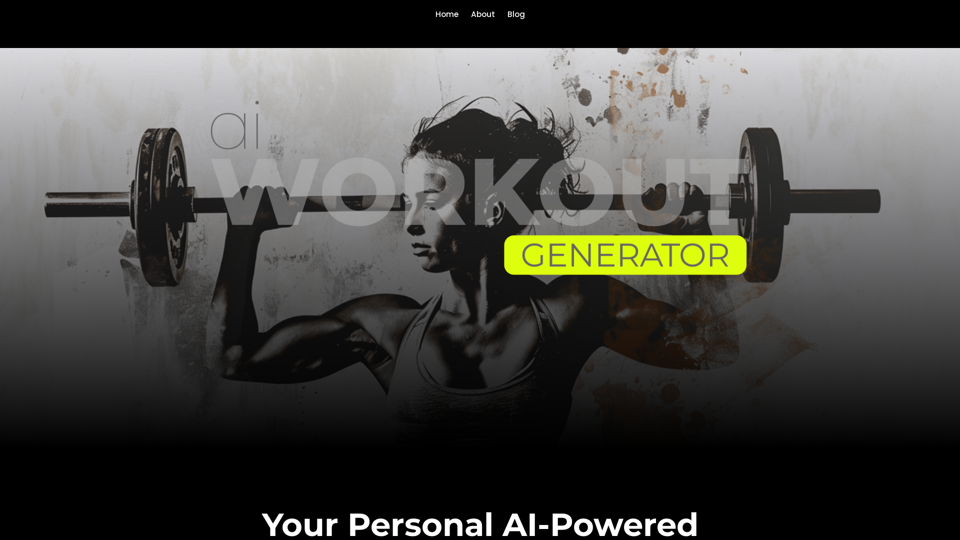
Ai Workout Generator ===================== What is an AI Workout Generator? An AI workout generator is a tool that uses artificial intelligence to create personalized workout plans tailored to an individual's fitness goals, fitness level, and preferences. How does it work? The AI workout generator uses machine learning algorithms to analyze a user's input data, such as their fitness goals, fitness level, and exercise preferences. It then generates a customized workout plan that includes a series of exercises, sets, reps, and weights tailored to the user's specific needs. Benefits of using an AI Workout Generator * Personalized workouts: The AI workout generator creates a workout plan that is tailored to the user's specific fitness goals and fitness level. * Time-saving: The AI workout generator saves time by eliminating the need to research and create a workout plan from scratch. * Increased motivation: The AI workout generator provides a sense of accountability and motivation, as users are more likely to stick to a workout plan that is tailored to their specific needs. * Improved results: The AI workout generator helps users achieve their fitness goals faster and more efficiently, as the workout plan is optimized for their specific needs. How to use an AI Workout Generator 1. Input your data: Enter your fitness goals, fitness level, and exercise preferences into the AI workout generator. 2. Select your workout type: Choose the type of workout you want to do, such as strength training, cardio, or yoga. 3. Generate your workout plan: The AI workout generator will create a customized workout plan tailored to your specific needs. 4. Start your workout: Follow the workout plan and track your progress. Conclusion An AI workout generator is a powerful tool that can help individuals achieve their fitness goals faster and more efficiently. By providing personalized workout plans, the AI workout generator saves time, increases motivation, and improves results. Whether you're a beginner or an experienced athlete, an AI workout generator can help you take your fitness to the next level.
Ai Workout Generator ===================== What is an AI Workout Generator? An AI workout generator is a tool that uses artificial intelligence to create personalized workout plans tailored to an individual's fitness goals, fitness level, and preferences. How does it work? The AI workout generator uses machine learning algorithms to analyze a user's input data, such as their fitness goals, fitness level, and exercise preferences. It then generates a customized workout plan that includes a series of exercises, sets, reps, and weights tailored to the user's specific needs. Benefits of using an AI Workout Generator * Personalized workouts: The AI workout generator creates a workout plan that is tailored to the user's specific fitness goals and fitness level. * Time-saving: The AI workout generator saves time by eliminating the need to research and create a workout plan from scratch. * Increased motivation: The AI workout generator provides a sense of accountability and motivation, as users are more likely to stick to a workout plan that is tailored to their specific needs. * Improved results: The AI workout generator helps users achieve their fitness goals faster and more efficiently, as the workout plan is optimized for their specific needs. How to use an AI Workout Generator 1. Input your data: Enter your fitness goals, fitness level, and exercise preferences into the AI workout generator. 2. Select your workout type: Choose the type of workout you want to do, such as strength training, cardio, or yoga. 3. Generate your workout plan: The AI workout generator will create a customized workout plan tailored to your specific needs. 4. Start your workout: Follow the workout plan and track your progress. Conclusion An AI workout generator is a powerful tool that can help individuals achieve their fitness goals faster and more efficiently. By providing personalized workout plans, the AI workout generator saves time, increases motivation, and improves results. Whether you're a beginner or an experienced athlete, an AI workout generator can help you take your fitness to the next level.AI generated workouts reviewed and Approved by American College of Sports Medicine certified Personal Trainers.
3.30 K
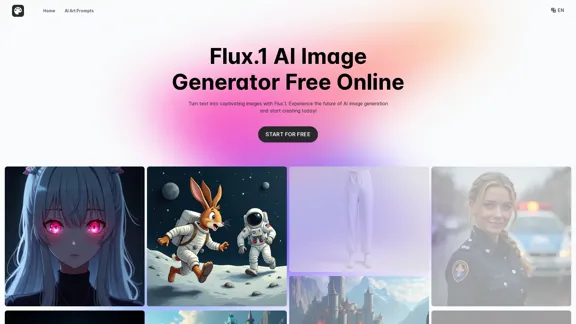
Transform text into images with Flux.1, the cutting-edge AI image generator by Black Forest Labs. Experience unparalleled image quality and prompt adherence to creative projects with Flux.1 [pro], Flux.1 [dev], and Flux.1 [schnell].
540.55 K