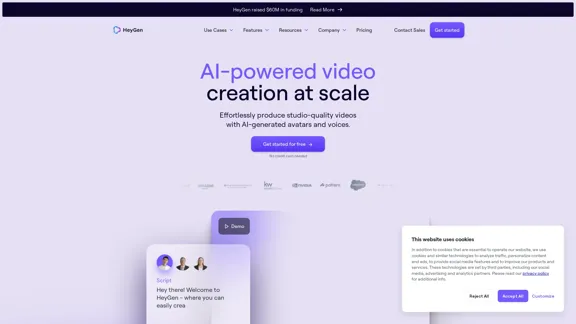
HeyGen is an innovative AI-powered video creation platform that revolutionizes the way users produce high-quality videos. It offers a comprehensive suite of tools, including AI-generated avatars and voices, making professional video production accessible to both experts and novices. With features like video translation, personalized content creation, and a vast library of templates, HeyGen caters to diverse video production needs across various industries.
HeyGen - AI Video Generator
HeyGen is an innovative video platform that harnesses the power of generative AI to streamline your video creation process. Unleash your creativity with HeyGen - the future of video production.
Introduction
Feature
AI Avatars and Voices
- 100+ pre-made AI avatars with custom creation option
- 300+ premium AI voices in 40+ languages
- Diverse avatar options (ethnicities, ages, styles)
- AI-driven text reader with human-like intonation
Video Translation and Personalization
- One-click video translation with voice cloning
- Customized videos for targeted outreach
- Extensive template library for various scenarios
Advanced AI Integration
- API for integrating HeyGen's AI capabilities
- ChatGPT Script Writer for faster content creation
- AI Outfits for customizable avatar clothing
User-Friendly Workflow
- Create/choose avatar
- Select/record voice
- Use template or start from scratch
- Generate video with script input
Versatility and Efficiency
- Suitable for sales, marketing, learning & development
- Create videos in minutes instead of hours
- Scalable features for high-volume production
Safety and Ethics
- SOC 2 compliant for data protection
- Ethical AI use with focus on transparency
- Content moderation for safe digital environment
FAQ
What types of videos can I create with HeyGen?
HeyGen supports various video types, including:
- Sales outreach
- Content marketing
- Product marketing
- Learning and development
- Personalized videos
Is HeyGen suitable for businesses of all sizes?
Yes, HeyGen caters to businesses of all sizes, from small enterprises to large corporations, offering scalable solutions for various team needs.
Can I translate my videos into other languages?
Yes, HeyGen provides a one-click video translation feature that clones your natural speaking voice and style for seamless delivery in other languages.
How does HeyGen ensure the security of my data?
HeyGen is SOC 2 compliant and has built its AI video platform with privacy and protection in mind. They have a dedicated security portal and adhere to strict data protection standards.
Can I use my own branding in HeyGen videos?
While not explicitly stated, HeyGen offers customization options for avatars and templates, which likely allow for incorporating your own branding elements into videos.
Related Websites
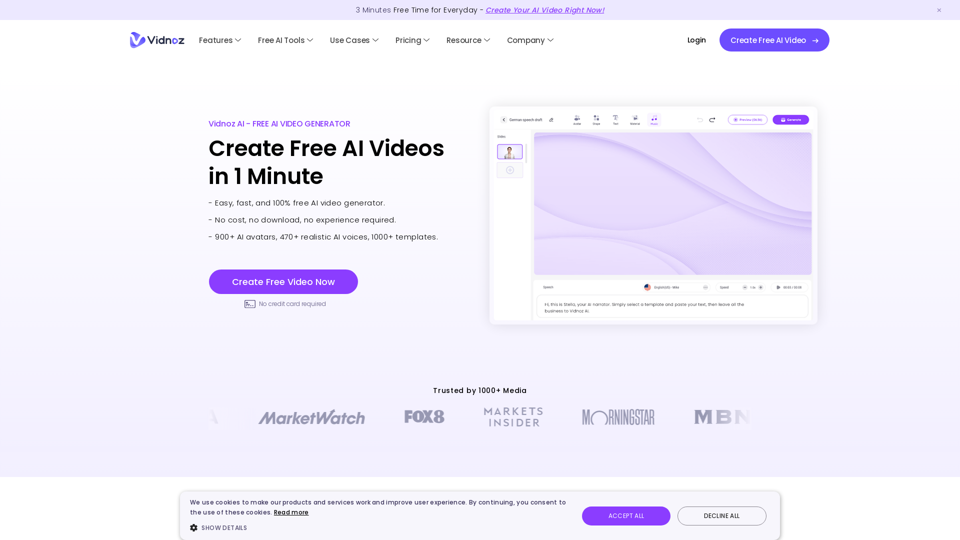
Vidnoz AI Tools: Create FREE Engaging AI Videos 10X Faster
Vidnoz AI Tools: Create FREE Engaging AI Videos 10X FasterVidnoz is the leading provider of free online video creation tools, powered by AI and intelligent automation. Use Vidnoz AI tools to create successful videos!
5.20 M

lipsync video to any audio or text. revolutionary ai video editor. real-time lipsync, seamless translation for global reach. create, reanimate, understand humans in video with our api. from wav2lip founders.
379.86 K
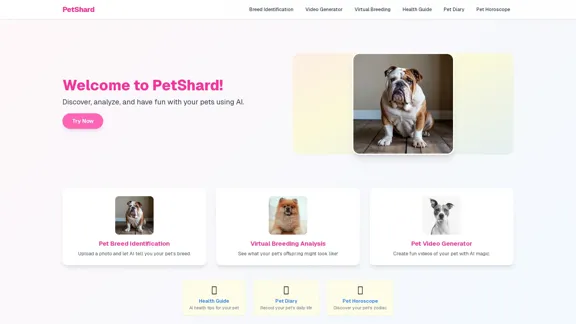
PetShard - AI Tools for Identifying Pet Breeds and Virtual Breeding
PetShard - AI Tools for Identifying Pet Breeds and Virtual BreedingIdentify your pet's breed, obtain health insights, create pet videos, analyze virtual breeding compatibility, and generate pet content with our AI-powered tools.
0
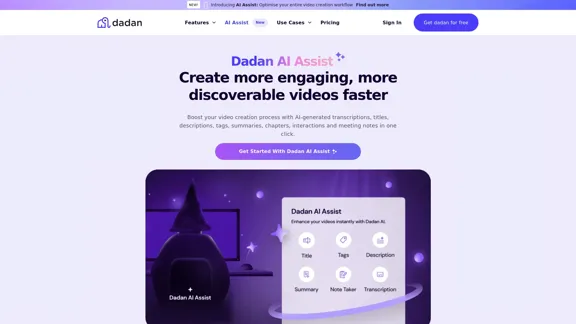
Dadan AI Assist: Create more engaging, more discoverable videos faster
Dadan AI Assist: Create more engaging, more discoverable videos fasterEnhance your video production workflow with our powerful suite of AI video tools.
144.59 K
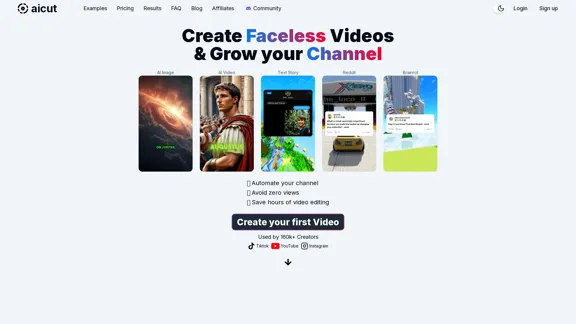
Create short AI videos that expand your faceless channel.
Create short AI videos that expand your faceless channel.Create short AI videos that expand your faceless channel.
264.02 K
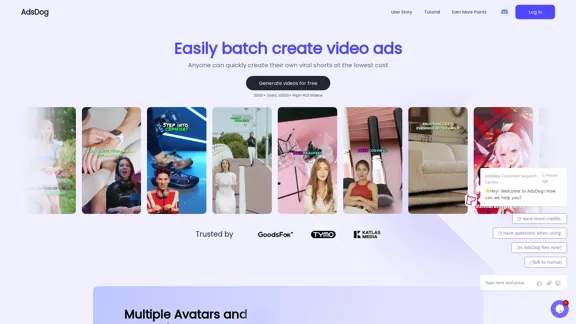
AdsDog is a video ad creation tool designed to help users easily batch create engaging video ads at a low cost
93
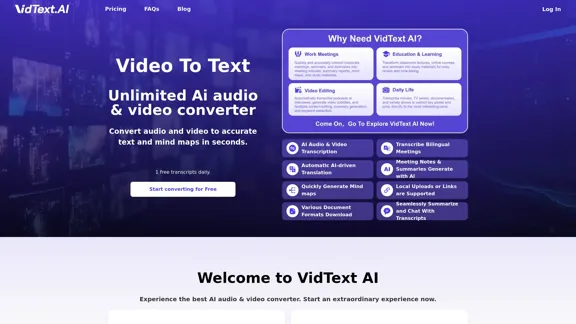
VidText AI - Fast and Accurate Video and Audio to Text. Free Daily AI Transcription.
VidText AI - Fast and Accurate Video and Audio to Text. Free Daily AI Transcription.VidText AI is an AI-driven tool that quickly and accurately transcribes video and audio to text. It supports over 100 languages, generates mind maps, allows for 15 hours of uploads, and boasts over 99% accuracy. It is perfect for meetings, lectures, interviews, and content creators, helping you effortlessly transcribe video and audio into accurate and readable text and mind maps.
2.97 K