ImageKit AI enhances media delivery and management through its AI and Generative AI-powered platform. It offers tools for image processing and digital asset management, enabling users to boost efficiency and explore new creative possibilities. The platform supports various features such as background extension, smart cropping, and image generation from text prompts.
ImageKit AI for media delivery and management | ImageKit.io
Leverage AI and Generative AI to transform media processing and digital asset management at scale with ImageKit AI.
Introduction
Feature
-
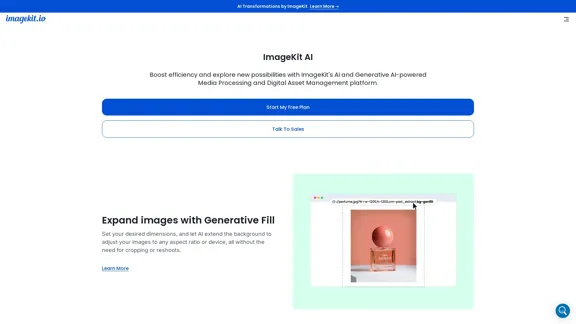
Generative Fill
Users can set desired dimensions, allowing AI to extend backgrounds and adjust images to any aspect ratio without cropping or reshoots.
-
Object-aware and Smart Cropping
Convert a master image to any dimension using AI-powered face detection and precise cropping controls in real time.
-
Background Removal and Shadow Addition
Edit product images directly from URLs using Generative AI to remove backgrounds and add intelligent shadows, ensuring uniform visual experiences.
-
Image Generation from Text Prompts
Generate visuals by providing text prompts in the URL, reducing costs on re-shoots and stock image purchases.
-
Image Variation Generation
Start with a base image and create multiple variations using URL-based transformation parameters to keep assets fresh.
-
AI-powered Image Upscaling
Enhance low-resolution images with AI transformations to deliver high-quality visuals on websites and apps.
-
Digital Asset Management (DAM)
Streamline digital asset management with AI features that improve organization and efficiency.
-
AI for Image Tagging
Automatically tag images uploaded to the DAM for better organization and discovery.
-
AI-powered Search
Accelerate asset searches with instant suggestions and visually similar asset discovery using natural language queries.
How to Use?
- Start by signing up for a free plan on the ImageKit website.
- Explore the media processing features to understand how to utilize AI for image enhancements.
- Use the URL-based transformations to experiment with generating images from text prompts.
- Familiarize yourself with the digital asset management features to streamline your workflow.
- Take advantage of the AI-powered tagging and search functionalities to organize your assets efficiently.
FAQ
What is ImageKit AI?
ImageKit AI is a media processing and digital asset management platform that utilizes AI and Generative AI technologies to enhance image delivery and management.
How does ImageKit AI work?
ImageKit AI processes images through various features, including generative fill, smart cropping, and image generation from text prompts, all accessible via URL transformations.
Can I use ImageKit AI for commercial projects?
Yes, ImageKit AI allows users to create and manage images that can be used for commercial purposes, streamlining workflows and reducing costs.
How does ImageKit AI differ from other media management tools?
ImageKit AI integrates advanced AI capabilities for image processing and management, offering unique features like object-aware cropping and AI-powered tagging, which may not be available in other tools.
How can I get started with ImageKit AI?
To get started, visit the ImageKit website, sign up for a free plan, and explore the various features offered for media processing and digital asset management.
Price
| Plan | Monthly Cost |
|---|---|
| Free Plan | $0 |
| Basic Plan | $9.99 |
| Standard Plan | $19.99 |
| Professional Plan | $49.99 |
The price is for reference only, please refer to the latest official data for actual information.
Evaluation
- ImageKit AI effectively combines various AI features that enhance media processing and digital asset management, making it user-friendly for both individuals and teams.
- The platform excels in providing innovative solutions like generative fill and smart cropping, which can significantly improve workflow efficiency.
- However, users may face a learning curve when integrating all features into their existing workflows, necessitating some initial training.
- While the pricing structure is competitive, the value may vary depending on the specific needs of users, particularly for those who may not require all offered features.
- Overall, ImageKit AI presents a robust solution for media management, but continuous updates and user feedback could further enhance its functionality and user experience.
Related Websites
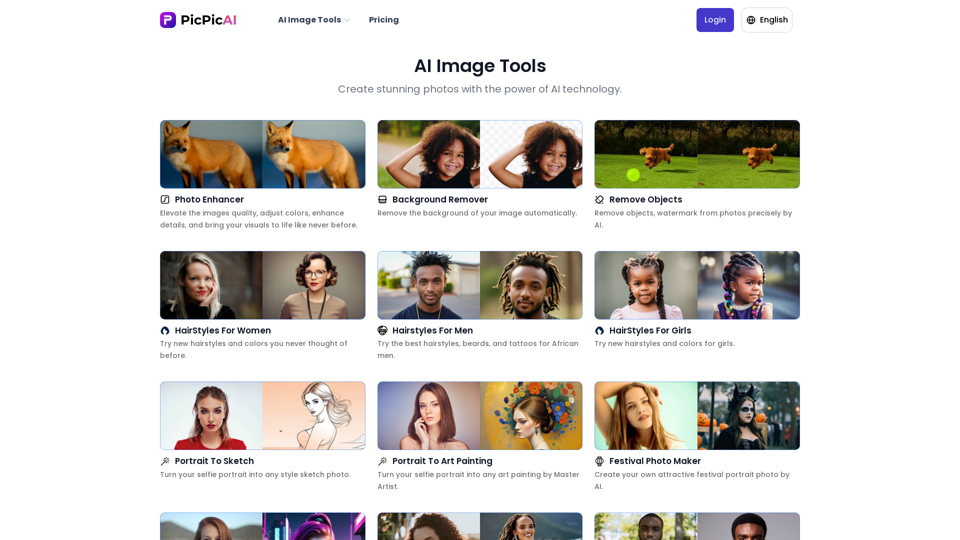
- Remove Background - Photo Enhancer - Photo Upscaler - Change Background Color - Restore Old Photos - Colorize Photos - Compress Photos - Photo Retouch
15.66 K
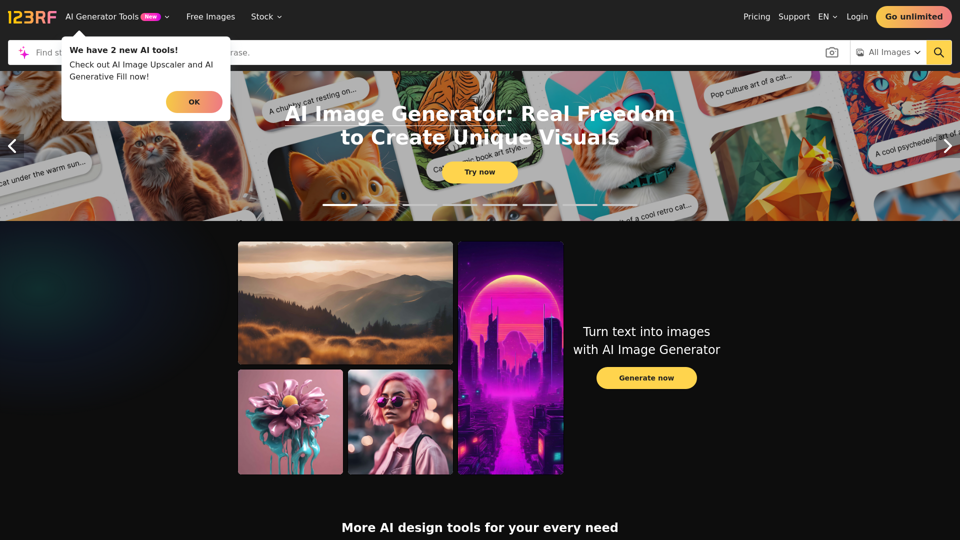
Stock Photos, Vectors and Royalty Free Images from 123RF
Stock Photos, Vectors and Royalty Free Images from 123RFSearch and download from millions of HD stock photos, royalty-free images, clipart, vectors, and illustrations
9.66 M
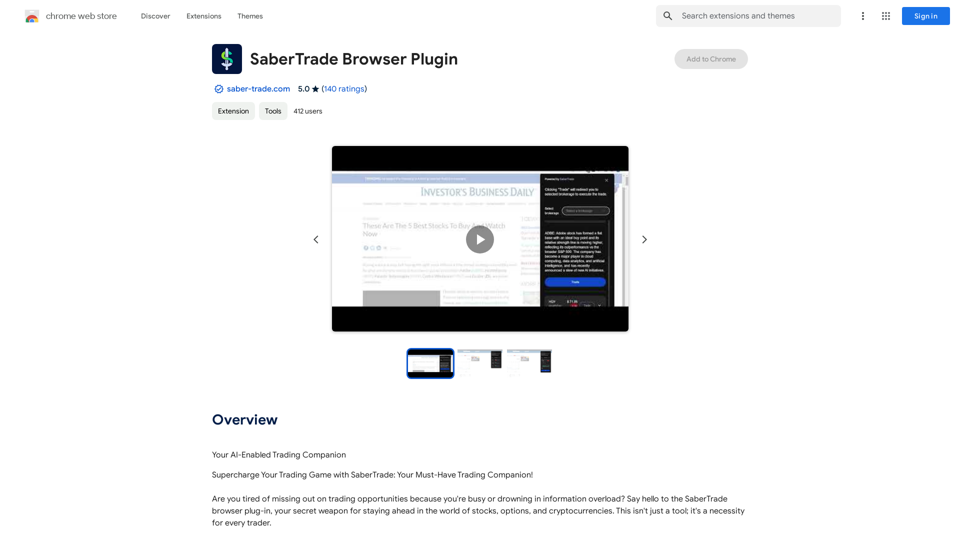
Your AI-Enabled Trading Companion Let's explore how AI can revolutionize your trading experience. Harness the Power of AI * Automated Trading: Execute trades with precision and speed, powered by AI algorithms that analyze market data in real-time. * Smart Order Routing: Optimize your order execution by intelligently routing trades to the best available market for maximum efficiency. * Risk Management: Minimize potential losses with AI-driven risk assessment and management tools that adapt to changing market conditions. * Personalized Insights: Receive tailored market analysis and trading recommendations based on your individual investment goals and risk tolerance. Stay Ahead of the Curve * Predictive Analytics: Gain an edge with AI-powered predictions on market trends and price movements. * Sentiment Analysis: Understand market sentiment and investor psychology through AI-driven analysis of news, social media, and other data sources. * Backtesting and Optimization: Test and refine your trading strategies using historical data and AI algorithms for improved performance. Empower Your Trading Journey * User-Friendly Interface: Navigate the world of AI trading with ease through our intuitive and accessible platform. * 24/7 Support: Get assistance whenever you need it with our dedicated team of experts available around the clock. * Continuous Learning: Benefit from ongoing AI advancements and algorithm improvements that enhance your trading capabilities. Let AI be your trusted partner in navigating the dynamic world of trading.
193.90 M
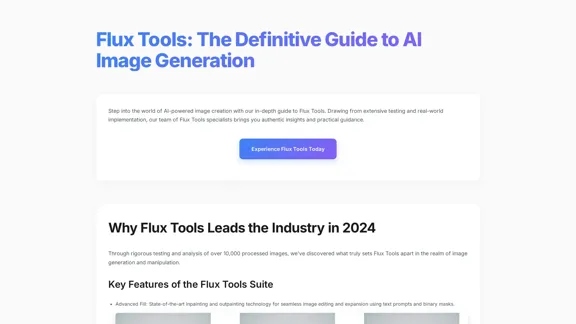
Flux Tools: Comprehensive Guide to AI Image Creation and Editing
Flux Tools: Comprehensive Guide to AI Image Creation and EditingDiscover how Flux Tools transforms image generation and editing. Expert guide with hands-on experience, use cases, and best practices for creators.
0
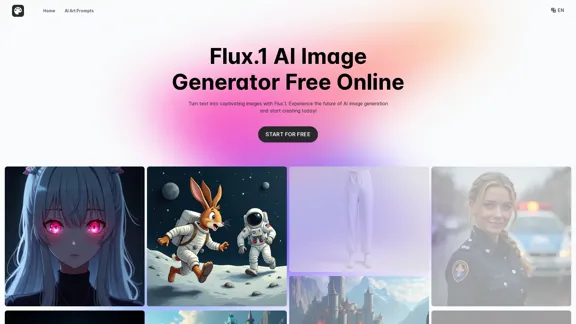
Transform text into images with Flux.1, the cutting-edge AI image generator by Black Forest Labs. Experience unparalleled image quality and prompt adherence to creative projects with Flux.1 [pro], Flux.1 [dev], and Flux.1 [schnell].
540.55 K

2. Understanding the Basics
* `/imagine` Command: This is the core command for generating images.
* Prompt: A text description of the artwork you want to create. Be specific and descriptive!
* Parameters: Options that control aspects like image size, aspect ratio, and style.
3. Crafting Your Journey Prompt
Think about the story you want to tell with your artwork.
* Setting: Where does your journey take place? (e.g., a mystical forest, a futuristic city, a desolate wasteland)
* Characters: Who is on this journey? (e.g., a lone traveler, a group of adventurers, mythical creatures)
* Mood: What feeling do you want to evoke? (e.g., adventurous, mysterious, hopeful, melancholic)
* Style: What artistic style appeals to you? (e.g., photorealistic, painterly, abstract)
4. Putting it Together
Combine these elements into a clear and concise prompt.
Example:
`/imagine A lone traveler journeys through a mystical forest at sunset, bathed in golden light. The path ahead is shrouded in mist, hinting at unknown wonders. Style: painterly, ethereal`
5. Experiment and Refine
* Midjourney is all about experimentation! Try different prompts, parameters, and styles.
* Use the "upscale" command to enlarge your favorite images and reveal more detail.
* Don't be afraid to iterate and refine your prompts based on the results.](https://static.right-ai.com/tools/2024/7/4/chromewebstore-google-com-detail-journey-artprompt-with-mi-pfjhhefanfhdijppdppillliedgaehko-thumbnail-1720092379.png "Journey ArtPrompt with Midjourney
This guide will walk you through creating stunning artwork using Midjourney, a powerful AI art generator.
1. Accessing Midjourney
* You'll need a Discord account to use Midjourney.
* Join the official Midjourney server: [https://discord.gg/midjourney](https://discord.gg/midjourney)
2. Understanding the Basics
* `/imagine` Command: This is the core command for generating images.
* Prompt: A text description of the artwork you want to create. Be specific and descriptive!
* Parameters: Options that control aspects like image size, aspect ratio, and style.
3. Crafting Your Journey Prompt
Think about the story you want to tell with your artwork.
* Setting: Where does your journey take place? (e.g., a mystical forest, a futuristic city, a desolate wasteland)
* Characters: Who is on this journey? (e.g., a lone traveler, a group of adventurers, mythical creatures)
* Mood: What feeling do you want to evoke? (e.g., adventurous, mysterious, hopeful, melancholic)
* Style: What artistic style appeals to you? (e.g., photorealistic, painterly, abstract)
4. Putting it Together
Combine these elements into a clear and concise prompt.
Example:
`/imagine A lone traveler journeys through a mystical forest at sunset, bathed in golden light. The path ahead is shrouded in mist, hinting at unknown wonders. Style: painterly, ethereal`
5. Experiment and Refine
* Midjourney is all about experimentation! Try different prompts, parameters, and styles.
* Use the \"upscale\" command to enlarge your favorite images and reveal more detail.
* Don't be afraid to iterate and refine your prompts based on the results.")
Journey ArtPrompt with Midjourney This guide will walk you through creating stunning artwork using Midjourney, a powerful AI art generator. 1. Accessing Midjourney * You'll need a Discord account to use Midjourney. * Join the official Midjourney server: [https://discord.gg/midjourney](https://discord.gg/midjourney) 2. Understanding the Basics * `/imagine` Command: This is the core command for generating images. * Prompt: A text description of the artwork you want to create. Be specific and descriptive! * Parameters: Options that control aspects like image size, aspect ratio, and style. 3. Crafting Your Journey Prompt Think about the story you want to tell with your artwork. * Setting: Where does your journey take place? (e.g., a mystical forest, a futuristic city, a desolate wasteland) * Characters: Who is on this journey? (e.g., a lone traveler, a group of adventurers, mythical creatures) * Mood: What feeling do you want to evoke? (e.g., adventurous, mysterious, hopeful, melancholic) * Style: What artistic style appeals to you? (e.g., photorealistic, painterly, abstract) 4. Putting it Together Combine these elements into a clear and concise prompt. Example: `/imagine A lone traveler journeys through a mystical forest at sunset, bathed in golden light. The path ahead is shrouded in mist, hinting at unknown wonders. Style: painterly, ethereal` 5. Experiment and Refine * Midjourney is all about experimentation! Try different prompts, parameters, and styles. * Use the "upscale" command to enlarge your favorite images and reveal more detail. * Don't be afraid to iterate and refine your prompts based on the results.
Journey ArtPrompt with Midjourney This guide will walk you through creating stunning artwork using Midjourney, a powerful AI art generator. 1. Accessing Midjourney * You'll need a Discord account to use Midjourney. * Join the official Midjourney server: [https://discord.gg/midjourney](https://discord.gg/midjourney) 2. Understanding the Basics * `/imagine` Command: This is the core command for generating images. * Prompt: A text description of the artwork you want to create. Be specific and descriptive! * Parameters: Options that control aspects like image size, aspect ratio, and style. 3. Crafting Your Journey Prompt Think about the story you want to tell with your artwork. * Setting: Where does your journey take place? (e.g., a mystical forest, a futuristic city, a desolate wasteland) * Characters: Who is on this journey? (e.g., a lone traveler, a group of adventurers, mythical creatures) * Mood: What feeling do you want to evoke? (e.g., adventurous, mysterious, hopeful, melancholic) * Style: What artistic style appeals to you? (e.g., photorealistic, painterly, abstract) 4. Putting it Together Combine these elements into a clear and concise prompt. Example: `/imagine A lone traveler journeys through a mystical forest at sunset, bathed in golden light. The path ahead is shrouded in mist, hinting at unknown wonders. Style: painterly, ethereal` 5. Experiment and Refine * Midjourney is all about experimentation! Try different prompts, parameters, and styles. * Use the "upscale" command to enlarge your favorite images and reveal more detail. * Don't be afraid to iterate and refine your prompts based on the results.New backgrounds with Midjourney on new tabs
193.90 M
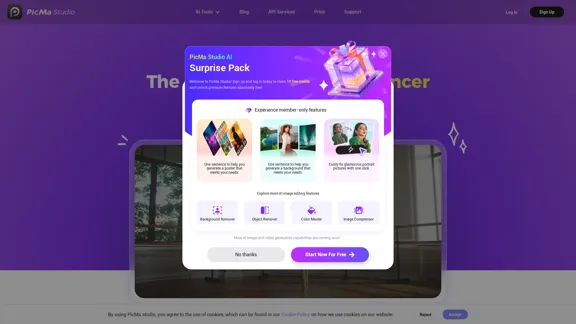
PicMa Photo Enhancer - One Click AI Photo Quality Enhancer
PicMa Photo Enhancer - One Click AI Photo Quality EnhancerPicMa AI enhances photo resolution and image quality. Unblur, restore old photos, and colorize black and white images instantly. Try our tool for free.
65.77 K
ImageKit AI for media delivery and management | ImageKit.io
ImageKit AI for media delivery and management | ImageKit.ioLeverage AI and Generative AI to transform media processing and digital asset management at scale with ImageKit AI.
1.06 M