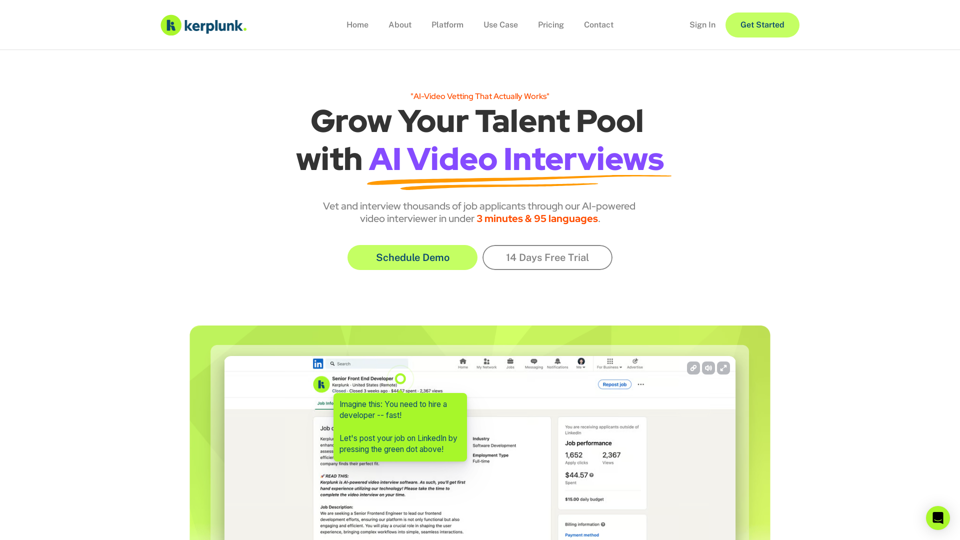
Kerplunk is an innovative AI-powered video interviewing platform designed to revolutionize the recruitment process. It enables businesses to efficiently vet and interview thousands of job applicants in under 3 minutes across 95 languages. By leveraging advanced AI technology, Kerplunk streamlines hiring, reduces time-to-hire, and minimizes manual tasks, making it an invaluable tool for modern recruitment strategies.
Kerplunk - AI Powered Video Interviewer
Optimize your hiring with our AI-powered video interviewer. Kerplunk delivers insightful interviews. Get an AI Interview Assistant for your recruitment.
Introduction
Feature
AI-Powered Video Interviewing
- Conduct automated, AI-driven video interviews
- Assess candidate skills and competency beyond traditional resumes
- Support for 95 languages, enabling global recruitment at scale
Advanced Candidate Matching
- AI-powered matching algorithm to find the best candidates
- Customizable job application forms
- Access to a comprehensive candidate resume database
Streamlined Hiring Process
- Vet thousands of applicants quickly and efficiently
- Reduce time-to-hire with automated screening
- Hire asynchronously, giving time back to recruiters and candidates
Customizable Workflow
- Define user or AI-generated interview questions
- Real-time analytics and reporting
- Integrate with existing recruitment tools and workflows
Tiered Pricing Options
| Plan | Features |
|---|---|
| Standard | Basic AI matching, job board posting, basic analytics, resume database access |
| Enterprise | Advanced AI matching, premium job board placements, comprehensive analytics, multi-user access, priority support |
FAQ
How does AI improve the hiring process?
AI automates repetitive tasks, accelerates candidate screening, and enhances candidate matching accuracy, leading to a more efficient and effective recruitment process.
Is the platform easy to use for recruiters?
Yes, Kerplunk is designed with user-friendliness in mind, featuring an intuitive interface that makes it accessible for recruiters of all technical skill levels.
Can I integrate this platform with my existing recruitment tools?
Absolutely. Kerplunk is built to seamlessly integrate with your existing recruitment tools and workflows, enhancing rather than replacing your current systems.
What type of support is available to recruiters using this platform?
Kerplunk offers comprehensive support including email and phone assistance, as well as a help center with FAQs and tutorials to ensure users can maximize the platform's potential.
Is candidate data secure on the platform?
Yes, Kerplunk prioritizes data security. All candidate information is encrypted and protected using industry-standard security measures to ensure confidentiality and compliance.
How accurate is Kerplunk compared to traditional recruiting?
Kerplunk's AI-powered candidate matching is highly accurate, significantly reducing the risk of human bias and error often associated with traditional recruiting methods.
Does Kerplunk support multiple languages?
Yes, Kerplunk supports 95 languages, making it an ideal solution for global recruitment efforts and diverse candidate pools.
Related Websites
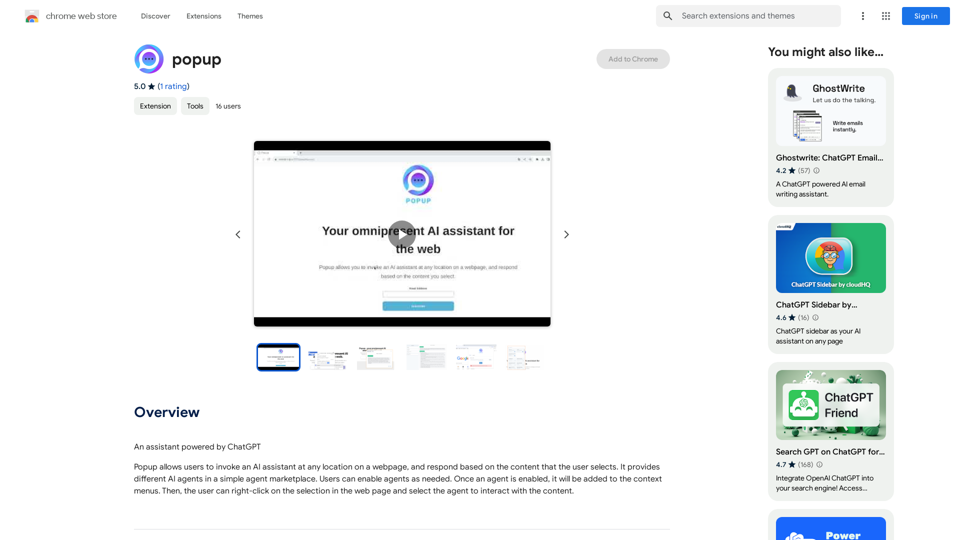
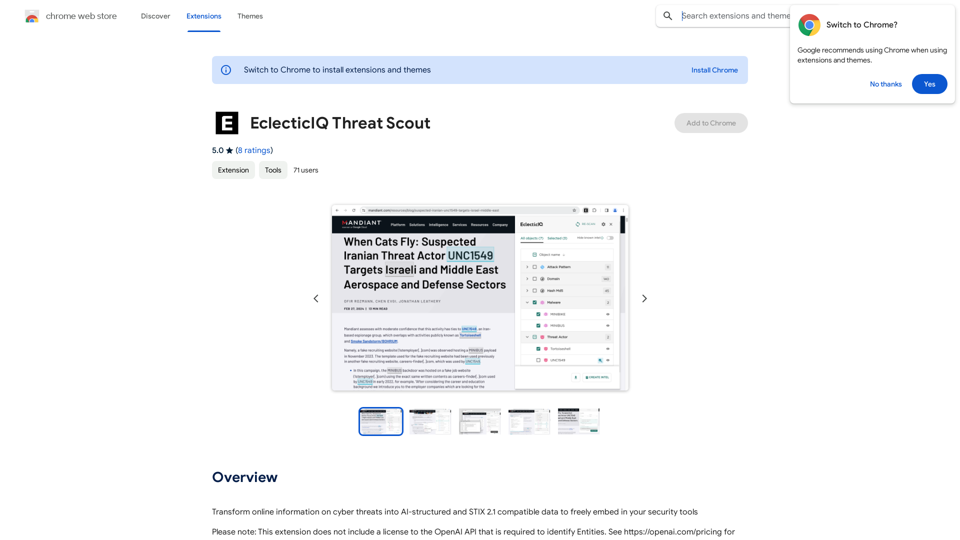
Turn information about online dangers into data that artificial intelligence can understand and use. This data will follow the STIX 2.1 standard, so you can easily include it in your security programs.
193.90 M
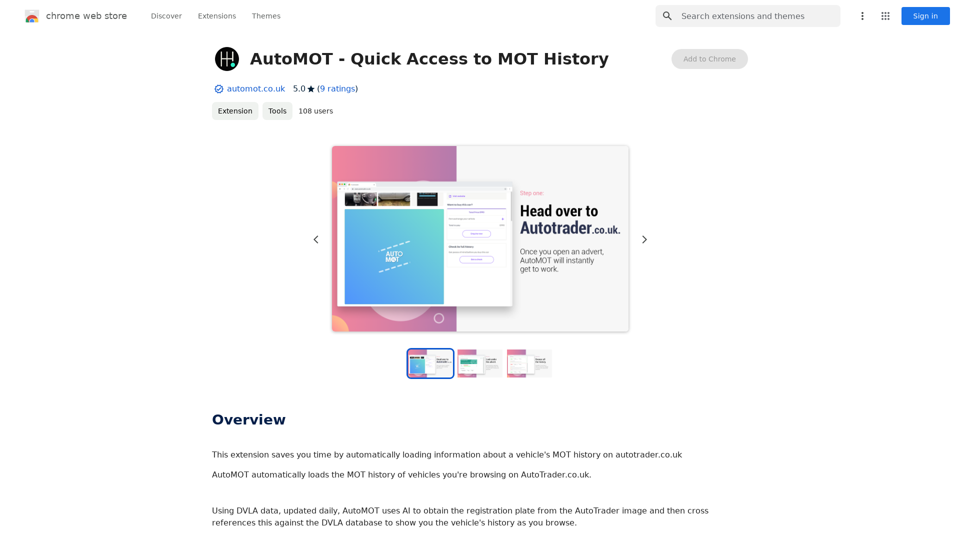
This extension saves you time by automatically loading information about a vehicle's MOT history on autotrader.co.uk.
193.90 M
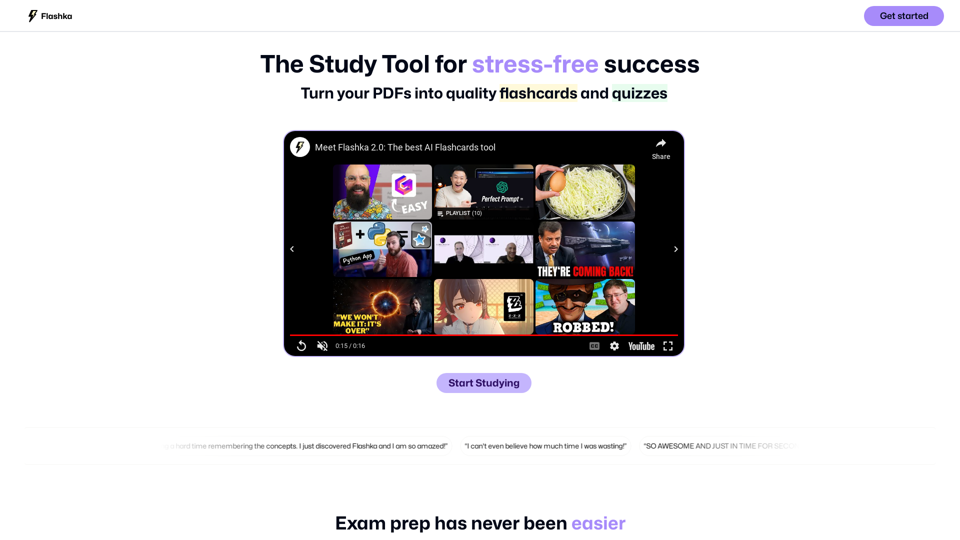
Flashka helps you learn by automatically generating flashcards and aiding you in the learning process.
287.56 K
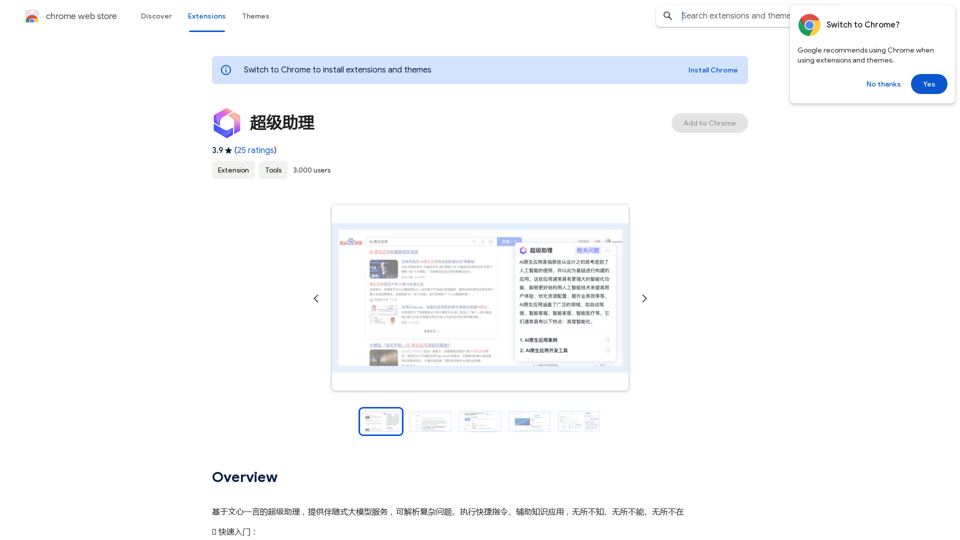
A super assistant based on Wenxin Yiyan, providing companion-style large model services. It can parse complex questions, execute quick commands, and assist with knowledge applications. It knows everything, can do everything, and is everywhere.
193.90 M
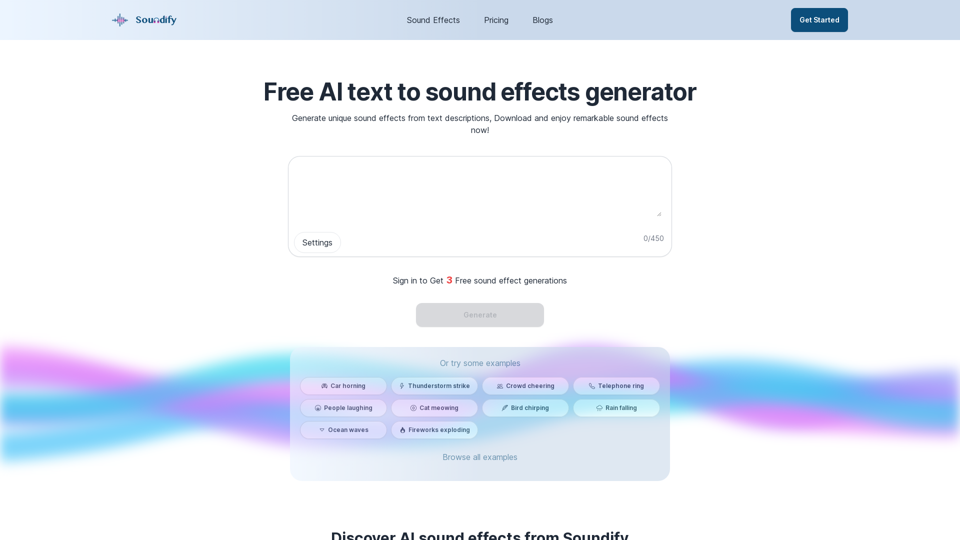
Discover the best AI sound effects generator for free. Generate unique sound effects for your videos and memes effortlessly with our AI tools!
2.37 K
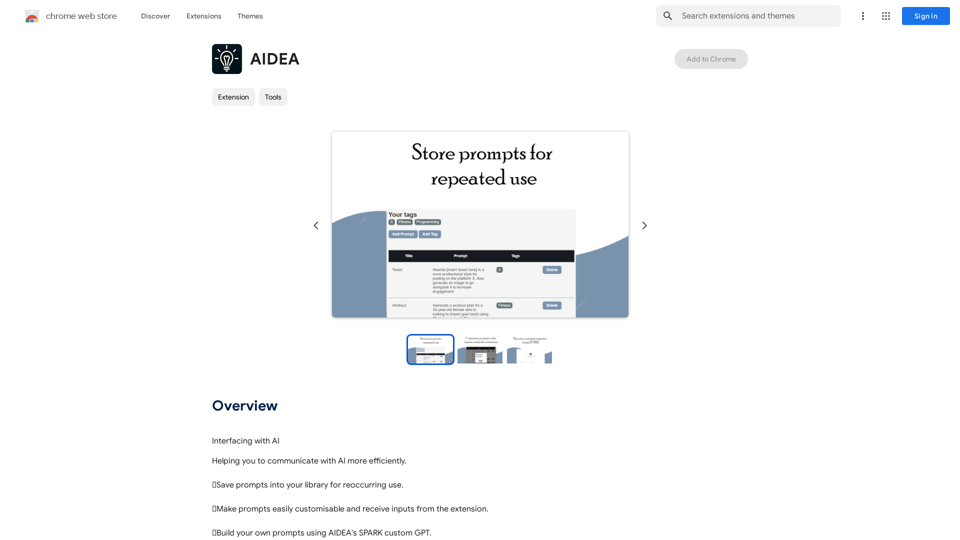
Interfacing with AI This document explores the various ways humans interact with artificial intelligence (AI). Types of Interfaces * Text-based Interfaces: These interfaces allow users to communicate with AI systems through written language. * Examples include chatbots, command-line interfaces, and search engines. * Voice-based Interfaces: Users interact with AI using spoken words. * Examples include virtual assistants like Siri, Alexa, and Google Assistant. * Graphical User Interfaces (GUIs): These interfaces use visual elements like icons, buttons, and menus to enable interaction with AI. * Examples include AI-powered image editing software and virtual reality experiences. * Gesture-based Interfaces: Users control AI systems through physical movements. * Examples include motion-controlled gaming and sign language recognition. Challenges of AI Interfacing * Natural Language Understanding (NLU): AI systems struggle to fully understand the nuances of human language. * Contextual Awareness: AI often lacks the ability to understand the broader context of a conversation or interaction. * Personalization: Creating AI interfaces that are tailored to individual user preferences and needs can be complex. * Ethical Considerations: * Bias in AI algorithms can lead to unfair or discriminatory outcomes. * Privacy concerns arise when AI systems collect and process personal data. Future of AI Interfacing * More Natural and Intuitive Interactions: Advancements in NLU and machine learning will lead to AI systems that can understand and respond to human input more naturally. * Multi-modal Interfaces: Future interfaces will likely combine multiple input methods (e.g., text, voice, gesture) for a richer and more immersive experience. * Personalized AI Assistants: AI assistants will become increasingly personalized, anticipating user needs and providing customized support. * Ethical AI Development: * Researchers and developers will continue to work on mitigating bias and ensuring responsible use of AI.
193.90 M