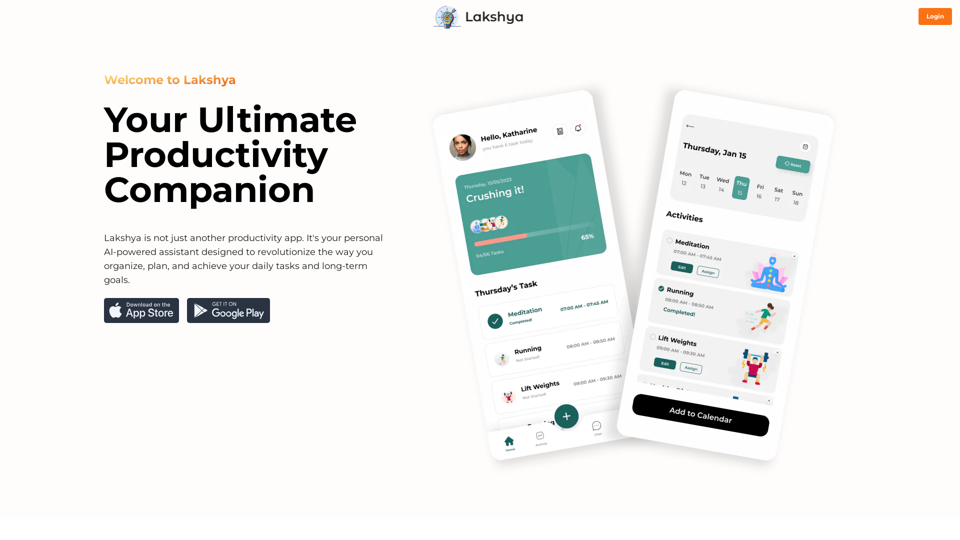
Lakshya is an AI-powered personal assistant designed to revolutionize task management and goal achievement. It offers intelligent task scheduling, calendar integration, accountability partnerships, challenges, task sharing, integrated journaling, and comprehensive organization features. Lakshya aims to streamline productivity and help users efficiently manage their daily tasks and long-term goals.
Goal
Website Created Using Create-React-App
Introduction
Feature
Intelligent Task Scheduling
Utilize AI technology to effortlessly schedule daily tasks, maximizing productivity and efficiency.
Seamless Calendar Integration
Synchronize tasks with your calendar to maintain an up-to-date schedule and never miss important appointments or deadlines.
Find Accountability Partners
Connect with like-minded individuals sharing similar goals, fostering a supportive community that enhances focus and accountability.
Challenge Yourself
Participate in exciting challenges and competitions to develop healthy habits and achieve milestones alongside friends and family.
Efficient Task Sharing
Share tasks easily with family or roommates, reducing misunderstandings and ensuring smooth completion of chores.
Integrated Journaling
Record thoughts, ideas, and reflections through voice or written entries, tracking progress and learning from experiences.
All-in-One Organization
Centralize all organizational needs in one place, eliminating scattered to-do lists and promoting streamlined productivity.
FAQ
How can I use Lakshya?
Every user can access Lakshya's AI-powered features to enhance productivity and achieve goals. Subscribing to the platform provides additional benefits and extended access beyond free usage limits.
What pricing options does Lakshya offer?
Lakshya provides a range of pricing plans to suit various needs, from free to premium options, designed to help users achieve their goals affordably.
Will my information be used for training purposes?
No, Lakshya highly values user privacy, and your data will not be used for any training purposes.
Can I delete my account?
Yes, you can delete your account at any time, and all your data will be removed as well.
What are some helpful tips for using Lakshya?
- Utilize the AI-powered task scheduling feature to prioritize tasks and maintain focus
- Connect with like-minded individuals for accountability and motivation
- Participate in challenges and competitions to build healthy habits and achieve milestones
Related Websites
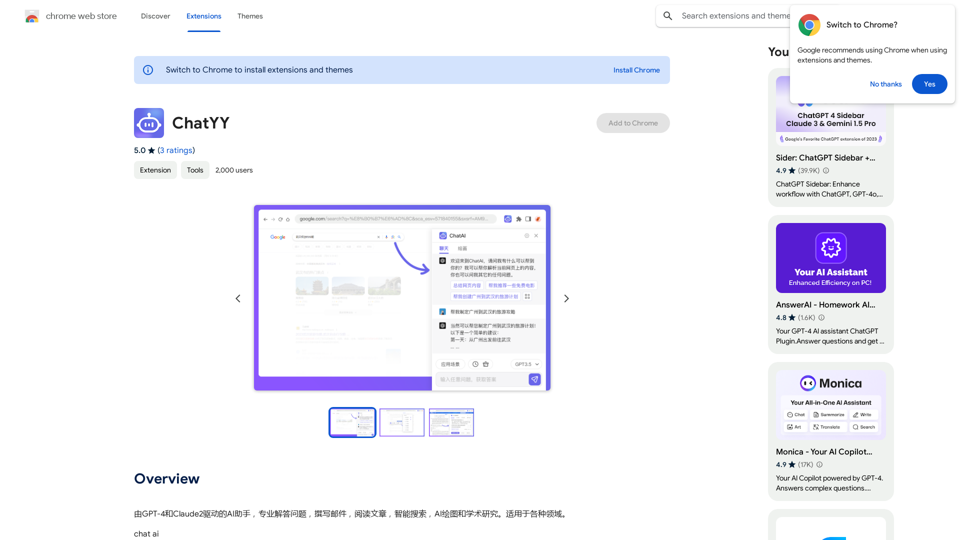
Driven by GPT-4 and Claude2, this AI assistant is capable of professionally answering questions, composing emails, reading articles, conducting intelligent searches, creating AI-generated graphics, and assisting with academic research. It is applicable to various fields.
193.90 M
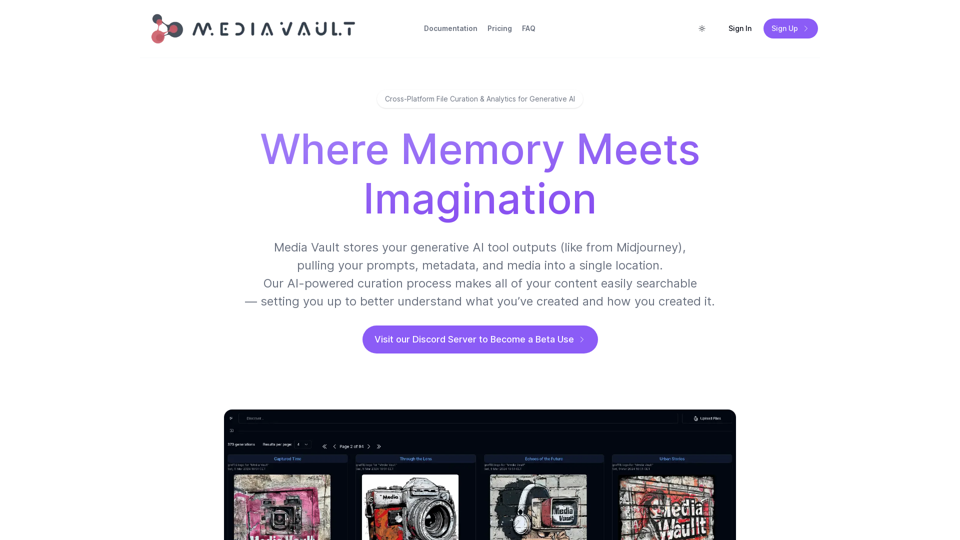
Media Vault AI | Your AI-Powered Media Curator and Cloud Storage Solution
Media Vault AI | Your AI-Powered Media Curator and Cloud Storage SolutionMedia Vault AI is your comprehensive solution for media storage, curation, and analysis. Seamlessly integrating with your favorite generative AI tools, our platform provides AI-powered file naming, tagging, and unique folder structures, a powerful semantic search feature, and insightful analytics tools. Visit Discord today for early access.
203
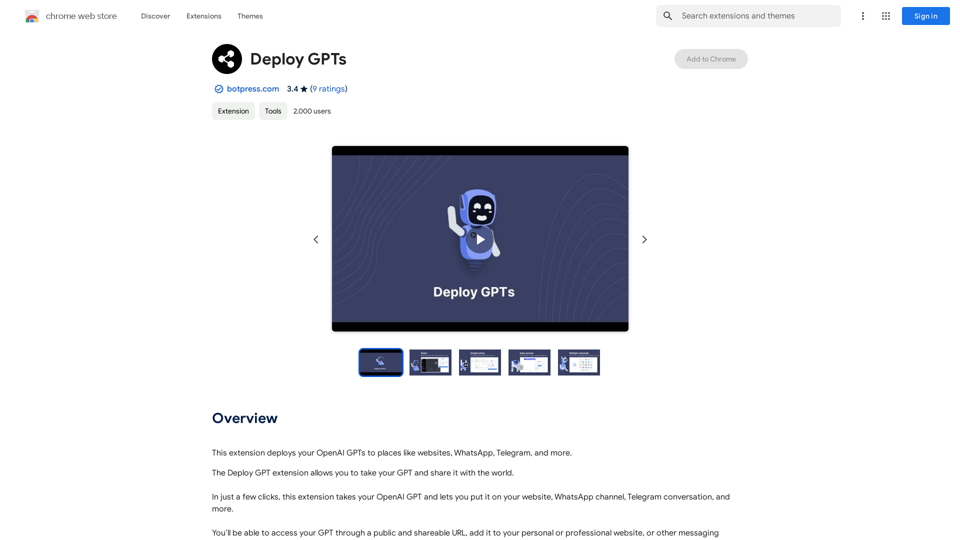
This extension deploys your OpenAI GPTs to places like websites, WhatsApp, Telegram, and more.
193.90 M
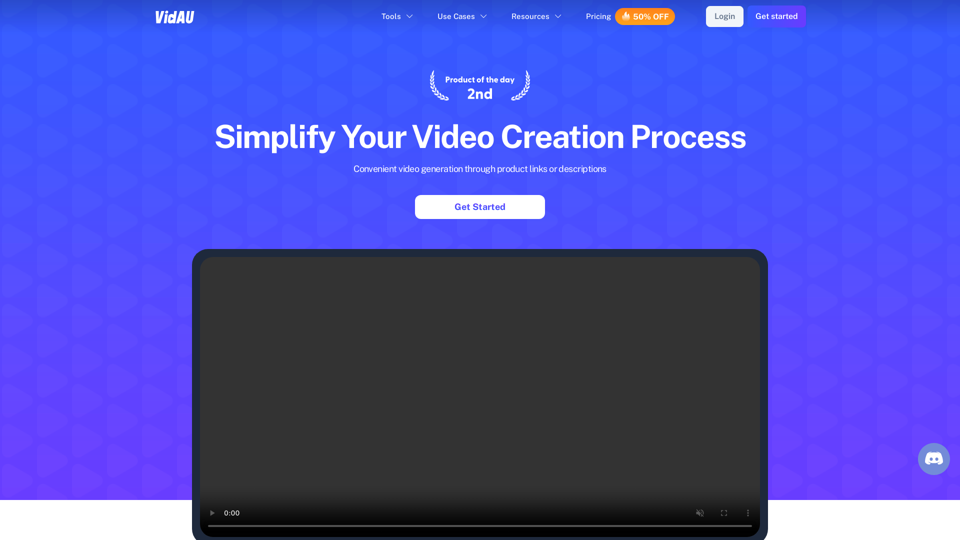
VidAu AI video generator creates high-quality videos for you with features such as avatar spokesperson, face swap, multi-language translation, subtitles, and watermarks removal, as well as video mixing and editing capabilities—get started for free.
684