Castofly is a Chrome extension designed to simplify the creation of step-by-step instructions and video guides. It automates the process of generating documentation and Standard Operating Procedures (SOPs) in multiple languages. This tool is particularly useful for various departments within organizations, including Customer Support, HR, IT, and Sales, among others. Castofly aims to save time and effort in creating comprehensive guides while offering customization options and collaboration features.
Castofly
Castofly Chrome Extension
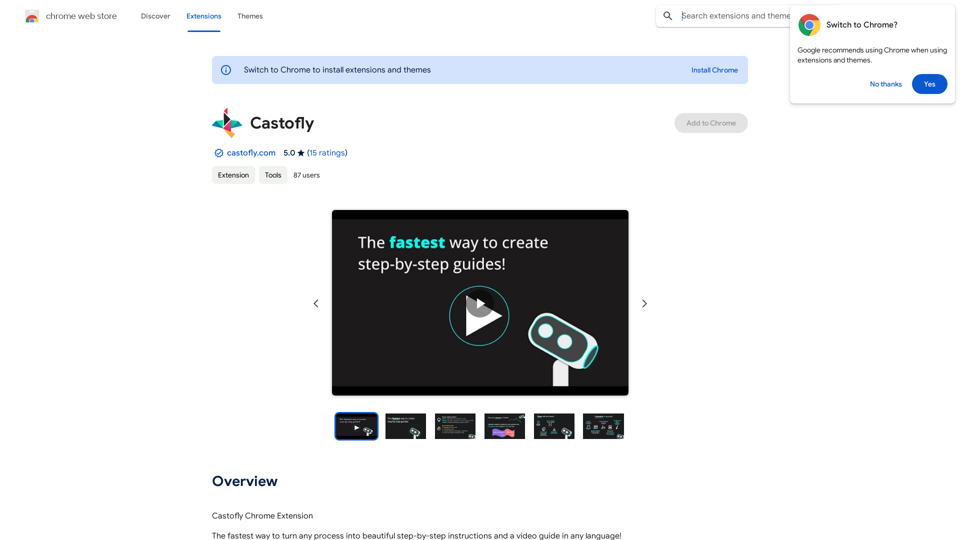
Introduction
Feature
Automated Documentation Generation
Castofly captures your screen activity and automatically creates detailed step-by-step instructions and video guides within minutes, streamlining the documentation process.
Multilingual Support
The extension offers AI voice-overs in over 50 languages, making it accessible to a global audience and facilitating international team collaboration.
Customization Options
Users can personalize their guides with various themes, speech bubbles, and AI voice-overs, allowing for brand-consistent and engaging content creation.
Easy Sharing and Collaboration
Guides can be shared via email, chat, or embedded in company knowledge bases and public web pages. Multiple users can collaborate on guide creation, enhancing team productivity.
Versatile Application
Castofly caters to various use cases, including:
- Creating Standard Operating Procedures (SOPs)
- Onboarding new employees
- Developing customer training materials
- Documenting IT processes
- Generating marketing and sales guides
Flexible Pricing Model
Castofly offers a free version, with Pro and Enterprise plans available for teams requiring advanced features, ensuring accessibility for individuals and organizations of all sizes.
FAQ
How does Castofly work?
Castofly operates by capturing your screen activity and automatically generating a guide in just a few minutes. Users simply need to install the Chrome extension and complete their process as usual.
Can I customize the appearance of my guides?
Yes, Castofly allows extensive customization. You can personalize your guides with themes, speech bubbles, and AI voice-overs in over 50 languages to match your brand and style preferences.
Is it possible to share guides created with Castofly?
Absolutely. Castofly enables users to share guides via email, chat, or by embedding them in company knowledge bases or public web pages, facilitating easy distribution of information.
What are the pricing options for Castofly?
Castofly offers a free version for basic use. For teams requiring more advanced features, Pro and Enterprise plans are available, providing flexibility for different organizational needs.
Related Websites
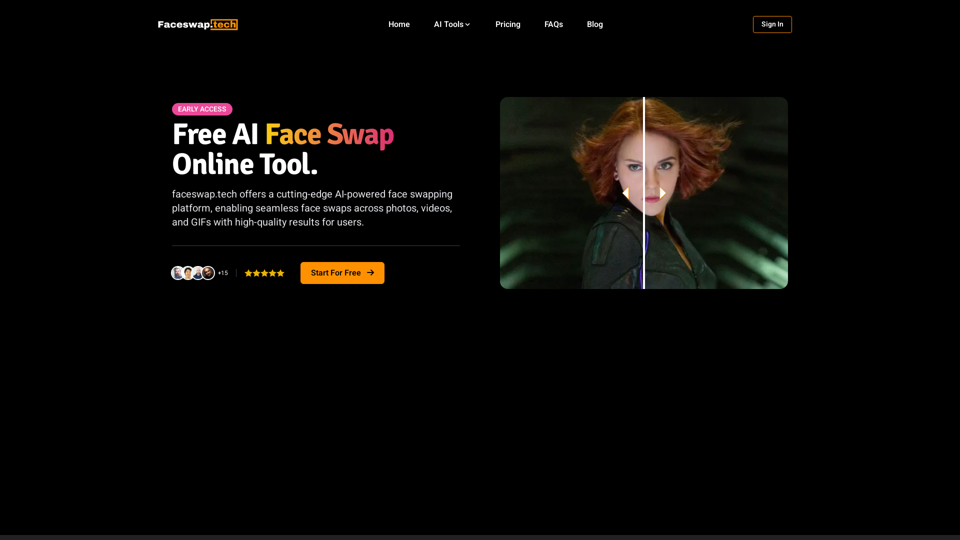
Free AI Face Swap Online Tool for Videos, GIFs and Photos | Faceswap.tech
Free AI Face Swap Online Tool for Videos, GIFs and Photos | Faceswap.techTry our free online face swap tool to swap faces in photos, videos, and GIFs. Easy, fast, and powered by AI for amazing results. Swap faces now!
1.81 K
Fabric - Your assistant for all your files and cloud storage.
Fabric - Your assistant for all your files and cloud storage.🍱 All your things in one place. 👋 Work together on anything.
193.90 M
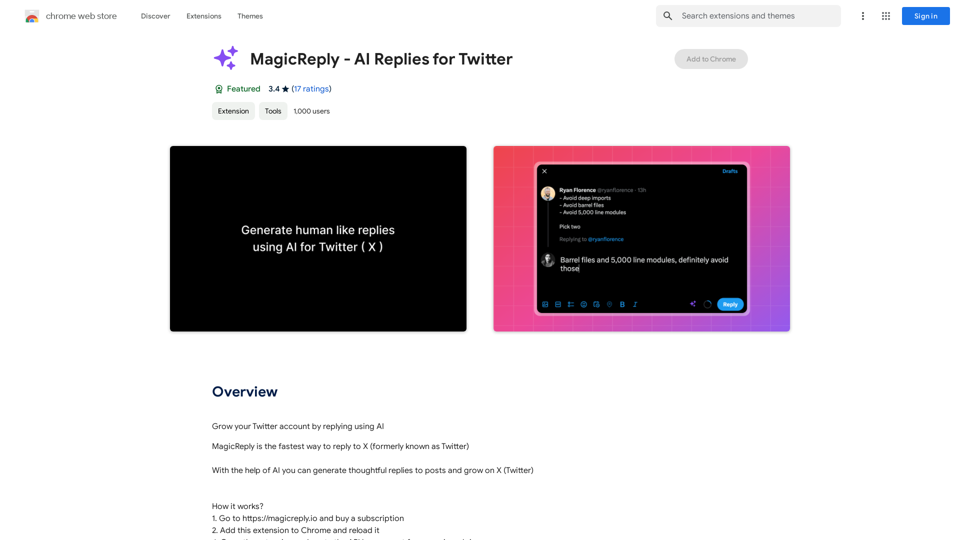
Grow Your Twitter Account by Replying Using AI Are you tired of manually responding to tweets and struggling to grow your Twitter account? Do you want to increase your online presence and engage with your audience more efficiently? Look no further! This article will show you how to grow your Twitter account by replying using AI. What is AI-powered Twitter reply? AI-powered Twitter reply is a technology that uses artificial intelligence to automatically respond to tweets. This innovative tool analyzes the content of incoming tweets and generates a relevant response based on the context. With AI-powered Twitter reply, you can save time and effort while increasing your online engagement. Benefits of using AI-powered Twitter reply 1. Increased efficiency Manually responding to tweets can be time-consuming, especially if you have a large following. AI-powered Twitter reply automates the process, allowing you to focus on other important tasks. 2. Improved engagement AI-powered Twitter reply helps you respond to tweets quickly, which increases the chances of starting a conversation and building relationships with your followers. 3. Personalized responses AI-powered Twitter reply can be customized to fit your brand's voice and tone, ensuring that your responses are personalized and consistent. 4. Scalability As your Twitter account grows, AI-powered Twitter reply can handle a large volume of tweets, ensuring that you never miss a response. How to use AI-powered Twitter reply 1. Choose an AI-powered Twitter reply tool There are several AI-powered Twitter reply tools available, such as [Tool 1], [Tool 2], and [Tool 3]. Research and choose the one that best fits your needs. 2. Set up your AI-powered Twitter reply Once you've chosen a tool, set it up by connecting your Twitter account and customizing your responses. 3. Monitor and adjust Monitor your AI-powered Twitter reply's performance and adjust the settings as needed to ensure that your responses are relevant and engaging. Conclusion Growing your Twitter account requires consistent engagement and timely responses. AI-powered Twitter reply is a game-changer that can help you achieve this goal. By automating your responses, you can increase efficiency, improve engagement, and personalize your interactions. Try AI-powered Twitter reply today and watch your Twitter account thrive!
193.90 M
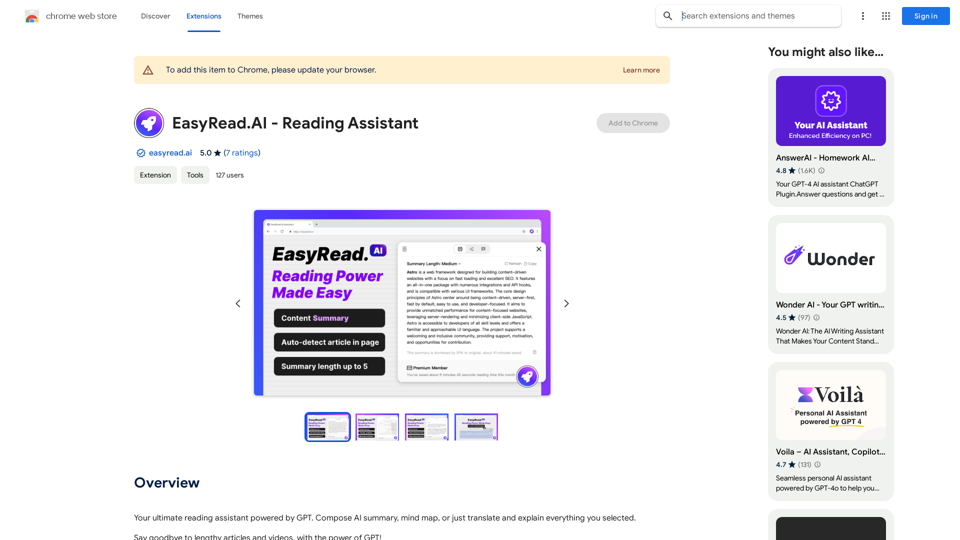
Your ultimate reading assistant powered by GPT. Compose AI summaries, mind maps, or just translate and explain everything you select.
193.90 M
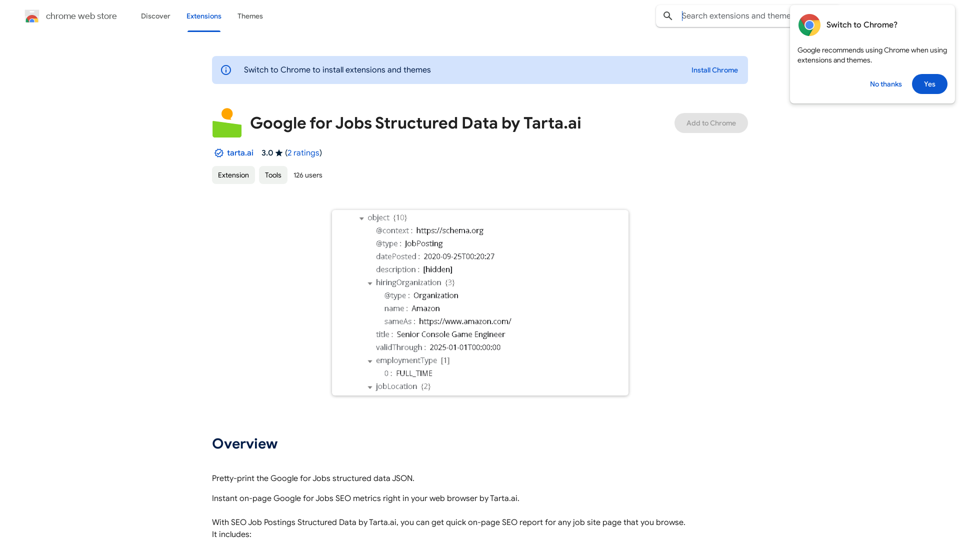
SEO Job Postings Structured Data by Tarta.ai is an AI-driven platform that enhances job postings with structured data for improved search engine optimization.
193.90 M
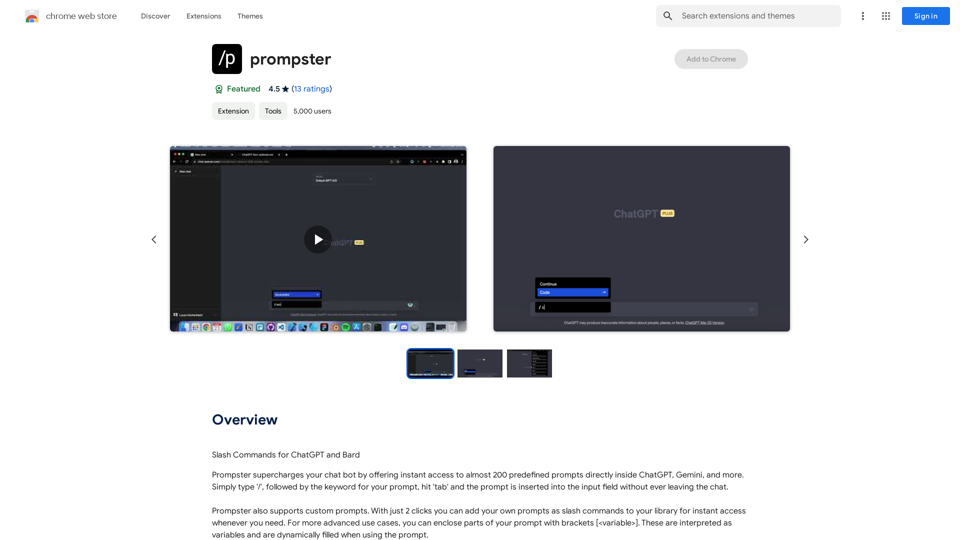
What is a Prompster? A Prompster is a person who assists a speaker, actor, or presenter by providing them with lines or cues, usually in a subtle and discreet manner, during a performance, presentation, or speech.
What is a Prompster? A Prompster is a person who assists a speaker, actor, or presenter by providing them with lines or cues, usually in a subtle and discreet manner, during a performance, presentation, or speech.Slash Commands for ChatGPT and Bard ===================================== Introduction Slash commands are a convenient way to interact with ChatGPT and Bard, allowing you to perform various tasks and actions within the chat interface. This guide provides an overview of the available slash commands for both ChatGPT and Bard. ChatGPT Slash Commands #General Commands * `/help`: Displays a list of available slash commands and their descriptions. * `/reset`: Resets the conversation, clearing all previous messages and context. #Conversation Management * `/start`: Starts a new conversation, allowing you to begin a fresh topic or task. * `/stop`: Ends the current conversation, stopping any ongoing tasks or topics. #Language and Tone * `/lang <language_code>`: Sets the language for the conversation (e.g., `/lang en` for English). * `/tone <tone>`: Adjusts the tone of the responses (e.g., `/tone formal` for formal tone). #Task Management * `/task <task_name>`: Creates a new task or topic for the conversation (e.g., `/task math problem`). * `/done`: Marks the current task as completed. #Information and Resources * `/define <word>`: Provides the definition of a word or phrase. * `/wiki <topic>`: Displays information about a topic from Wikipedia. Bard Slash Commands #General Commands * `/help`: Displays a list of available slash commands and their descriptions. * `/reset`: Resets the conversation, clearing all previous messages and context. #Conversation Management * `/start`: Starts a new conversation, allowing you to begin a fresh topic or task. * `/stop`: Ends the current conversation, stopping any ongoing tasks or topics. #Language and Tone * `/lang <language_code>`: Sets the language for the conversation (e.g., `/lang en` for English). * `/tone <tone>`: Adjusts the tone of the responses (e.g., `/tone formal` for formal tone). #Task Management * `/task <task_name>`: Creates a new task or topic for the conversation (e.g., `/task math problem`). * `/done`: Marks the current task as completed. #Information and Resources * `/define <word>`: Provides the definition of a word or phrase. * `/wiki <topic>`: Displays information about a topic from Wikipedia. * `/news <topic>`: Displays news articles related to a specific topic. Conclusion Slash commands provide a convenient way to interact with ChatGPT and Bard, allowing you to manage conversations, adjust language and tone, and access various resources. By mastering these commands, you can optimize your experience and get the most out of your interactions with these AI models.
193.90 M