Magnific AI is an advanced image upscaling and enhancement tool that utilizes cutting-edge AI technology to transform images into high-resolution versions. Users can upscale, enhance, and generate images with remarkable detail, guided by customizable prompts and parameters. The platform is designed to be user-friendly, making it accessible for both beginners and professionals in various creative fields.
Magnific AI — The amazing image upscaling and enhancement tool
The most advanced AI upscaler and enhancer. Magnific can reimagine as many details in your image or photo as you wish, guided by your prompt and parameters!
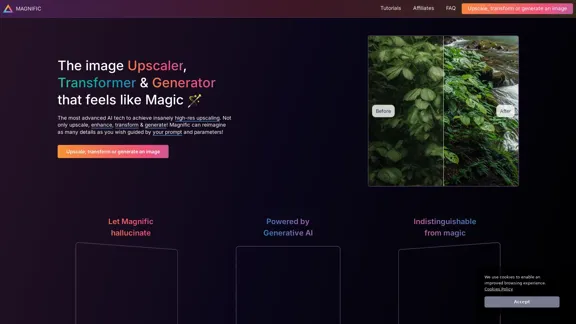
Introduction
Feature
-
AI-Powered Upscaling
Magnific AI employs advanced algorithms to upscale images, achieving significantly higher resolutions while adding intricate details.
-
Customizable Parameters
Users can control the upscaling process through various sliders, including 'Creativity', which influences the level of detail added to the images.
-
Versatile Applications
The tool is suitable for a wide range of image types, including portraits, illustrations, landscapes, graphic designs, and more.
-
User-Friendly Interface
Designed for creators of all skill levels, Magnific AI offers an intuitive interface and comprehensive tutorials to assist users in their creative endeavors.
-
High-Quality Output
The platform ensures that the upscaled images maintain high quality, making them suitable for professional use in marketing, photography, and digital art.
-
Community Support
Magnific AI fosters a community of users who can share tips, tutorials, and experiences, enhancing the overall user experience.
How to Use?
- Start by logging into your Magnific AI account.
- Upload the image you wish to upscale or enhance.
- Adjust the 'Creativity' slider to control the level of detail added.
- Use the various parameters to customize the upscaling process according to your needs.
- Preview the changes before finalizing the upscale.
- Download the enhanced image once you are satisfied with the results.
FAQ
How does Magnific's AI upscaler & enhancer work?
Magnific AI transforms images into higher-resolution versions by adding details based on user-defined prompts and controls.
Is Magnific suitable for beginners?
Yes, the platform is designed to be accessible and user-friendly for creators of all backgrounds and skill levels.
Who can benefit from using Magnific AI?
Professionals and enthusiasts in photography, graphic design, digital art, and illustration can enhance their workflow with Magnific AI.
Will the upscaled images have artifacts?
Artifacts may occur, but they can often be controlled using the available sliders and prompts.
Is the payment service secure?
Yes, Magnific AI uses Stripe for secure payment processing, ensuring that no card details are retained.
Price
- Free Plan: $0/month
- Basic Plan: $9.99/month
- Standard Plan: $19.99/month
- Professional Plan: $49.99/month
The price is for reference only, please refer to the latest official data for actual information.
Evaluation
Magnific AI excels in providing high-quality image upscaling and enhancement, making it a valuable tool for both casual users and professionals. The ability to customize the upscaling process through various parameters is a significant advantage, allowing for tailored results. However, users may encounter artifacts if settings are not adjusted properly, which could detract from the final output. Additionally, while the tool is user-friendly, a deeper understanding of image editing principles could enhance the user experience. Overall, Magnific AI is a powerful solution for anyone looking to elevate their visual content.
Related Websites
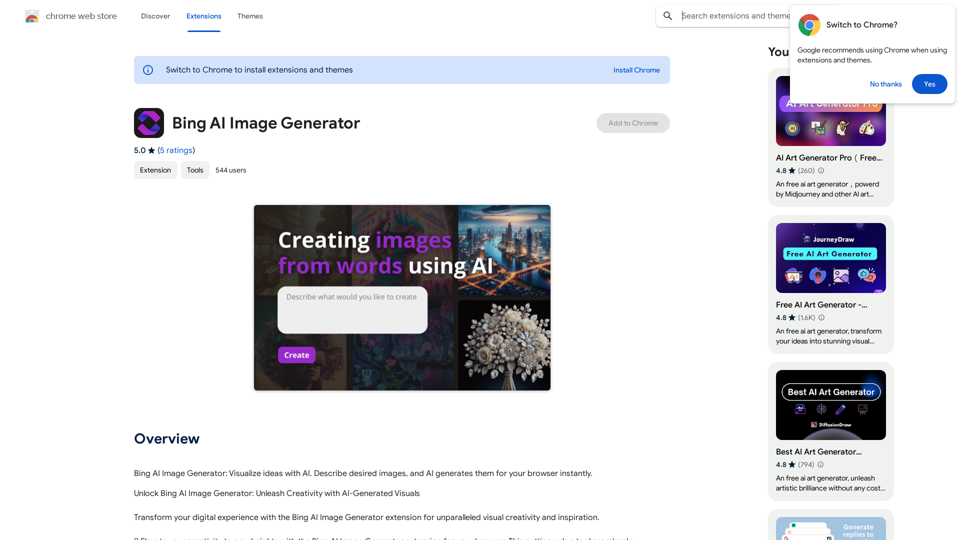
Bing AI Image Generator: See your ideas come to life with AI. Tell the AI what you want to see, and it will create the image in your browser right away.
193.90 M
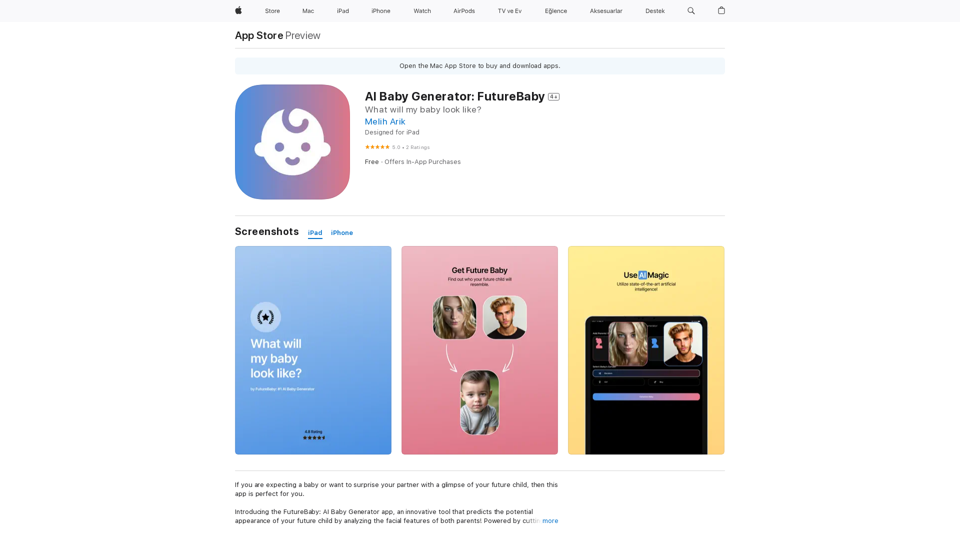
Introducing the FutureBaby: AI Baby Generator app, an innovative tool that predicts the potential appearance of your future child by analyzing the facial features of you and your partner.
124.77 M
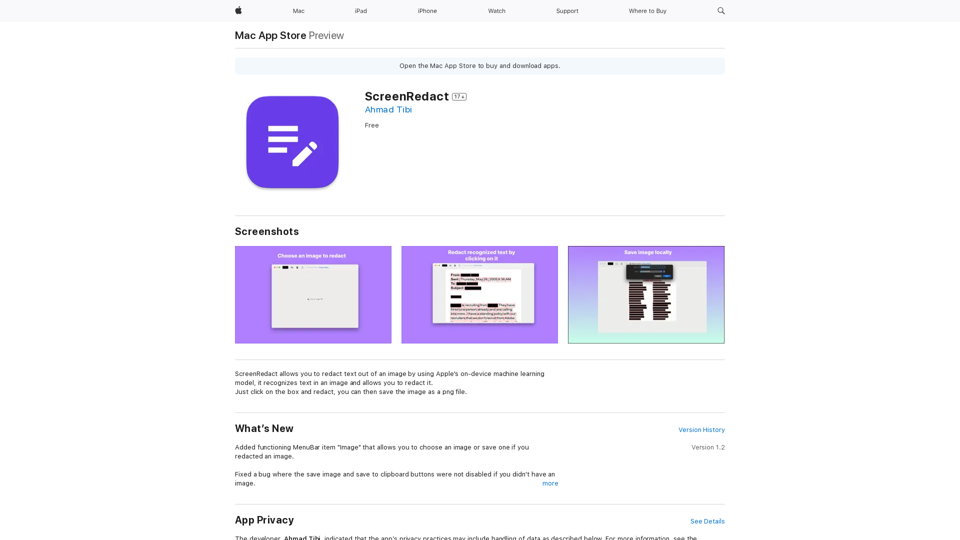
ScreenRedact on the Mac App Store #Description ScreenRedact is a powerful and easy-to-use screenshot editing tool that allows you to quickly and easily remove sensitive information from your screenshots. With its intuitive interface and advanced features, ScreenRedact is the perfect solution for anyone who needs to share screenshots online or with others. #Features * Easy to use: ScreenRedact's intuitive interface makes it easy to get started, even if you're not tech-savvy. * Advanced editing tools: ScreenRedact offers a range of advanced editing tools, including blur, pixelate, and redact, to help you remove sensitive information from your screenshots. * Customizable: ScreenRedact allows you to customize the appearance of your redactions, including the color, opacity, and style. * Support for multiple file formats: ScreenRedact supports a range of file formats, including JPEG, PNG, and TIFF. * Share easily: ScreenRedact makes it easy to share your edited screenshots with others, either by saving them to your computer or sharing them directly to social media or email. #What's New * Improved performance: ScreenRedact is now faster and more efficient, making it easier to edit your screenshots. * New editing tools: ScreenRedact now includes new editing tools, including a magic wand and a lasso tool, to make it even easier to remove sensitive information from your screenshots. * Enhanced customization options: ScreenRedact now offers even more customization options, including the ability to change the color and opacity of your redactions. #Ratings and Reviews * 4.5/5 stars: ScreenRedact has an average rating of 4.5 out of 5 stars on the Mac App Store. * "Easy to use and effective": One reviewer praised ScreenRedact's ease of use and effectiveness, saying "I was able to quickly and easily remove sensitive information from my screenshots." * "A must-have for anyone who shares screenshots online": Another reviewer called ScreenRedact "a must-have for anyone who shares screenshots online," citing its ease of use and advanced features.
ScreenRedact on the Mac App Store #Description ScreenRedact is a powerful and easy-to-use screenshot editing tool that allows you to quickly and easily remove sensitive information from your screenshots. With its intuitive interface and advanced features, ScreenRedact is the perfect solution for anyone who needs to share screenshots online or with others. #Features * Easy to use: ScreenRedact's intuitive interface makes it easy to get started, even if you're not tech-savvy. * Advanced editing tools: ScreenRedact offers a range of advanced editing tools, including blur, pixelate, and redact, to help you remove sensitive information from your screenshots. * Customizable: ScreenRedact allows you to customize the appearance of your redactions, including the color, opacity, and style. * Support for multiple file formats: ScreenRedact supports a range of file formats, including JPEG, PNG, and TIFF. * Share easily: ScreenRedact makes it easy to share your edited screenshots with others, either by saving them to your computer or sharing them directly to social media or email. #What's New * Improved performance: ScreenRedact is now faster and more efficient, making it easier to edit your screenshots. * New editing tools: ScreenRedact now includes new editing tools, including a magic wand and a lasso tool, to make it even easier to remove sensitive information from your screenshots. * Enhanced customization options: ScreenRedact now offers even more customization options, including the ability to change the color and opacity of your redactions. #Ratings and Reviews * 4.5/5 stars: ScreenRedact has an average rating of 4.5 out of 5 stars on the Mac App Store. * "Easy to use and effective": One reviewer praised ScreenRedact's ease of use and effectiveness, saying "I was able to quickly and easily remove sensitive information from my screenshots." * "A must-have for anyone who shares screenshots online": Another reviewer called ScreenRedact "a must-have for anyone who shares screenshots online," citing its ease of use and advanced features.ScreenRedact allows you to remove sensitive text from an image by utilizing Apple's on-device machine learning model, which identifies text within an image and enables you to redact it with ease.
124.77 M
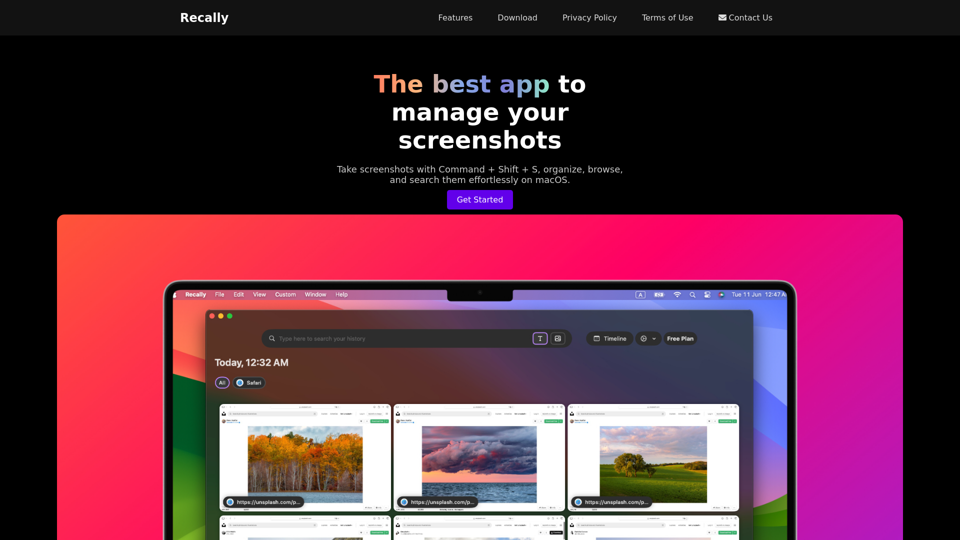
Recally - The Best Screenshot Management App for macOS
Recally - The Best Screenshot Management App for macOSRecally is the best app to manage your screenshots on macOS. Organize, browse, and search your screenshots with ease. Available on macOS.
0
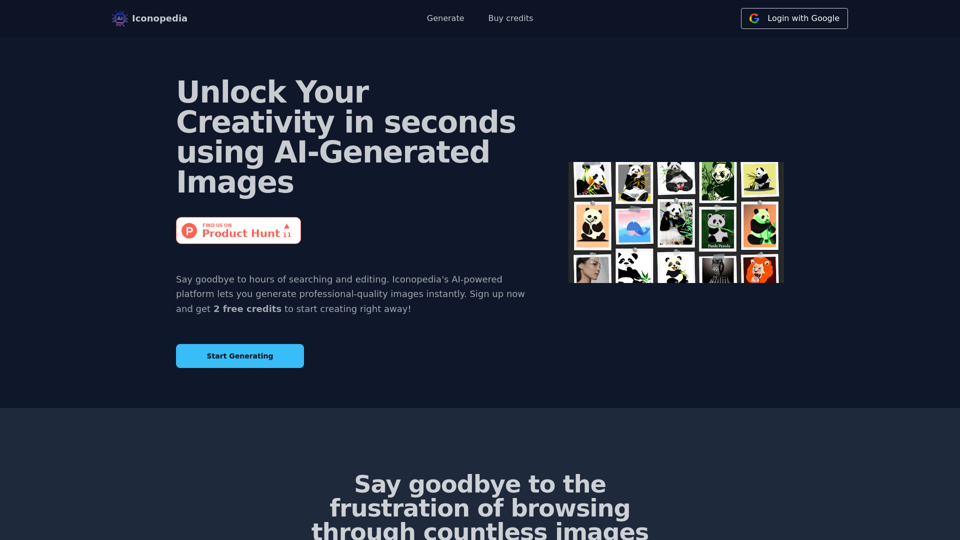
Generate Stunning Images with AI Let's explore the world of AI-powered image generation and unleash your creativity! What is AI Image Generation? AI image generation uses artificial intelligence algorithms to create images from text descriptions, known as "prompts." How Does it Work? These powerful models, trained on massive datasets of images and text, learn the relationships between words and visual concepts. When you provide a prompt, the AI interprets it and generates a corresponding image. Benefits of AI Image Generation: * Effortless Creativity: Bring your ideas to life without needing artistic skills. * Endless Possibilities: Explore unique concepts and styles with ease. * Rapid Prototyping: Quickly visualize designs and concepts. * Personalized Content: Create custom images tailored to your needs. Popular AI Image Generators: * DALL-E 2: Known for its photorealistic and imaginative results. * Midjourney: Creates artistic and dreamlike images. * Stable Diffusion: Open-source and highly customizable. * Craiyon (formerly DALL-E mini): A free and accessible option. Tips for Generating Stunning Images: * Be Specific: Provide clear and detailed prompts. * Use Descriptive Language: Include adjectives, nouns, and verbs to guide the AI. * Experiment with Styles: Explore different artistic styles and aesthetics. * Iterate and Refine: Adjust your prompts and settings to achieve your desired outcome. Let your imagination run wild and discover the incredible potential of AI image generation!
0
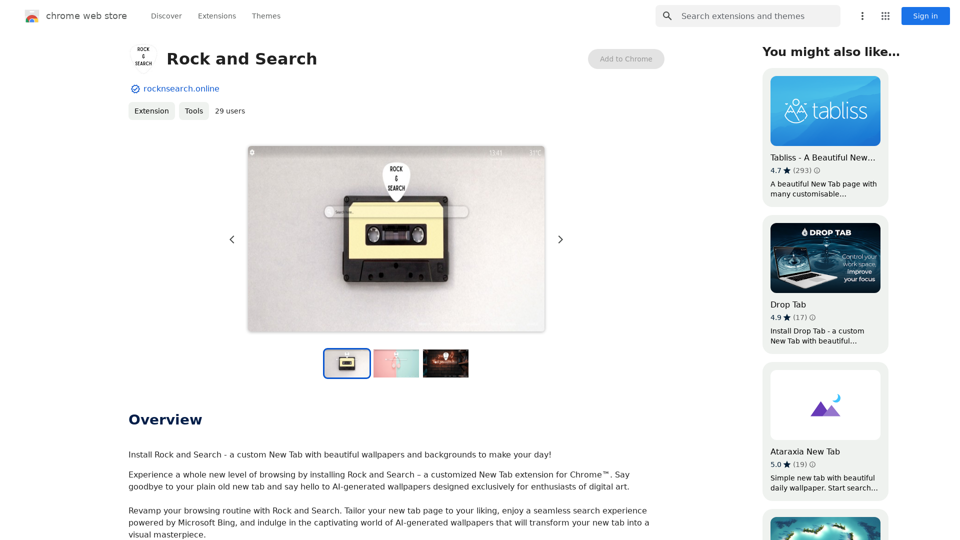
Install Rock and Search - a custom New Tab with beautiful wallpapers and backgrounds to brighten your day!
193.90 M

PhotoFuse AI - Your personal AI photographer always with you.
PhotoFuse AI - Your personal AI photographer always with you.Your personal AI photographer in your pocket
1.81 K