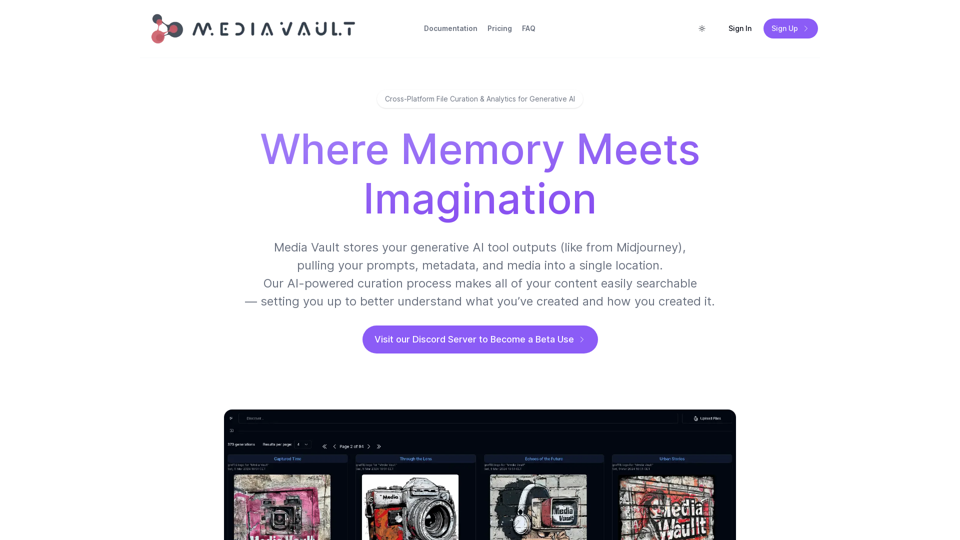
Media Vault AI is an innovative AI-powered media curator and cloud storage solution tailored for generative AI. It offers a centralized platform for storing prompts, metadata, and media, enabling users to effortlessly search and comprehend their content. This tool is designed to enhance the creative process by maintaining relationships between prompts and outputs, providing intelligent curation, and offering powerful analytics capabilities.
Media Vault AI | Your AI-Powered Media Curator and Cloud Storage Solution
Media Vault AI is your comprehensive solution for media storage, curation, and analysis. Seamlessly integrating with your favorite generative AI tools, our platform provides AI-powered file naming, tagging, and unique folder structures, a powerful semantic search feature, and insightful analytics tools. Visit Discord today for early access.
Introduction
Feature
Intelligent Media Curation
Media Vault AI expertly manages your media assets, preserving the connections between prompts and outputs. This feature allows users to:
- Better understand their creative processes
- Make informed decisions based on past work
- Easily track the evolution of their projects
Semantic Search
The platform offers an advanced AI chat function for interacting with your data:
- Cross-platform search results related to media content
- Supports various media types: images, text, code, video, audio, and 3D
- Natural language queries for intuitive searching
Data Autonomy
Media Vault AI ensures complete control over your creative assets:
- Centralized storage for prompts, metadata, and media
- Minimizes risk of asset loss
- Builds file lineage for commercial applications of generative AI
Analytics
Unlock deeper insights into your creative process:
- Mine content for valuable information
- Learn about your creative patterns and tendencies
- Create feedback loops with downstream integrations
- Implement continuous improvement in AI tool interactions
User-Friendly Interface
The platform is designed for ease of use:
- Simple storage and management of generative AI tool outputs
- AI-powered curation for quick content discovery
- Intuitive organization of creative projects
FAQ
What is Media Vault AI?
Media Vault AI is an AI-powered media curator and cloud storage solution specifically designed for generative AI. It provides a centralized location to store prompts, metadata, and media, allowing users to easily search and understand their content.
How does Media Vault AI work?
Media Vault AI intelligently manages media by maintaining relationships between prompts and outputs. It uses AI-powered curation to organize content, offers semantic search capabilities, and provides analytics for deeper insights into the creative process.
What are the benefits of using Media Vault AI?
The key benefits include:
- Data autonomy and centralized storage
- Intelligent media curation
- Semantic search across various media types
- Analytics for process improvement
- Risk reduction in asset management
- Enhanced understanding of creative processes
Can Media Vault AI handle different types of media?
Yes, Media Vault AI supports various media types including images, text, code, video, audio, and 3D files. This versatility makes it suitable for a wide range of creative projects and generative AI applications.
Is Media Vault AI suitable for commercial applications?
Absolutely. Media Vault AI builds file lineage for commercial applications of generative AI, making it an excellent choice for businesses and professionals working with AI-generated content.
Related Websites
A vibrant sunset paints the sky in hues of orange, pink, and purple, casting long shadows across a tranquil lake.
193.90 M
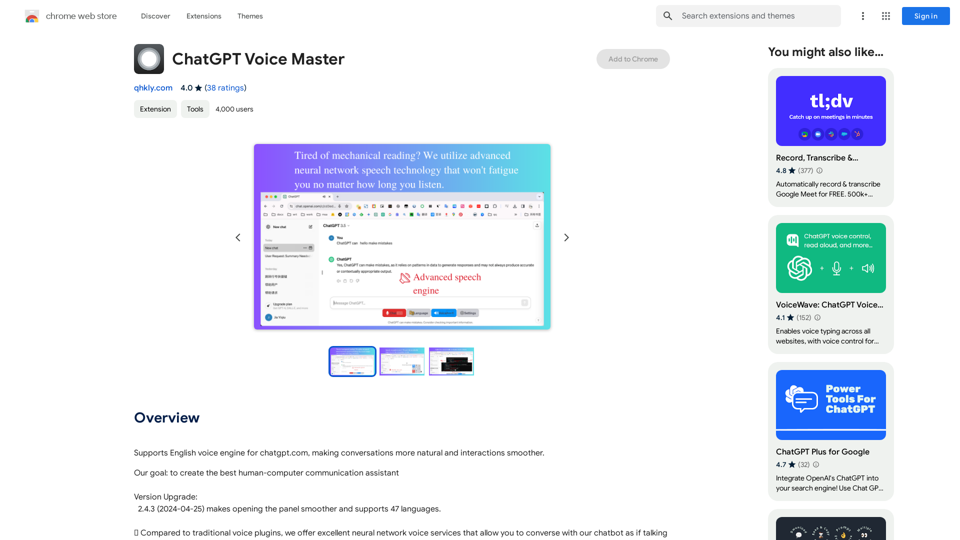
Supports English voice engine for chatgpt.com, making conversations more natural and interactions smoother.
193.90 M
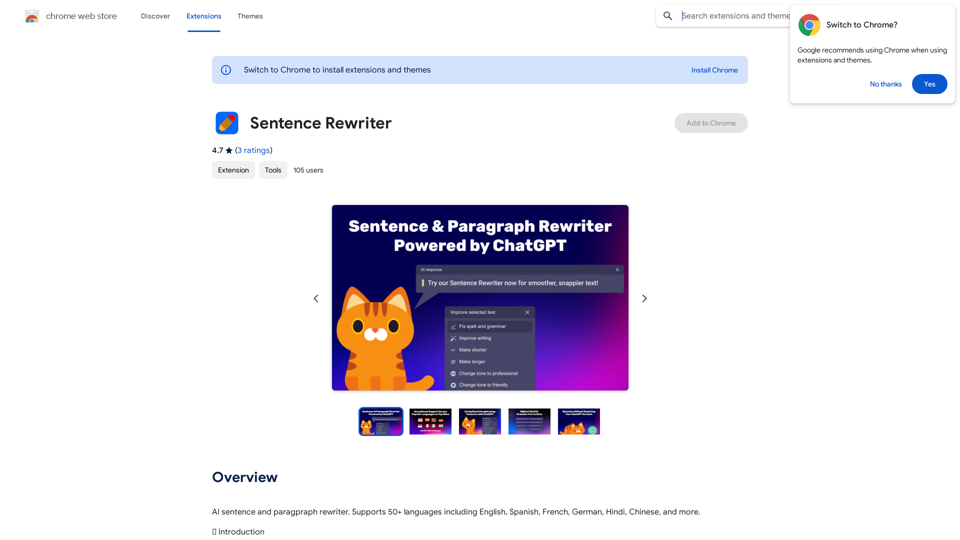
AI sentence and paragraph rewriter. Supports 50+ languages including English, Spanish, French, German, Hindi, Chinese, and more.
193.90 M
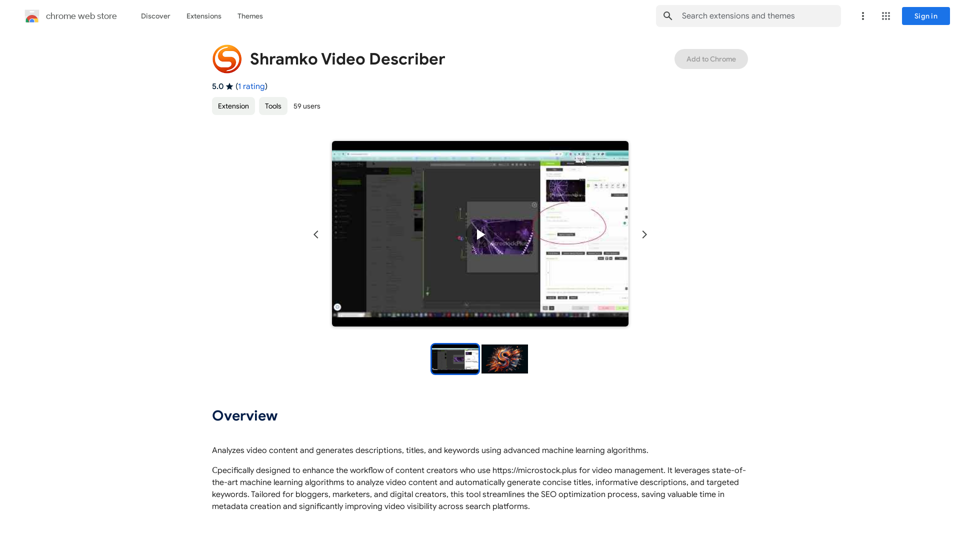
Analyzes video content and generates descriptions, titles, and keywords using advanced machine learning algorithms.
193.90 M
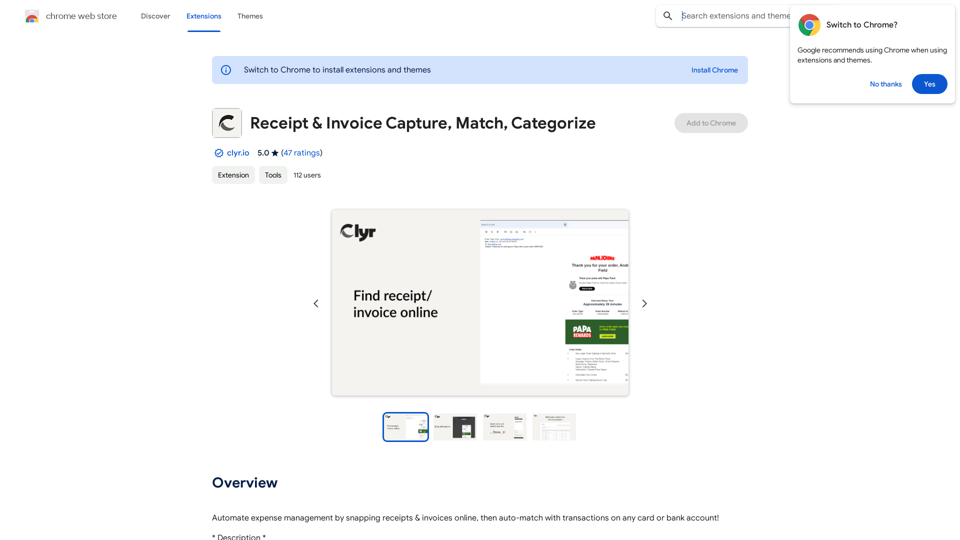
Automatically manage your expenses by taking pictures of your receipts and invoices online. They will then be automatically matched with transactions on any of your credit cards or bank accounts!
193.90 M
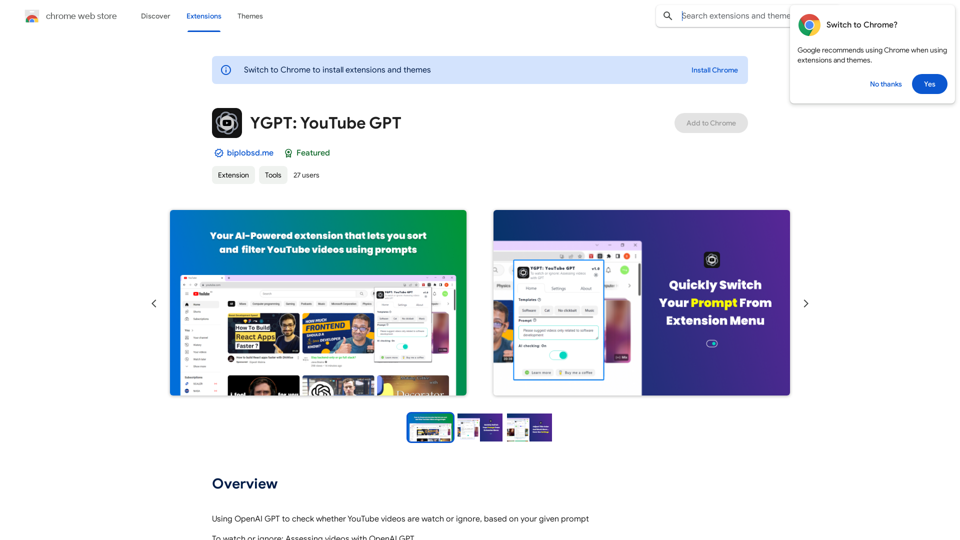
Using OpenAI's GPT to determine if YouTube videos have been watched or ignored, based on your instructions.
193.90 M
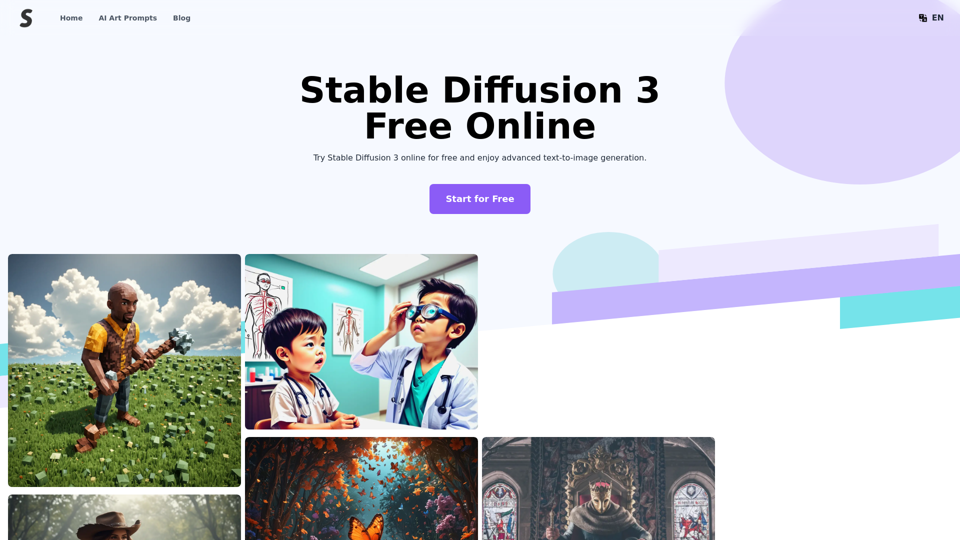
Stable Diffusion 3 Free Online Access - Powered By SD3 API
Stable Diffusion 3 Free Online Access - Powered By SD3 APIDiscover Stable Diffusion 3, the advanced text-to-image model by Stability AI. Learn about the stable diffusion 3 release date, how to download stable diffusion 3, stable diffusion 3 API, and how to access stable diffusion 3 for free online.
105.22 K
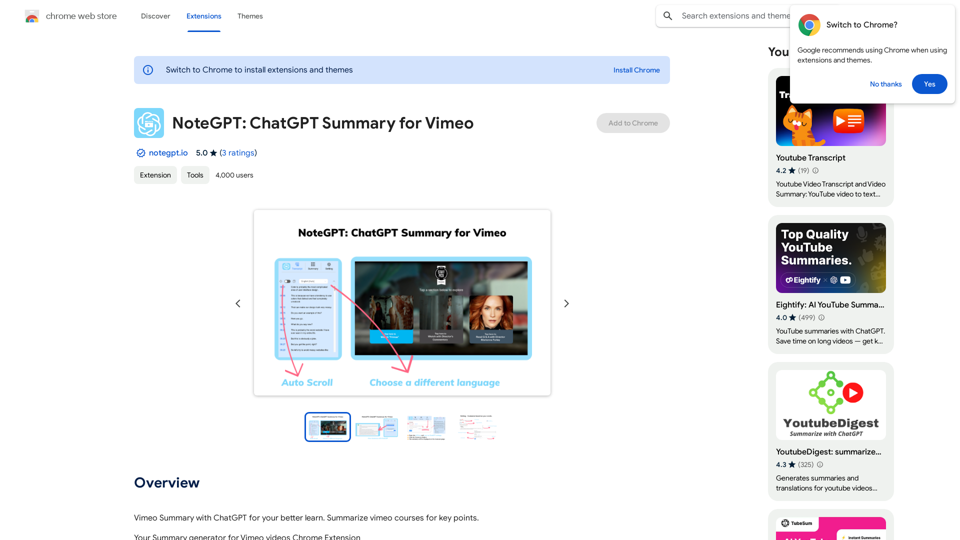
NoteGPT: ChatGPT Summary for Vimeo =============== What is NoteGPT? NoteGPT is an AI-powered note-taking tool that utilizes the capabilities of ChatGPT to assist users in summarizing and organizing their video content on Vimeo. Key Features * Automatic Summarization: NoteGPT can automatically generate a concise summary of Vimeo videos, saving users time and effort. * Customizable Notes: Users can add their own notes and tags to the generated summary, making it easy to review and reference later. * Organization: NoteGPT allows users to organize their video content by categorizing and tagging their notes, making it simple to find specific information. Benefits * Time-Saving: NoteGPT's automatic summarization feature saves users time and effort, allowing them to focus on more important tasks. * Improved Productivity: With NoteGPT, users can quickly review and reference their video content, improving their overall productivity. * Enhanced Learning: NoteGPT's customizable notes and organization features enable users to engage more effectively with their video content, leading to enhanced learning and retention. Use Cases * Education: NoteGPT is ideal for students and educators who need to review and summarize video lectures and online courses. * Business: NoteGPT can be used by professionals to summarize and organize video content for meetings, training sessions, and presentations. * Personal Development: Individuals can use NoteGPT to summarize and review video content for personal development, such as language learning or skill-building.
NoteGPT: ChatGPT Summary for Vimeo =============== What is NoteGPT? NoteGPT is an AI-powered note-taking tool that utilizes the capabilities of ChatGPT to assist users in summarizing and organizing their video content on Vimeo. Key Features * Automatic Summarization: NoteGPT can automatically generate a concise summary of Vimeo videos, saving users time and effort. * Customizable Notes: Users can add their own notes and tags to the generated summary, making it easy to review and reference later. * Organization: NoteGPT allows users to organize their video content by categorizing and tagging their notes, making it simple to find specific information. Benefits * Time-Saving: NoteGPT's automatic summarization feature saves users time and effort, allowing them to focus on more important tasks. * Improved Productivity: With NoteGPT, users can quickly review and reference their video content, improving their overall productivity. * Enhanced Learning: NoteGPT's customizable notes and organization features enable users to engage more effectively with their video content, leading to enhanced learning and retention. Use Cases * Education: NoteGPT is ideal for students and educators who need to review and summarize video lectures and online courses. * Business: NoteGPT can be used by professionals to summarize and organize video content for meetings, training sessions, and presentations. * Personal Development: Individuals can use NoteGPT to summarize and review video content for personal development, such as language learning or skill-building.Vimeo Summary with ChatGPT for Better Learning ===================================================== What is Vimeo? --------------- Vimeo is a video-hosting platform that allows users to upload, share, and view videos. It is popular among creative professionals, businesses, and individuals who want to showcase their videos in a high-quality format. How Can ChatGPT Help with Vimeo Courses? ----------------------------------------- ChatGPT is an AI-powered language model that can assist with summarizing Vimeo courses by: * Identifying key points: ChatGPT can analyze the video content and extract the most important information, making it easier to understand and retain. * Generating summaries: ChatGPT can create concise summaries of the video courses, saving time and effort. * Improving learning: By providing a clear and concise summary, ChatGPT can help learners focus on the essential concepts and improve their understanding of the material. Benefits of Using ChatGPT for Vimeo Courses --------------------------------------------- * Time-saving: ChatGPT can quickly summarize long video courses, saving learners time and effort. * Improved comprehension: ChatGPT's summaries can help learners understand complex concepts more easily. * Enhanced retention: By providing a concise summary, ChatGPT can help learners retain information better. How to Use ChatGPT for Vimeo Courses ----------------------------------------- 1. Upload the video course: Upload the Vimeo course to ChatGPT. 2. Analyze the content: ChatGPT will analyze the video content and extract key points. 3. Generate a summary: ChatGPT will create a concise summary of the video course. 4. Review and learn: Review the summary and use it to learn and retain the information. Conclusion ---------- ChatGPT can be a valuable tool for summarizing Vimeo courses, making it easier to learn and retain information. By using ChatGPT, learners can save time, improve comprehension, and enhance retention.
193.90 M