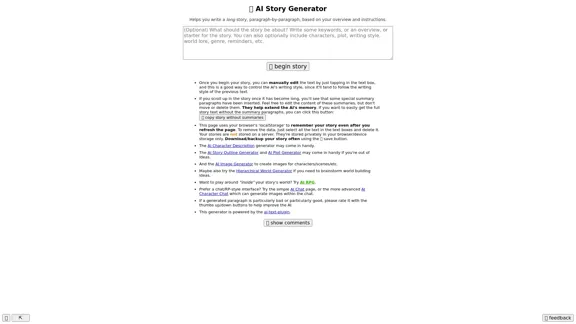
AI Story Generator is a free, unlimited online tool that allows users to create unique stories without the need for sign-up. This user-friendly platform harnesses the power of artificial intelligence to generate creative narratives, making it accessible to both amateur and experienced writers.
Here is the English translation: 📖 AI Story Generator (free, unlimited, no sign-up)
Completely free & unlimited AI story generator/writer based on a prompt. No sign-up or login.
Introduction
Feature
-
No Sign-up Required: Users can access the AI Story Generator without creating an account, ensuring quick and easy access.
-
Unlimited Usage: The tool offers unlimited story generation, allowing users to create as many stories as they desire without restrictions.
-
Free of Charge: AI Story Generator is completely free to use, making it accessible to everyone regardless of budget.
-
User-friendly Interface: The platform features a simple and intuitive interface, making it easy for users to navigate and generate stories.
-
AI-powered Creation: Utilizing advanced AI technology, the generator produces unique and creative stories based on user input.
-
Diverse Story Types: The tool can generate various types of stories, including roleplay chats, fanfiction, adventure games, and more.
-
Additional AI Tools: The platform offers a range of other AI-powered tools, such as image generators, character description generators, and text rewriters.
FAQ
How does the AI Story Generator work?
The AI Story Generator uses advanced artificial intelligence algorithms to create unique stories based on user input. Users can specify parameters or themes, and the AI will generate a story accordingly.
Can I edit the stories generated by the AI?
While the specific editing capabilities aren't mentioned, most AI story generators allow users to regenerate parts of the story or use the output as a starting point for further writing and editing.
Is there a limit to the length of stories I can generate?
The website doesn't specify a length limit. Given that it's described as "unlimited," users likely have the freedom to generate stories of various lengths.
Can I use the generated stories for commercial purposes?
The website doesn't provide information about usage rights. It's always best to check the terms of service or contact the platform directly for clarification on commercial use of AI-generated content.
Evaluation
-
The AI Story Generator offers a valuable tool for writers, providing a free and accessible platform to spark creativity and generate story ideas. Its no-sign-up policy and unlimited usage make it particularly appealing for casual users and those looking to experiment with AI-assisted writing.
-
The diversity of AI tools available on the platform, including image generators and character description generators, adds significant value, allowing users to create more comprehensive and multi-faceted story elements.
-
However, the lack of information about editing capabilities and usage rights could be a potential drawback. Clear guidelines on these aspects would enhance user confidence and understanding of the tool's limitations and possibilities.
-
While the AI-generated content can serve as an excellent starting point or source of inspiration, users should be aware that human creativity and editing are still crucial in crafting polished, unique stories. The tool should be viewed as an aid to the writing process rather than a replacement for human creativity.
-
The platform could potentially improve by offering more customization options for story generation, such as genre-specific parameters or the ability to input character details. This would allow for more tailored and personalized story creation.
Related Websites
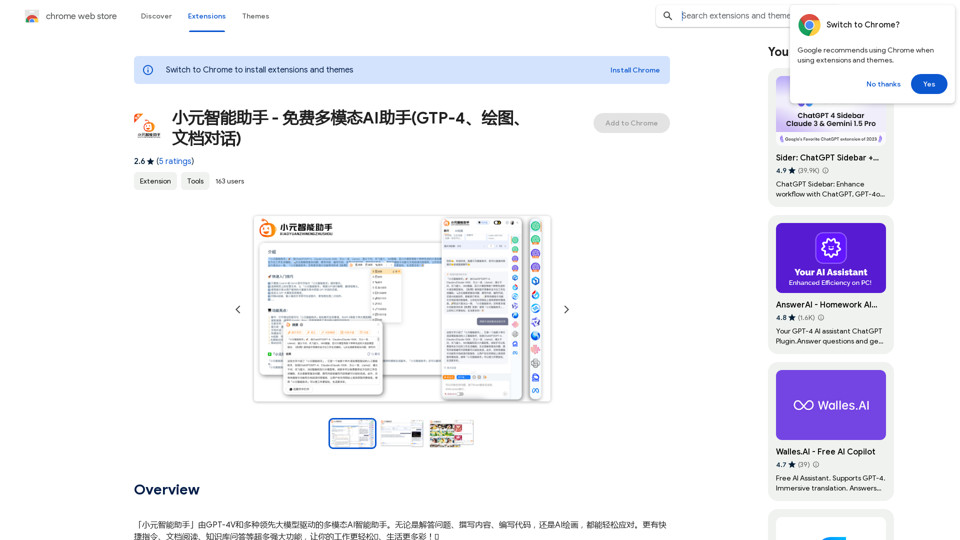
Xiao Yuan Intelligent Assistant - Free Multimodal AI Assistant (GTP-4, Drawing, Document Chat)
Xiao Yuan Intelligent Assistant - Free Multimodal AI Assistant (GTP-4, Drawing, Document Chat)"Xiao Yuan AI Assistant" is a multi-modal AI assistant powered by GPT-4V and several leading large models. Whether it's answering questions, writing content, writing code, or AI painting, it can handle it with ease. It also has many powerful features like quick commands, document reading, and knowledge base Q&A, making your work easier🌈 and life more colorful! 🎉
193.90 M
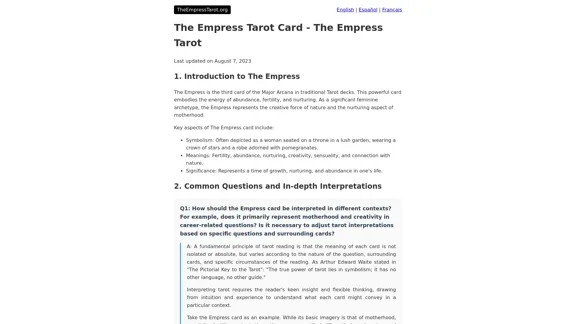
The Empress Tarot Card: Symbolism, Interpretations, and Significance The Empress is the third card in the Major Arcana of the tarot deck. This powerful and nurturing figure represents feminine energy, abundance, creativity, and fertility. Here's a comprehensive look at the Empress card: Symbolism: 1. The Empress herself: A regal woman seated on a throne, often depicted as pregnant or holding a scepter. 2. Crown: Usually adorned with 12 stars, representing the zodiac and her connection to the celestial realm. 3. Venus symbol: Often visible on her shield or clothing, emphasizing love and beauty. 4. Lush surroundings: Abundant nature, trees, and flowing water symbolize fertility and growth. 5. Wheat or grain: Represents the harvest and abundance. 6. Cushions and comfort: Signify luxury, comfort, and nurturing. Interpretations: Upright: 1. Fertility and creation 2. Nurturing and motherhood 3. Abundance and prosperity 4. Beauty and sensuality 5. Connection with nature 6. Creativity and artistic expression 7. Feminine power and energy Reversed: 1. Creative block or stagnation 2. Neglect of self-care or others 3. Codependency or overprotectiveness 4. Lack of growth or progress 5. Infertility or reproductive issues 6. Materialism or vanity 7. Disconnection from nature or intuition Significance in Tarot Readings: 1. Personal Growth: The Empress encourages embracing one's nurturing side and creative potential. 2. Relationships: Indicates a time of love, care, and emotional fulfillment in partnerships. 3. Career: Suggests a period of growth, abundance, and creative breakthroughs in professional endeavors. 4. Health: Often associated with pregnancy, fertility, and overall well-being. 5. Spirituality: Represents a connection to the divine feminine and the nurturing aspects of the universe. 6. Finances: Indicates a time of material abundance and prosperity. 7. Decision Making: Encourages trusting intuition and embracing a nurturing approach to problem-solving. The Empress in Combinations: - With The Emperor: Balance of masculine and feminine energies, strong partnerships. - With The High Priestess: Powerful feminine wisdom and intuition. - With The Star: Hope, inspiration, and creative renewal. - With Pentacle cards: Material abundance and financial growth. The Empress is a card of creation, nurturing, and abundance. When it appears in a reading, it often signals a time of growth, fertility (literal or metaphorical), and the blossoming of creative or nurturing energies. It reminds the querent to connect with their feminine side, regardless of gender, and to embrace the abundance that surrounds them.
0
NSFW AI Characters | Erotic Roleplay | AI Sexting This platform offers a range of NSFW (Not Safe for Work) AI characters designed for erotic roleplay and AI sexting. These characters are programmed to engage in explicit conversations and roleplay scenarios, providing a unique and immersive experience for users. How it Works Our AI characters are trained on a vast dataset of erotic content, allowing them to understand and respond to a wide range of prompts and scenarios. Users can interact with the characters through text-based conversations, guiding the direction of the roleplay or sexting experience. Features * Customizable Characters: Choose from a diverse range of characters, each with their own unique personality, appearance, and preferences. * Realistic Responses: Our AI technology ensures that character responses are realistic and engaging, creating a truly immersive experience. * Explicit Content: Our characters are designed to engage in explicit conversations and roleplay scenarios, catering to a variety of tastes and preferences. * Anonymous and Secure: Our platform ensures user anonymity and security, providing a safe and discreet environment for users to explore their desires. Benefits * Discreet and Anonymous: Our platform provides a secure and anonymous environment for users to engage in erotic roleplay and sexting. * Exploration and Expression: Our AI characters allow users to explore their desires and express themselves in a safe and controlled environment. * Improved Communication: Engaging with our AI characters can help users improve their communication skills and build confidence in their relationships. Get Started Ready to explore the world of NSFW AI characters? Sign up now and discover a new level of erotic roleplay and sexting experience.
86.75 K
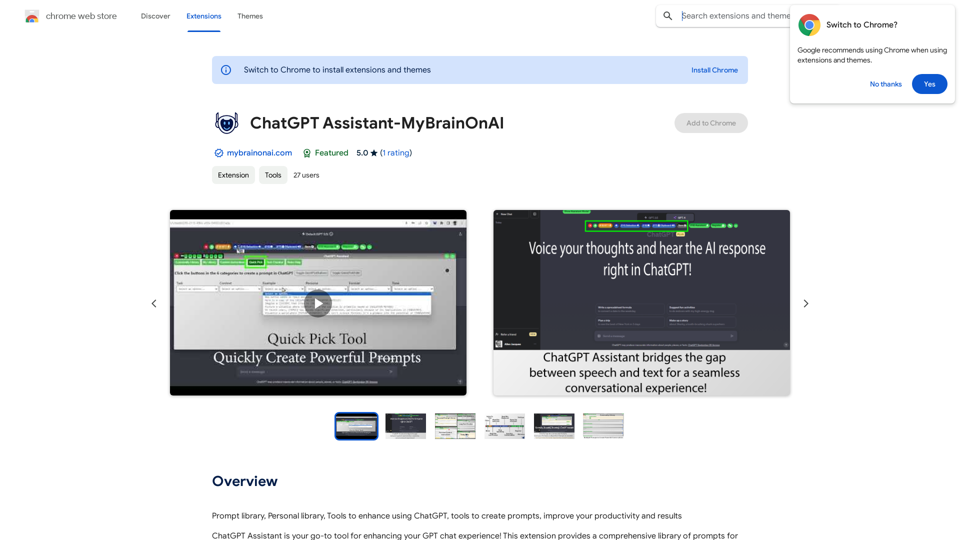
Prompt Library Personal Library Tools to enhance using ChatGPT Tools to create prompts Improve your productivity and results
193.90 M
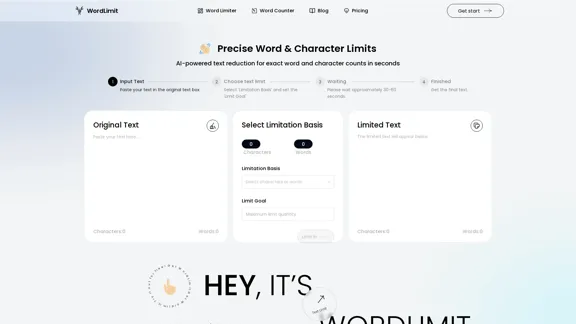
AI Text Shortener | Precise Text Adjuster | WordLimiter
AI Text Shortener | Precise Text Adjuster | WordLimiterWordLimit helps you to shorten your text precisely without losing key information and your unique writing style. Feel free to use it because it will never make your Human-Written content become AI-Written!
834
Bing AI Chatbot Bing AI Chatbot is a conversational AI developed by Microsoft, which uses natural language processing (NLP) technology to understand and respond to user queries.
Bing AI Chatbot Bing AI Chatbot is a conversational AI developed by Microsoft, which uses natural language processing (NLP) technology to understand and respond to user queries.Enhance Chrome with Bing AI Chatbot: Unlock Bing AI chatbot conversation and easily access Bing AI for a better browsing experience.
193.90 M