VideoDL is a free online tool that allows users to convert and download videos from platforms like YouTube, TikTok, Facebook, and Twitter into MP4 or MP3 formats. It is designed for ease of use, providing fast download speeds and multiple video quality options without the need for registration. Trusted by millions, VideoDL prioritizes user privacy and offers a seamless experience across various devices and browsers.
Free Youtube Video Downloader: Youtube to Mp4 Converter
VideoDL is a free, fast, and stable online YouTube video downloader that allows you to convert YouTube videos to MP4 or MP3 with the highest quality.
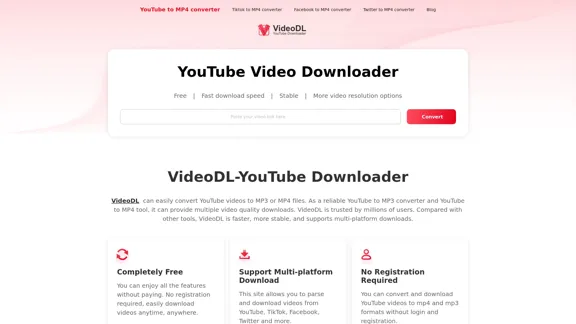
Introduction
Feature
-
Completely Free
Enjoy all features without any payment or registration, allowing for easy video downloads anytime.
-
Multi-platform Download
Supports downloading videos from various platforms including YouTube, TikTok, Facebook, and Twitter.
-
High-speed Download
Offers fast download speeds, reaching up to 1GB/s, ensuring quick access to your desired content.
-
Support Multiple Video Quality
Users can choose from various resolutions such as 320p, 420p, 720p, 1080p, and even 4K for high-quality downloads.
-
100% Safe and Secure
Provides a stable and secure environment for downloading videos, ensuring user privacy is protected.
-
Cross-platform Compatibility
Works smoothly on all major browsers and devices, including desktops, tablets, and smartphones.
-
Easy to Use
The intuitive interface allows users to start downloading without any technical background.
-
No File Size Limit
Users can download videos of any size, depending on their selected resolution and format.
How to Use?
- Open YouTube and find the video you want to download.
- Copy the video URL from the browser's address bar.
- Go to VideoDL and paste the URL into the search box.
- Select the desired "QUALITY" and "FORMAT."
- Click the "Download Now" button to start the conversion.
- Wait for the download to complete and enjoy your video.
FAQ
What is VideoDL YouTube Downloader?
VideoDL is an online tool that converts YouTube videos into various formats like MP4 and MP3 for offline viewing.
Can I download unlimited YouTube videos?
Yes, VideoDL allows unlimited downloads without any restrictions.
Is VideoDL legal to use?
Yes, VideoDL is legal, but users should adhere to copyright laws and use it for personal, non-commercial purposes.
What video formats does VideoDL support?
VideoDL supports formats including MP4, MP3, AVI, FLV, and more.
Do I need to install software to use VideoDL?
No, VideoDL is an online tool that requires no software installation.
Price
- Free: $0/month (No registration required)
- Unlimited downloads and conversions without any fees.
The price is for reference only, please refer to the latest official data for actual information.
Evaluation
VideoDL excels in providing a user-friendly and efficient service for downloading videos. Its key strengths include:
-
Ease of Use: The interface is straightforward, making it accessible for users of all technical levels.
-
Speed and Quality: High-speed downloads and support for various resolutions enhance user experience.
-
Privacy Protection: No registration or personal information is required, ensuring user anonymity.
However, there are areas for improvement:
-
Limited Features: While it covers basic downloading needs, additional features like batch downloads or advanced editing options could enhance functionality.
-
Legal Awareness: Users may benefit from clearer guidance on copyright laws to avoid potential legal issues when downloading content.
Overall, VideoDL is a reliable choice for users seeking a simple and effective way to download videos from multiple platforms.
Latest Traffic Insights
Monthly Visits
0
Bounce Rate
0.00%
Pages Per Visit
0.00
Time on Site(s)
0.00
Global Rank
2479685
Country Rank
-
Recent Visits
Traffic Sources
- Social Media:0.00%
- Paid Referrals:0.00%
- Email:0.00%
- Referrals:0.00%
- Search Engines:0.00%
- Direct:0.00%
Related Websites
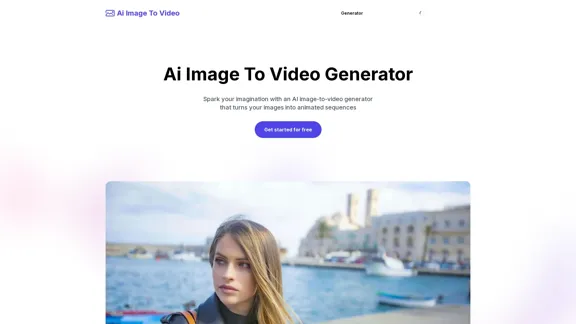
AI Image To Video Generator Online | Make Your Images Come To Life
AI Image To Video Generator Online | Make Your Images Come To LifeFrustrated with lifeless images? AI Image To Video brings them to life! Our AI transforms your images into stunning, moving videos. Upload, relax, and watch your images become engaging, shareable stories in seconds. Captivate your audience with AI-powered video magic!
383

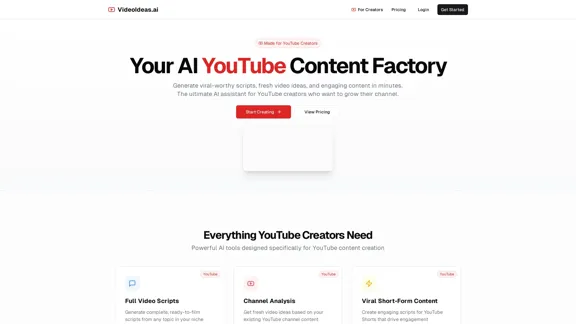
Create and dub videos instantly with AI – fast, easy, scalable.
Create and dub videos instantly with AI – fast, easy, scalable.Transform scripts and videos into content ready to share. Use voice cloning for dubbing, add subtitles, edit with B-roll footage, and personalize videos with templates, avatars, and human-like voices.
411.55 K
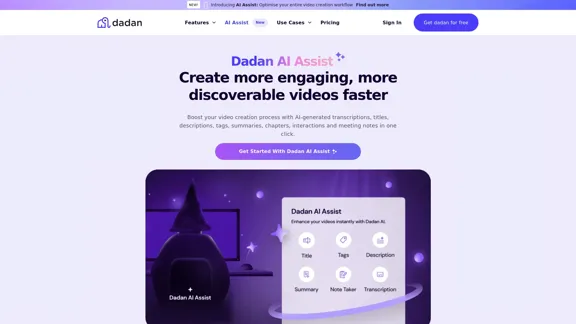
Dadan AI Assist: Create more engaging, more discoverable videos faster
Dadan AI Assist: Create more engaging, more discoverable videos fasterEnhance your video production workflow with our powerful suite of AI video tools.
144.59 K
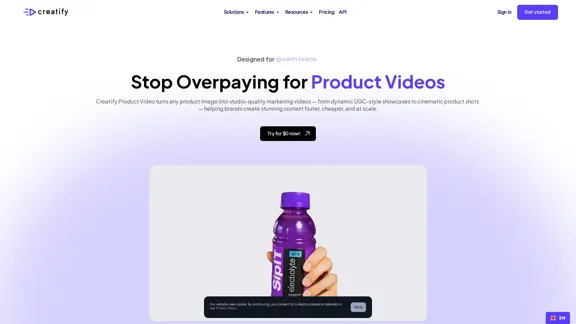
AI Product Video Generator - Convert Product Images into Videos
AI Product Video Generator - Convert Product Images into VideosTurn product images into stunning video ads in seconds. Create B-roll, UGC style, and more with Creatify's product video maker. Start now and scale quickly.
1.06 M
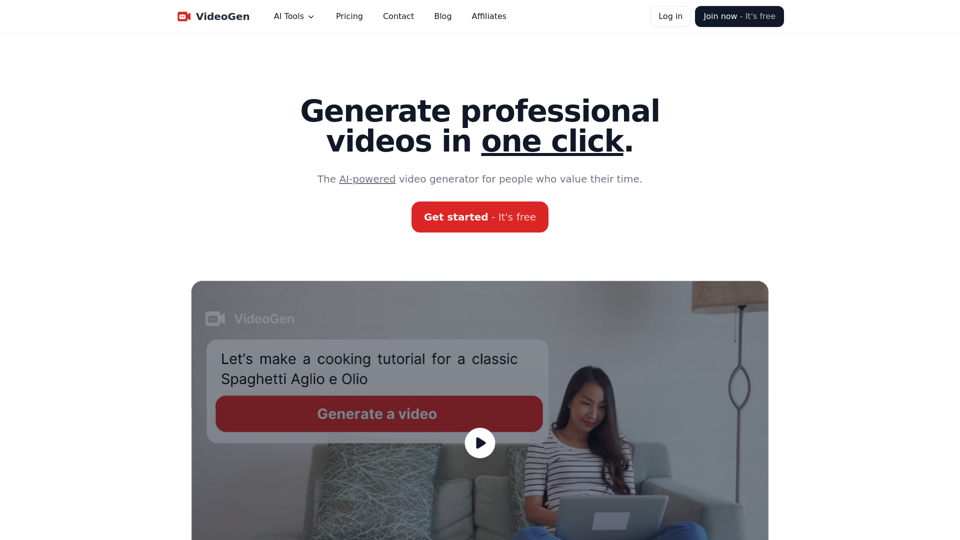
VideoGen - AI Video Generator - Create Videos in Seconds
VideoGen - AI Video Generator - Create Videos in SecondsInstantly generate videos with VideoGen, the fastest video creation experience. Ever. Create and edit videos in one click. Try it now for free.
415.93 K
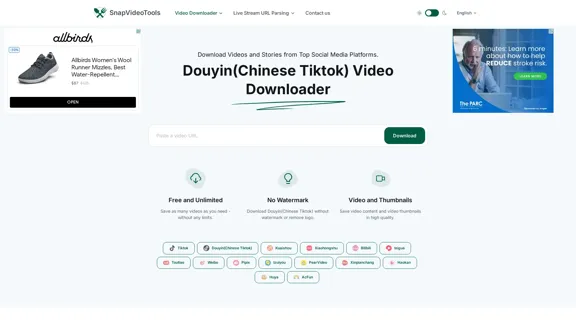
SnapVideoTools is a free online video watermark remover for Douyin, Xiaohongshu, Kuaishou, Bilibili, XiGua, Toutiao, and Weibo. No installation is required.
29.82 K
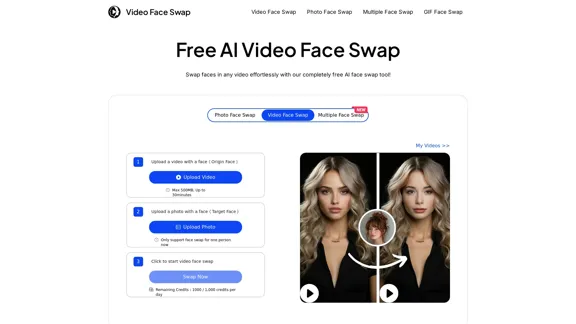
AI Video Face Swap - Free Online Face Swapping Tool
AI Video Face Swap - Free Online Face Swapping ToolSwap faces in videos with AI-powered precision. Our free online video face swap tool offers fast, secure, and high-quality results. No downloads needed!
334.26 K