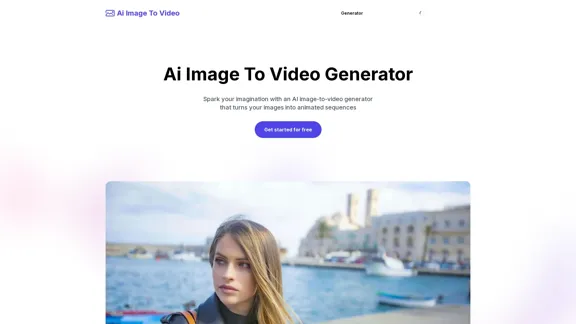
Ai Image To Video Generator is an online tool that transforms static images into animated sequences. It leverages advanced AI algorithms to add dynamic effects to images, making them more vivid and realistic. This tool is suitable for various applications, including social media, marketing, and education.
AI Image To Video Generator Online | Make Your Images Come To Life
Frustrated with lifeless images? AI Image To Video brings them to life! Our AI transforms your images into stunning, moving videos. Upload, relax, and watch your images become engaging, shareable stories in seconds. Captivate your audience with AI-powered video magic!
Introduction
Feature
-
AI Magic Images to Captivating Videos
- The tool can automatically analyze image content and use AI technology to add dynamic effects such as blinking, breathing, and changing expressions.
-
Easy to Use and Convenient to Operate
- Users only need to upload images to automatically generate videos without any video editing experience.
-
Generate Videos Quickly
- Utilizes advanced AI algorithms to generate videos in just a few seconds.
-
Applicable to Various Scenarios
- Can be used in various scenarios, such as social media, marketing, education, etc.
How to Use?
-
Upload the Image
- First, upload the image you wish to animate.
-
Enter a Prompt
- Enter the description or keywords related to the image you want to create.
-
Generate the Video
- Click "Generate" and in seconds, you will get the result.
FAQ
What is Ai Image To Video?
An AI image to video generator uses AI to turn your still images into customizable videos. You can control various aspects of the generated video, such as the style, movement, and overall atmosphere.
How can I access Ai Image To Video?
To access Ai Image To Video, you need to become a member. You can log in or register as a member.
Is there a free trial for Ai Image To Video?
Yes, as long as you register for our platform for free, you can experience the magical effects of our AI image to video, helping you turn pictures into vivid videos.
What can I do with Ai Image To Video?
You can bring your photos to life by creating personalized videos. Control the animation, style, and even the background. It's perfect for social media, presentations, or just for fun.
How to download the AI Video generated by Ai Image To Video?
After generating the AI Video, you can directly download it from our website.
Price
Free plan: $0/month, Basic plan: $9.99/month, Standard plan: $19.99/month, Professional plan: $49.99/month
The price is for reference only, please refer to the latest official data for actual information.
Evaluation
-
Strengths
- The tool is highly user-friendly, requiring no prior video editing experience.
- It generates videos quickly, making it efficient for users with tight schedules.
- The AI-generated effects are impressive, adding a realistic touch to static images.
-
Areas for Improvement
- While the tool is powerful, it may not meet the needs of professional video editors looking for more advanced customization options.
- The quality of the generated videos can vary depending on the complexity of the input image and prompt.
- More detailed tutorials and user guides could help new users maximize the tool's potential.
Overall, Ai Image To Video Generator is a valuable tool for casual users and marketers looking to create engaging video content quickly and easily.
Related Websites
Create automated AI short videos by converting text into a 30-60 second reel. Ideal for building faceless YouTube channels.
2.52 K
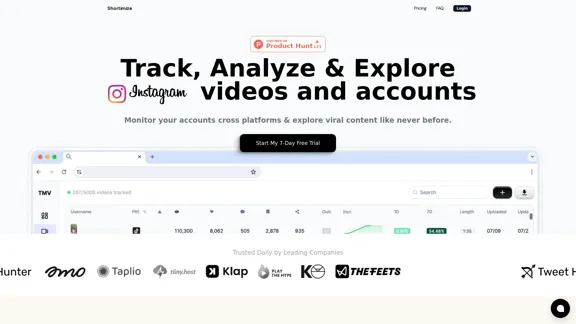
Track, analyze, and explore TikTok, Instagram Reels, and YouTube Shorts videos and accounts in one place. Monitor your accounts across platforms and explore viral content like never before.
61.59 K
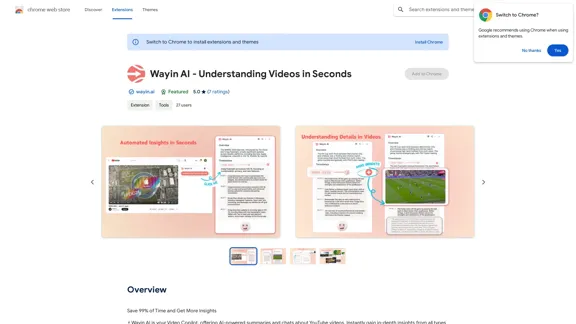
Wayin AI - Understanding Videos in Seconds - Chrome Web Store
Wayin AI - Understanding Videos in Seconds - Chrome Web StoreSave 99% of Time and Get More Insights
193.90 M
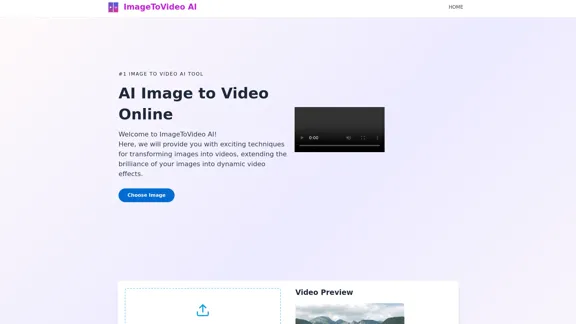
Image to video AI: Convert images to MP4, AI video creator.
Image to video AI: Convert images to MP4, AI video creator.Image to video AI Free: Effortlessly convert images to MP4 videos with our advanced AI video maker. Transform your creativity into captivating visual stories.
371.47 K
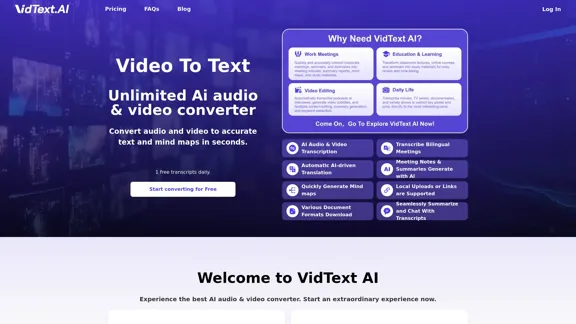
VidText AI - Fast and Accurate Video and Audio to Text. Free Daily AI Transcription.
VidText AI - Fast and Accurate Video and Audio to Text. Free Daily AI Transcription.VidText AI is an AI-driven tool that quickly and accurately transcribes video and audio to text. It supports over 100 languages, generates mind maps, allows for 15 hours of uploads, and boasts over 99% accuracy. It is perfect for meetings, lectures, interviews, and content creators, helping you effortlessly transcribe video and audio into accurate and readable text and mind maps.
2.97 K
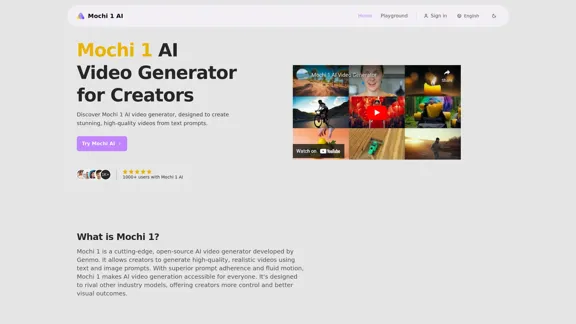
Mochi 1 - AI Video Generator for Stunning Creative Videos
Mochi 1 - AI Video Generator for Stunning Creative VideosMochi 1 makes it easy to turn your ideas into professional videos perfect for creators of all skill levels.
5.14 K
Generate viral-ready videos in seconds! VUBO replaces complex video editing tools and saves you countless hours. Create videos like Would You Rather, Couples Trivia, Quizzes, AI Stories, and more!
12.78 K
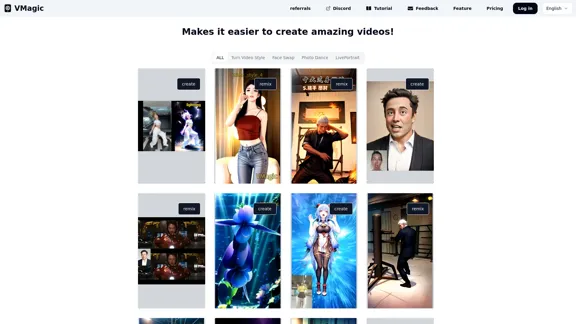
VMagic AI: Convert Videos to Animations & AI Face Swap
VMagic AI: Convert Videos to Animations & AI Face SwapAI video platform featuring video-to-animation conversion, image dance, AI video face swap, face motion, and video enhancer
1.04 K