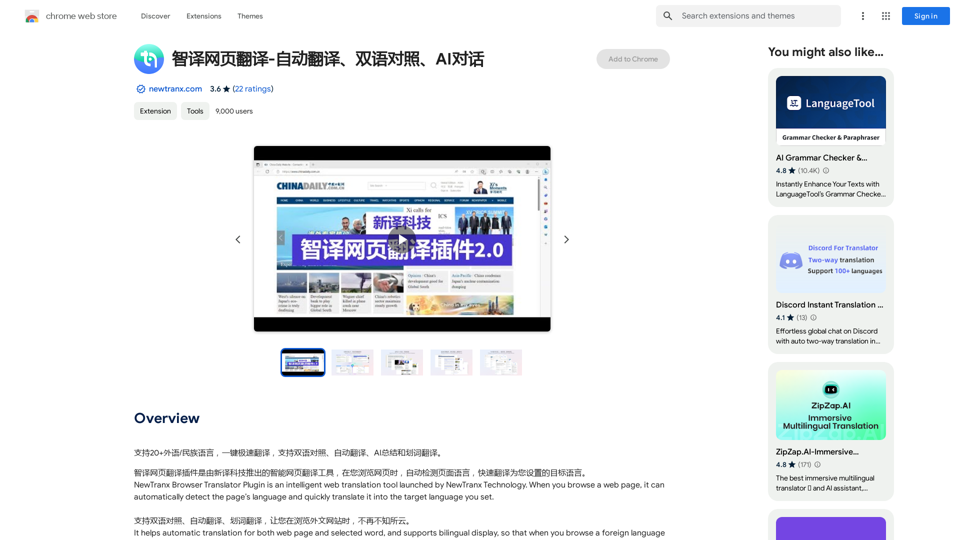
NewTranx Browser Translator Plugin is an intelligent web translation tool that automatically detects and translates web page content. It supports translation between Chinese and over 10 languages, including English, Russian, German, French, Spanish, and Asian languages like Cantonese, Japanese, Korean, Vietnamese, and Arabic. The plugin offers features such as automatic translation, bilingual display, word translation, and an AI assistant for summarizing content and answering questions.
Intelligent Web Translation - Automatic Translation, Bilingual Comparison, AI Dialogue
Supports 20+ foreign languages/national languages, one-key rapid translation, supports bilingual comparison, automatic translation, AI summary, and phrase translation.
Introduction
Feature
Automatic Translation
NewTranx automatically translates web pages, selected words, and sentences into your target language. Users can easily switch between monolingual and bilingual modes for convenient reading.
Bilingual Display
This feature allows users to view both the original and translated texts on the same page, enabling easy comparison and language learning.
Word Translation
Users can select specific words or sentences on a web page for instant translation, providing quick understanding of unfamiliar terms or phrases.
AI Assistant
The built-in AI assistant can summarize the main content of the current page and answer user questions, enhancing the overall browsing and comprehension experience.
Customizable Settings
Users can personalize their experience by adjusting settings such as automatic translation, bilingual display, and word translation options through the plugin's setup page.
Multi-language Support
NewTranx supports translation between Chinese and over 10 languages, including major European, American, and Asian languages.
FAQ
How do I turn on/off the automatic translation?
Go to the setting-up page and click the option of "Automatic Translation for Web Page".
How do I turn on/off the bilingual display?
Go to the setting-up page and click the option of "Bilingual Languages Mode".
How do I turn on/off the word translation?
Go to the setting-up page and click the option of "Start the Word Translation" option.
How do I use the AI assistant?
Go to the menu of "NewTranx Icon" and click "Wake AI Assistant Up".
Is there a cost associated with using NewTranx?
The plugin offers in-app purchases, but specific pricing information is not available in the provided content.
Related Websites
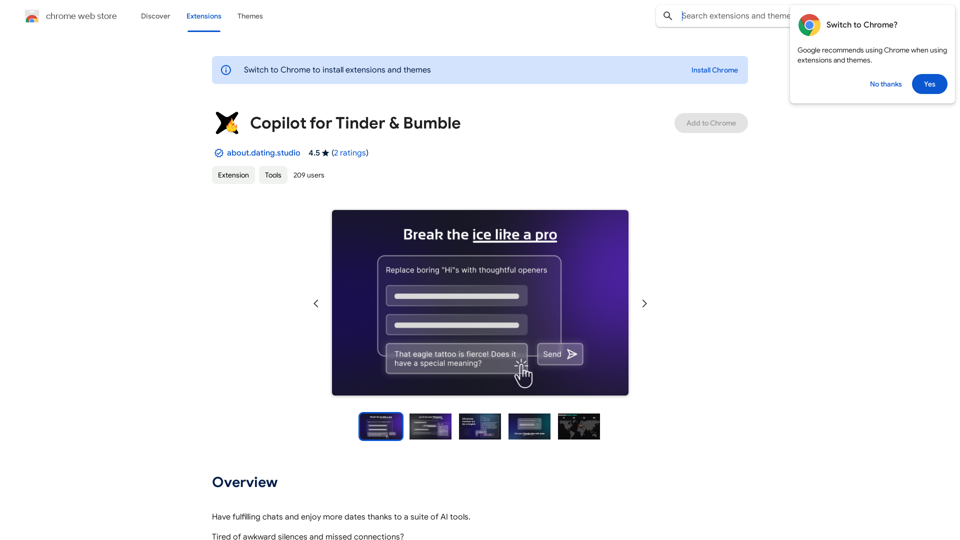
Copilot for Tinder & Bumble Tired of swiping endlessly? Let Copilot handle your dating app game! * Craft irresistible bios: Copilot helps you write witty and engaging bios that highlight your best qualities. * Spark conversations: Struggling to come up with opening lines? Copilot suggests clever and personalized messages to break the ice. * Navigate tricky situations: Copilot offers advice and guidance on handling awkward moments or difficult conversations. * Boost your matches: With Copilot's help, you'll stand out from the crowd and attract more matches. * Save time and energy: Let Copilot do the heavy lifting so you can focus on enjoying the dating experience. Start swiping smarter, not harder. Get Copilot today!
Copilot for Tinder & Bumble Tired of swiping endlessly? Let Copilot handle your dating app game! * Craft irresistible bios: Copilot helps you write witty and engaging bios that highlight your best qualities. * Spark conversations: Struggling to come up with opening lines? Copilot suggests clever and personalized messages to break the ice. * Navigate tricky situations: Copilot offers advice and guidance on handling awkward moments or difficult conversations. * Boost your matches: With Copilot's help, you'll stand out from the crowd and attract more matches. * Save time and energy: Let Copilot do the heavy lifting so you can focus on enjoying the dating experience. Start swiping smarter, not harder. Get Copilot today!Have meaningful conversations and go on more dates with the help of a collection of AI tools.
193.90 M

AiReelGenerator.com | Faceless Videos on Autopilot.
AiReelGenerator.com | Faceless Videos on Autopilot.Discover AiReelGenerator, the newest app that automatically makes videos without faces. Just pick a subject, and our AI will make and upload fresh videos to your YouTube, TikTok, Instagram, or Facebook account every day.
196
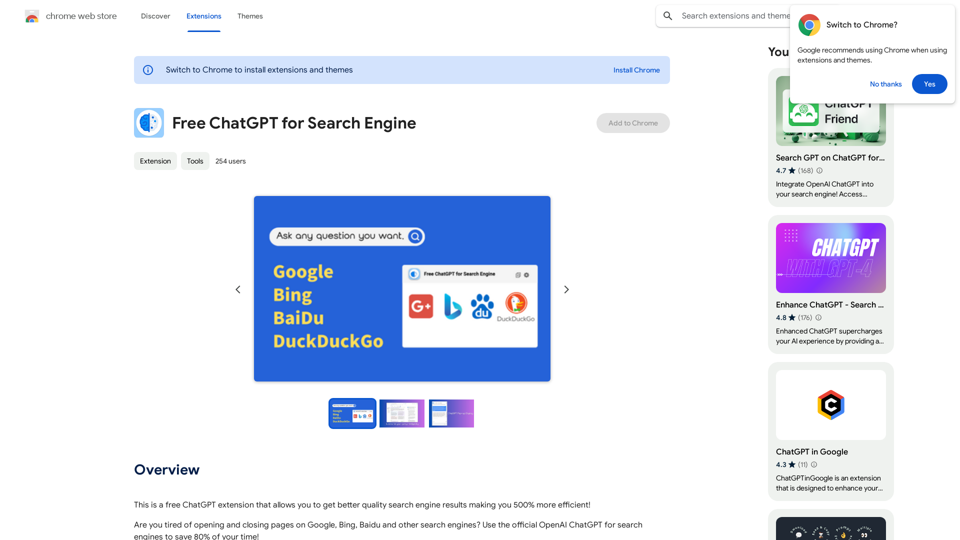
This is a free ChatGPT extension that helps you get better quality search engine results, making you 500% more efficient!
193.90 M
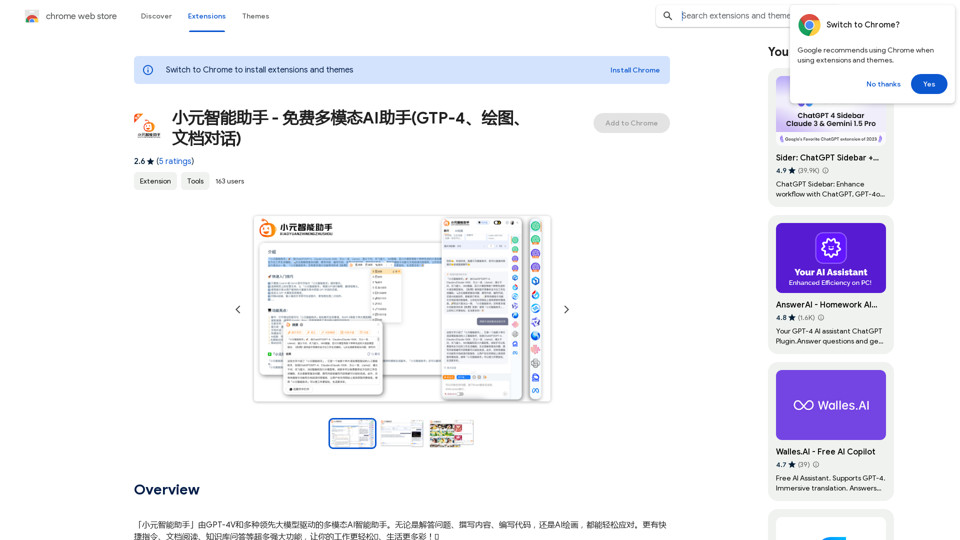
Xiao Yuan Intelligent Assistant - Free Multimodal AI Assistant (GTP-4, Drawing, Document Chat)
Xiao Yuan Intelligent Assistant - Free Multimodal AI Assistant (GTP-4, Drawing, Document Chat)"Xiao Yuan AI Assistant" is a multi-modal AI assistant powered by GPT-4V and several leading large models. Whether it's answering questions, writing content, writing code, or AI painting, it can handle it with ease. It also has many powerful features like quick commands, document reading, and knowledge base Q&A, making your work easier🌈 and life more colorful! 🎉
193.90 M
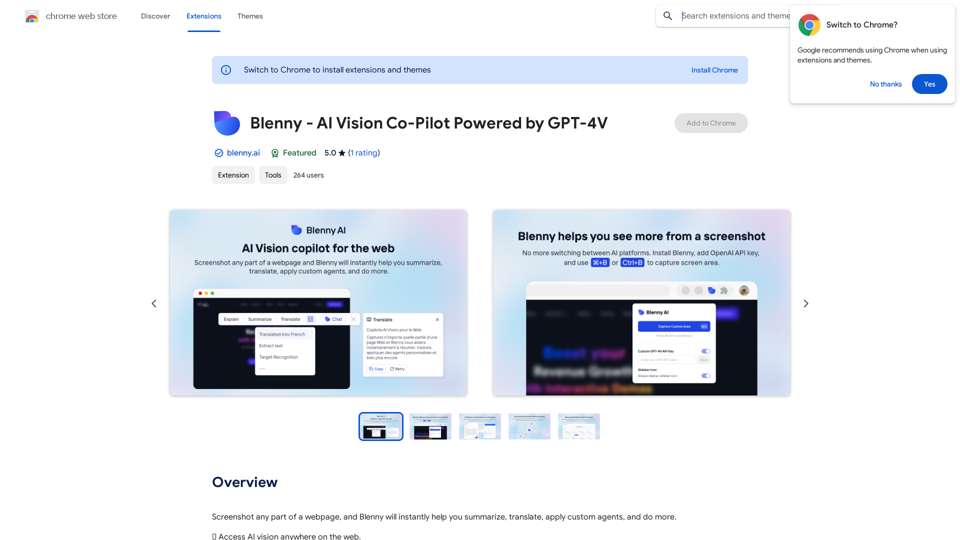
Screenshot any part of a webpage, and Blenny will instantly help you summarize, translate, apply custom agents, and do more.
193.90 M