Open-source RightAI Tools Directory
  • Discover AI
  • Submit
  • Startup
  • Blog
Open-source RightAI Tools Directory
Discover the best AI tools of 2025 with the RightAI Tools Directory!

Friend Links

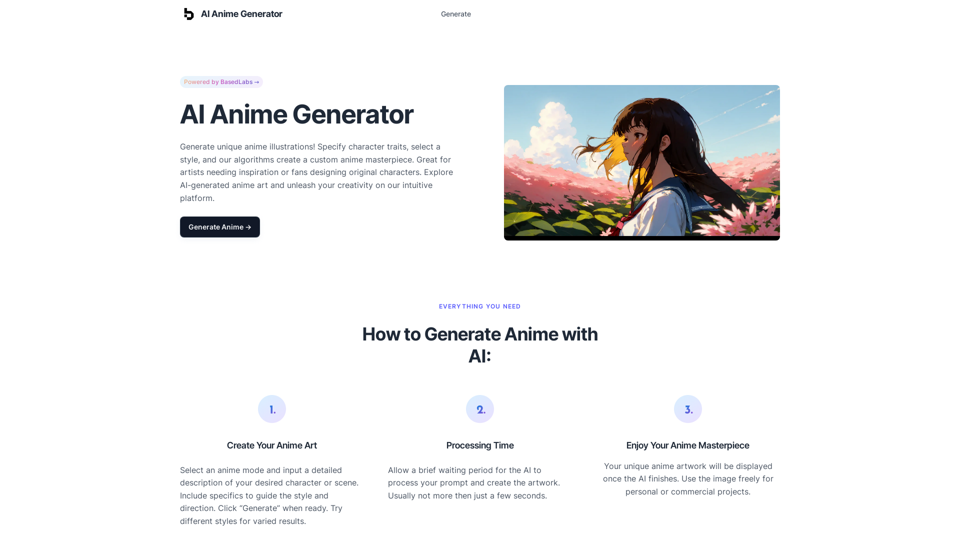
AI Anime GeneratorToolsApp AI

Support

Tap4
Privacy policyTerms & ConditionsContact Us
Loading...
loading...

Copilot for Tinder & Bumble Tired of swiping endlessly? Let Copilot handle your dating app game! * Craft irresistible bios: Copilot helps you write witty and engaging bios that highlight your best qualities. * Spark conversations: Struggling to come up with opening lines? Copilot suggests clever and personalized messages to break the ice. * Navigate tricky situations: Copilot offers advice and guidance on handling awkward moments or difficult conversations. * Boost your matches: With Copilot's help, you'll stand out from the crowd and attract more matches. * Save time and energy: Let Copilot do the heavy lifting so you can focus on enjoying the dating experience. Start swiping smarter, not harder. Get Copilot today!

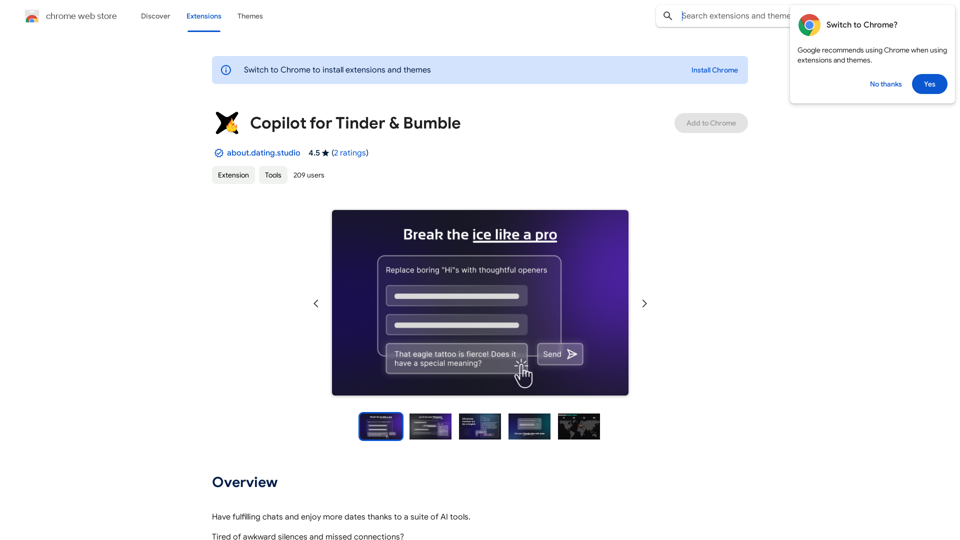
Have meaningful conversations and go on more dates with the help of a collection of AI tools.
Visit Website
Copilot for Tinder & Bumble

Tired of swiping endlessly? Let Copilot handle your dating app game!

* Craft irresistible bios:  Copilot helps you write witty and engaging bios that highlight your best qualities.
* Spark conversations:  Struggling to come up with opening lines? Copilot suggests clever and personalized messages to break the ice.
* Navigate tricky situations:  Copilot offers advice and guidance on handling awkward moments or difficult conversations.
* Boost your matches:  With Copilot's help, you'll stand out from the crowd and attract more matches.
* Save time and energy:  Let Copilot do the heavy lifting so you can focus on enjoying the dating experience. 


Start swiping smarter, not harder. Get Copilot today!
Visit Website

Introduction

Copilot for Tinder & Bumble is an innovative AI-powered platform designed to enhance your online dating experience. It offers a suite of tools to help users have more engaging conversations, generate creative icebreakers, and improve their communication skills. With features like AI-powered suggestions, conversation analysis, and multilingual support, this platform aims to make online dating more enjoyable and successful for its users.

Feature

AI-Powered Suggestions

  • Utilizes models like GPT-3.5, Claude 3 Haiku, and more
  • Premium models (GPT-4o and Gemini 1.5 Pro) available with upgrade
  • Helps overcome writer's block and generates engaging conversation starters

Vision-Based Icebreakers

  • AI analyzes profile pictures and bios
  • Generates creative, personalized icebreakers
  • Helps spark interesting conversations

Conversation Analysis & Improvement

  • Store chats in Dating Studio companion platform
  • Analyze conversations and identify patterns
  • Refine communication skills based on insights

Multilingual Support

  • Translate messages and bios to English
  • Facilitates communication while traveling or connecting with people from different cultures

Privacy Protection

  • Data encryption and secure storage in Germany, Europe
  • Blocks invasive tracking by dating apps
  • Ensures user data safety and security

Usage and Pricing

  • Free usage: Up to 20 times a day with GPT-4o
  • Subscription: Grants additional benefits and extended access
  • Premium plans: Option to be introduced soon

FAQ

How does Copilot for Tinder & Bumble work?

Copilot for Tinder & Bumble uses AI technology to provide personalized suggestions, analyze conversations, and offer multilingual support. It helps users generate engaging content, overcome writer's block, and improve their communication skills on dating platforms.

Is my information used for training data?

No, the platform highly values user privacy, and your data will not be used for any training purposes.

When should I consider a subscription?

If the 20 free GPT-4o conversations per day do not meet your needs and you heavily rely on GPT-4o, subscribing to the affordable products would be beneficial.

What are the key benefits of using Copilot for Tinder & Bumble?

The key benefits include AI-powered suggestions, vision-based icebreakers, conversation analysis, multilingual support, and strong privacy protection. These features help users have more fulfilling chats and potentially enjoy more dates.

Latest Traffic Insights

  • Monthly Visits

    193.90 M

  • Bounce Rate

    56.27%

  • Pages Per Visit

    2.71

  • Time on Site(s)

    115.91

  • Global Rank

    -

  • Country Rank

    -

Recent Visits

Traffic Sources

  • Social Media:
    0.48%
  • Paid Referrals:
    0.55%
  • Email:
    0.15%
  • Referrals:
    12.81%
  • Search Engines:
    16.21%
  • Direct:
    69.81%
More Data

Related Websites

ZapCardz: Flashcard Time Saver on the App Store
View Detail

ZapCardz: Flashcard Time Saver on the App Store

ZapCardz: Flashcard Time Saver on the App Store

Welcome to ZapCardz - the ultimate memory card app that revolutionizes the way you learn! Our innovative application combines the power of…

124.77 M
Eskritor AI Writer: Intelligent AI Content Creator
View Detail

Eskritor AI Writer: Intelligent AI Content Creator

Eskritor AI Writer: Intelligent AI Content Creator

Write 5x faster with Eskritor AI Writer's 20+ content tools. Start creating perfectly tailored content today - from articles to social posts. Try it free!

100.32 K
Deploy GPTsDeploying GPTs
View Detail

Deploy GPTsDeploying GPTs

Deploy GPTsDeploying GPTs

This extension deploys your OpenAI GPTs to places like websites, WhatsApp, Telegram, and more.

193.90 M
Rizz Baby - AI Dating Tools on the App Store
View Detail

Rizz Baby - AI Dating Tools on the App Store

Rizz Baby - AI Dating Tools on the App Store

Want to take your social interactions to the next level? Rizz Baby is your perfect partner! Powered by cutting-edge AI, our app creates customized responses and icebreakers that will help you shine in any social situation.

124.77 M
No-Code AI Chatbot for Your Website | Chatling
View Detail

No-Code AI Chatbot for Your Website | Chatling

No-Code AI Chatbot for Your Website | Chatling

Empower your business with a custom AI website chatbot that helps with customer support, lead generation, knowledge base search, and more. It's free to start!

125.24 K
PPT Summary Genius - ChatGPT for PPT

Turn your boring presentations into engaging masterpieces!

* Summarize lengthy PPTs:  ChatGPT can condense your slides into concise summaries, perfect for quick reviews or sharing key points.
* Generate compelling narratives:  Transform your data and bullet points into captivating stories that resonate with your audience.
* Craft impactful introductions and conclusions:  Start strong and leave a lasting impression with ChatGPT's help.
* Overcome writer's block:  Struggling with slide content? ChatGPT can provide creative ideas and help you overcome creative hurdles.
* Tailor your message:  Adjust the tone and style of your presentation to match your audience and purpose.

Boost your productivity and create presentations that truly shine!
View Detail

PPT Summary Genius - ChatGPT for PPT Turn your boring presentations into engaging masterpieces! * Summarize lengthy PPTs: ChatGPT can condense your slides into concise summaries, perfect for quick reviews or sharing key points. * Generate compelling narratives: Transform your data and bullet points into captivating stories that resonate with your audience. * Craft impactful introductions and conclusions: Start strong and leave a lasting impression with ChatGPT's help. * Overcome writer's block: Struggling with slide content? ChatGPT can provide creative ideas and help you overcome creative hurdles. * Tailor your message: Adjust the tone and style of your presentation to match your audience and purpose. Boost your productivity and create presentations that truly shine!

PPT Summary Genius - ChatGPT for PPT Turn your boring presentations into engaging masterpieces! * Summarize lengthy PPTs: ChatGPT can condense your slides into concise summaries, perfect for quick reviews or sharing key points. * Generate compelling narratives: Transform your data and bullet points into captivating stories that resonate with your audience. * Craft impactful introductions and conclusions: Start strong and leave a lasting impression with ChatGPT's help. * Overcome writer's block: Struggling with slide content? ChatGPT can provide creative ideas and help you overcome creative hurdles. * Tailor your message: Adjust the tone and style of your presentation to match your audience and purpose. Boost your productivity and create presentations that truly shine!

Using ChatGPT, you can chat, ask questions, get instant summaries and answers, and generate outlines for presentations in PPT and PowerPoint format.

193.90 M
Ask Your Bookmarks
View Detail

Ask Your Bookmarks

Ask Your Bookmarks

Simple and Smart Bookmark Manager. Great AI-powered search capability, find the bookmark you want with fuzzy descriptions.

193.90 M
AI Voice Over for YouTube 

This is a guide to using AI voice over for your YouTube videos. 

Why Use AI Voice Over?

* Cost-Effective: AI voice over is much cheaper than hiring a professional voice actor.
* Time-Saving: You can generate voice over quickly and easily, without needing to schedule recording sessions.
* Variety of Voices: Choose from a wide range of AI voices, including male, female, and even robotic voices.
* Accessibility: Make your videos accessible to viewers who are deaf or hard of hearing by adding captions generated by AI.

How to Use AI Voice Over

1. Choose a Platform: There are many different platforms that offer AI voice over services, such as:
    * Google Cloud Text-to-Speech
    * Amazon Polly
    * Microsoft Azure Text to Speech
    * Murf.ai
    * NaturalReader
2. Write Your Script:  Write a clear and concise script for your video.
3. Upload Your Script:  Upload your script to the chosen platform.
4. Select a Voice: Choose the voice that best suits your video.
5. Adjust Settings:  Adjust settings such as speed, pitch, and volume.
6. Generate Voice Over:  Click the "Generate" button to create your voice over.
7. Download and Edit: Download the generated voice over file and edit it as needed.
8. Add to Your Video:  Add the voice over to your YouTube video.

Tips for Using AI Voice Over

* Use Natural Language:  Write your script as if you were speaking naturally.
* Vary Your Tone:  Use different tones of voice to keep your viewers engaged.
* Add Pauses:  Include pauses in your script to allow viewers to process information.
* Proofread Carefully:  Always proofread your script before generating the voice over.
* Experiment:  Try different voices, settings, and styles to find what works best for you.
View Detail

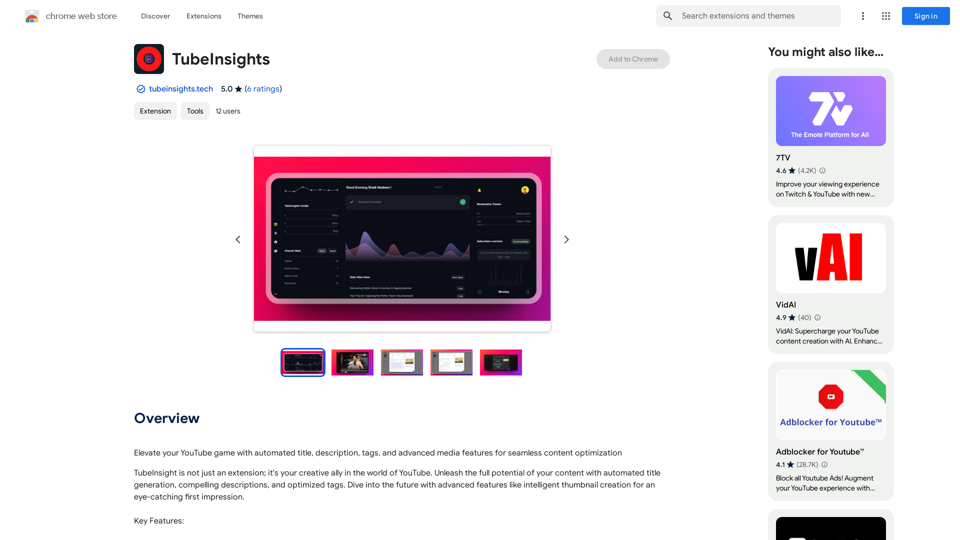
AI Voice Over for YouTube This is a guide to using AI voice over for your YouTube videos. Why Use AI Voice Over? * Cost-Effective: AI voice over is much cheaper than hiring a professional voice actor. * Time-Saving: You can generate voice over quickly and easily, without needing to schedule recording sessions. * Variety of Voices: Choose from a wide range of AI voices, including male, female, and even robotic voices. * Accessibility: Make your videos accessible to viewers who are deaf or hard of hearing by adding captions generated by AI. How to Use AI Voice Over 1. Choose a Platform: There are many different platforms that offer AI voice over services, such as: * Google Cloud Text-to-Speech * Amazon Polly * Microsoft Azure Text to Speech * Murf.ai * NaturalReader 2. Write Your Script: Write a clear and concise script for your video. 3. Upload Your Script: Upload your script to the chosen platform. 4. Select a Voice: Choose the voice that best suits your video. 5. Adjust Settings: Adjust settings such as speed, pitch, and volume. 6. Generate Voice Over: Click the "Generate" button to create your voice over. 7. Download and Edit: Download the generated voice over file and edit it as needed. 8. Add to Your Video: Add the voice over to your YouTube video. Tips for Using AI Voice Over * Use Natural Language: Write your script as if you were speaking naturally. * Vary Your Tone: Use different tones of voice to keep your viewers engaged. * Add Pauses: Include pauses in your script to allow viewers to process information. * Proofread Carefully: Always proofread your script before generating the voice over. * Experiment: Try different voices, settings, and styles to find what works best for you.

AI Voice Over for YouTube This is a guide to using AI voice over for your YouTube videos. Why Use AI Voice Over? * Cost-Effective: AI voice over is much cheaper than hiring a professional voice actor. * Time-Saving: You can generate voice over quickly and easily, without needing to schedule recording sessions. * Variety of Voices: Choose from a wide range of AI voices, including male, female, and even robotic voices. * Accessibility: Make your videos accessible to viewers who are deaf or hard of hearing by adding captions generated by AI. How to Use AI Voice Over 1. Choose a Platform: There are many different platforms that offer AI voice over services, such as: * Google Cloud Text-to-Speech * Amazon Polly * Microsoft Azure Text to Speech * Murf.ai * NaturalReader 2. Write Your Script: Write a clear and concise script for your video. 3. Upload Your Script: Upload your script to the chosen platform. 4. Select a Voice: Choose the voice that best suits your video. 5. Adjust Settings: Adjust settings such as speed, pitch, and volume. 6. Generate Voice Over: Click the "Generate" button to create your voice over. 7. Download and Edit: Download the generated voice over file and edit it as needed. 8. Add to Your Video: Add the voice over to your YouTube video. Tips for Using AI Voice Over * Use Natural Language: Write your script as if you were speaking naturally. * Vary Your Tone: Use different tones of voice to keep your viewers engaged. * Add Pauses: Include pauses in your script to allow viewers to process information. * Proofread Carefully: Always proofread your script before generating the voice over. * Experiment: Try different voices, settings, and styles to find what works best for you.

Watch foreign language YouTube videos in your own language.

193.90 M