微知智能助手 ist eine umfassende KI-gesteuerte Plattform, die eine breite Palette von KI-Technologien für verschiedene Anwendungen bietet. Sie ermöglicht Benutzern den Zugriff auf Tools zur Texterstellung, Bildverständnis und Dokumentenanalyse, steigert die Produktivität und unterstützt vielfältige Aufgaben. Die Plattform ist benutzerfreundlich gestaltet und ermöglicht eine einfache Entdeckung und Nutzung von KI-Tools, während sie auch Entwicklern die Möglichkeit bietet, ihre eigenen KI-Lösungen beizusteuern.
Weisheit intelligenter Assistent
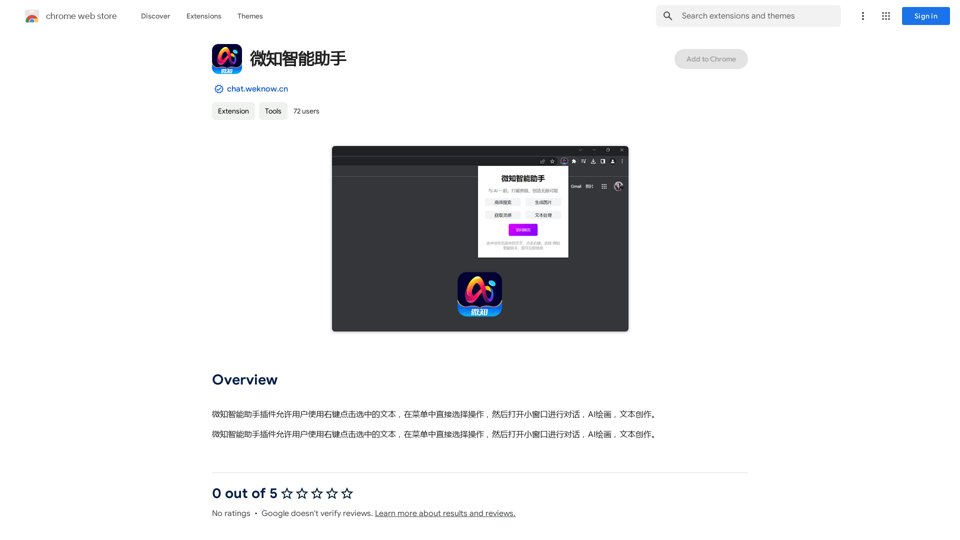
Der Weiknow-Intelligenz-Assistent-Plugin ermöglicht es Benutzern, mit einem Rechtsklick auf ausgewählten Text in einem Menü direkt Aktionen auszuwählen und dann ein kleines Fenster zum Chatten, zum Erstellen von AI-Bildern und zum Verfassen von Texten zu öffnen.
Einführung
Funktion
KI-gestützte Tools
微知智能助手 bietet eine vielfältige Auswahl an KI-gestützten Tools, darunter:
- Texterstellung
- Bildverständnis
- Dokumentenanalyse
Einfache Entdeckung
Benutzer können KI-Tools mühelos finden und darauf zugreifen durch:
- Benutzerfreundliche Oberfläche
- Effiziente Suchfunktion
Kostenlose Tool-Einreichung
Entwickler können zur Plattform beitragen durch:
- Einreichen ihrer eigenen KI-Tools
- Förderung einer Community-getriebenen Ressource
Kostenloses Nutzungs- und Abonnementmodell
- Kostenlose Stufe: Für alle Benutzer mit Einschränkungen verfügbar
- Abonnement: Bietet erweiterten Zugang und zusätzliche Vorteile
Bilderzeugung
- Nutzt Dalle3's Text-zu-Bild-Generierungsfähigkeit
- Ermöglicht Benutzern, Bilder direkt auf der Plattform zu erstellen
Umfangreiche GPT-Modellbibliothek
- Fast 200.000 GPT-Modelle verfügbar
- Deckt ein breites Spektrum von Anwendungen in Arbeit, Studium und Alltag ab
Tägliche kostenlose Nutzungen
Benutzer können ihre Erfahrung maximieren durch:
- Kostenlose tägliche Nutzungen von GPT-4o
- Dokumentenlesefähigkeiten
- Dalle's Bildgenerierungsfunktionen
Datenschutz
- Benutzerinformationen werden nicht für Trainingsdaten verwendet
- Option zum Löschen des Kontos und Entfernen aller zugehörigen Daten
Häufig gestellte Fragen
Was ist 微知智能助手?
微知智能助手 ist eine KI-gesteuerte Plattform, die Zugang zu verschiedenen KI-Technologien für Texterstellung, Bildverständnis und Dokumentenanalyse bietet und Benutzer bei der Verbesserung ihrer Produktivität in verschiedenen Aufgaben unterstützt.
Wie viele GPTs sind auf 微知智能助手 verfügbar?
微知智能助手 bietet fast 200.000 GPT-Modelle, die eine breite Palette von Anwendungen in Arbeit, Studium und Alltag abdecken.
Kann ich mit 微知智能助手 Bilder generieren?
Ja, Benutzer können mithilfe der Plattform Bilder durch Dalle3's Text-zu-Bild-Generierungsfähigkeit erstellen.
Wie kann ich meine Nutzung von 微知智能助手 maximieren?
Benutzer können ihre Erfahrung maximieren, indem sie die täglichen kostenlosen Nutzungen von GPT-4o, Dokumentenlesefähigkeiten und Dalle's Bildgenerierungsfunktionen nutzen, um eine breite Palette von KI-gestützten Tools für verschiedene Aufgaben zu erkunden.
Werden meine Informationen für Trainingsdaten verwendet?
Nein, 微知智能助手 legt großen Wert auf den Datenschutz der Benutzer, und Ihre Daten werden nicht für Trainingszwecke verwendet. Benutzer können ihr Konto jederzeit löschen und alle zugehörigen Daten entfernen.
Wann benötige ich ein 微知智能助手-Abonnement?
Ein Abonnement wird empfohlen, wenn die 20 kostenlosen GPT-4o-Gespräche pro Tag Ihren Bedarf nicht decken und Sie stark auf GPT-4o angewiesen sind. Die Plattform bietet erschwingliche Abonnementoptionen für erweiterten Zugang.
Verwandte Webseiten

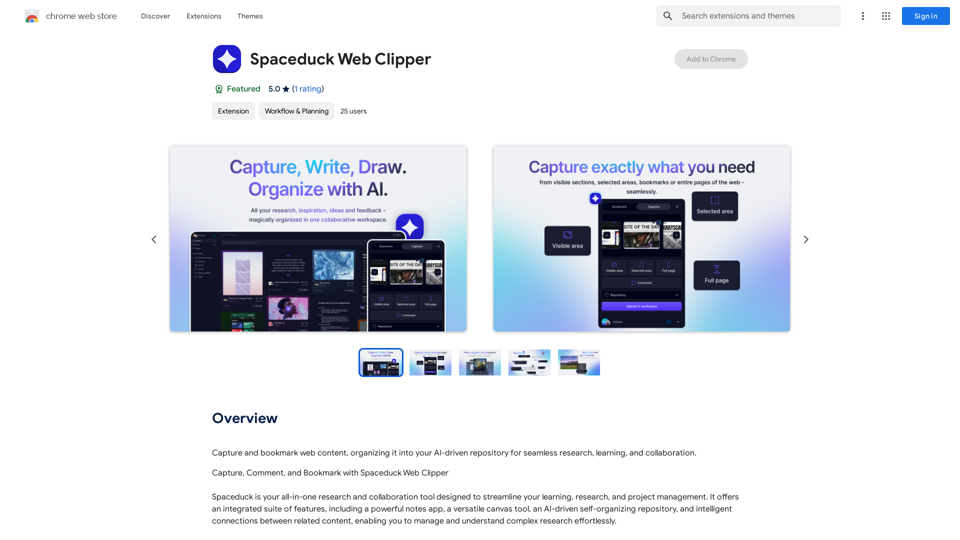
Fangen Sie Webinhalte ein und markieren Sie sie, organisieren Sie sie in Ihrem KI-gesteuerten Repository für nahtloses Recherchieren, Lernen und Zusammenarbeiten.
193.90 M
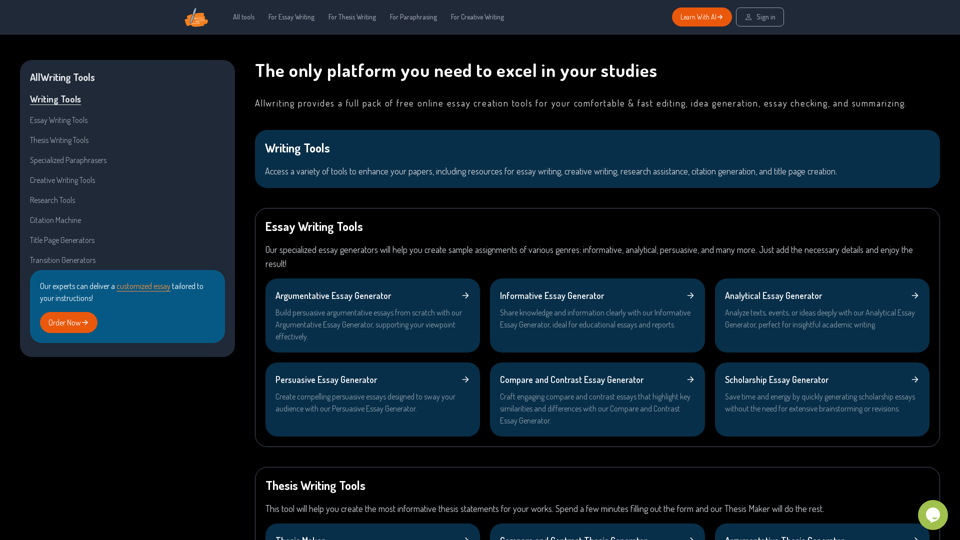
Die Einzige Plattform, die Sie benötigen, um in Ihren Studien hervorzustechen | AllWriting
Die Einzige Plattform, die Sie benötigen, um in Ihren Studien hervorzustechen | AllWritingAllwriting bietet ein vollständiges Paket an kostenlosen Online-Essay-Erstellungstools für Ihre komfortable und schnelle Bearbeitung, Ideengenerierung, Essay-Überprüfung und Zusammenfassung.
638
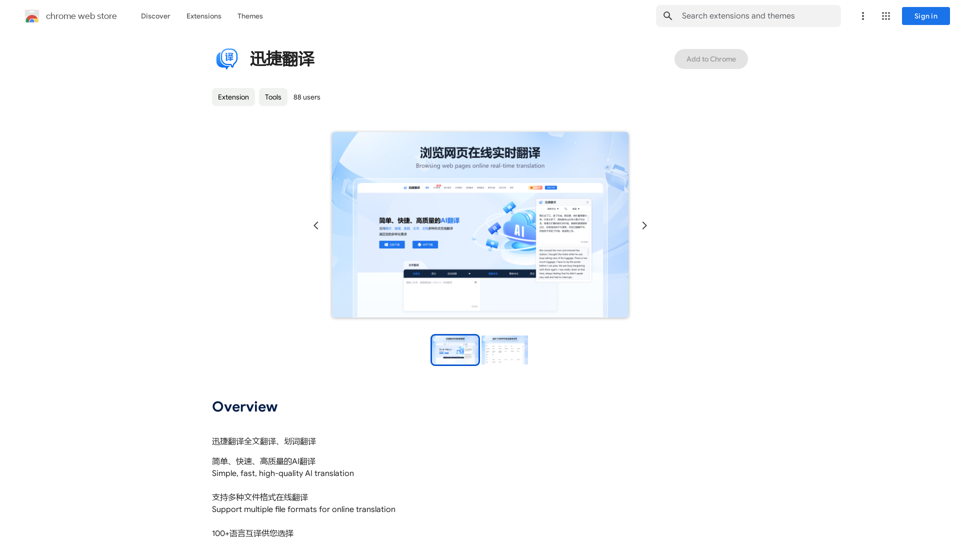
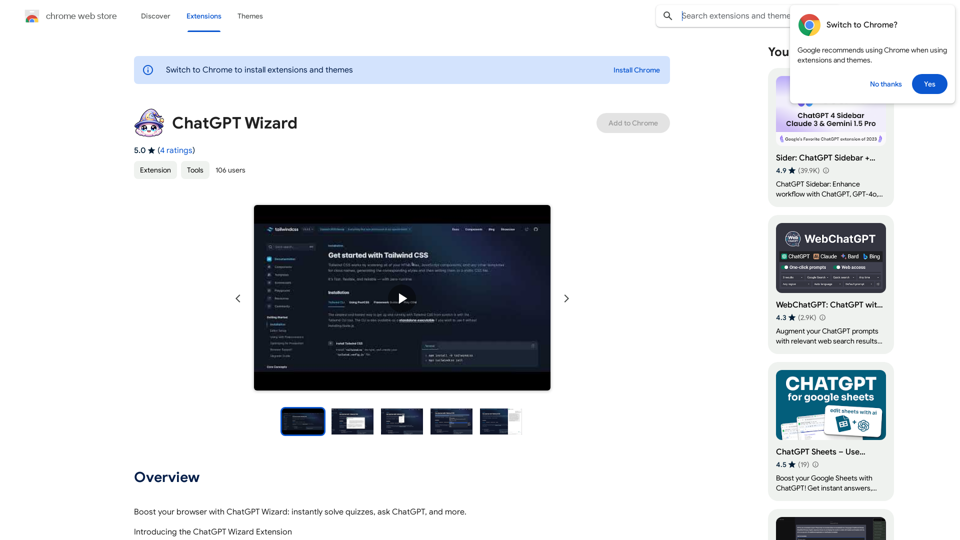
Verbessere deinen Browser mit ChatGPT Wizard: Löse Quizfragen sofort, stelle ChatGPT Fragen und vieles mehr.
193.90 M
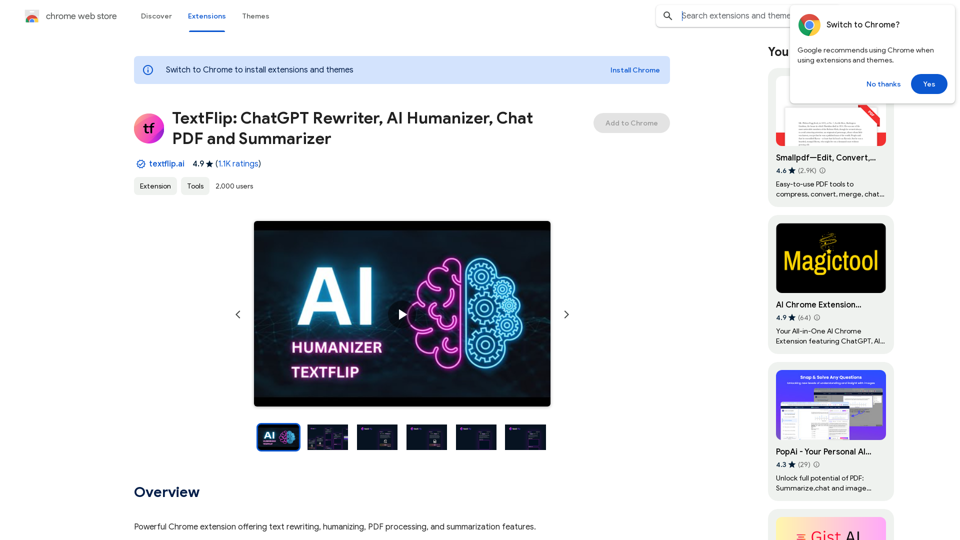
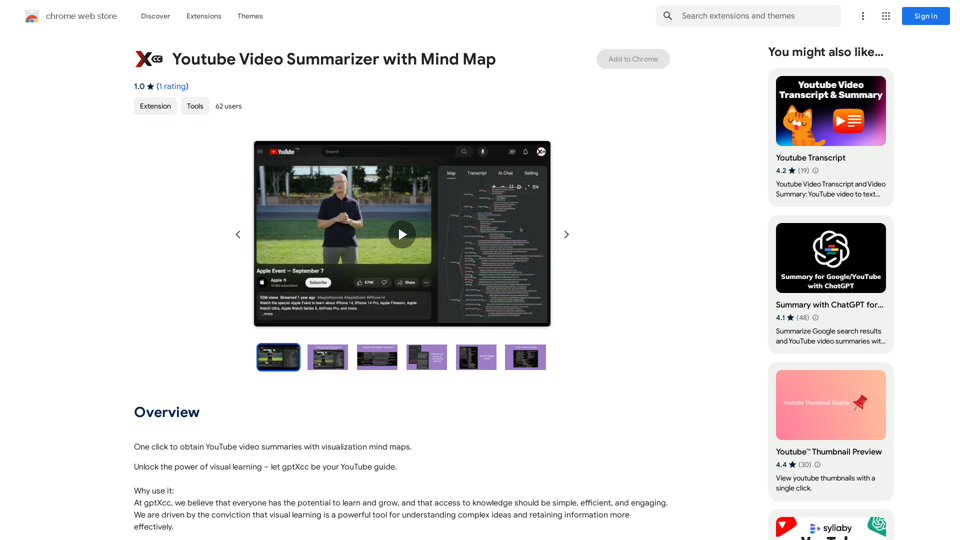
TextFlip: ChatGPT Umformulierer, KI-Humanisierung, Chat-PDF und Zusammenfassungs-Tool
TextFlip: ChatGPT Umformulierer, KI-Humanisierung, Chat-PDF und Zusammenfassungs-ToolLeistungsstarke Chrome-Erweiterung mit Funktionen zum Umformulieren von Texten, zum Vermenschlichen von Inhalten, zur Verarbeitung von PDFs und zur Erstellung von Zusammenfassungen.
193.90 M