AG Smart Assistant is a powerful personal AI work assistant based on advanced models such as GPT-4 Turbo/GPT-4 O. It offers various intelligent features, including GPT internet connectivity, PDF analysis, GPT-4 Vision, SD drawing, and DALL-E 3 image generation, aimed at improving users' work efficiency and creativity.
AG Intelligent Assistant - GPT Chat, Drawing, Vision, Networking
Driven by models such as GPT-4 Turbo and GPT-4 O, this private AI work assistant supports a wide range of functions, including GPT networking, PDF analysis, GPT-4 Vision, SD drawing, and DALL·E 3 drawing, making it your most powerful AI work assistant!

Introduction
Feature
Diverse Chat Models
AG Smart Assistant integrates multiple advanced chat models:
- GPT-4 O
- GPT-3.5 Turbo
- GPT-4 Turbo&Vision
- Gemini pro
- Wenxin Yiyan 4.0
- Xinghua 3.0 model
Users can upload images to interact with these models, enabling multimodal dialogue.
Intelligent Drawing Function
Provides DALL-E 3 and DALL-E 3 (HD) image generation models for quick creation of images in various styles.
GPT Internet Connectivity
All models have internet access capability, able to answer questions based on the latest online information, maintaining knowledge timeliness.
Webpage Reading Assistant
Supports intelligent interaction with screenshots and selected webpage text, such as translation, summarization, and expansion operations.
Multi-language Support
Built-in translation function supports seamless communication in Chinese and English, breaking language barriers.
AI-assisted Writing
Provides a dedicated interface for long article writing, becoming your capable writing assistant.
PDF Intelligent Analysis
Capable of analyzing PDF content, generating summaries, and answering related questions, improving document processing efficiency.
Flexible Usage Methods
- Click the AG extension icon or press Ctrl+Q to activate the sidebar
- Select the desired function (such as GPT proxy, chat model, drawing model, etc.)
- Use the corresponding function according to your needs
FAQ
What is AG Smart Assistant's pricing strategy?
AG Smart Assistant adopts the following pricing strategy:
- Provides 1000 computing power free quota daily for all users
- For the GPT 3.5 Turbo model, equivalent to 20,000 characters usage
- Xinghua 3.0 model and all applications driven by it are completely free
Is AG Smart Assistant completely free?
Although not entirely free, AG Smart Assistant offers a generous free quota:
- 1000 computing power free usage quota daily
- Sufficient to meet the daily needs of ordinary users
- Xinghua 3.0 model and its related applications are completely free
What other features does AG Smart Assistant have?
In addition to the features already introduced, AG Smart Assistant has many practical and interesting functions waiting for you to explore. We welcome users to provide ideas and suggestions to continuously improve and expand product features.
Related Websites
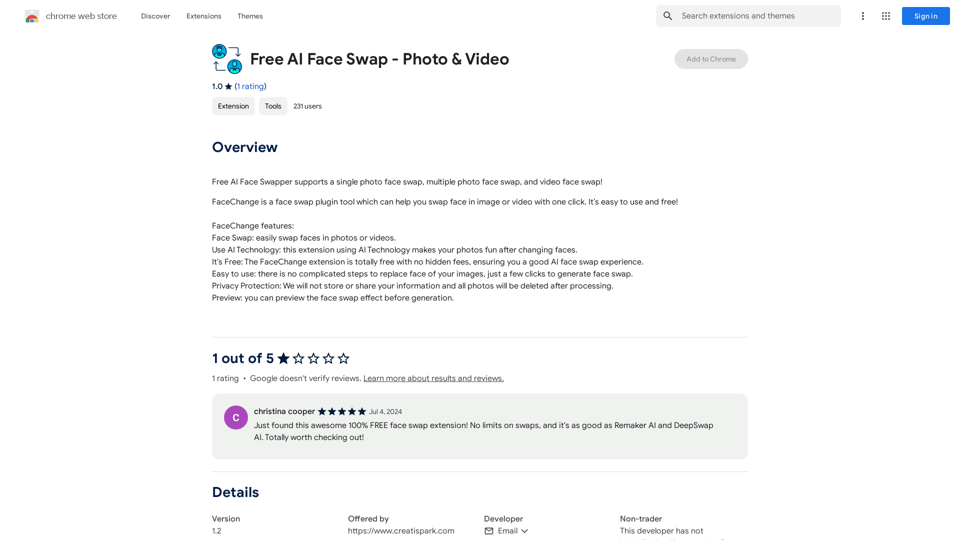
Free AI Face Swapper supports single photo face swaps, multiple photo face swaps, and video face swaps!
193.90 M
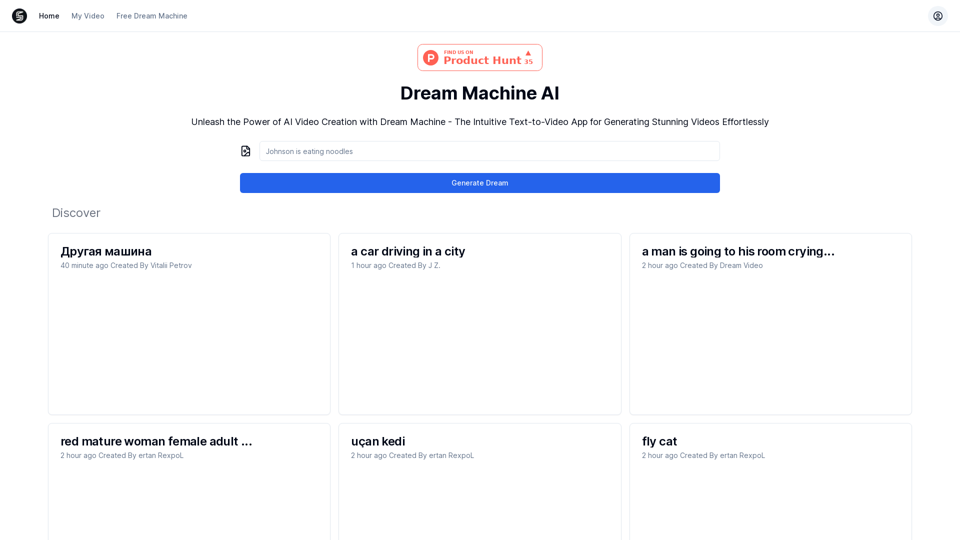
Explore Dream Machine AI for the revolutionary AI video generator. Create unique, high-quality videos instantly from text and images. Free to use. Download and enjoy innovative video content now!
7.28 K
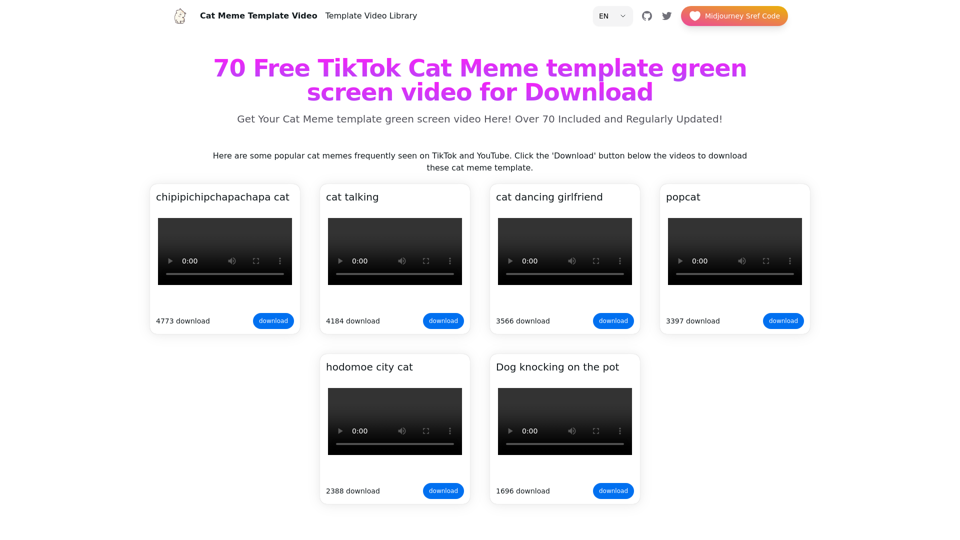
Top 70 TikTok Cat Meme Template Videos for Download
Top 70 TikTok Cat Meme Template Videos for DownloadYou can download the latest and most popular green screen cat meme template video featured on TikTok and YouTube. These materials are free.
11.93 K
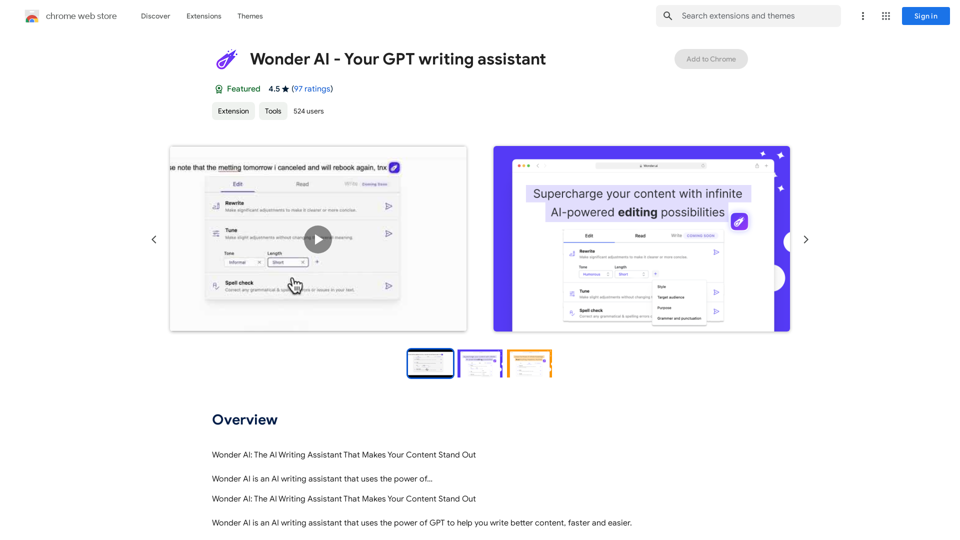
Wonder AI: The AI Writing Assistant That Makes Your Content Stand Out Wonder AI is an AI writing assistant that uses the power of artificial intelligence to help you create high-quality, engaging content that resonates with your audience.
193.90 M
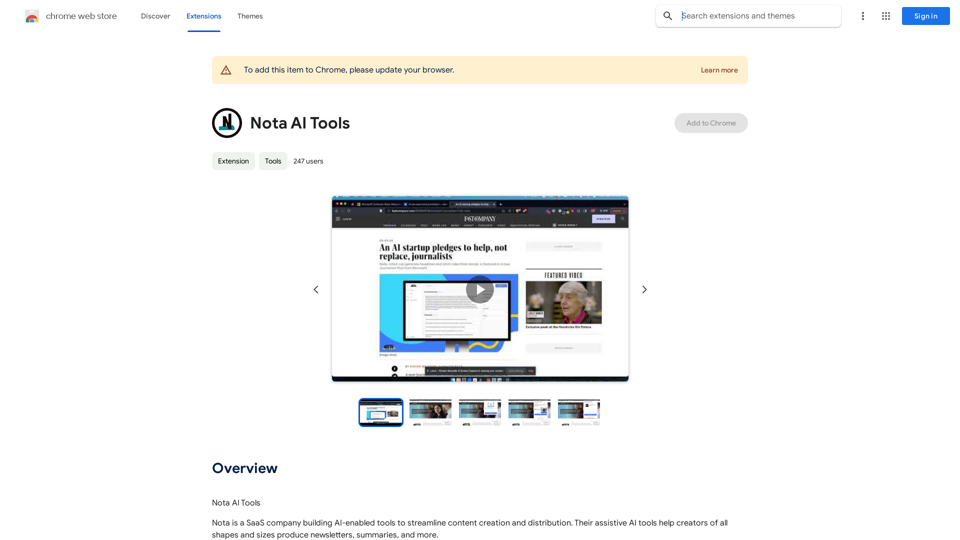
Note AI Tools This is a placeholder for a list of AI tools related to note-taking. Please provide me with the content you'd like me to translate.
Note AI Tools This is a placeholder for a list of AI tools related to note-taking. Please provide me with the content you'd like me to translate.AI Tools
193.90 M
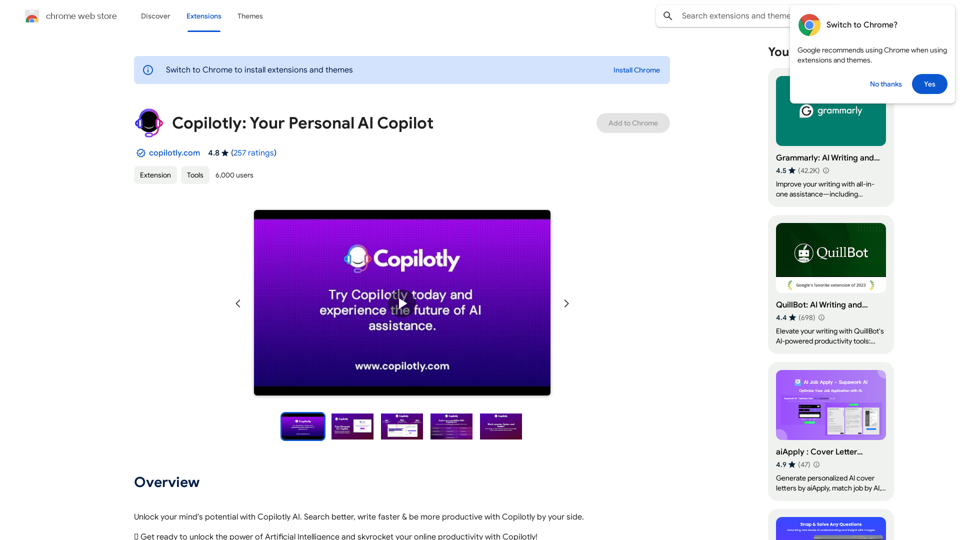
Unlock your mind's potential with Copilotly AI. Search better, write faster & be more productive with Copilotly by your side.
193.90 M