AI Assistant - ChatGPT and Gemini for Chrome is a revolutionary Chrome extension that integrates AI-powered insights directly into your search experience. It transforms how users discover and interact with information on the web, offering compatibility with multiple search engines and providing continuous dialogue flow with AI. This tool is designed to cater to a wide range of users, from researchers and professionals to students and curious web surfers.
AI Assistant - ChatGPT and Gemini for Chrome
Take your online search experience to new heights with this extension.
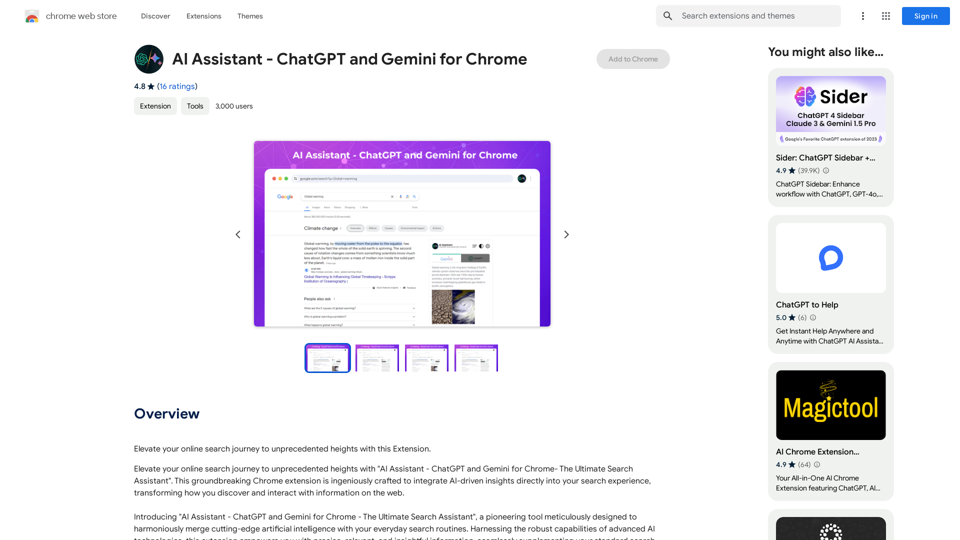
Introduction
Feature
AI-Integrated Search Insights
Leverage the combined strengths of leading AI technologies to enrich your searches with deep, accurate insights that elevate your understanding and discovery process.
Universal Search Engine Compatibility
Support for multiple search engines, delivering AI-enhanced insights regardless of your chosen platform.
Continuous Dialogue Flow
Maintain an uninterrupted conversational thread with AI, enabling seamless exploration of follow-up queries and deeper dives into subjects of interest.
Dark Mode for Comfortable Viewing
Switch to dark mode for a visually soothing search experience, reducing eye strain during prolonged research sessions.
Customizable AI Results Presentation
Adapt the extension to suit your search style with options for automatic or manual AI insight displays.
Daily Free Uses
Leverage daily free uses of GPT-4o document reading and Dalle's image generation to explore a range of AI-powered tools.
Privacy Protection
User data is not used for training purposes, and users can delete their account and all associated data at any time.
Subscription Option
Affordable subscription plans available for users who require more than 20 free GPT-4o conversations per day.
FAQ
Who is AI Assistant - ChatGPT and Gemini for Chrome perfect for?
AI Assistant is ideal for:
- Research and academic enthusiasts
- Professionals seeking in-depth knowledge
- Education advocates
- Tech aficionados
- Inquisitive web surfers
Is my information used for your training data?
No, user data is not used for any training purposes. User privacy is highly valued.
When would I need a subscription?
A subscription is recommended if the 20 free GPT-4o conversations per day do not meet your needs and you heavily rely on GPT-4o.
Can I generate images using AI Assistant - ChatGPT and Gemini for Chrome?
Yes, users can create images using Dalle3's text-to-image generation capability, sharing credits with GPT-4o for a seamless creative experience.
How many GPTs are available on AI Assistant - ChatGPT and Gemini for Chrome?
tap4.ai offers nearly 200,000 GPT models for a wide variety of applications in work, study, and everyday life.
Related Websites
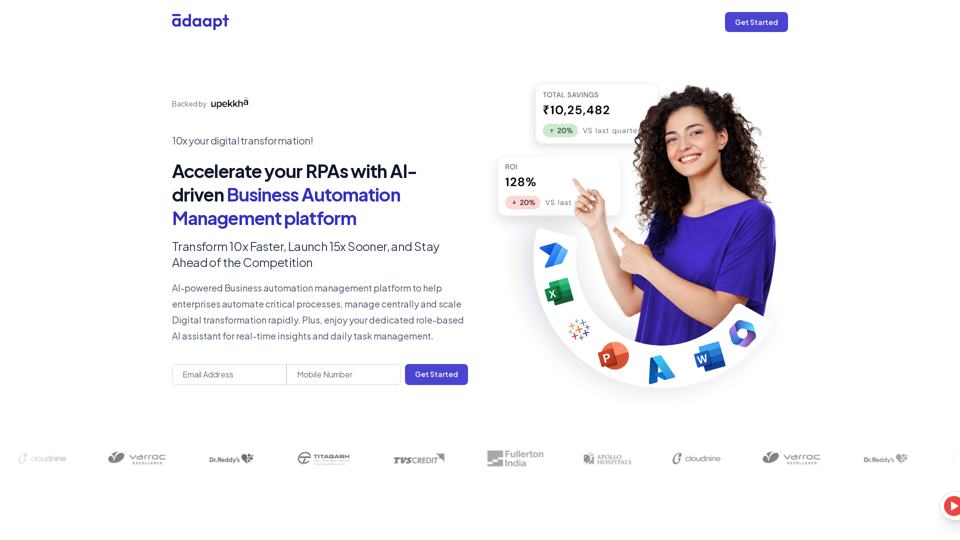
Adaapt.ai - Simplify and Optimize Your Processes with Automation
Adaapt.ai - Simplify and Optimize Your Processes with AutomationUnlock efficiency and elevate your business with Adaapt.ai - Your partner in automation. Streamline processes effortlessly and boost productivity. Discover cutting-edge solutions tailored for your success.
0
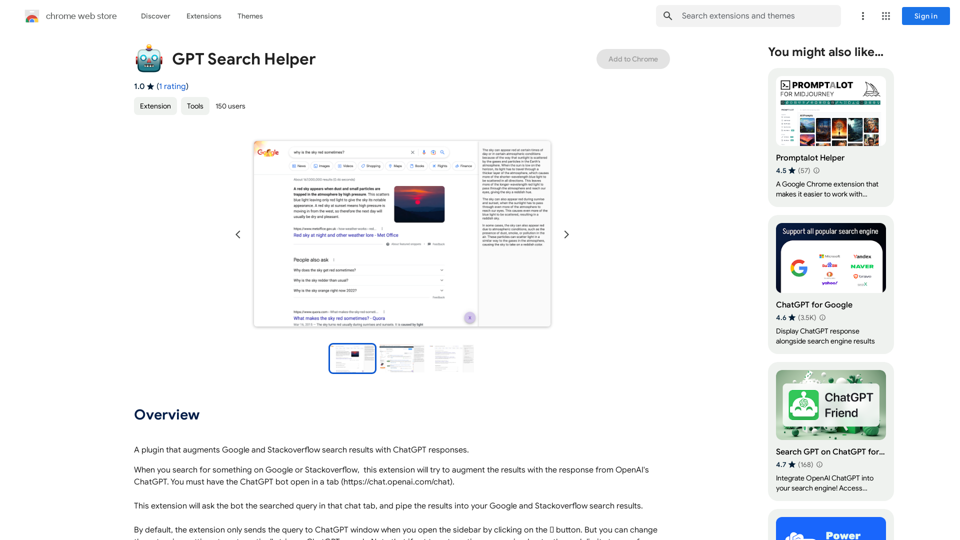
Enhance your browser with new features and tailor your browsing experience to your preferences.
193.90 M
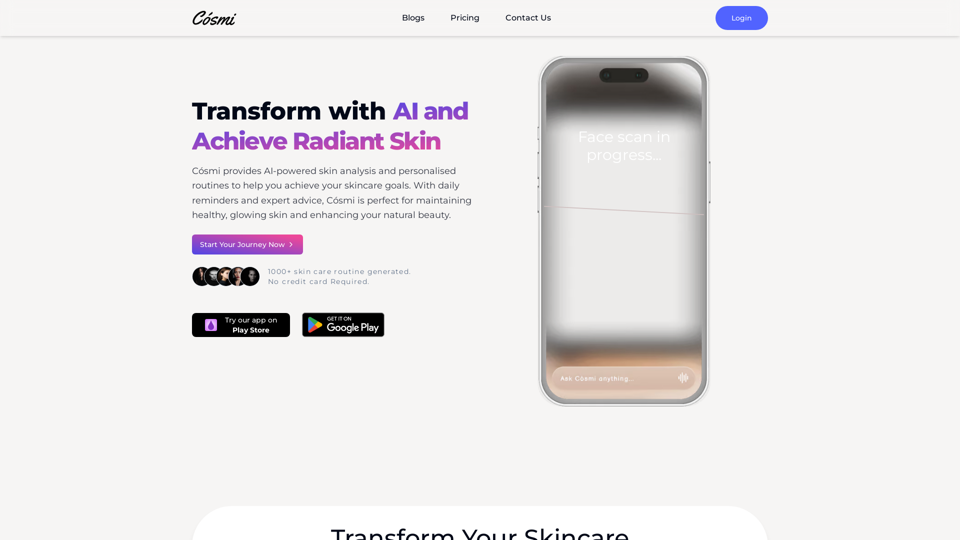
Cosmi | The Best AI Skincare Advisor You will Ever Need
Cosmi | The Best AI Skincare Advisor You will Ever NeedGlow with AI-Powered Skincare Solutions. Cosmi's advanced AI offers tailored, daily reminders and expert product recommendations.
0
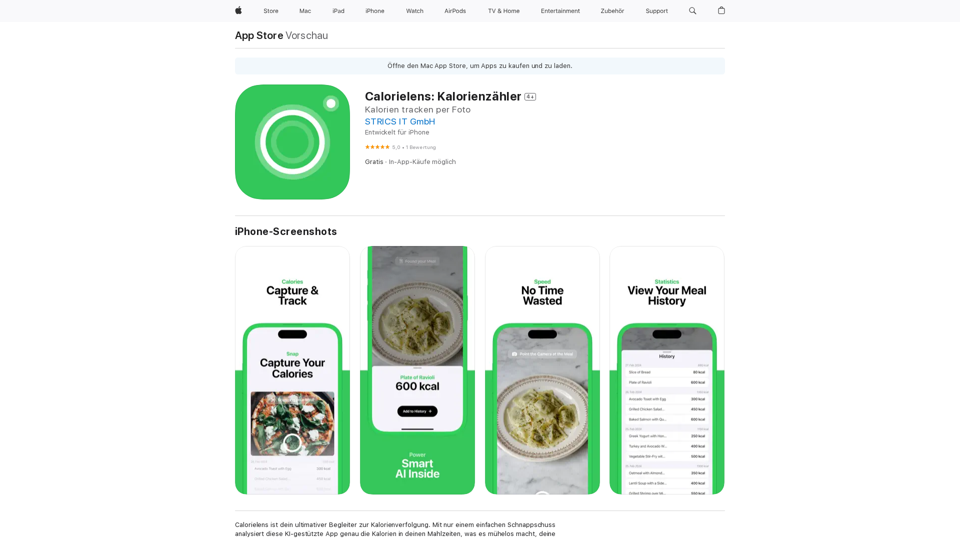
CalorieLens is your ultimate companion for calorie tracking. With just a simple snapshot, this AI-powered app accurately analyzes the calories in…
124.77 M
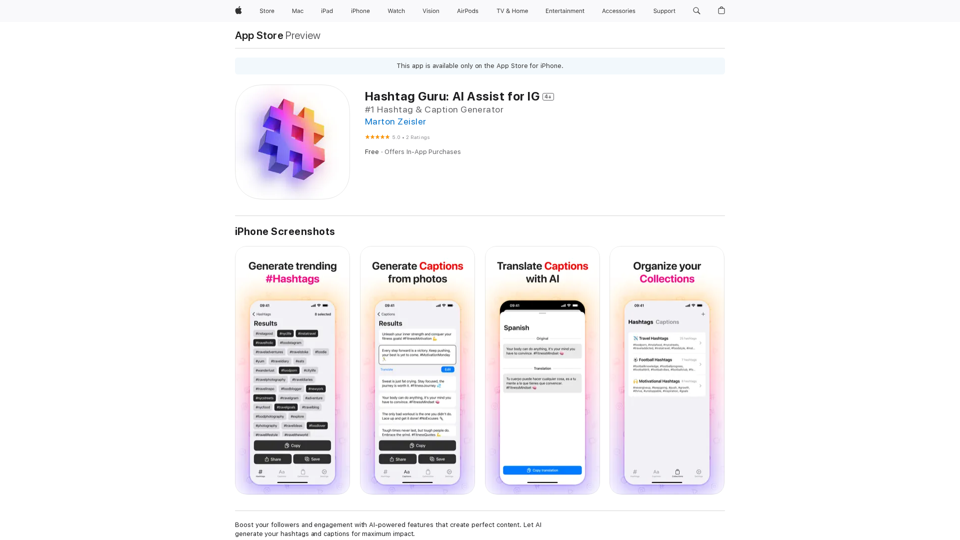
Hashtag Guru: AI Assistant for Instagram on the App Store
Hashtag Guru: AI Assistant for Instagram on the App StoreYour Ultimate AI-Powered Hashtag and Caption Generator! Unlock the secret to social media success with Hashtag Guru, the ultimate AI-driven hashtag generator and caption creator that helps you increase your online visibility, boost engagement, and grow your followers!
124.77 M
ChatShelf - Save ChatGPT to Notion ChatShelf is a tool that lets you save your ChatGPT conversations directly into Notion. It's a simple way to keep track of your AI interactions and use them later. Just copy the link to your ChatGPT conversation and paste it into ChatShelf. It will then extract the conversation and create a Notion page for you.
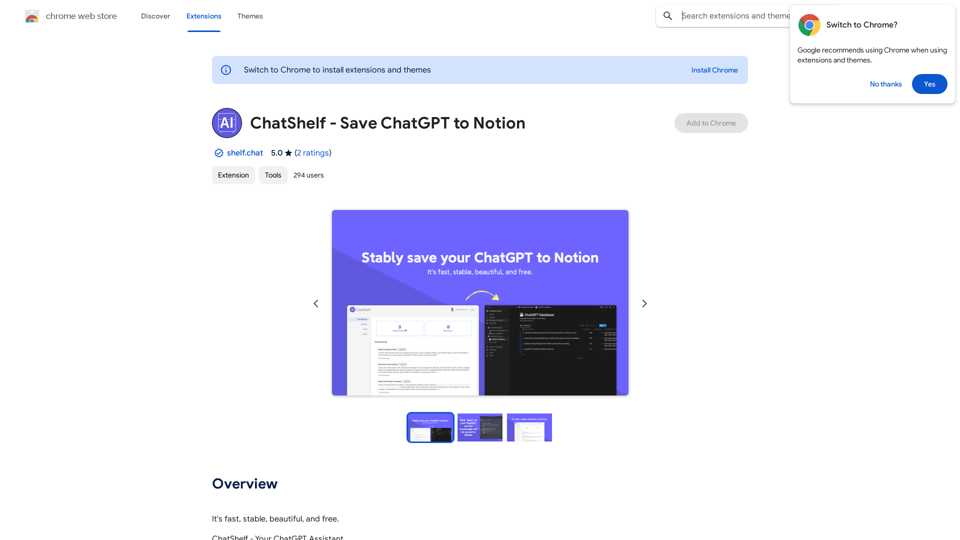
ChatShelf - Save ChatGPT to Notion ChatShelf is a tool that lets you save your ChatGPT conversations directly into Notion. It's a simple way to keep track of your AI interactions and use them later. Just copy the link to your ChatGPT conversation and paste it into ChatShelf. It will then extract the conversation and create a Notion page for you.It's fast, stable, beautiful, and free.
193.90 M