Search Engine AI Chat is a Chrome extension designed to streamline internet searching. It allows users to search multiple websites simultaneously, including search engines and social media platforms, all from a single interface. This tool combines the convenience of a unified search box with AI-powered capabilities to enhance search accuracy and relevance.
Search Engine AI Chat Web Video Image Social
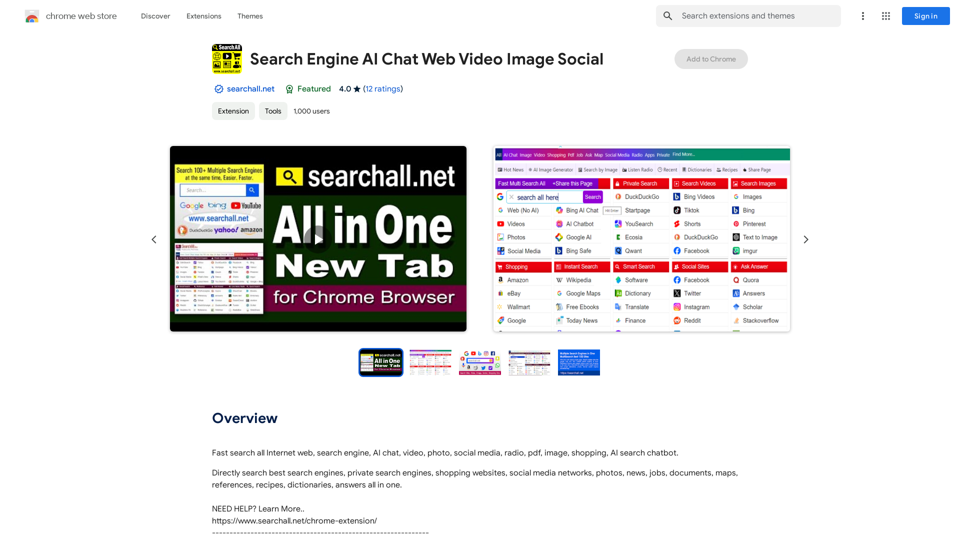
Quickly search the entire Internet, including websites, search engines, AI chatbots, videos, photos, social media, radio, PDFs, images, online shopping platforms, and AI-powered search chatbots.
Introduction
Feature
Multi-search Functionality
Search Engine AI Chat enables users to search across multiple websites instantly, eliminating the need to open multiple tabs or windows. This feature saves time and simplifies the search process.
Unified Search Box
The extension provides a single search box where users can input their queries. Results from various websites are then displayed, offering a comprehensive overview of search results from different sources.
Customizable Search Experience
Users can tailor their search experience by adding or removing search engines and adjusting settings according to their preferences. This customization allows for a more personalized and efficient search process.
AI-powered Search
The extension leverages artificial intelligence to improve search accuracy and relevance. This advanced feature helps users find more pertinent information quickly.
Free to Use
Search Engine AI Chat is available as a free Chrome extension, making it accessible to all users. However, some advanced features may require a subscription or one-time payment.
Secure Searching
The extension prioritizes user security by utilizing HTTPS protocol, ensuring that user data remains protected during searches.
FAQ
How do I start using Search Engine AI Chat?
To begin using Search Engine AI Chat:
- Install the extension from the Chrome Web Store
- Configure your search settings to add or remove search engines
- Start searching by typing in the unified search box
Can I customize the search engines I use?
Yes, the extension allows you to add or remove search engines and adjust settings to suit your specific needs, providing a highly customizable search experience.
Is Search Engine AI Chat free to use?
The basic version of Search Engine AI Chat is free. However, some advanced features may require a subscription or a one-time payment.
How does the AI-powered search feature work?
The AI-powered search feature uses advanced algorithms to analyze your search queries and provide more accurate and relevant results from multiple sources.
Related Websites
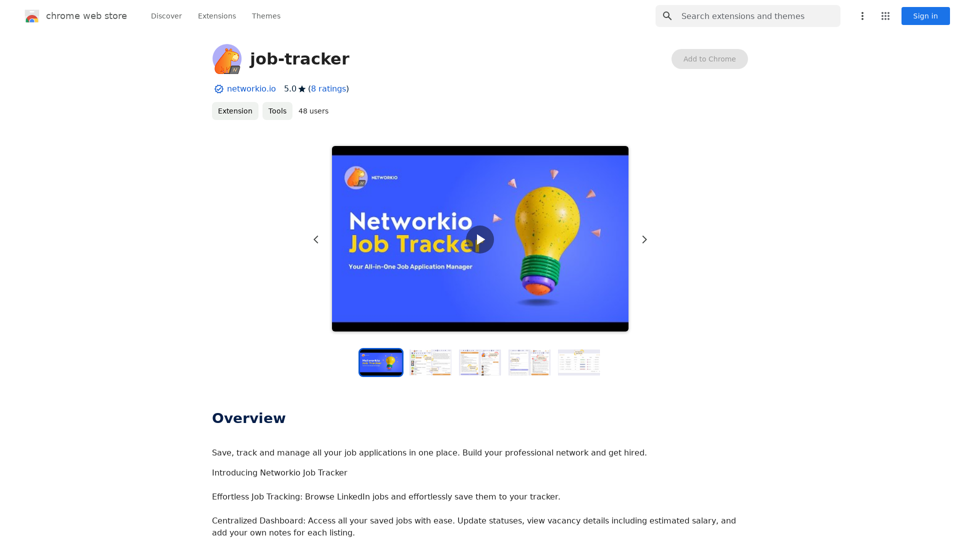
Save, track, and manage all your job applications in one place. Build your professional network and get hired.
193.90 M
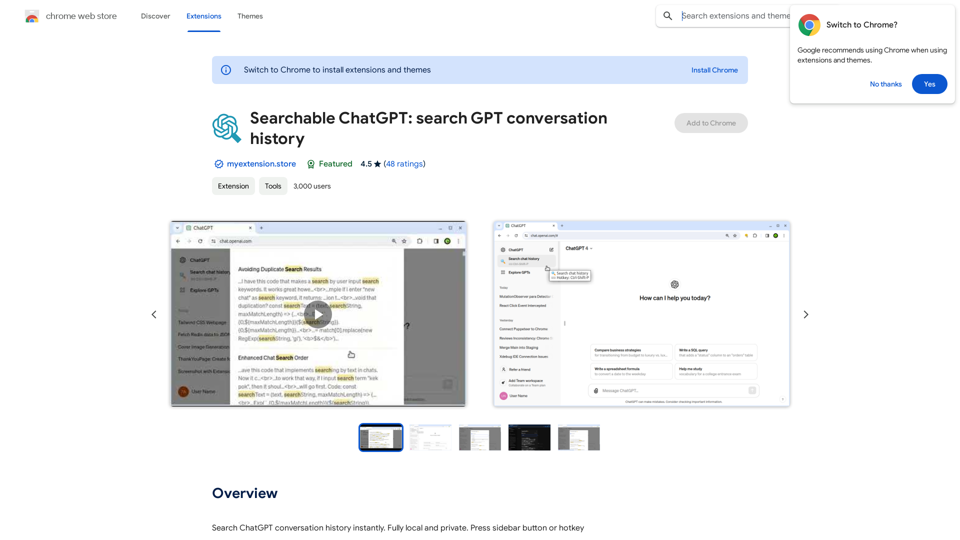
Searchable ChatGPT: Search GPT Conversation History With the rapid development of artificial intelligence technology, ChatGPT has become an essential tool for people to communicate and interact with AI. However, as the conversation history grows, it becomes increasingly difficult to find specific conversations or topics. To address this issue, we propose the concept of Searchable ChatGPT, which enables users to search their GPT conversation history efficiently. Key Features 1. Keyword Search Users can input specific keywords or phrases to search for relevant conversations in their chat history. The system will then display a list of conversations that match the search criteria, allowing users to quickly find the information they need. 2. Contextual Search In addition to keyword search, users can also search for conversations based on context. For example, they can search for conversations related to a specific topic, such as "travel" or "cooking." The system will then display a list of conversations that are relevant to the specified context. 3. Conversation Filtering To further refine the search results, users can apply filters to narrow down the list of conversations. For instance, they can filter conversations by date, time, or even the emotions expressed during the conversation. 4. Conversation Analytics Searchable ChatGPT also provides users with conversation analytics, which offer insights into their conversation patterns and preferences. This feature can help users identify areas for improvement and optimize their communication with ChatGPT. Benefits 1. Improved Productivity Searchable ChatGPT saves users time and effort by allowing them to quickly find specific conversations or topics in their chat history. 2. Enhanced User Experience By providing users with a more efficient way to search and analyze their conversations, Searchable ChatGPT enhances the overall user experience and encourages more effective communication with ChatGPT. 3. Better Decision Making With access to conversation analytics, users can make more informed decisions by identifying patterns and trends in their conversations with ChatGPT. Conclusion Searchable ChatGPT is a powerful tool that revolutionizes the way users interact with ChatGPT. By providing a robust search function, contextual search, conversation filtering, and conversation analytics, Searchable ChatGPT improves productivity, enhances the user experience, and enables better decision making.
Searchable ChatGPT: Search GPT Conversation History With the rapid development of artificial intelligence technology, ChatGPT has become an essential tool for people to communicate and interact with AI. However, as the conversation history grows, it becomes increasingly difficult to find specific conversations or topics. To address this issue, we propose the concept of Searchable ChatGPT, which enables users to search their GPT conversation history efficiently. Key Features 1. Keyword Search Users can input specific keywords or phrases to search for relevant conversations in their chat history. The system will then display a list of conversations that match the search criteria, allowing users to quickly find the information they need. 2. Contextual Search In addition to keyword search, users can also search for conversations based on context. For example, they can search for conversations related to a specific topic, such as "travel" or "cooking." The system will then display a list of conversations that are relevant to the specified context. 3. Conversation Filtering To further refine the search results, users can apply filters to narrow down the list of conversations. For instance, they can filter conversations by date, time, or even the emotions expressed during the conversation. 4. Conversation Analytics Searchable ChatGPT also provides users with conversation analytics, which offer insights into their conversation patterns and preferences. This feature can help users identify areas for improvement and optimize their communication with ChatGPT. Benefits 1. Improved Productivity Searchable ChatGPT saves users time and effort by allowing them to quickly find specific conversations or topics in their chat history. 2. Enhanced User Experience By providing users with a more efficient way to search and analyze their conversations, Searchable ChatGPT enhances the overall user experience and encourages more effective communication with ChatGPT. 3. Better Decision Making With access to conversation analytics, users can make more informed decisions by identifying patterns and trends in their conversations with ChatGPT. Conclusion Searchable ChatGPT is a powerful tool that revolutionizes the way users interact with ChatGPT. By providing a robust search function, contextual search, conversation filtering, and conversation analytics, Searchable ChatGPT improves productivity, enhances the user experience, and enables better decision making.Search ChatGPT conversation history instantly. Fully local and private. Press sidebar button or hotkey
193.90 M
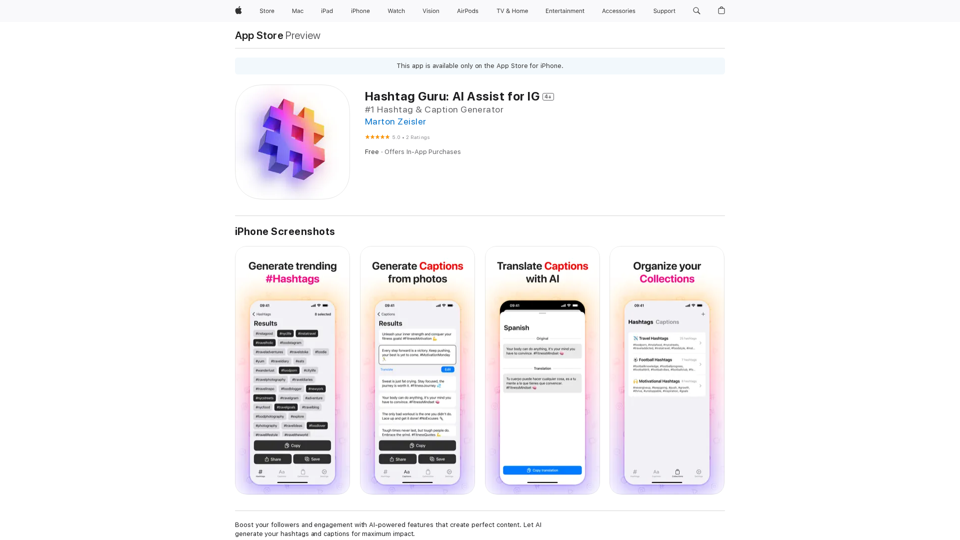
Hashtag Guru: AI Assistant for Instagram on the App Store
Hashtag Guru: AI Assistant for Instagram on the App StoreYour Ultimate AI-Powered Hashtag and Caption Generator! Unlock the secret to social media success with Hashtag Guru, the ultimate AI-driven hashtag generator and caption creator that helps you increase your online visibility, boost engagement, and grow your followers!
124.77 M
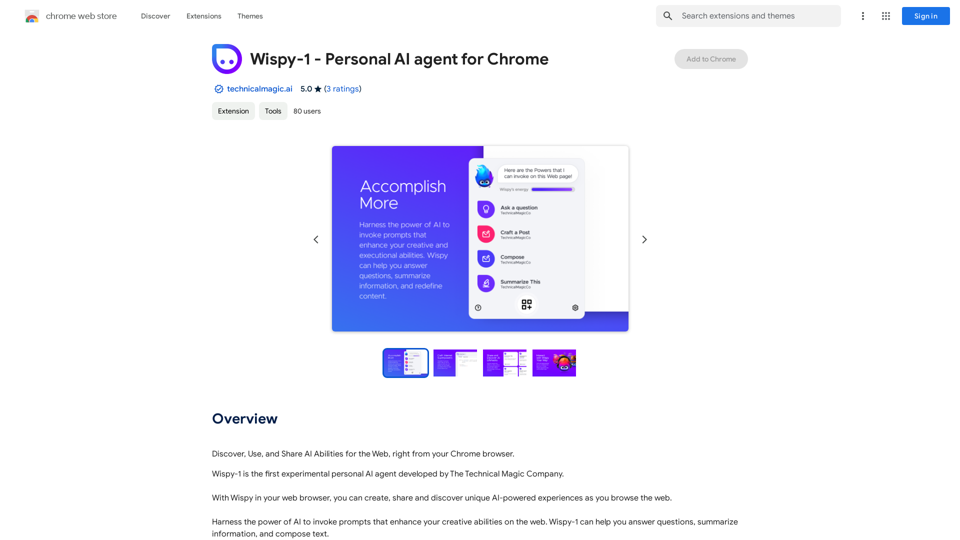
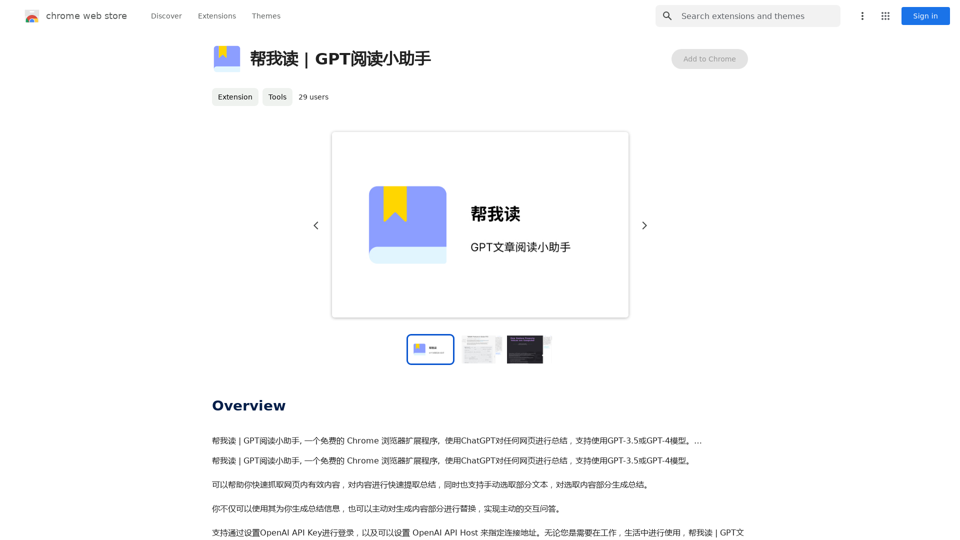
Help me read | GPT Reading Assistant, a free Chrome browser extension, summarizes any webpage using ChatGPT, supporting the use of GPT-3.5 or GPT-4 models. ...
193.90 M
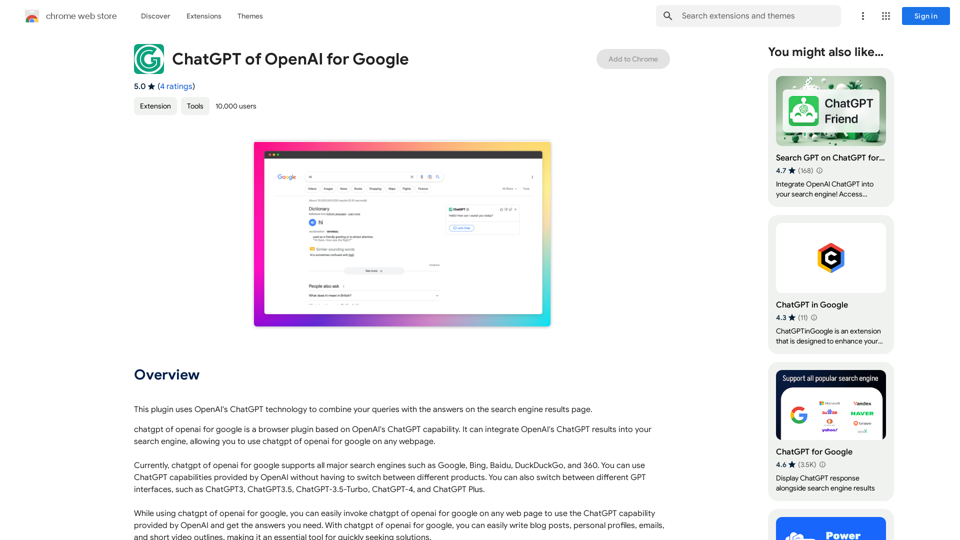
This plugin uses OpenAI's ChatGPT technology to combine your questions with the answers found on the search engine results page.
193.90 M