ChatGPT Chart Previewer Chart Maker is an extension that enables users to create various types of charts and graphs using ChatGPT. This tool simplifies the process of data visualization, allowing users to generate beautiful, high-quality graphics for a wide range of applications. Whether you need to visualize economic data, population statistics, or custom datasets, this extension offers a user-friendly solution for creating compelling visual representations.
ChatGPT Chart Previewer Chart Maker
ChatGPT Chart Previewer Chart Maker
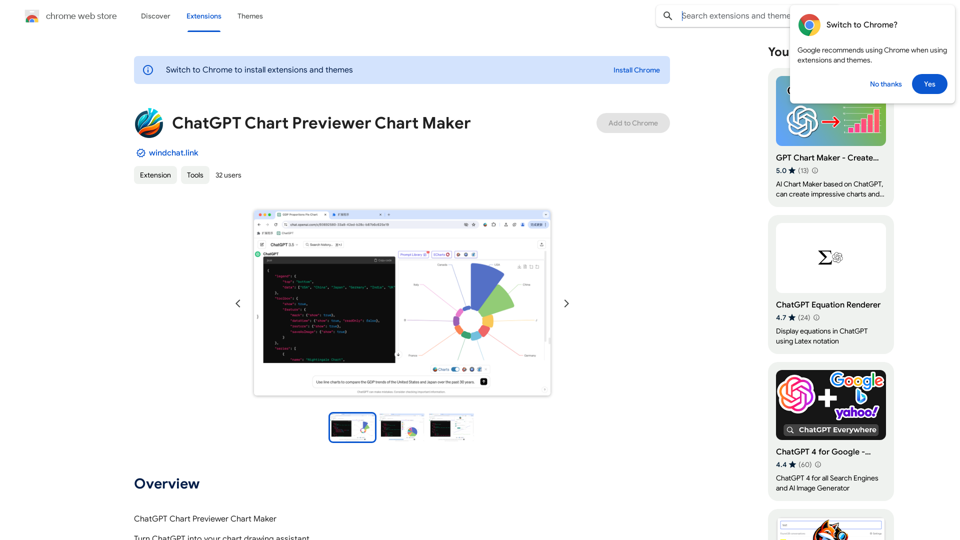
Introduction
Feature
Create Diverse Chart Types
ChatGPT Chart Previewer Chart Maker supports over 100 types of graphics, including line charts, bar charts, pie charts, and more. This versatility ensures that users can find the perfect visualization for any dataset or application scenario.
Data-Driven Visualization
Users can input their own data and specify requirements to ChatGPT, which then generates instant, visually appealing graphics. This feature allows for quick and easy creation of custom charts based on user-provided information.
Web-Based Data Retrieval
Leveraging ChatGPT's web browsing capability, users can simply state their request to obtain the latest visualized data results. This feature is particularly useful for accessing and visualizing up-to-date information from online sources.
High-Quality Output
The extension allows users to download graphics as high-definition images, making them suitable for use in presentations, documents, web pages, and various other applications.
Customization Options
Users can experiment with different chart types and customize the appearance of their visualizations to best suit their needs and preferences.
FAQ
What types of charts can I create with this extension?
The extension supports a wide variety of chart types, including line charts, bar charts, pie charts, and many more. It covers over 100 types of graphics to suit different visualization needs.
Can I use my own data with ChatGPT Chart Previewer Chart Maker?
Yes, you can input your own data and specify your requirements to ChatGPT, which will then generate visualizations based on your custom dataset.
Is it possible to access and visualize the latest data from online sources?
Absolutely. The extension utilizes ChatGPT's web browsing capability, allowing you to request and visualize the most recent data available online.
How can I use the charts created with this extension?
You can download the generated graphics as high-definition images and use them in various applications such as PowerPoint presentations, documents, websites, and more.
Is there a cost associated with using ChatGPT Chart Previewer Chart Maker?
The pricing information for this extension is not specified in the provided content.
Related Websites
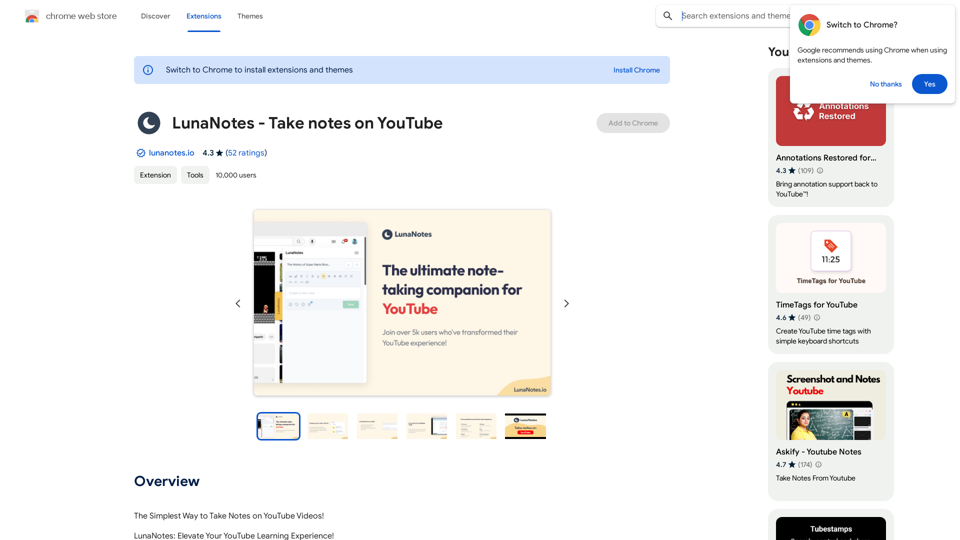
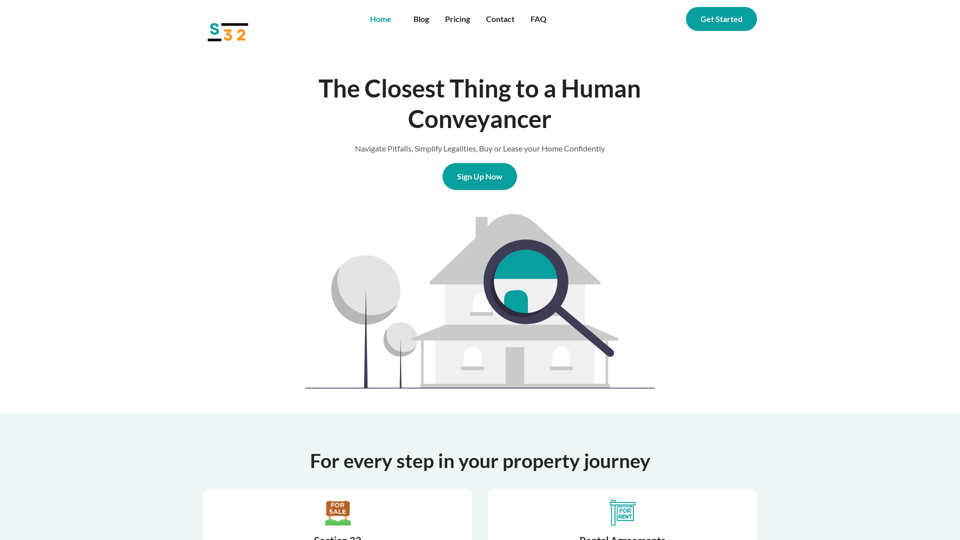
S32 | Your Personal AI Conveyancer for Section 32 and Rental Agreements
S32 | Your Personal AI Conveyancer for Section 32 and Rental AgreementsThe Closest Thing to a Human Conveyancer
69

Explore 73,530 free non-fiction book summaries with audio. 12 key takeaways in 10 minutes each. 10x more books than any other site. Every imaginable topic.
1.14 M
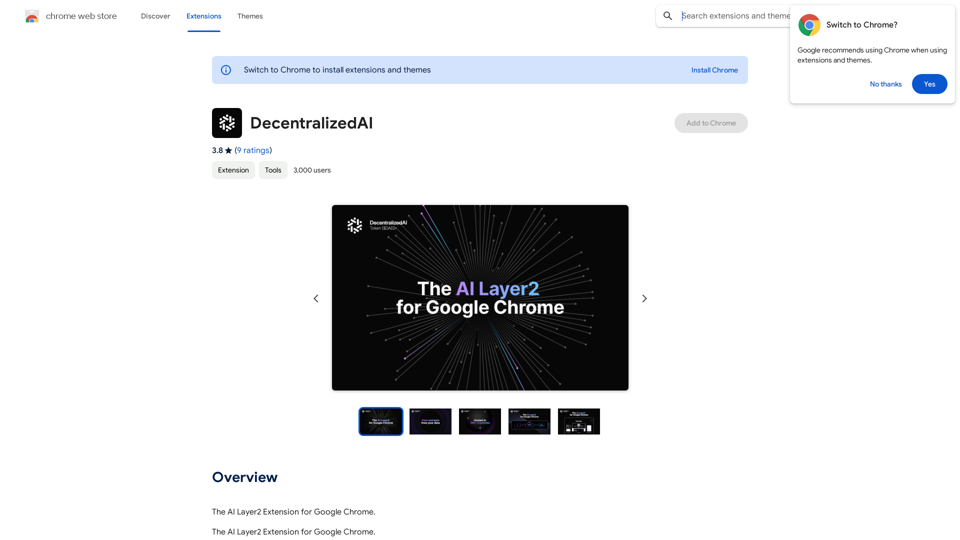
DecentralizedAI This is a general term referring to artificial intelligence (AI) systems that are not controlled by a single, centralized entity. Instead of relying on a large corporation or government to manage and govern AI, decentralized AI aims to distribute these capabilities across a network of independent nodes. Think of it like a blockchain for AI: * Transparency: The decision-making processes of decentralized AI are open and visible to everyone. * Security: Since there's no single point of failure, it's harder for malicious actors to take control or manipulate the system. * Resilience: Even if some nodes go offline, the network can continue to function. * Accessibility: Decentralized AI can make AI technology more accessible to individuals and smaller organizations. There are many potential applications for decentralized AI, including: * Data privacy: Decentralized AI can help protect user data by distributing it across multiple nodes. * Fairness and bias mitigation: By involving a wider range of participants in the training process, decentralized AI can help reduce bias in AI systems. * Autonomous organizations: Decentralized AI can be used to create self-governing organizations that operate without human intervention. Decentralized AI is still a relatively new field, but it has the potential to revolutionize the way we develop and use AI.
DecentralizedAI This is a general term referring to artificial intelligence (AI) systems that are not controlled by a single, centralized entity. Instead of relying on a large corporation or government to manage and govern AI, decentralized AI aims to distribute these capabilities across a network of independent nodes. Think of it like a blockchain for AI: * Transparency: The decision-making processes of decentralized AI are open and visible to everyone. * Security: Since there's no single point of failure, it's harder for malicious actors to take control or manipulate the system. * Resilience: Even if some nodes go offline, the network can continue to function. * Accessibility: Decentralized AI can make AI technology more accessible to individuals and smaller organizations. There are many potential applications for decentralized AI, including: * Data privacy: Decentralized AI can help protect user data by distributing it across multiple nodes. * Fairness and bias mitigation: By involving a wider range of participants in the training process, decentralized AI can help reduce bias in AI systems. * Autonomous organizations: Decentralized AI can be used to create self-governing organizations that operate without human intervention. Decentralized AI is still a relatively new field, but it has the potential to revolutionize the way we develop and use AI.The AI Layer2 Extension for Google Chrome.
193.90 M
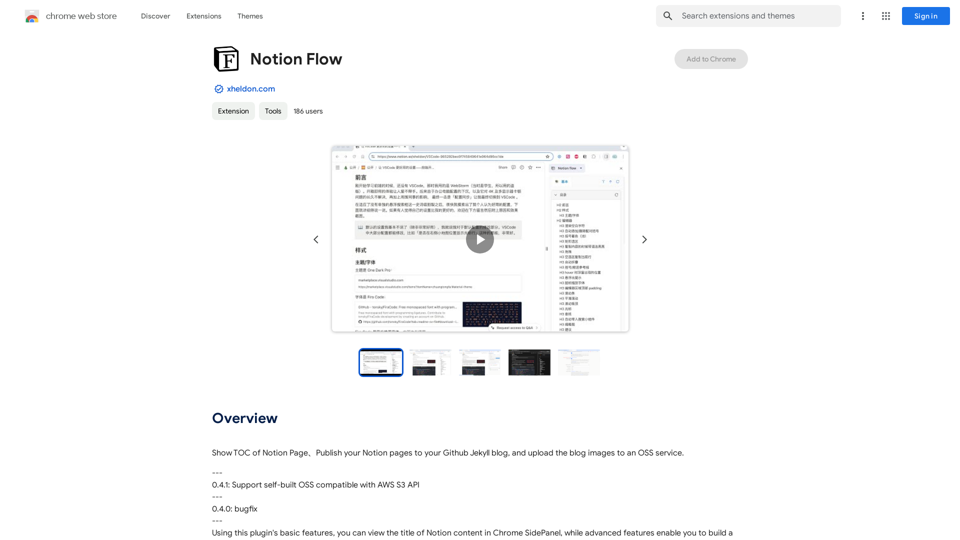
Show Notion Page Table of Contents Publish Notion Pages to a GitHub Jekyll Blog Upload Blog Images to an OSS Service
193.90 M