Shift-Ctrl-F is an innovative AI-powered browser extension that revolutionizes webpage searching. By leveraging natural language processing and MobileBERT technology, it allows users to find information quickly and efficiently using conversational queries. This open-source tool enhances web browsing experiences by providing intelligent, context-aware search capabilities directly on any webpage.
Shift-Ctrl-F: Semantic Search for the Browser
Find information on a webpage using everyday words.
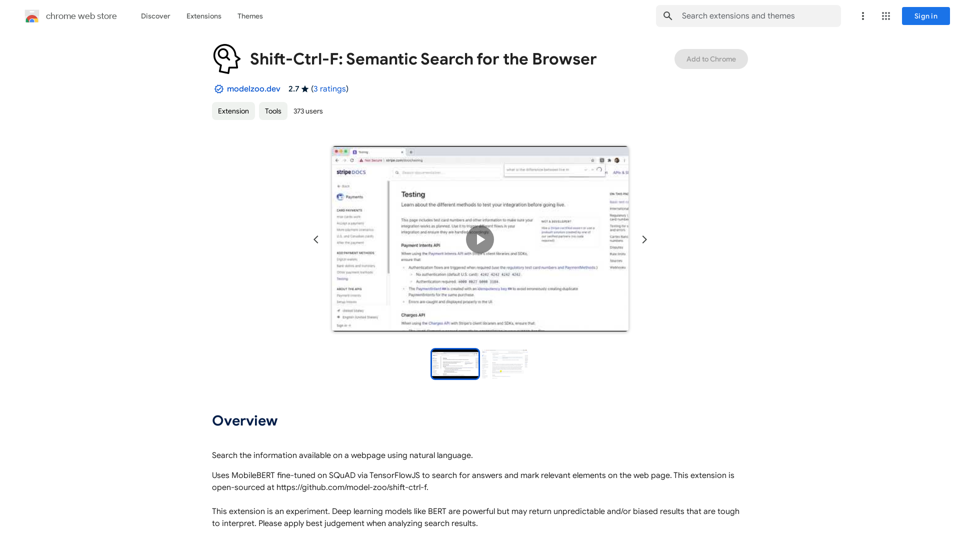
Introduction
Feature
Natural Language Search
Shift-Ctrl-F enables users to search webpages using natural language queries, making information retrieval more intuitive and user-friendly.
AI-Powered Results
Utilizing MobileBERT, a fine-tuned model on SQuAD via TensorFlowJS, the extension provides accurate and relevant search results by highlighting pertinent elements on the webpage.
Open-Source Availability
The extension is open-sourced on GitHub, encouraging community contributions and continuous improvement.
Easy-to-Use Interface
Users can access Shift-Ctrl-F through a simple popup interface, activated via the toolbar or a keyboard shortcut (Shift-Ctrl-F).
Free to Use
Shift-Ctrl-F is completely free, with no subscription or payment required.
FAQ
How do I use Shift-Ctrl-F?
- Open the Shift-Ctrl-F popup via the toolbar or shortcut (Shift-Ctrl-F).
- Enter a natural language query into the search bar.
- Press enter and wait for the model to return results.
Does Shift-Ctrl-F work on all webpages?
Shift-Ctrl-F is designed to work on most webpages, but may not function on all due to varying levels of semantic search capabilities.
Is my data safe with Shift-Ctrl-F?
The developer has not provided specific information about data collection or usage. Users should exercise caution and refer to the extension's privacy policy for more details.
What are some helpful tips for using Shift-Ctrl-F?
- Use natural language queries for the most accurate results.
- Be cautious when analyzing search results, as deep learning models like BERT may return unpredictable or biased results.
Latest Traffic Insights
Monthly Visits
193.90 M
Bounce Rate
56.27%
Pages Per Visit
2.71
Time on Site(s)
115.91
Global Rank
-
Country Rank
-
Recent Visits
Traffic Sources
- Social Media:0.48%
- Paid Referrals:0.55%
- Email:0.15%
- Referrals:12.81%
- Search Engines:16.21%
- Direct:69.81%
Related Websites
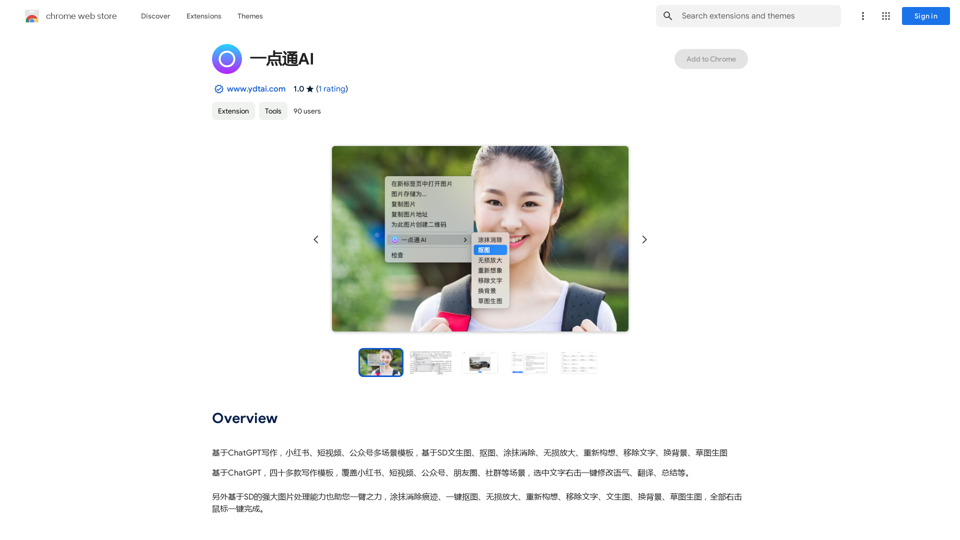
ChatGPT-based templates for multiple scenarios on Xiaohongshu, short videos, and public accounts. Based on SD text-to-image generation, cutout, erasure, lossless enlargement, reimagining, text removal, background replacement, and sketch-to-image.
193.90 M
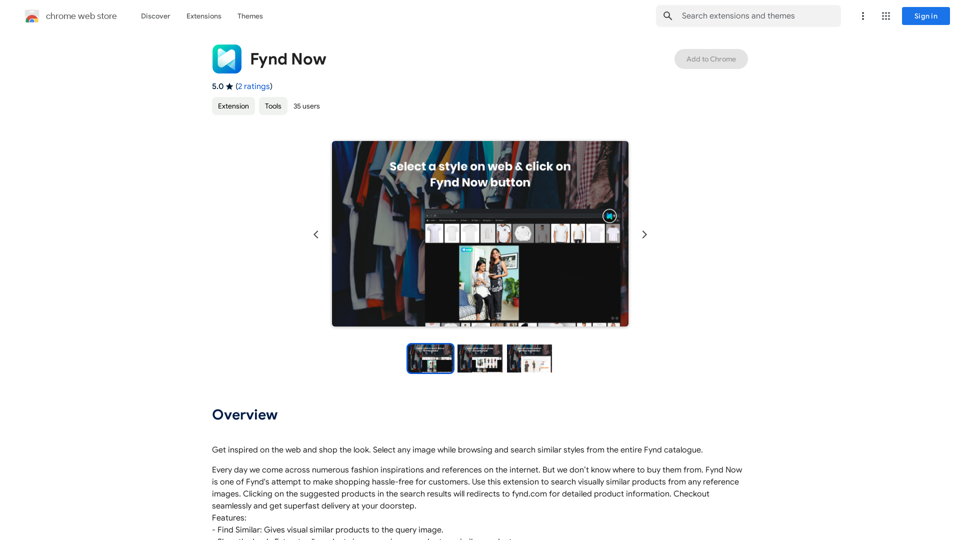
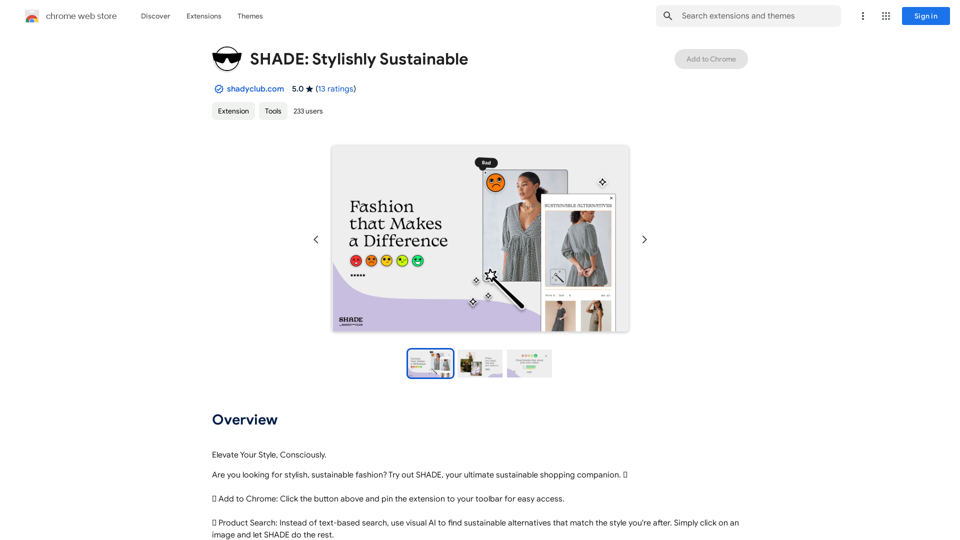
Find inspiration online and buy the look. Choose any picture while you're browsing and search for similar styles from Fynd's entire catalog.
193.90 M
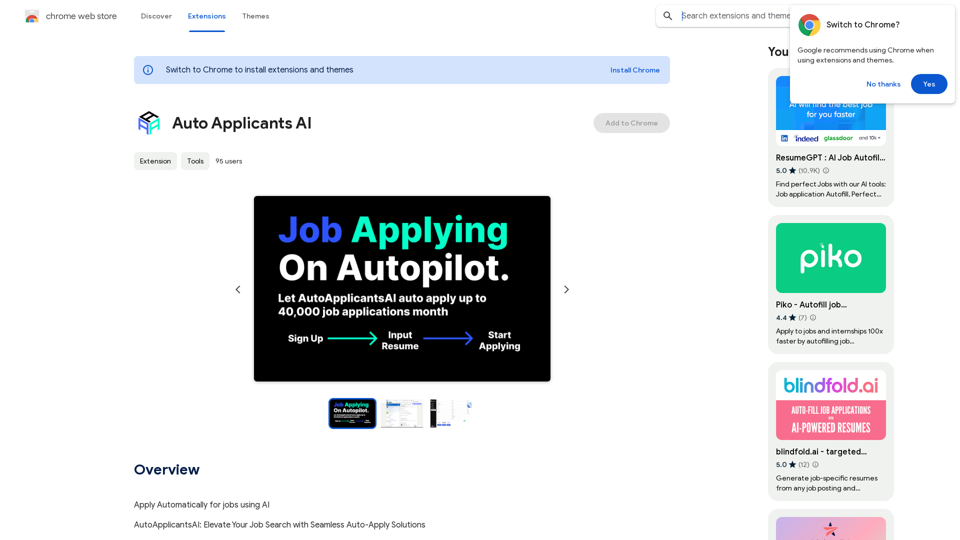
Automatically Apply for Jobs Using AI Imagine a world where you can apply for jobs with just a few clicks, powered by the intelligence of artificial intelligence. That's the promise of AI-powered job application tools. These tools can: * Scan your resume and identify relevant jobs: AI algorithms can analyze your skills and experience to match you with suitable opportunities. * Customize your cover letter for each application: Say goodbye to generic cover letters! AI can tailor your message to highlight the specific requirements of each job description. * Automate the application process: From filling out forms to submitting your documents, AI can handle the tedious tasks, saving you time and effort. * Track your applications and provide insights: Stay informed about the status of your applications and receive valuable feedback on your performance. By leveraging the power of AI, you can streamline your job search, increase your chances of getting noticed, and focus on what matters most: landing your dream job.
193.90 M
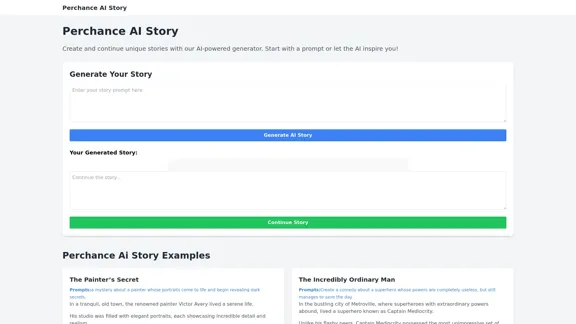
Perchance AI Story is a website that supports multiple languages and can continue to write stories.
0
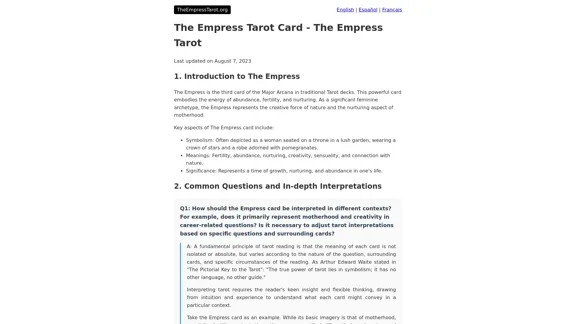
The Empress Tarot Card: Symbolism, Interpretations, and Significance The Empress is the third card in the Major Arcana of the tarot deck. This powerful and nurturing figure represents feminine energy, abundance, creativity, and fertility. Here's a comprehensive look at the Empress card: Symbolism: 1. The Empress herself: A regal woman seated on a throne, often depicted as pregnant or holding a scepter. 2. Crown: Usually adorned with 12 stars, representing the zodiac and her connection to the celestial realm. 3. Venus symbol: Often visible on her shield or clothing, emphasizing love and beauty. 4. Lush surroundings: Abundant nature, trees, and flowing water symbolize fertility and growth. 5. Wheat or grain: Represents the harvest and abundance. 6. Cushions and comfort: Signify luxury, comfort, and nurturing. Interpretations: Upright: 1. Fertility and creation 2. Nurturing and motherhood 3. Abundance and prosperity 4. Beauty and sensuality 5. Connection with nature 6. Creativity and artistic expression 7. Feminine power and energy Reversed: 1. Creative block or stagnation 2. Neglect of self-care or others 3. Codependency or overprotectiveness 4. Lack of growth or progress 5. Infertility or reproductive issues 6. Materialism or vanity 7. Disconnection from nature or intuition Significance in Tarot Readings: 1. Personal Growth: The Empress encourages embracing one's nurturing side and creative potential. 2. Relationships: Indicates a time of love, care, and emotional fulfillment in partnerships. 3. Career: Suggests a period of growth, abundance, and creative breakthroughs in professional endeavors. 4. Health: Often associated with pregnancy, fertility, and overall well-being. 5. Spirituality: Represents a connection to the divine feminine and the nurturing aspects of the universe. 6. Finances: Indicates a time of material abundance and prosperity. 7. Decision Making: Encourages trusting intuition and embracing a nurturing approach to problem-solving. The Empress in Combinations: - With The Emperor: Balance of masculine and feminine energies, strong partnerships. - With The High Priestess: Powerful feminine wisdom and intuition. - With The Star: Hope, inspiration, and creative renewal. - With Pentacle cards: Material abundance and financial growth. The Empress is a card of creation, nurturing, and abundance. When it appears in a reading, it often signals a time of growth, fertility (literal or metaphorical), and the blossoming of creative or nurturing energies. It reminds the querent to connect with their feminine side, regardless of gender, and to embrace the abundance that surrounds them.
0
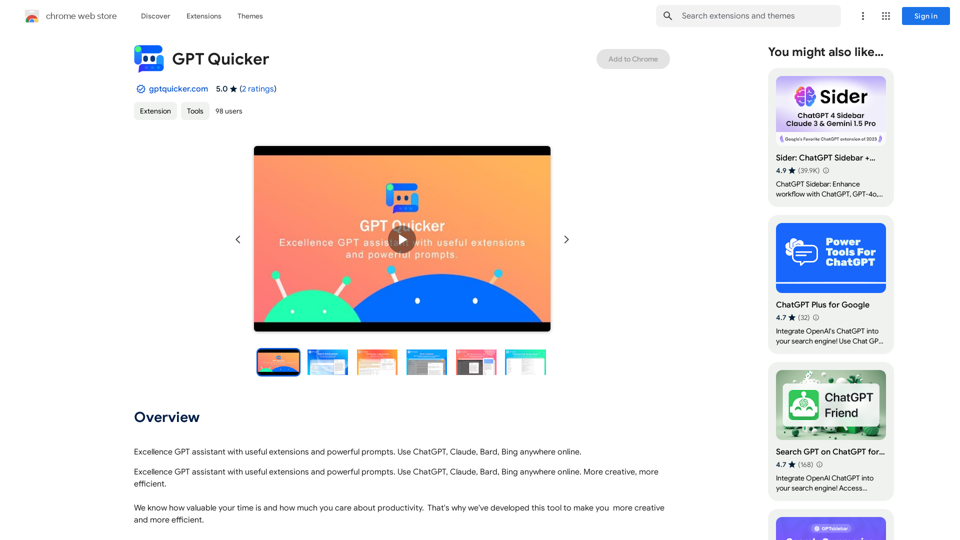
Excellent GPT assistant with useful extensions and powerful prompts. Use ChatGPT, Claude, Bard, Bing on any website.
193.90 M
![Searching for ChatGPT Plugins
Searching for ChatGPT plugins can be an exciting experience, as it allows you to explore and discover new features and functionalities to enhance your conversational AI model. Here are some ways to search for ChatGPT plugins:
Official Plugin Directory
The official ChatGPT plugin directory is a great place to start your search. This directory provides a curated list of plugins that are compatible with ChatGPT, along with their descriptions, features, and installation instructions.
GitHub and Open-Source Repositories
GitHub and other open-source repositories are treasure troves for ChatGPT plugins. You can search for plugins using keywords like "ChatGPT plugin" or "conversational AI plugin" to find relevant repositories. You can also explore popular open-source repositories like the ChatGPT community repository.
Plugin Marketplaces
Some plugin marketplaces, like the ChatGPT Marketplace, offer a wide range of plugins for ChatGPT. These marketplaces often provide user reviews, ratings, and descriptions to help you make informed decisions.
Forums and Communities
ChatGPT forums and communities are great places to ask for plugin recommendations or search for plugins. You can ask other users about their favorite plugins or search for threads related to specific plugin categories.
Search Engines
Finally, you can use search engines like Google to search for ChatGPT plugins. Use specific keywords like "ChatGPT plugin for [specific feature]" or "best ChatGPT plugins" to get relevant results.
Remember to always evaluate the plugins you find based on their compatibility, features, and user reviews before installing them. Happy searching!](https://static.right-ai.com/tools/2024/7/3/chromewebstore-google-com-detail-chatgpt-plugin-search-hjdhbhggcljjjfenfbdbbhhngmkglpkl-thumbnail-1720045154.png "Searching for ChatGPT Plugins
Searching for ChatGPT plugins can be an exciting experience, as it allows you to explore and discover new features and functionalities to enhance your conversational AI model. Here are some ways to search for ChatGPT plugins:
Official Plugin Directory
The official ChatGPT plugin directory is a great place to start your search. This directory provides a curated list of plugins that are compatible with ChatGPT, along with their descriptions, features, and installation instructions.
GitHub and Open-Source Repositories
GitHub and other open-source repositories are treasure troves for ChatGPT plugins. You can search for plugins using keywords like \"ChatGPT plugin\" or \"conversational AI plugin\" to find relevant repositories. You can also explore popular open-source repositories like the ChatGPT community repository.
Plugin Marketplaces
Some plugin marketplaces, like the ChatGPT Marketplace, offer a wide range of plugins for ChatGPT. These marketplaces often provide user reviews, ratings, and descriptions to help you make informed decisions.
Forums and Communities
ChatGPT forums and communities are great places to ask for plugin recommendations or search for plugins. You can ask other users about their favorite plugins or search for threads related to specific plugin categories.
Search Engines
Finally, you can use search engines like Google to search for ChatGPT plugins. Use specific keywords like \"ChatGPT plugin for [specific feature]\" or \"best ChatGPT plugins\" to get relevant results.
Remember to always evaluate the plugins you find based on their compatibility, features, and user reviews before installing them. Happy searching!")
Searching for ChatGPT Plugins Searching for ChatGPT plugins can be an exciting experience, as it allows you to explore and discover new features and functionalities to enhance your conversational AI model. Here are some ways to search for ChatGPT plugins: Official Plugin Directory The official ChatGPT plugin directory is a great place to start your search. This directory provides a curated list of plugins that are compatible with ChatGPT, along with their descriptions, features, and installation instructions. GitHub and Open-Source Repositories GitHub and other open-source repositories are treasure troves for ChatGPT plugins. You can search for plugins using keywords like "ChatGPT plugin" or "conversational AI plugin" to find relevant repositories. You can also explore popular open-source repositories like the ChatGPT community repository. Plugin Marketplaces Some plugin marketplaces, like the ChatGPT Marketplace, offer a wide range of plugins for ChatGPT. These marketplaces often provide user reviews, ratings, and descriptions to help you make informed decisions. Forums and Communities ChatGPT forums and communities are great places to ask for plugin recommendations or search for plugins. You can ask other users about their favorite plugins or search for threads related to specific plugin categories. Search Engines Finally, you can use search engines like Google to search for ChatGPT plugins. Use specific keywords like "ChatGPT plugin for [specific feature]" or "best ChatGPT plugins" to get relevant results. Remember to always evaluate the plugins you find based on their compatibility, features, and user reviews before installing them. Happy searching!
Searching for ChatGPT Plugins Searching for ChatGPT plugins can be an exciting experience, as it allows you to explore and discover new features and functionalities to enhance your conversational AI model. Here are some ways to search for ChatGPT plugins: Official Plugin Directory The official ChatGPT plugin directory is a great place to start your search. This directory provides a curated list of plugins that are compatible with ChatGPT, along with their descriptions, features, and installation instructions. GitHub and Open-Source Repositories GitHub and other open-source repositories are treasure troves for ChatGPT plugins. You can search for plugins using keywords like "ChatGPT plugin" or "conversational AI plugin" to find relevant repositories. You can also explore popular open-source repositories like the ChatGPT community repository. Plugin Marketplaces Some plugin marketplaces, like the ChatGPT Marketplace, offer a wide range of plugins for ChatGPT. These marketplaces often provide user reviews, ratings, and descriptions to help you make informed decisions. Forums and Communities ChatGPT forums and communities are great places to ask for plugin recommendations or search for plugins. You can ask other users about their favorite plugins or search for threads related to specific plugin categories. Search Engines Finally, you can use search engines like Google to search for ChatGPT plugins. Use specific keywords like "ChatGPT plugin for [specific feature]" or "best ChatGPT plugins" to get relevant results. Remember to always evaluate the plugins you find based on their compatibility, features, and user reviews before installing them. Happy searching!Here are some of the best, top, and popular ChatGPT plugins: 1. WebChat: A plugin that allows users to interact with ChatGPT through a web interface. 2. ChatGPT Writer: A plugin that helps users generate high-quality content, such as articles, stories, and emails, using ChatGPT's language generation capabilities. 3. ChatGPT Code Interpreter: A plugin that enables users to write code in various programming languages and have ChatGPT interpret and execute it. 4. ChatGPT Conversational AI: A plugin that allows users to create conversational AI models using ChatGPT's language understanding capabilities. 5. ChatGPT Language Translator: A plugin that enables users to translate text from one language to another using ChatGPT's language translation capabilities. 6. ChatGPT Summarizer: A plugin that helps users summarize long pieces of text, such as articles or documents, into concise summaries using ChatGPT's text summarization capabilities. 7. ChatGPT Q&A: A plugin that enables users to ask questions and receive answers from ChatGPT on a wide range of topics. 8. ChatGPT Creative Writing: A plugin that helps users generate creative writing, such as poetry, stories, and dialogues, using ChatGPT's language generation capabilities. 9. ChatGPT Dialogue System: A plugin that enables users to create conversational dialogue systems using ChatGPT's language understanding capabilities. 10. ChatGPT Sentiment Analyzer: A plugin that helps users analyze the sentiment of text, such as determining whether a piece of text is positive, negative, or neutral, using ChatGPT's sentiment analysis capabilities.
193.90 M