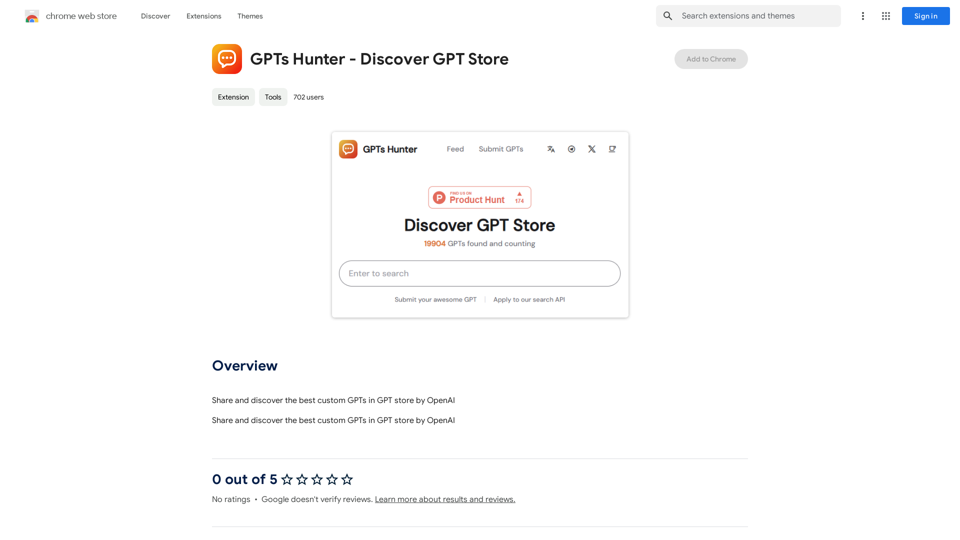
GPTs Hunter is a Chrome extension designed to enhance the experience of discovering and exploring custom GPTs in OpenAI's GPT store. It provides users with a platform to share and find the most effective custom GPTs, streamlining the process of locating AI models tailored to specific needs. The extension is free to use, with an optional subscription available for extended access.
GPTs Hunter - Explore the GPT Marketplace
Share and Discover the Best Custom GPTs in the GPT Store by OpenAI
Introduction
Feature
Discover Top Custom GPTs
GPTs Hunter allows users to browse and identify the best custom GPTs available in OpenAI's GPT store, making it easier to find AI models suited for various tasks and requirements.
Share and Explore
Users can share their favorite custom GPTs and discover those recommended by others, fostering a community-driven approach to AI model discovery.
Easy Access to AI Technologies
The extension provides seamless access to a wide range of AI technologies, simplifying the process of leveraging advanced AI capabilities.
Free Usage with Premium Option
While the basic features are free, users can opt for a subscription to gain extended access and additional functionalities.
Chrome Web Store Integration
GPTs Hunter can be easily installed from the Chrome Web Store, ensuring a straightforward setup process for users.
Generate Endless Answers
The extension enables users to generate unlimited responses from ChatGPT, enhancing the utility of the AI model.
FAQ
What is GPTs Hunter?
GPTs Hunter is a Chrome extension that facilitates the discovery and exploration of the best custom GPTs in OpenAI's GPT store. It allows users to share and find custom GPTs, making it easier to locate the right AI model for specific needs.
How do I use GPTs Hunter?
To use GPTs Hunter:
- Install the extension from the Chrome Web Store
- Browse the GPT store to discover top custom GPTs
- Share and explore custom GPTs recommended by other users
- Utilize the extension to generate responses from ChatGPT
Is GPTs Hunter free to use?
Yes, GPTs Hunter is free to use. However, there is an optional subscription available for users who want extended access and additional features.
Related Websites
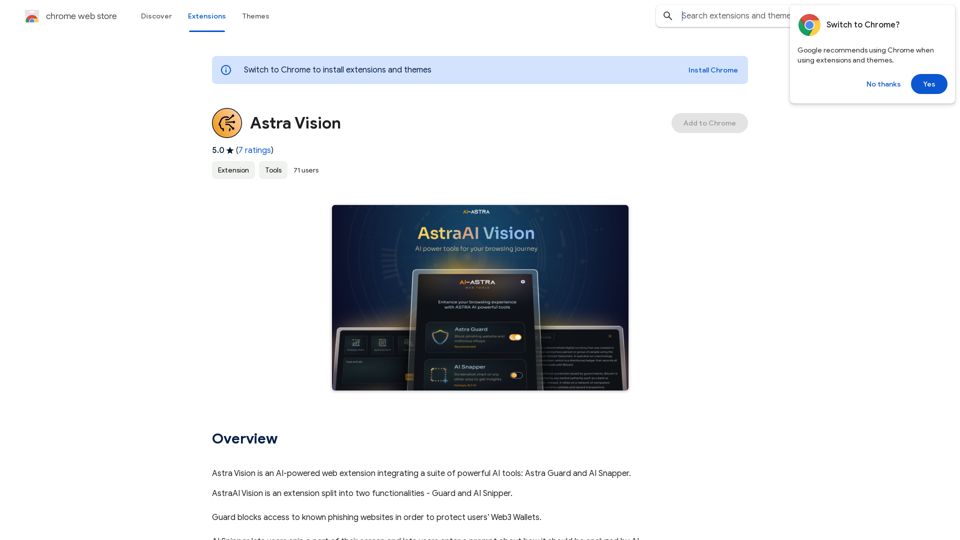
Astra Vision is an AI-powered web extension that includes a set of powerful AI tools: Astra Guard and AI Snapper.
193.90 M
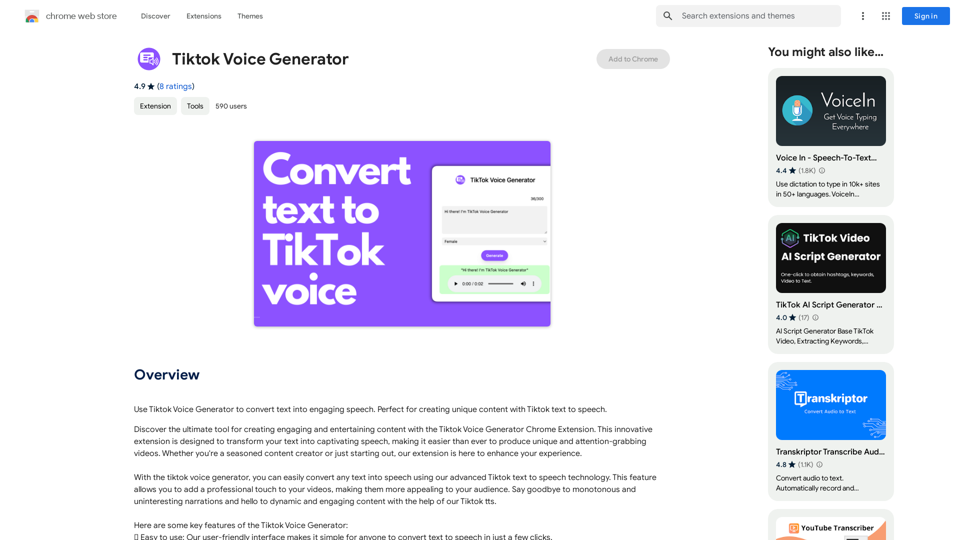
TikTok Voice Generator ========================== The TikTok voice generator is a popular feature on the social media platform that allows users to create and share videos with unique and entertaining voiceovers. This feature has become a sensation among TikTok users, with many using it to add humor, creativity, and personality to their videos. How Does it Work? -------------------- The TikTok voice generator uses advanced AI technology to convert written text into a spoken voice. Users can type in the text they want to convert, and the generator will produce a natural-sounding voiceover in a matter of seconds. The voice generator offers a range of voices, accents, and languages to choose from, allowing users to customize their voiceovers to fit their style and preferences. Features and Benefits ------------------------- Variety of Voices The TikTok voice generator offers a vast library of voices, including male and female voices, different accents, and languages. This allows users to experiment with different voices and find the one that best suits their content. Easy to Use The voice generator is incredibly easy to use. Users simply need to type in the text they want to convert, select the voice they want to use, and the generator will do the rest. Add Humor and Creativity The TikTok voice generator is a great way to add humor and creativity to videos. Users can use the generator to create funny voiceovers, parody songs, or even create their own characters. Increase Engagement Videos with voiceovers generated by the TikTok voice generator tend to perform better in terms of engagement. The unique and entertaining voiceovers can help capture viewers' attention and increase the chances of going viral. Conclusion ---------- The TikTok voice generator is a powerful tool that can help users take their content to the next level. With its advanced AI technology, ease of use, and variety of voices, it's no wonder why it has become a favorite among TikTok users. Whether you're looking to add humor, creativity, or personality to your videos, the TikTok voice generator is definitely worth trying out.
TikTok Voice Generator ========================== The TikTok voice generator is a popular feature on the social media platform that allows users to create and share videos with unique and entertaining voiceovers. This feature has become a sensation among TikTok users, with many using it to add humor, creativity, and personality to their videos. How Does it Work? -------------------- The TikTok voice generator uses advanced AI technology to convert written text into a spoken voice. Users can type in the text they want to convert, and the generator will produce a natural-sounding voiceover in a matter of seconds. The voice generator offers a range of voices, accents, and languages to choose from, allowing users to customize their voiceovers to fit their style and preferences. Features and Benefits ------------------------- Variety of Voices The TikTok voice generator offers a vast library of voices, including male and female voices, different accents, and languages. This allows users to experiment with different voices and find the one that best suits their content. Easy to Use The voice generator is incredibly easy to use. Users simply need to type in the text they want to convert, select the voice they want to use, and the generator will do the rest. Add Humor and Creativity The TikTok voice generator is a great way to add humor and creativity to videos. Users can use the generator to create funny voiceovers, parody songs, or even create their own characters. Increase Engagement Videos with voiceovers generated by the TikTok voice generator tend to perform better in terms of engagement. The unique and entertaining voiceovers can help capture viewers' attention and increase the chances of going viral. Conclusion ---------- The TikTok voice generator is a powerful tool that can help users take their content to the next level. With its advanced AI technology, ease of use, and variety of voices, it's no wonder why it has become a favorite among TikTok users. Whether you're looking to add humor, creativity, or personality to your videos, the TikTok voice generator is definitely worth trying out.Use the Tiktok Voice Generator to convert text into engaging speech. Perfect for creating unique content with Tiktok text to speech.
193.90 M

Stable Diffusion 3 Free Online Access - Powered By SD3 API
Stable Diffusion 3 Free Online Access - Powered By SD3 APIDiscover Stable Diffusion 3, the advanced text-to-image model by Stability AI. Learn about the stable diffusion 3 release date, how to download stable diffusion 3, stable diffusion 3 API, and how to access stable diffusion 3 for free online.
105.22 K
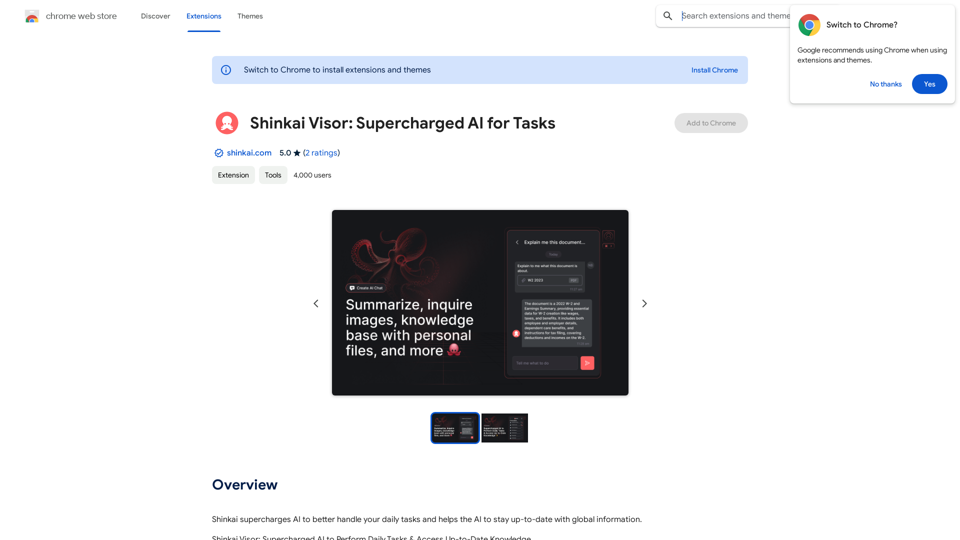
Shinkai enhances AI capabilities to better manage your daily tasks and keeps the AI current with worldwide information.
193.90 M
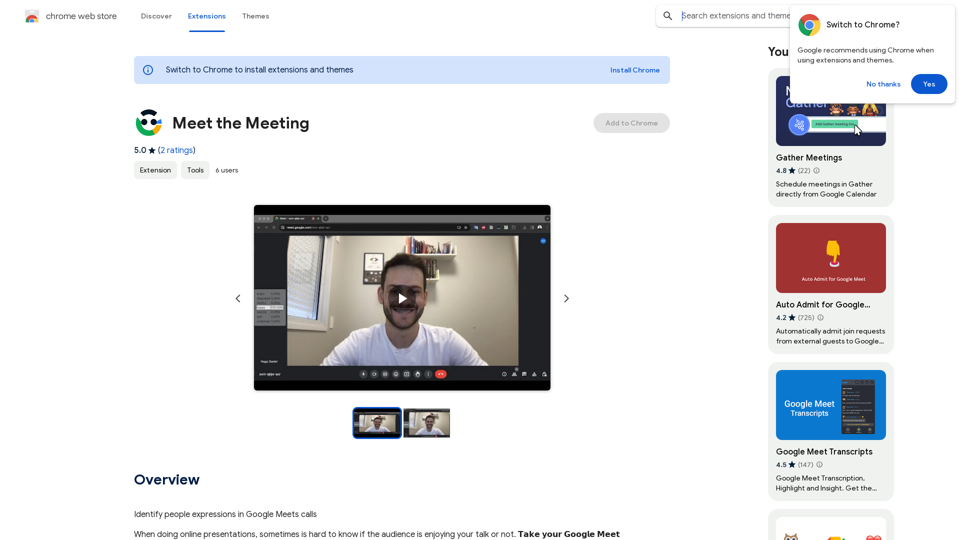
Identifying People Expressions in Google Meets Calls This is a complex task with several challenges: * Technical Limitations: Google Meets doesn't currently offer an API to directly access facial expressions of participants. * Privacy Concerns: Analyzing facial expressions raises significant privacy issues. Users should have control over whether their expressions are being tracked and used. * Accuracy: Even with access to facial data, accurately interpreting expressions can be difficult due to variations in lighting, angles, and individual differences. Possible Approaches (with limitations): * User-Submitted Data: Participants could manually indicate their emotions during the call, which could be collected and analyzed. This relies on user honesty and may not capture subtle expressions. * Third-Party Tools: Some external tools might analyze video feeds and attempt to detect expressions. However, their accuracy and privacy practices should be carefully evaluated. * Future Developments: Google or other companies might develop features that allow for more ethical and accurate expression analysis in the future. It's important to remember that facial expressions are just one aspect of communication, and relying solely on them can be misleading.
193.90 M
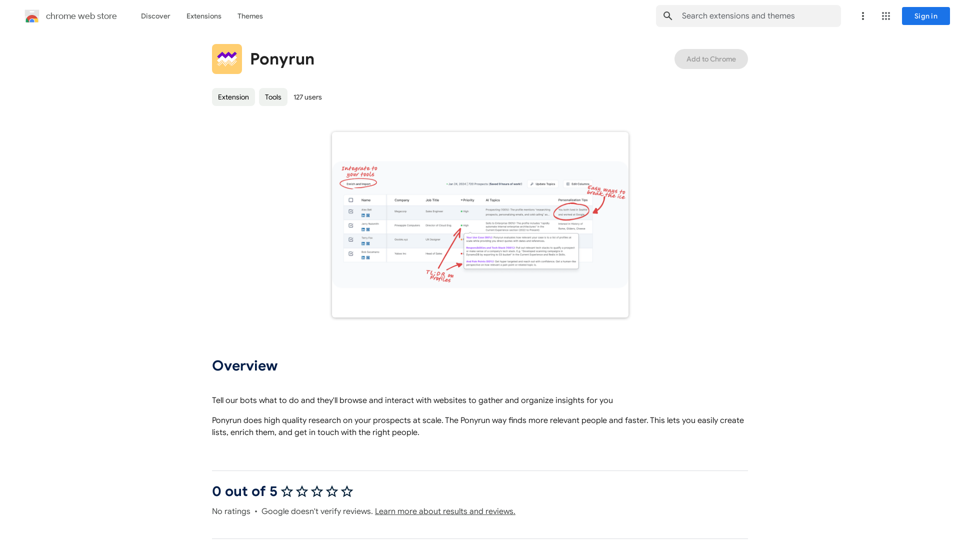
Give our bots instructions, and they will explore and engage with websites to collect and arrange useful information for you.
193.90 M