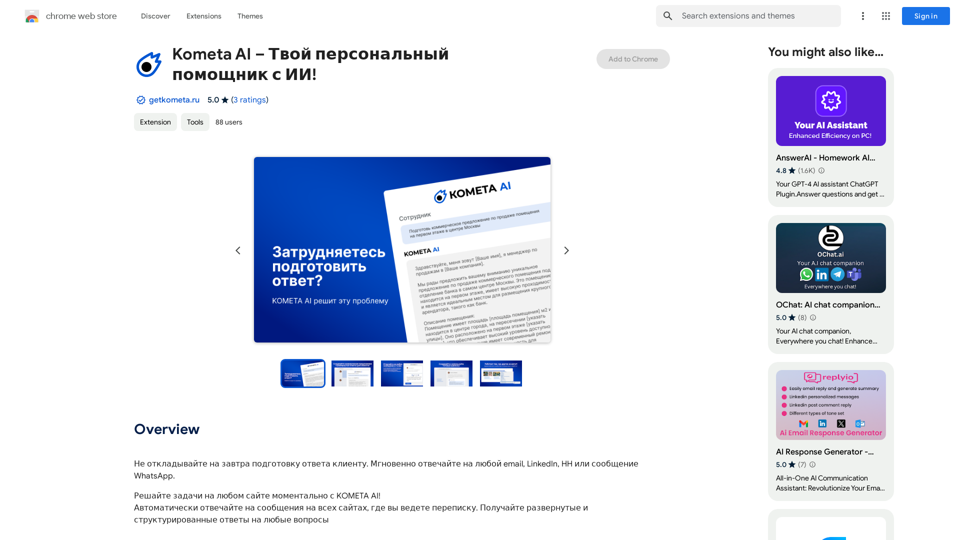
Kometa AI is an AI-powered personal assistant designed to streamline communication by automatically responding to client messages across various platforms. It offers instant, contextually accurate responses for emails, LinkedIn messages, and WhatsApp, saving users time and effort in their daily communications.
Kometa AI – Your personal AI assistant!
Don't delay preparing a response to a client. Respond immediately to any email, LinkedIn, HH, or WhatsApp message.
Introduction
Feature
Automated Message Responses
Kometa AI automatically generates responses to messages on any website with a conversation interface, eliminating the need to switch between tabs or search for prepared answers.
Customizable Templates
Users can save templates for frequent requests, which adapt to individual language preferences, enhancing efficiency and maintaining a personalized touch.
Context-Aware Responses
The AI understands conversation context, providing reasonable suggestions for quick resolution of each dialogue, ensuring relevant and appropriate communication.
Team Collaboration Tools
Kometa AI facilitates team collaboration by offering:
- Shared space for ready-made templates
- Quota management
- Access control for team members
Multi-Platform Support
| Platform | Supported |
|---|---|
| Yes | |
| Yes | |
| Yes |
Easy Installation and Use
Kometa AI is user-friendly, requiring a simple extension installation for immediate use. Users can customize settings to suit their specific needs.
Flexible Pricing Options
The service offers in-app purchases for additional features and functionality, allowing users to scale their usage as needed.
FAQ
Is Kometa AI free to use?
Kometa AI offers a free version with limited features. Users can upgrade to a paid version for access to additional features and functionality.
How does Kometa AI ensure data security?
Kometa AI prioritizes data security, handling user information securely and refraining from selling data to third parties.
Can Kometa AI be used across multiple communication platforms?
Yes, Kometa AI supports multiple platforms, including WhatsApp, LinkedIn, and email, providing versatile communication assistance.
Related Websites
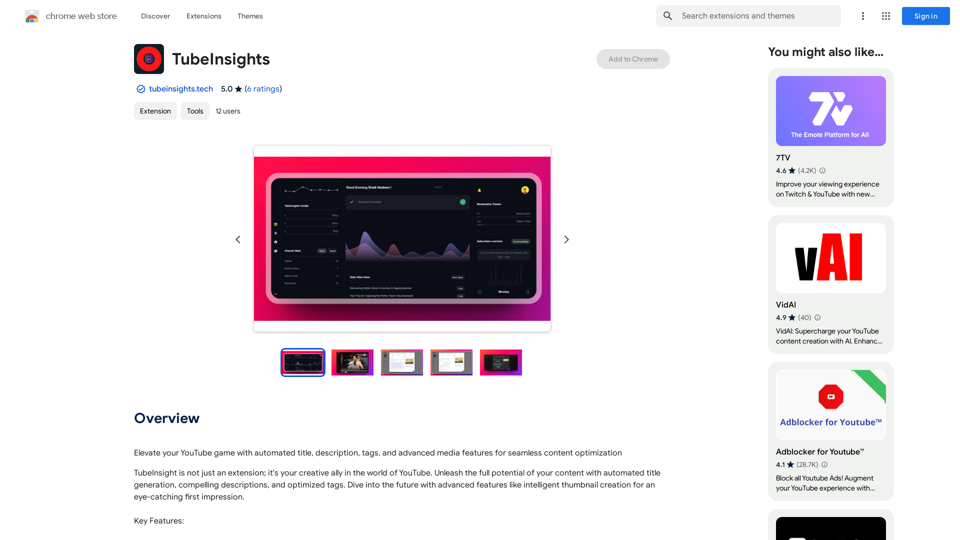
Boost your YouTube channel with automatic titles, descriptions, tags, and powerful media tools for effortless content improvement.
193.90 M
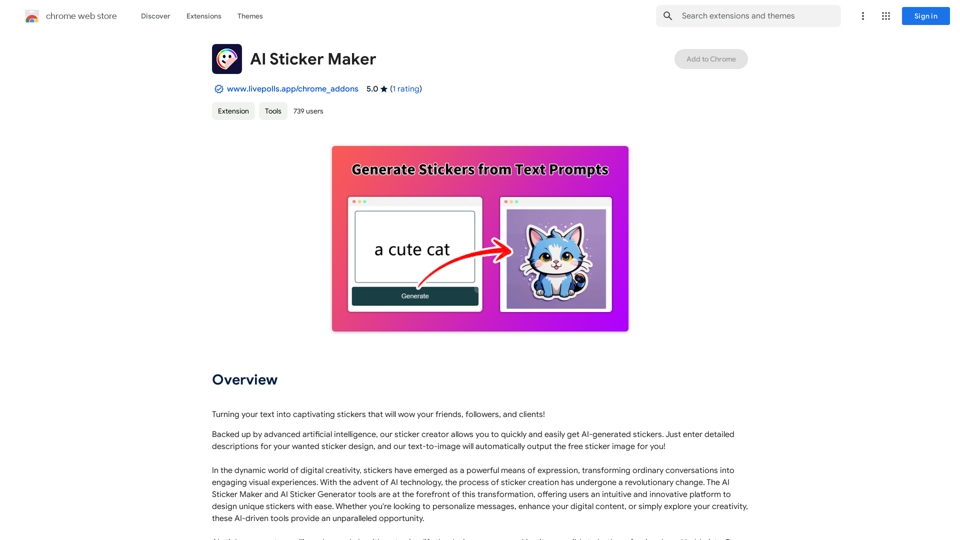
Turning your text into amazing stickers that will impress your friends, fans, and customers!
193.90 M
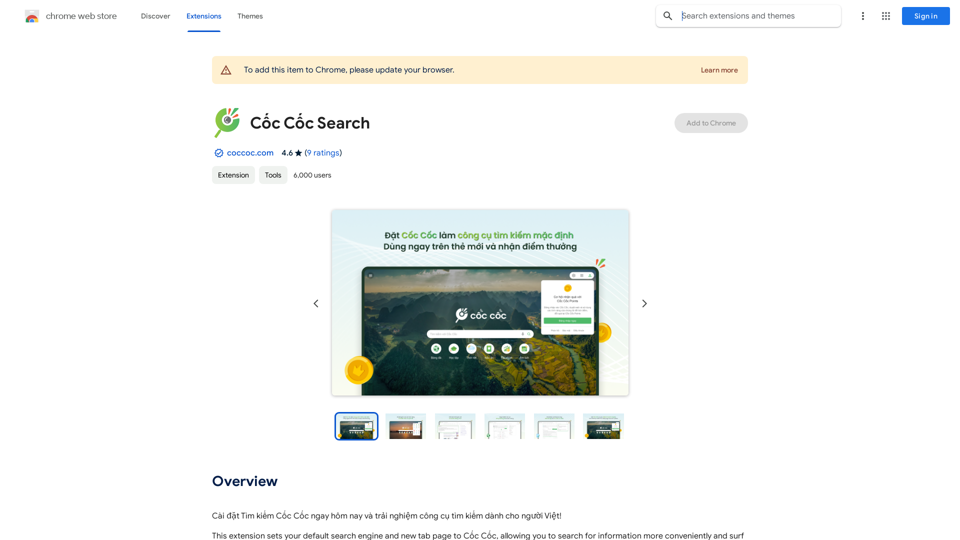
Install Cốc Cốc Search today and experience the search engine designed for Vietnamese people!
193.90 M
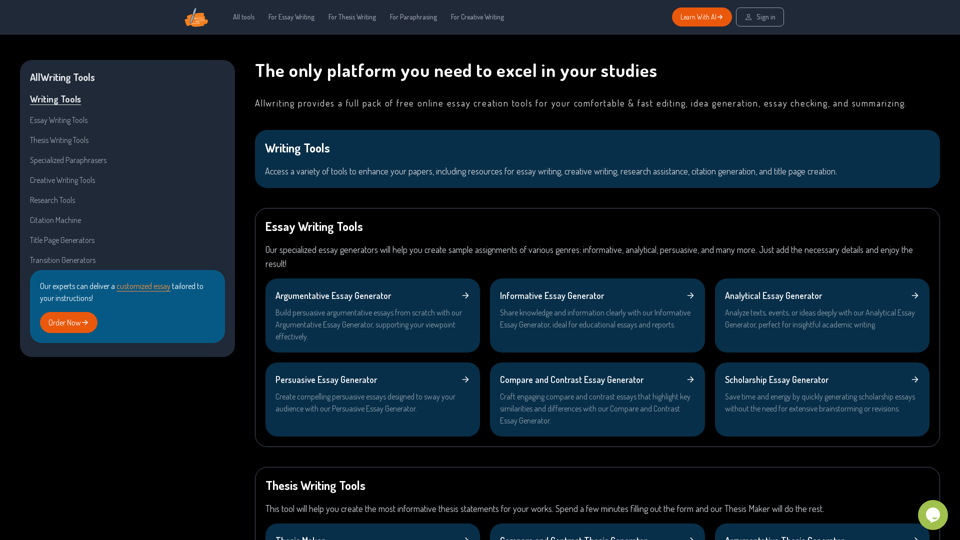
The Only Platform You Need to Excel in Your Studies | AllWriting
The Only Platform You Need to Excel in Your Studies | AllWritingAllwriting provides a full pack of free online essay creation tools for your comfortable & fast editing, idea generation, essay checking, and summarizing.
638
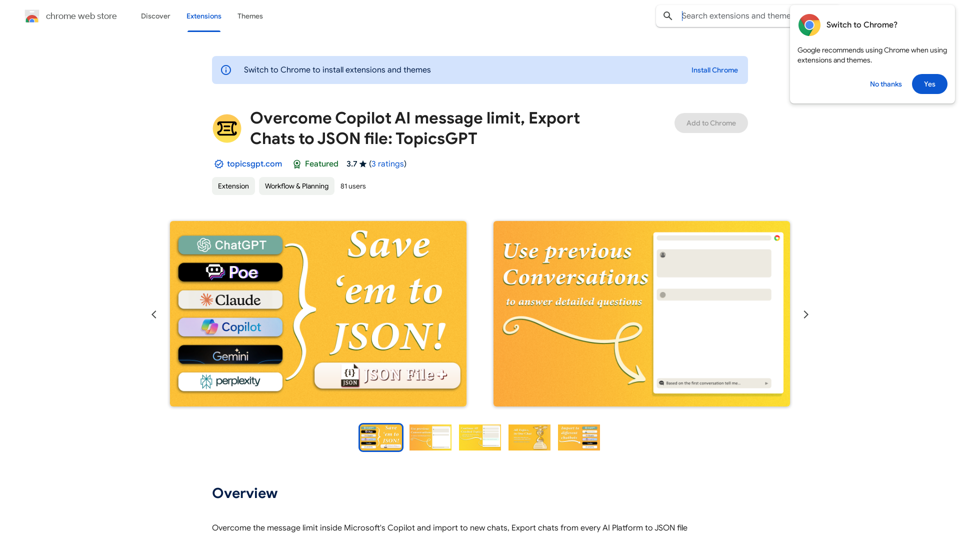
Overcome Copilot AI Message Limit, Export Chats to JSON File: TopicsGPT This is a tool to help you work around the message limit in Copilot AI and export your conversations to a JSON file. Here's how it works: * Extend Your Conversations: TopicsGPT allows you to continue your conversations with Copilot AI beyond the usual message limit. * Save Your History: Export your entire chat history with Copilot AI as a structured JSON file. This makes it easy to review past interactions, analyze your conversations, or even use the data for other purposes. Benefits: * No More Interruptions: Keep your creative flow going without worrying about hitting the message limit. * Organized Data: Have a clear and organized record of your conversations with Copilot AI. * Flexibility: Use the exported JSON data for your own projects or analysis. Let me know if you have any questions!
Overcome Copilot AI Message Limit, Export Chats to JSON File: TopicsGPT This is a tool to help you work around the message limit in Copilot AI and export your conversations to a JSON file. Here's how it works: * Extend Your Conversations: TopicsGPT allows you to continue your conversations with Copilot AI beyond the usual message limit. * Save Your History: Export your entire chat history with Copilot AI as a structured JSON file. This makes it easy to review past interactions, analyze your conversations, or even use the data for other purposes. Benefits: * No More Interruptions: Keep your creative flow going without worrying about hitting the message limit. * Organized Data: Have a clear and organized record of your conversations with Copilot AI. * Flexibility: Use the exported JSON data for your own projects or analysis. Let me know if you have any questions!Bypass Copilot's Message Limit and Move Conversations * Get around the message limit in Microsoft's Copilot: Find ways to exceed the character or message count restrictions within Copilot. * Transfer conversations to new chats: Move existing conversations from one chat space to another. Export AI Chat Histories * Download chat history from any AI platform: Save your conversations with various AI systems as JSON files.
193.90 M
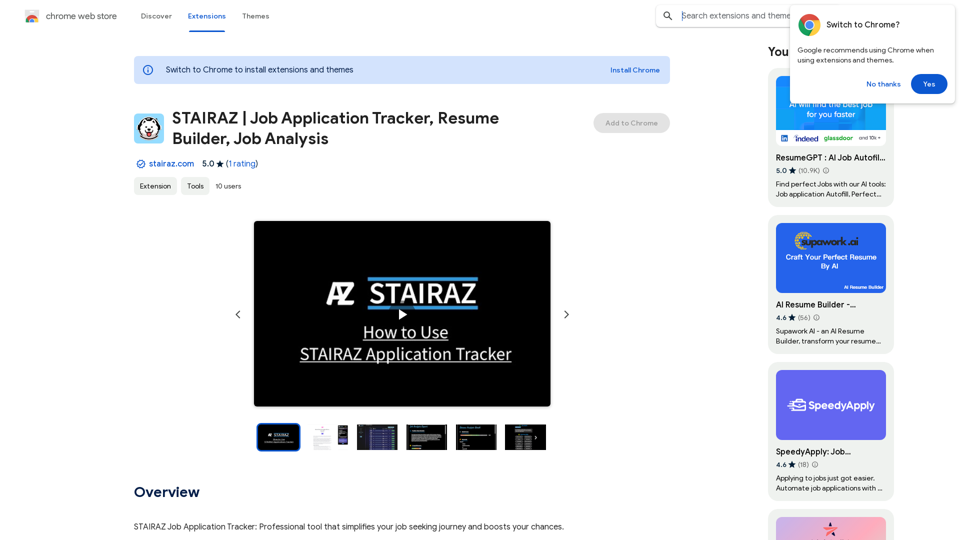
STAIRAZ Job Application Tracker, Resume Builder, Job Analysis
STAIRAZ Job Application Tracker, Resume Builder, Job AnalysisSTAIRAZ Job Application Tracker: A professional tool that simplifies your job search and increases your chances of getting hired.
193.90 M