Open-source RightAI Tools Directory
  • Discover AI
  • Submit
  • Startup
  • Blog
Open-source RightAI Tools Directory
Discover the best AI tools of 2025 with the RightAI Tools Directory!

Friend Links

AI Anime GeneratorToolsApp AI

Support

Tap4
Privacy policyTerms & ConditionsContact Us
Loading...
loading...

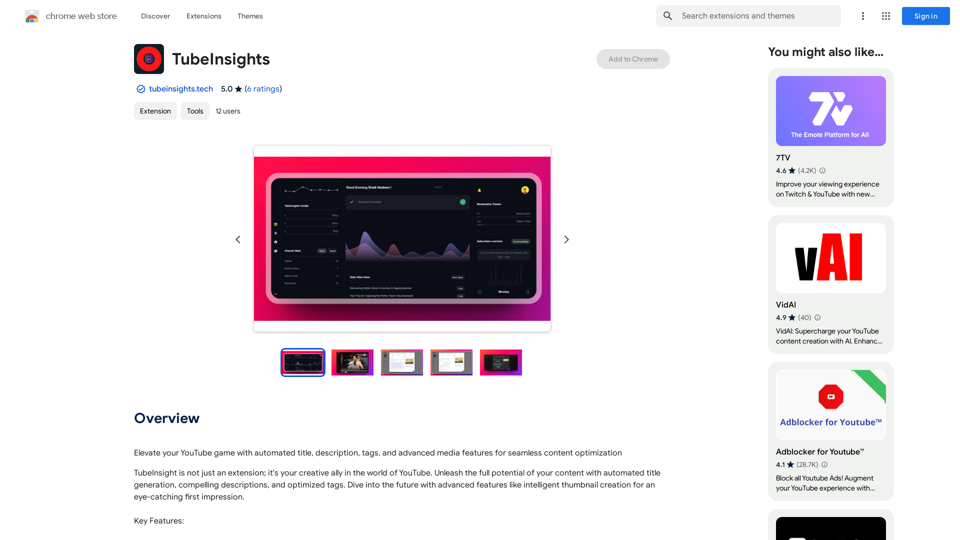
TubeInsights

Boost your YouTube channel with automatic titles, descriptions, tags, and powerful media tools for effortless content improvement.
Visit Website
TubeInsights
Visit Website

Introduction

TubeInsight is an innovative Chrome extension designed to empower YouTube creators. It offers automated title generation, compelling descriptions, and optimized tags to elevate content optimization. This AI-powered tool serves as a creative ally, helping creators unleash the full potential of their content and streamline their workflow.

Feature

Smart Content Optimization

TubeInsight's AI technology analyzes videos and suggests:

  • Compelling titles
  • Engaging descriptions
  • Relevant tags All in one go, saving time and effort for creators.

Advanced Media Toolkit

  • AI-powered thumbnail generation
  • Media enhancement tools
  • Improves visual appeal of videos
  • Helps content stand out and grab audience attention

Effortless Integration

  • Seamlessly integrates with Chrome browser
  • Allows content optimization within YouTube workspace

Constant Evolution

  • Regular updates and new features
  • Helps creators stay ahead in the changing digital landscape

Optimize Efficiently

  • One-stop solution for video optimization needs
  • Saves time and effort in content creation process

Stand Out

  • Creates eye-catching thumbnails
  • Crafts strategic titles to elevate content

Future-Ready

  • Evolves alongside YouTube platform changes
  • Keeps creators at the forefront of digital content creation

FAQ

Is TubeInsight free to use?

TubeInsight offers a free version with limited features. Paid subscriptions are available for additional features and benefits.

Is my data safe with TubeInsight?

Yes, TubeInsight handles user data with care and adheres to strict privacy policies.

Can I cancel my subscription at any time?

Yes, users can cancel their subscription at any time and receive a full refund.

Related Websites

AnkAI
View Detail

AnkAI

AnkAI

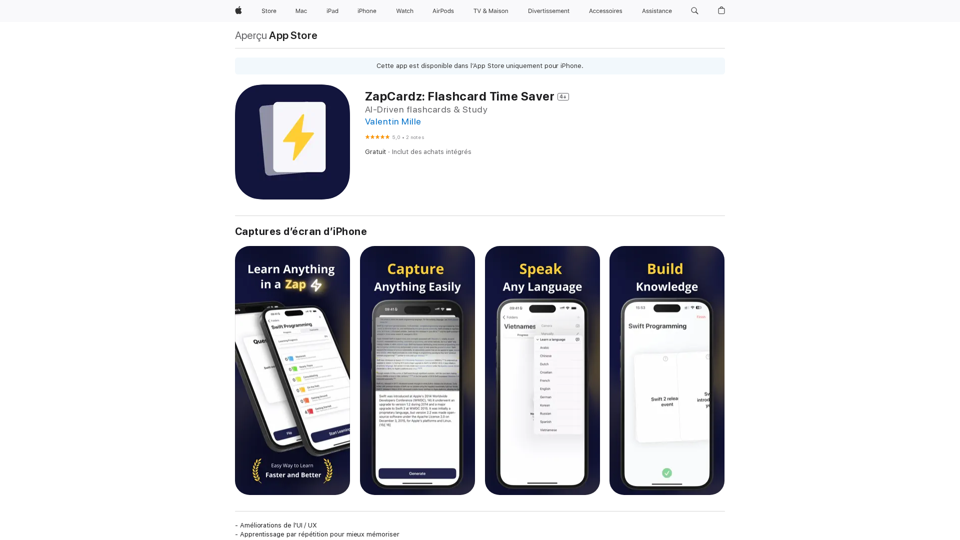
AnkAI is the best tool for easily turning PDFs into Anki flash cards, making your studying process faster and simpler.

0
AI Letter Generator: Free AI Letter Writer, Cover Letter
View Detail

AI Letter Generator: Free AI Letter Writer, Cover Letter

AI Letter Generator: Free AI Letter Writer, Cover Letter

AI Letter Generator helps you create professional letters easily with AI. Try our free letter writer, cover letter generator, and more!

0
Introducing Bard
View Detail

Introducing Bard

Introducing Bard

See the ChatGPT responses right next to your search engine results.

193.90 M
Songmeaning - Uncovering the Hidden Story Behind Your Favorite Song Lyrics
View Detail

Songmeaning - Uncovering the Hidden Story Behind Your Favorite Song Lyrics

Songmeaning - Uncovering the Hidden Story Behind Your Favorite Song Lyrics

Let's unlock the hidden depths of your favorite song with the power of AI. With Songmeaning, let's uncover the true meaning behind your favorite lyrics.

84.13 K
Article Summary with ChatGPT and Take Notes

This is a guide on how to use ChatGPT to summarize articles and take notes effectively. 

Step 1:  Provide ChatGPT with the Article

Copy and paste the full text of the article into the ChatGPT interface. 

Step 2:  Craft Your Prompt

Tell ChatGPT what you want it to do. Here are some examples:

* Summarize: "Please summarize this article in 200 words."
* Key Points: "What are the main points of this article?"
* Bullet Points: "Summarize the key findings of this article in bullet points."
* Notes: "Take notes on this article, focusing on the author's arguments and supporting evidence."

Step 3:  Review and Refine

ChatGPT will generate a summary, key points, bullet points, or notes based on your prompt. 

* Read carefully: Make sure the output accurately reflects the article's content.
* Edit as needed:  You can ask ChatGPT to rephrase sections or provide more detail.
* Add your own insights:  Don't just copy ChatGPT's output. Use it as a starting point and add your own thoughts, questions, and connections.

Tips for Effective Use:

* Be specific: The more specific your prompt, the better the output will be.
* Experiment with different prompts: Try various phrasing to see what works best.
* Use ChatGPT as a tool:  It's a powerful aid, but it's not a replacement for critical reading and thinking.
View Detail

Article Summary with ChatGPT and Take Notes This is a guide on how to use ChatGPT to summarize articles and take notes effectively. Step 1: Provide ChatGPT with the Article Copy and paste the full text of the article into the ChatGPT interface. Step 2: Craft Your Prompt Tell ChatGPT what you want it to do. Here are some examples: * Summarize: "Please summarize this article in 200 words." * Key Points: "What are the main points of this article?" * Bullet Points: "Summarize the key findings of this article in bullet points." * Notes: "Take notes on this article, focusing on the author's arguments and supporting evidence." Step 3: Review and Refine ChatGPT will generate a summary, key points, bullet points, or notes based on your prompt. * Read carefully: Make sure the output accurately reflects the article's content. * Edit as needed: You can ask ChatGPT to rephrase sections or provide more detail. * Add your own insights: Don't just copy ChatGPT's output. Use it as a starting point and add your own thoughts, questions, and connections. Tips for Effective Use: * Be specific: The more specific your prompt, the better the output will be. * Experiment with different prompts: Try various phrasing to see what works best. * Use ChatGPT as a tool: It's a powerful aid, but it's not a replacement for critical reading and thinking.

Article Summary with ChatGPT and Take Notes This is a guide on how to use ChatGPT to summarize articles and take notes effectively. Step 1: Provide ChatGPT with the Article Copy and paste the full text of the article into the ChatGPT interface. Step 2: Craft Your Prompt Tell ChatGPT what you want it to do. Here are some examples: * Summarize: "Please summarize this article in 200 words." * Key Points: "What are the main points of this article?" * Bullet Points: "Summarize the key findings of this article in bullet points." * Notes: "Take notes on this article, focusing on the author's arguments and supporting evidence." Step 3: Review and Refine ChatGPT will generate a summary, key points, bullet points, or notes based on your prompt. * Read carefully: Make sure the output accurately reflects the article's content. * Edit as needed: You can ask ChatGPT to rephrase sections or provide more detail. * Add your own insights: Don't just copy ChatGPT's output. Use it as a starting point and add your own thoughts, questions, and connections. Tips for Effective Use: * Be specific: The more specific your prompt, the better the output will be. * Experiment with different prompts: Try various phrasing to see what works best. * Use ChatGPT as a tool: It's a powerful aid, but it's not a replacement for critical reading and thinking.

I can do that! Please provide me with the URL of the webpage or article you'd like me to summarize. I'll do my best to create a concise and easy-to-understand summary for you.

193.90 M
KauGPT
View Detail

KauGPT

KauGPT

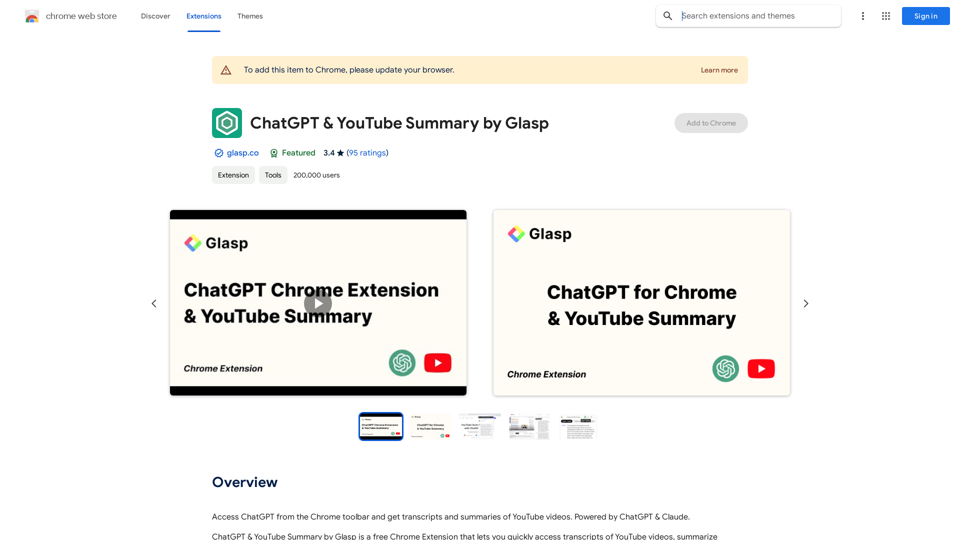
This extension gives you access to GPT-4, along with access to other GPT models and files.

193.90 M
CatPaw: Fast AI Keyboard on the App Store
View Detail

CatPaw: Fast AI Keyboard on the App Store

CatPaw: Fast AI Keyboard on the App Store

The CatPaw Ai keyboard is powered by your own trusted ChatGPT / Gemini API service, designed to enhance your input efficiency. It supports customizable AI commands for a more personalized experience.

124.77 M
TLDR.AI
View Detail

TLDR.AI

TLDR.AI

Say goodbye to information overload

193.90 M