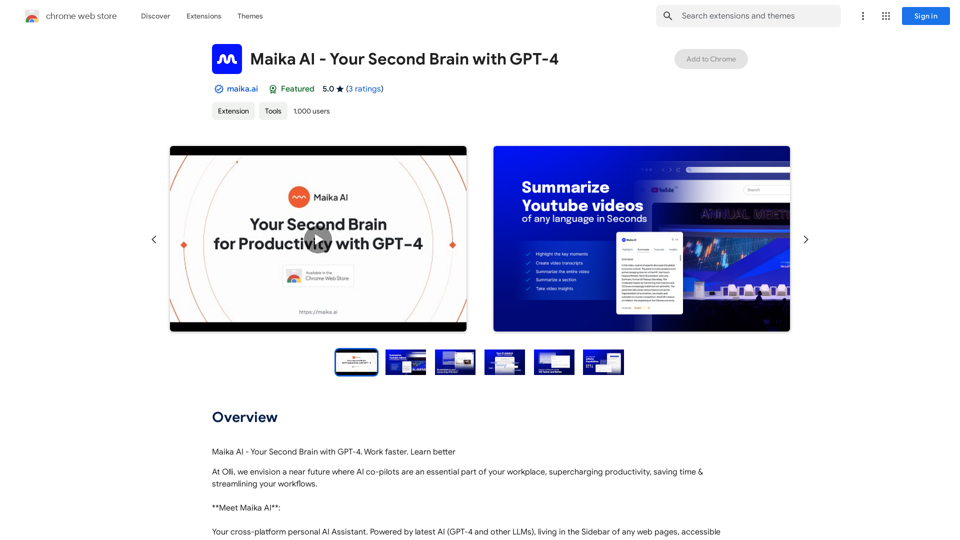
Maika AI is a versatile personal AI Assistant that leverages cutting-edge AI technologies, including GPT-4 and other Large Language Models (LLMs). This cross-platform tool is designed to enhance productivity and efficiency in daily tasks by providing instant access to information, content generation, and task automation.
Maika AI - Your Intelligent Assistant with GPT-4
Maika AI - Your Second Brain with GPT-4. Work faster. Learn better
Introduction
Feature
AI Sidekick
Engage in direct conversations with the AI assistant, asking questions and receiving immediate responses. The AI Sidekick can also automate tasks such as research and data collection.
Web & Youtube Highlighter
Easily highlight and organize information from web pages and YouTube videos, improving information retention and comprehension.
Instant Youtube
Quickly summarize YouTube videos, providing transcripts, insights, and key moments in multiple languages.
Instant Articles
Generate concise and easy-to-read summaries of web articles, saving time and improving information processing.
Templates
Access pre-built templates for creating full-length blogs, SEO content, ads, outlines, and articles, streamlining the content creation process.
SEO Research
Conduct keyword and site explorer research, gaining valuable insights to optimize online presence and improve search engine rankings.
Gen Tools
Select any text on a webpage and ask Maika AI to explain, translate, or rephrase it, enhancing understanding and communication.
Email Reply
Generate contextually appropriate email responses with a single click, referencing the original email for accuracy and relevance.
FAQ
What is Maika AI?
Maika AI is a cross-platform personal AI Assistant powered by advanced AI technologies, including GPT-4 and other Large Language Models (LLMs). It's designed to assist users with various tasks, from information retrieval to content generation and task automation.
What sets Maika AI apart from other AI assistants?
Maika AI distinguishes itself through its comprehensive feature set, including AI Sidekick, Web & Youtube Highlighter, Instant Youtube, Instant Articles, Templates, SEO Research, Gen Tools, and Email Reply. This diverse range of tools makes it a versatile solution for various productivity and content-related tasks.
How can users maximize their use of Maika AI?
To get the most out of Maika AI, users should:
- Utilize the AI Sidekick for quick questions and task automation
- Use the Web & Youtube Highlighter for efficient information organization
- Take advantage of Instant Youtube and Instant Articles for rapid content summarization
- Leverage Templates for streamlined content creation
- Conduct SEO research to optimize online presence
- Use Gen Tools for on-the-fly text manipulation and translation
- Employ the Email Reply feature for efficient communication
Related Websites
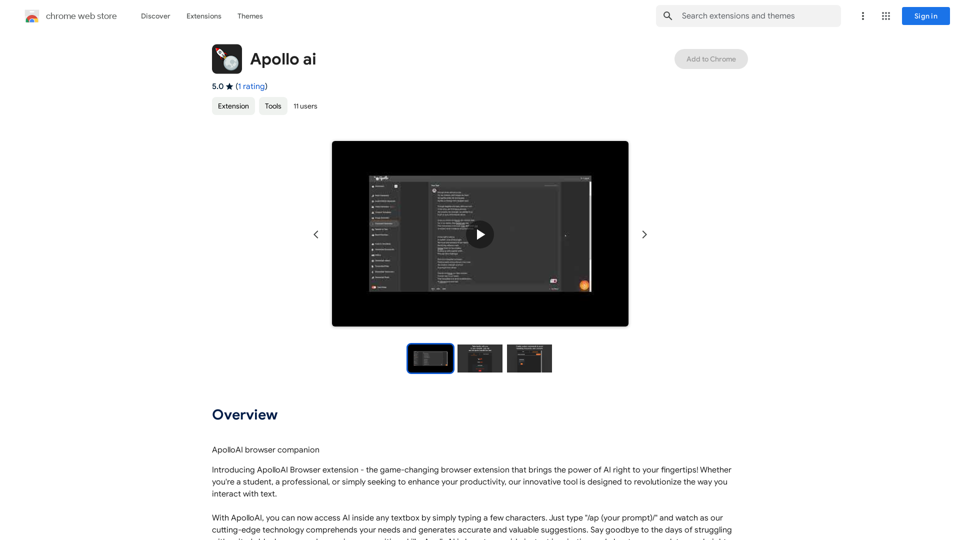
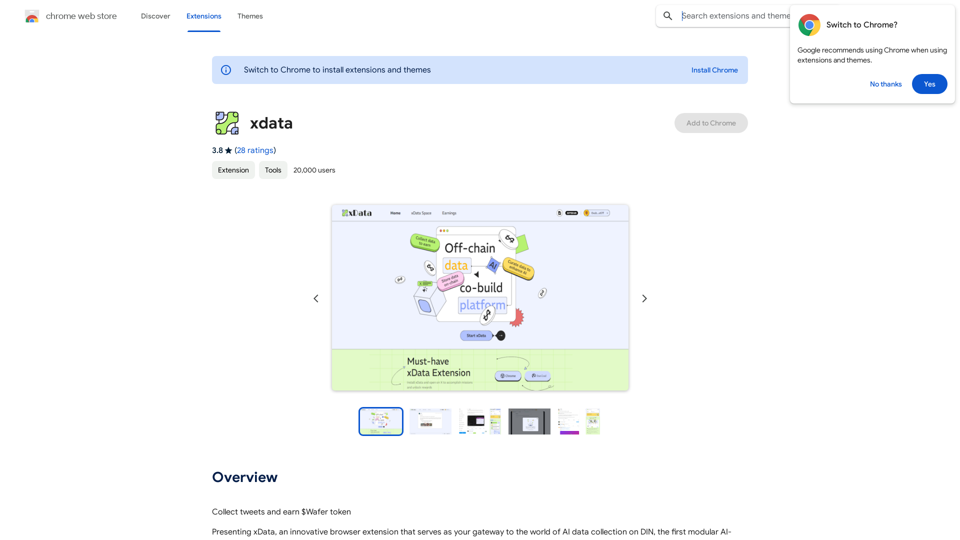
xdata xdata is a type of data that is used to extend or augment the functionality of a program or system. It is often used to provide additional information or context that is not available through traditional data sources. xdata can take many forms, including sensor data, log files, and social media posts. It is often unstructured or semi-structured, making it difficult to analyze and process using traditional data tools and techniques. However, xdata can provide valuable insights and competitive advantages when properly analyzed and utilized.
xdata xdata is a type of data that is used to extend or augment the functionality of a program or system. It is often used to provide additional information or context that is not available through traditional data sources. xdata can take many forms, including sensor data, log files, and social media posts. It is often unstructured or semi-structured, making it difficult to analyze and process using traditional data tools and techniques. However, xdata can provide valuable insights and competitive advantages when properly analyzed and utilized.Collect tweets and earn $Wafer tokens
193.90 M
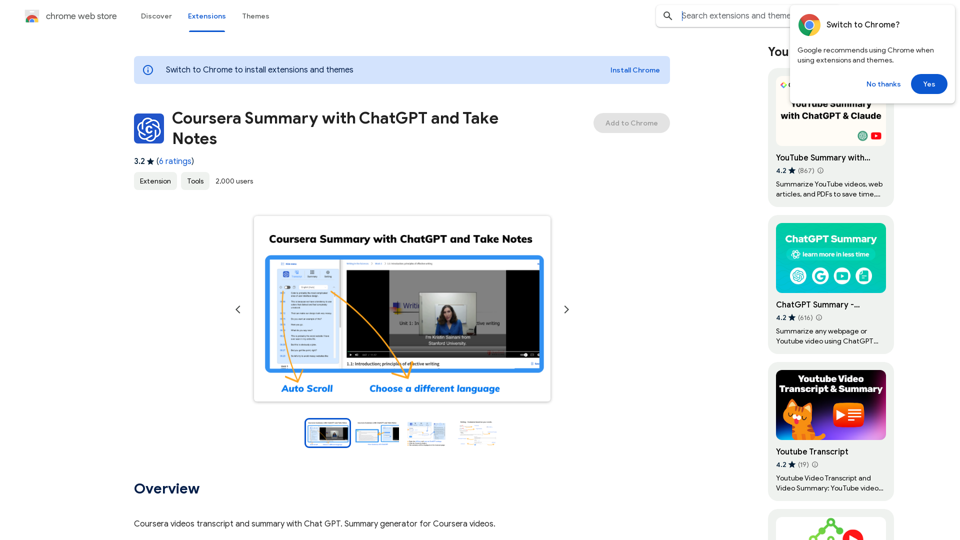
Coursera Summary with ChatGPT and Take Notes ===================================================== What is Coursera? Coursera is an online learning platform that partners with top universities and organizations to offer courses and degree programs in a wide range of fields. What is ChatGPT? ChatGPT is a conversational AI tool that can understand and respond to human input in a human-like way. It can be used to generate text, answer questions, and even create content. How to Use ChatGPT for Coursera Summary? You can use ChatGPT to summarize Coursera courses by: * Providing the course material or lecture notes to ChatGPT * Asking ChatGPT to summarize the key points or main ideas * Reviewing and editing the summary generated by ChatGPT Benefits of Using ChatGPT for Coursera Summary Using ChatGPT for Coursera summary can help you: * Save time by automating the summarization process * Improve understanding and retention of course material * Focus on key concepts and ideas * Enhance learning experience How to Take Notes with ChatGPT? You can use ChatGPT to take notes by: * Providing the course material or lecture notes to ChatGPT * Asking ChatGPT to generate notes or key points * Reviewing and editing the notes generated by ChatGPT * Organizing and structuring the notes for easy reference Benefits of Using ChatGPT for Taking Notes Using ChatGPT for taking notes can help you: * Save time by automating the note-taking process * Improve organization and structure of notes * Enhance understanding and retention of course material * Focus on key concepts and ideas
Coursera Summary with ChatGPT and Take Notes ===================================================== What is Coursera? Coursera is an online learning platform that partners with top universities and organizations to offer courses and degree programs in a wide range of fields. What is ChatGPT? ChatGPT is a conversational AI tool that can understand and respond to human input in a human-like way. It can be used to generate text, answer questions, and even create content. How to Use ChatGPT for Coursera Summary? You can use ChatGPT to summarize Coursera courses by: * Providing the course material or lecture notes to ChatGPT * Asking ChatGPT to summarize the key points or main ideas * Reviewing and editing the summary generated by ChatGPT Benefits of Using ChatGPT for Coursera Summary Using ChatGPT for Coursera summary can help you: * Save time by automating the summarization process * Improve understanding and retention of course material * Focus on key concepts and ideas * Enhance learning experience How to Take Notes with ChatGPT? You can use ChatGPT to take notes by: * Providing the course material or lecture notes to ChatGPT * Asking ChatGPT to generate notes or key points * Reviewing and editing the notes generated by ChatGPT * Organizing and structuring the notes for easy reference Benefits of Using ChatGPT for Taking Notes Using ChatGPT for taking notes can help you: * Save time by automating the note-taking process * Improve organization and structure of notes * Enhance understanding and retention of course material * Focus on key concepts and ideasAutomate Your Learning: Coursera Videos Transcript and Summary with ChatGPT ============================================================ Are you tired of manually taking notes while watching Coursera videos? Do you wish you had a summary of the video to review later? Look no further! With the power of ChatGPT, you can now generate transcripts and summaries of Coursera videos with ease. How it Works --------------- 1. Transcribe the Video: Use a transcription tool to convert the audio from the Coursera video into text. 2. Feed it to ChatGPT: Input the transcript into ChatGPT, and it will generate a concise summary of the video. 3. Review and Refine: Review the summary, refine it as needed, and you're good to go! Benefits ------------ * Save Time: No more manual note-taking or re-watching videos to understand the content. * Improve Retention: A summary of the video helps you retain information better and review it quickly. * Enhance Learning: Focus on understanding the concepts rather than taking notes. Get Started -------------- Try it out today and take your learning to the next level!
193.90 M
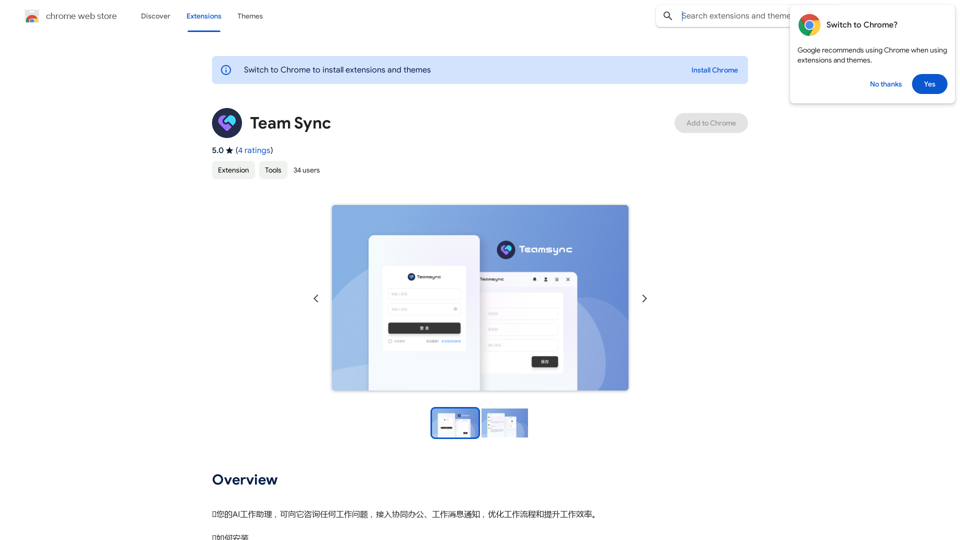
⭐ Your AI work assistant can answer any work questions you have. It integrates with collaborative work, work message notifications, to optimize your workflow and boost your productivity. ⭐ How to install Simply go to the Chrome Web Store, search for the extension, and click "Add to Chrome." Once installed, the extension will be available in your toolbar for easy access.
193.90 M
Best AI Job Application Bot 2024 | Webs-Automation This AI-powered job application bot is designed to simplify and streamline the job application process for both job seekers and employers. With its advanced automation capabilities, this bot can efficiently search for job openings, tailor resumes and cover letters, and even submit applications on behalf of the job seeker.
Best AI Job Application Bot 2024 | Webs-Automation This AI-powered job application bot is designed to simplify and streamline the job application process for both job seekers and employers. With its advanced automation capabilities, this bot can efficiently search for job openings, tailor resumes and cover letters, and even submit applications on behalf of the job seeker.Enhance Your Job Search with the Ultimate AI Job Application Bot! Simplify the Application Process and Boost Your Prospects with Our Top Job Application Bot.
2.69 K
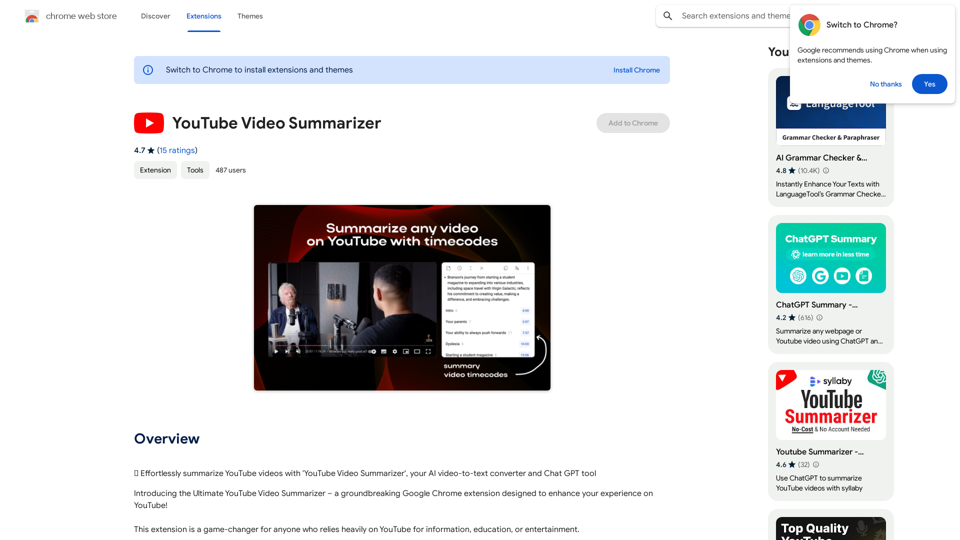
Effortlessly summarize YouTube videos with 'YouTube Video Summarizer', your AI video-to-text converter and Chat GPT tool
193.90 M
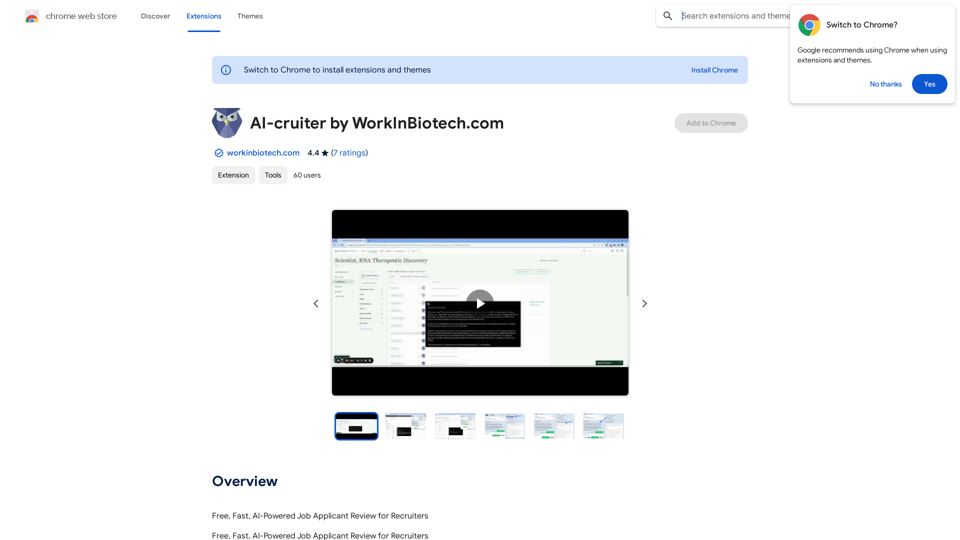
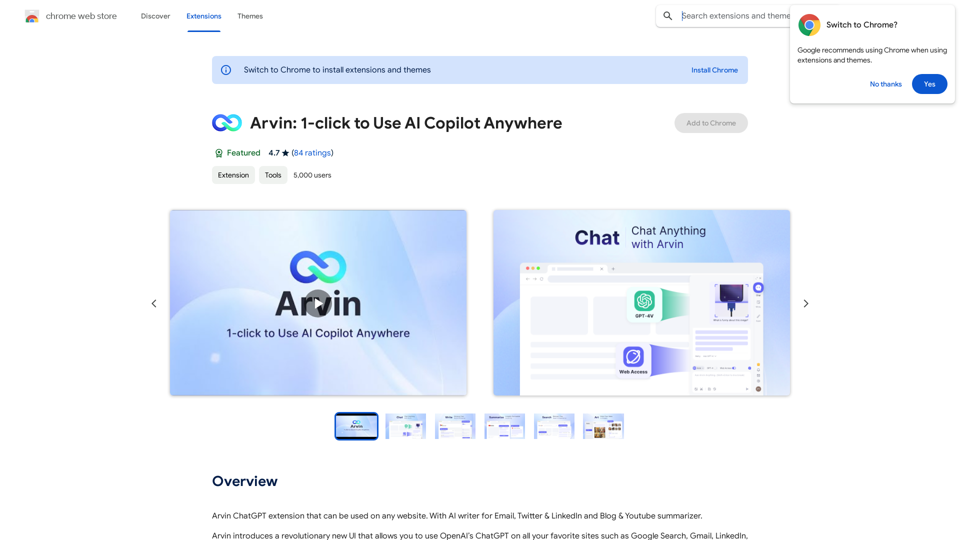
The Arvin ChatGPT extension is a versatile tool that can be used on any website, offering a range of features to enhance your online experience. These features include an AI writer for crafting emails, Twitter posts, and LinkedIn updates, as well as a summarizer for blogs and YouTube videos.
193.90 M