Physna Nexus+ is an innovative tool that enhances Unity Asset Manager with powerful search capabilities. It allows users to efficiently search and analyze 3D models within Unity Asset Manager, significantly reducing the time required for these tasks. By leveraging Physna's patented technology, Physna Nexus+ offers unique features such as geometric and visual search, making it an invaluable asset for 3D model management and workflow optimization.
Physna Nexus+
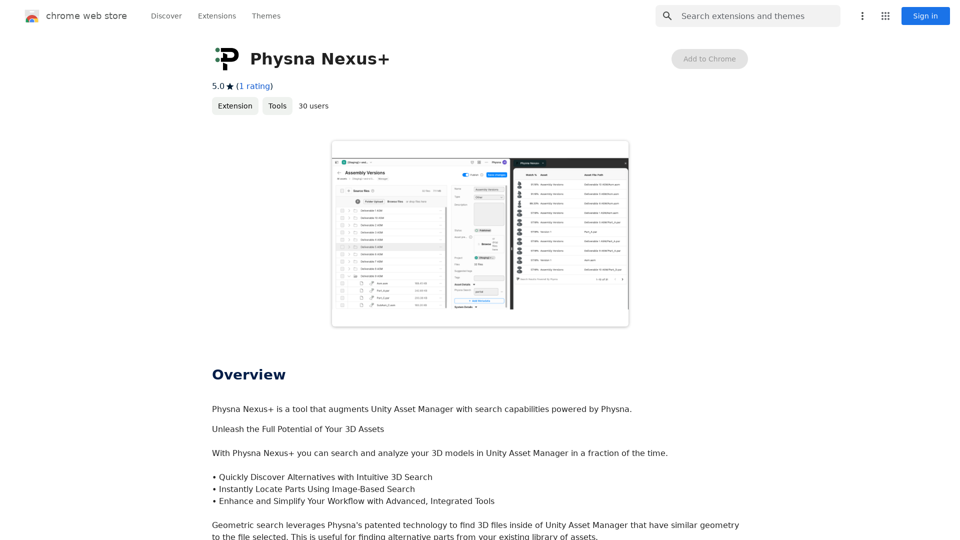
Physna Nexus+ is a tool that improves Unity Asset Manager by adding search features powered by Physna.
Introduction
Feature
Geometric Search
Physna Nexus+ utilizes Physna's patented technology to find 3D files within Unity Asset Manager that have similar geometry to the selected file. This feature enables users to quickly identify and locate models with comparable structures.
Visual Search
The visual search capability allows users to find 3D files in Unity Asset Manager that are visually similar to a provided image. This feature is particularly useful when searching for models based on appearance rather than structure.
Advanced Integrated Tools
Physna Nexus+ offers a suite of advanced tools designed to enhance and streamline the user's workflow. These tools work seamlessly within the Unity Asset Manager environment.
Efficient Workflow
Users can easily load and publish 3D models, then perform searches using either 3D models or photos (JPEGs) of 3D objects. The tool provides various search options and filters to facilitate quick information retrieval.
Time-Saving Capabilities
By enabling users to search and analyze 3D models rapidly, Physna Nexus+ significantly reduces the time spent on these tasks, leading to increased productivity.
Free Availability
Physna Nexus+ is available as a free extension, which can be downloaded from the Chrome Web Store, making it accessible to a wide range of users.
FAQ
How does Physna Nexus+ improve productivity?
Physna Nexus+ enhances productivity by:
- Reducing search times for 3D models
- Providing advanced tools for workflow optimization
- Enabling quick information retrieval through various search options and filters
What types of searches does Physna Nexus+ support?
Physna Nexus+ supports two main types of searches:
- Geometric search: Finds 3D files with similar geometry to the selected file
- Visual search: Locates 3D files that are visually similar to a provided image
Are there any tips for using Physna Nexus+ effectively?
Yes, here are some helpful tips:
- Always load a 3D model before publishing it for search
- Utilize the visual search feature when looking for visually similar 3D files
- Explore and leverage the advanced integrated tools to optimize your workflow
Is Physna Nexus+ compatible with other 3D modeling software?
Physna Nexus+ is specifically designed to enhance Unity Asset Manager. For compatibility with other 3D modeling software, it's best to check the official documentation or contact Physna support.
Related Websites

The #1 YouTube Thumbnails Generator for Viral Videos
The #1 YouTube Thumbnails Generator for Viral VideosThe AI thumbnail generator used by the top YouTube content creators. Create viral thumbnails with ThumbnailPro. Ideal for YouTube thumbnails.
0

Create fully controllable videos using Veggie AI by simply uploading your character photos, action videos, or inputting text prompts.
7.03 K
Photoleap - Creative & powerful photo editing app by Lightricks
Photoleap - Creative & powerful photo editing app by LightricksUse the comprehensive photo editor Photoleap for incredible creations on your iPhone: Alter backgrounds, eliminate objects, design collages, and apply filters & effects. Start a 7-day free trial now.
196.20 K
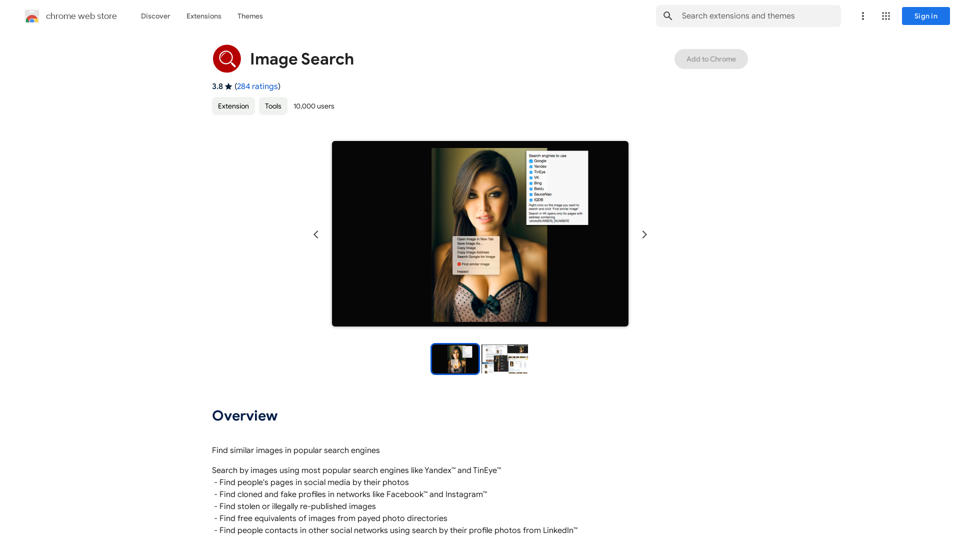
Find Similar Images in Popular Search Engines You can find similar images in popular search engines like Google, Bing, and Yandex using the following methods: #Google Images * Drag and drop an image into the search bar or click on the camera icon to upload an image. * Click on the "Search by image" button. * Google will display a list of similar images. #Bing Images * Click on the "Images" tab on the Bing homepage. * Click on the "Camera" icon in the search bar. * Upload an image or enter the image URL. * Bing will display a list of similar images. #Yandex Images * Click on the "Images" tab on the Yandex homepage. * Click on the "Lens" icon in the search bar. * Upload an image or enter the image URL. * Yandex will display a list of similar images. These search engines use advanced algorithms to find similar images based on various factors such as color, shape, and texture.
193.90 M
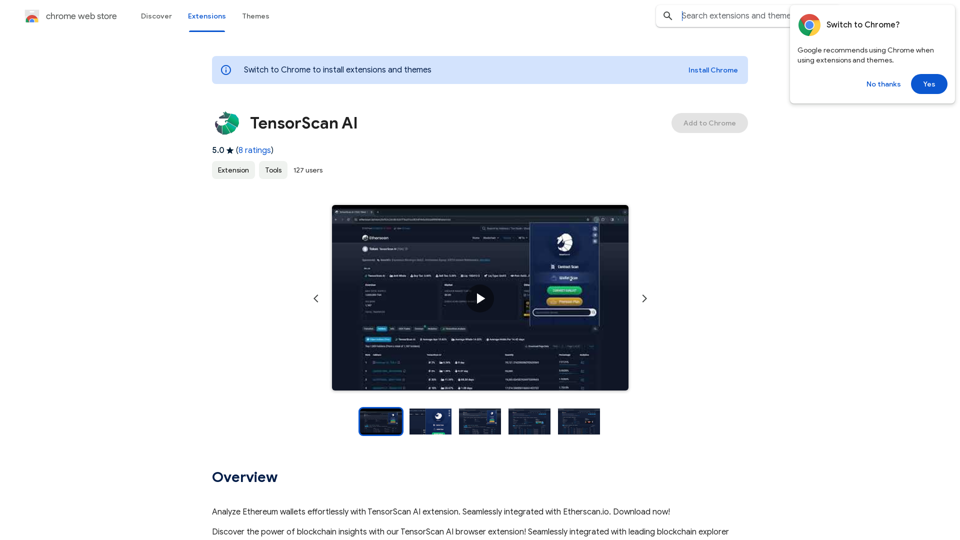
Analyze Ethereum wallets easily with the TensorScan AI extension. It works perfectly with Etherscan.io. Download it now!
193.90 M
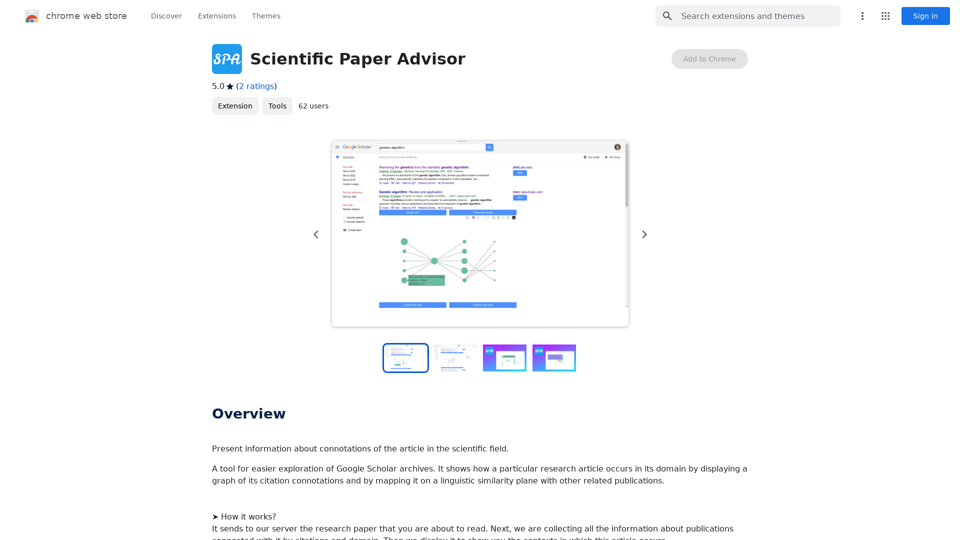
Scientific Paper Advisor This is a tool to help you write a scientific paper. Features: * Generate a paper outline: Provide a topic and get a structured outline to guide your writing. * Suggest relevant literature: Find recent research papers related to your topic. * Check for plagiarism: Ensure your work is original and properly cited. * Improve grammar and style: Polish your writing for clarity and conciseness. * Format your paper: Adhere to standard scientific paper formatting guidelines. Let me know how I can help you with your scientific paper!
Scientific Paper Advisor This is a tool to help you write a scientific paper. Features: * Generate a paper outline: Provide a topic and get a structured outline to guide your writing. * Suggest relevant literature: Find recent research papers related to your topic. * Check for plagiarism: Ensure your work is original and properly cited. * Improve grammar and style: Polish your writing for clarity and conciseness. * Format your paper: Adhere to standard scientific paper formatting guidelines. Let me know how I can help you with your scientific paper!Please provide me with the article so I can analyze its connotations in the scientific field.
193.90 M
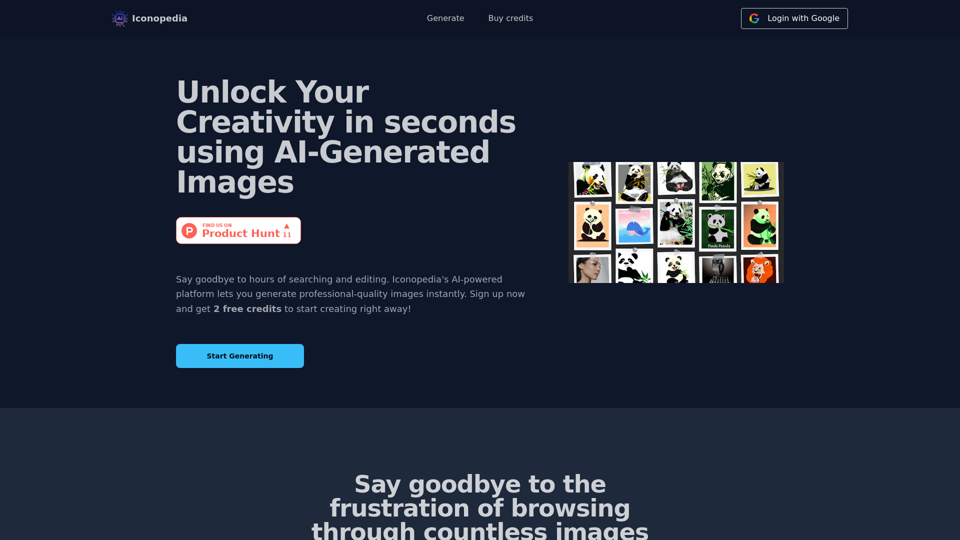
Generate Stunning Images with AI Let's explore the world of AI-powered image generation and unleash your creativity! What is AI Image Generation? AI image generation uses artificial intelligence algorithms to create images from text descriptions, known as "prompts." How Does it Work? These powerful models, trained on massive datasets of images and text, learn the relationships between words and visual concepts. When you provide a prompt, the AI interprets it and generates a corresponding image. Benefits of AI Image Generation: * Effortless Creativity: Bring your ideas to life without needing artistic skills. * Endless Possibilities: Explore unique concepts and styles with ease. * Rapid Prototyping: Quickly visualize designs and concepts. * Personalized Content: Create custom images tailored to your needs. Popular AI Image Generators: * DALL-E 2: Known for its photorealistic and imaginative results. * Midjourney: Creates artistic and dreamlike images. * Stable Diffusion: Open-source and highly customizable. * Craiyon (formerly DALL-E mini): A free and accessible option. Tips for Generating Stunning Images: * Be Specific: Provide clear and detailed prompts. * Use Descriptive Language: Include adjectives, nouns, and verbs to guide the AI. * Experiment with Styles: Explore different artistic styles and aesthetics. * Iterate and Refine: Adjust your prompts and settings to achieve your desired outcome. Let your imagination run wild and discover the incredible potential of AI image generation!
0