Physna Nexus+ is an innovative tool that enhances Unity Asset Manager with powerful search capabilities. It allows users to efficiently search and analyze 3D models within Unity Asset Manager, significantly reducing the time required for these tasks. By leveraging Physna's patented technology, Physna Nexus+ offers unique features such as geometric and visual search, making it an invaluable asset for 3D model management and workflow optimization.
Physna Nexus+
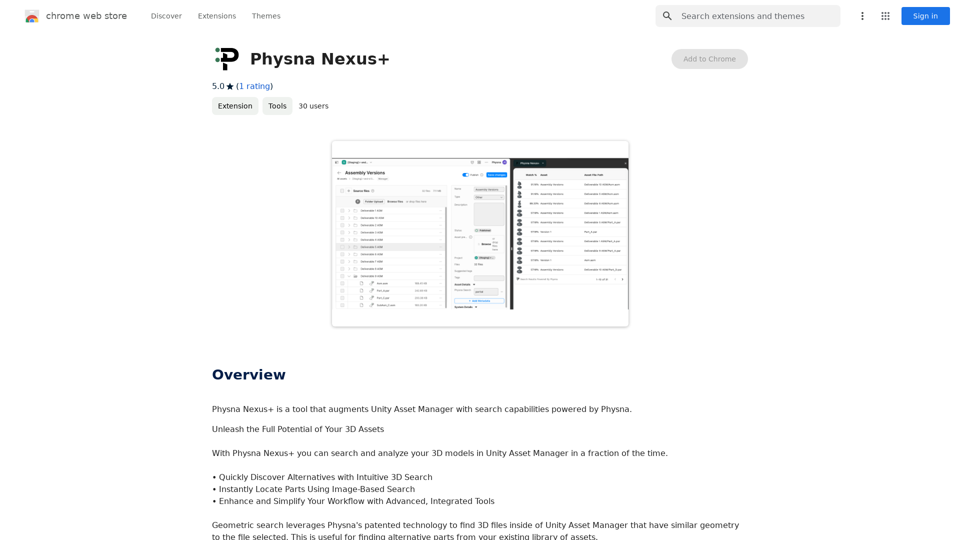
Physna Nexus+ is a tool that improves Unity Asset Manager by adding search features powered by Physna.
Introduction
Feature
Geometric Search
Physna Nexus+ utilizes Physna's patented technology to find 3D files within Unity Asset Manager that have similar geometry to the selected file. This feature enables users to quickly identify and locate models with comparable structures.
Visual Search
The visual search capability allows users to find 3D files in Unity Asset Manager that are visually similar to a provided image. This feature is particularly useful when searching for models based on appearance rather than structure.
Advanced Integrated Tools
Physna Nexus+ offers a suite of advanced tools designed to enhance and streamline the user's workflow. These tools work seamlessly within the Unity Asset Manager environment.
Efficient Workflow
Users can easily load and publish 3D models, then perform searches using either 3D models or photos (JPEGs) of 3D objects. The tool provides various search options and filters to facilitate quick information retrieval.
Time-Saving Capabilities
By enabling users to search and analyze 3D models rapidly, Physna Nexus+ significantly reduces the time spent on these tasks, leading to increased productivity.
Free Availability
Physna Nexus+ is available as a free extension, which can be downloaded from the Chrome Web Store, making it accessible to a wide range of users.
FAQ
How does Physna Nexus+ improve productivity?
Physna Nexus+ enhances productivity by:
- Reducing search times for 3D models
- Providing advanced tools for workflow optimization
- Enabling quick information retrieval through various search options and filters
What types of searches does Physna Nexus+ support?
Physna Nexus+ supports two main types of searches:
- Geometric search: Finds 3D files with similar geometry to the selected file
- Visual search: Locates 3D files that are visually similar to a provided image
Are there any tips for using Physna Nexus+ effectively?
Yes, here are some helpful tips:
- Always load a 3D model before publishing it for search
- Utilize the visual search feature when looking for visually similar 3D files
- Explore and leverage the advanced integrated tools to optimize your workflow
Is Physna Nexus+ compatible with other 3D modeling software?
Physna Nexus+ is specifically designed to enhance Unity Asset Manager. For compatibility with other 3D modeling software, it's best to check the official documentation or contact Physna support.
Related Websites
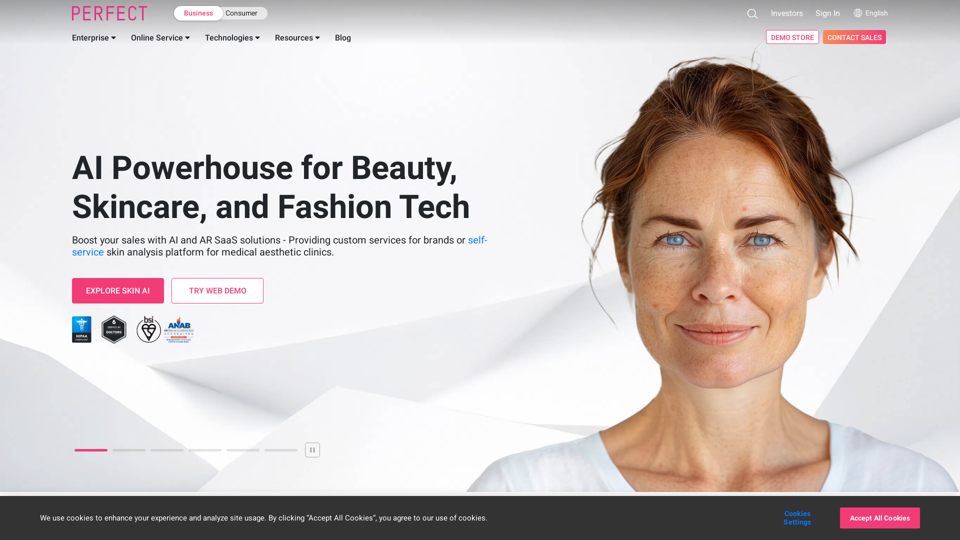
AI & AR Business Solutions for Skin, Beauty & Fashion
AI & AR Business Solutions for Skin, Beauty & FashionReimagine AI with YouCam: Elevate Your Brand by Cropping Complete Beauty Tech & Fashion Tech Solutions. Digitally transform your business with AI & AR ecommerce experiences.
7.10 M
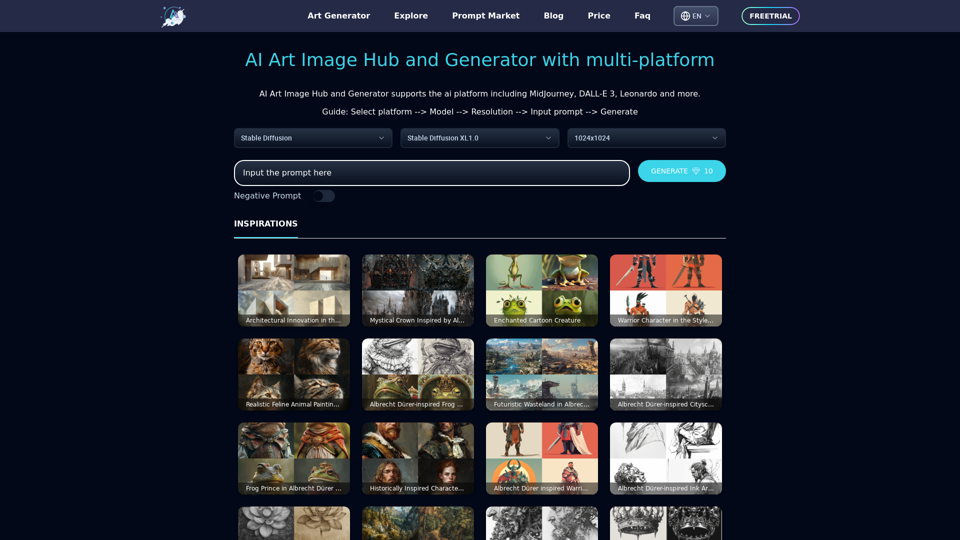
Unleash your creativity with ArtiverseHub's online AI art generator. Enjoy support for multiple platforms including DALL-E (ChatGPT), Leonardo.ai, Stability.ai, and several others.
823
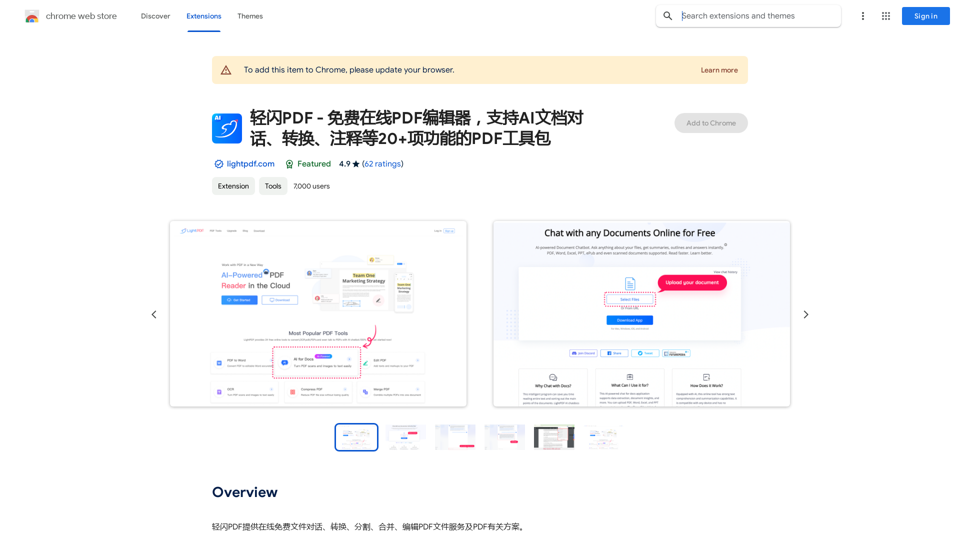
LightFlash PDF - A Free Online PDF Editor, Supporting 20+ Functions Including AI Document Dialogue, Conversion, Annotation, and More PDF Toolkits
LightFlash PDF - A Free Online PDF Editor, Supporting 20+ Functions Including AI Document Dialogue, Conversion, Annotation, and More PDF Toolkits轻闪PDF provides online free file conversion, splitting, merging, and editing services for PDF files, as well as PDF-related solutions.
193.90 M
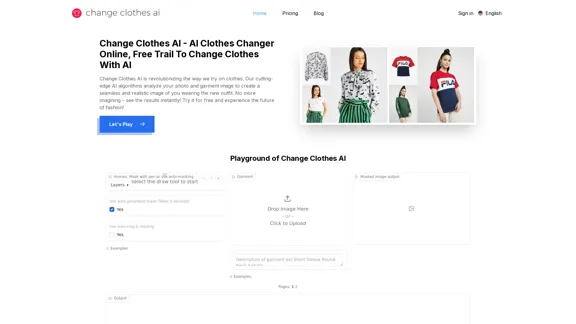
Change Clothes AI - AI Clothes Changer Online, Free Trial To Change Clothes With AI
Change Clothes AI - AI Clothes Changer Online, Free Trial To Change Clothes With AIChange Clothes AI is an online outfit changer powered by AI technology. Easily swap clothes in your photos by uploading a portrait and garment image. Our AI algorithm generates a new image in seconds, letting you experiment with different looks and find the perfect outfit.
19.55 K
![AI-Powered Cover Letter
==========================
Introduction
As a highly motivated and innovative professional, I am excited to apply for the [Position] role at [Company]. With a strong background in [Industry/Field], I am confident that my skills and experience make me an ideal candidate for this position.
Summary
With [Number] years of experience in [Industry/Field], I have developed a unique combination of skills in [Key Skills]. My expertise in [Technical Skills] has enabled me to [Desirable Outcome], resulting in [Desirable Metric]. I am excited to leverage my skills to drive success at [Company].
Achievements
* [ Achievement 1 ]: Developed and implemented [Project/Initiative], resulting in [Desirable Metric] and [Desirable Outcome].
* [ Achievement 2 ]: Successfully [Key Skill] to [Desirable Outcome], resulting in [Desirable Metric].
* [ Achievement 3 ]: Collaborated with [Team/Department] to [Desirable Outcome], resulting in [Desirable Metric].
Education
* [Degree], [Field of Study], [University], [Graduation Date]
* [Relevant Coursework or Specialization]
Skills
* Technical Skills: [Technical Skill 1], [Technical Skill 2], [Technical Skill 3]
* Soft Skills: [Soft Skill 1], [Soft Skill 2], [Soft Skill 3]
Why [Company]?
I am drawn to [Company] because of its [Reason for Interest]. I am impressed by the company's [Initiative/Value] and believe that my skills and experience align with its mission to [Company Mission].
Conclusion
Thank you for considering my application. I am excited about the opportunity to contribute to [Company] and discuss how my skills and experience can drive success. Please feel free to contact me at [Contact Information].
Sincerely,
[Your Name]](https://static.right-ai.com/tools/2024/7/3/chromewebstore-google-com-detail-ai-cover-letter-bcomdehdkdilamaajciocnpgapckeong-thumbnail-1720036712.png "AI-Powered Cover Letter
==========================
Introduction
As a highly motivated and innovative professional, I am excited to apply for the [Position] role at [Company]. With a strong background in [Industry/Field], I am confident that my skills and experience make me an ideal candidate for this position.
Summary
With [Number] years of experience in [Industry/Field], I have developed a unique combination of skills in [Key Skills]. My expertise in [Technical Skills] has enabled me to [Desirable Outcome], resulting in [Desirable Metric]. I am excited to leverage my skills to drive success at [Company].
Achievements
* [ Achievement 1 ]: Developed and implemented [Project/Initiative], resulting in [Desirable Metric] and [Desirable Outcome].
* [ Achievement 2 ]: Successfully [Key Skill] to [Desirable Outcome], resulting in [Desirable Metric].
* [ Achievement 3 ]: Collaborated with [Team/Department] to [Desirable Outcome], resulting in [Desirable Metric].
Education
* [Degree], [Field of Study], [University], [Graduation Date]
* [Relevant Coursework or Specialization]
Skills
* Technical Skills: [Technical Skill 1], [Technical Skill 2], [Technical Skill 3]
* Soft Skills: [Soft Skill 1], [Soft Skill 2], [Soft Skill 3]
Why [Company]?
I am drawn to [Company] because of its [Reason for Interest]. I am impressed by the company's [Initiative/Value] and believe that my skills and experience align with its mission to [Company Mission].
Conclusion
Thank you for considering my application. I am excited about the opportunity to contribute to [Company] and discuss how my skills and experience can drive success. Please feel free to contact me at [Contact Information].
Sincerely,
[Your Name]")
AI-Powered Cover Letter ========================== Introduction As a highly motivated and innovative professional, I am excited to apply for the [Position] role at [Company]. With a strong background in [Industry/Field], I am confident that my skills and experience make me an ideal candidate for this position. Summary With [Number] years of experience in [Industry/Field], I have developed a unique combination of skills in [Key Skills]. My expertise in [Technical Skills] has enabled me to [Desirable Outcome], resulting in [Desirable Metric]. I am excited to leverage my skills to drive success at [Company]. Achievements * [ Achievement 1 ]: Developed and implemented [Project/Initiative], resulting in [Desirable Metric] and [Desirable Outcome]. * [ Achievement 2 ]: Successfully [Key Skill] to [Desirable Outcome], resulting in [Desirable Metric]. * [ Achievement 3 ]: Collaborated with [Team/Department] to [Desirable Outcome], resulting in [Desirable Metric]. Education * [Degree], [Field of Study], [University], [Graduation Date] * [Relevant Coursework or Specialization] Skills * Technical Skills: [Technical Skill 1], [Technical Skill 2], [Technical Skill 3] * Soft Skills: [Soft Skill 1], [Soft Skill 2], [Soft Skill 3] Why [Company]? I am drawn to [Company] because of its [Reason for Interest]. I am impressed by the company's [Initiative/Value] and believe that my skills and experience align with its mission to [Company Mission]. Conclusion Thank you for considering my application. I am excited about the opportunity to contribute to [Company] and discuss how my skills and experience can drive success. Please feel free to contact me at [Contact Information]. Sincerely, [Your Name]
AI-Powered Cover Letter ========================== Introduction As a highly motivated and innovative professional, I am excited to apply for the [Position] role at [Company]. With a strong background in [Industry/Field], I am confident that my skills and experience make me an ideal candidate for this position. Summary With [Number] years of experience in [Industry/Field], I have developed a unique combination of skills in [Key Skills]. My expertise in [Technical Skills] has enabled me to [Desirable Outcome], resulting in [Desirable Metric]. I am excited to leverage my skills to drive success at [Company]. Achievements * [ Achievement 1 ]: Developed and implemented [Project/Initiative], resulting in [Desirable Metric] and [Desirable Outcome]. * [ Achievement 2 ]: Successfully [Key Skill] to [Desirable Outcome], resulting in [Desirable Metric]. * [ Achievement 3 ]: Collaborated with [Team/Department] to [Desirable Outcome], resulting in [Desirable Metric]. Education * [Degree], [Field of Study], [University], [Graduation Date] * [Relevant Coursework or Specialization] Skills * Technical Skills: [Technical Skill 1], [Technical Skill 2], [Technical Skill 3] * Soft Skills: [Soft Skill 1], [Soft Skill 2], [Soft Skill 3] Why [Company]? I am drawn to [Company] because of its [Reason for Interest]. I am impressed by the company's [Initiative/Value] and believe that my skills and experience align with its mission to [Company Mission]. Conclusion Thank you for considering my application. I am excited about the opportunity to contribute to [Company] and discuss how my skills and experience can drive success. Please feel free to contact me at [Contact Information]. Sincerely, [Your Name]Craft tailored cover letters in seconds using AI, based on your CV and the job description. ✍️🤖📄
193.90 M
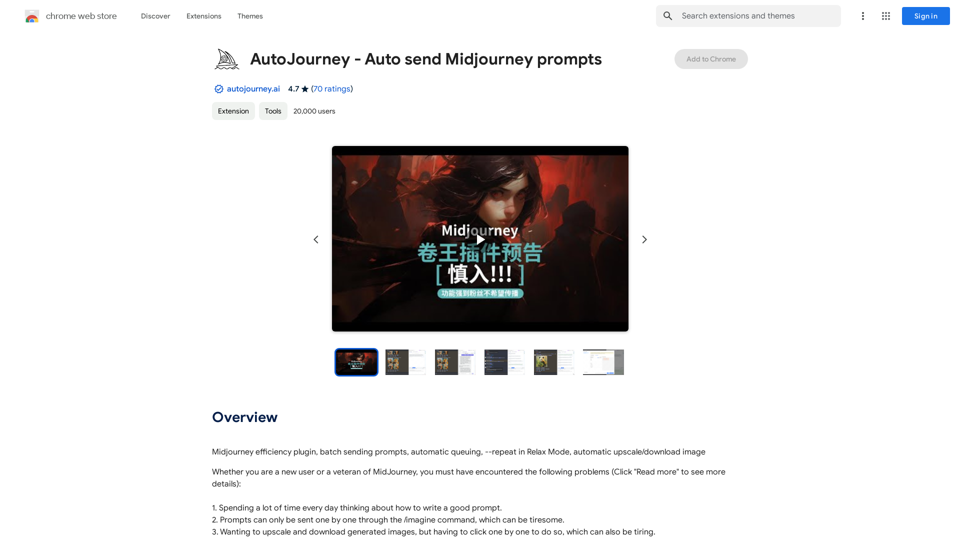
AutoJourney - Automatically Send Midjourney Prompts
AutoJourney - Automatically Send Midjourney PromptsMidjourney Efficiency Plugin: Batch Sending Prompts, Automatic Queuing, Repeat in Relax Mode, and Automatic Upscale/Download Image
193.90 M