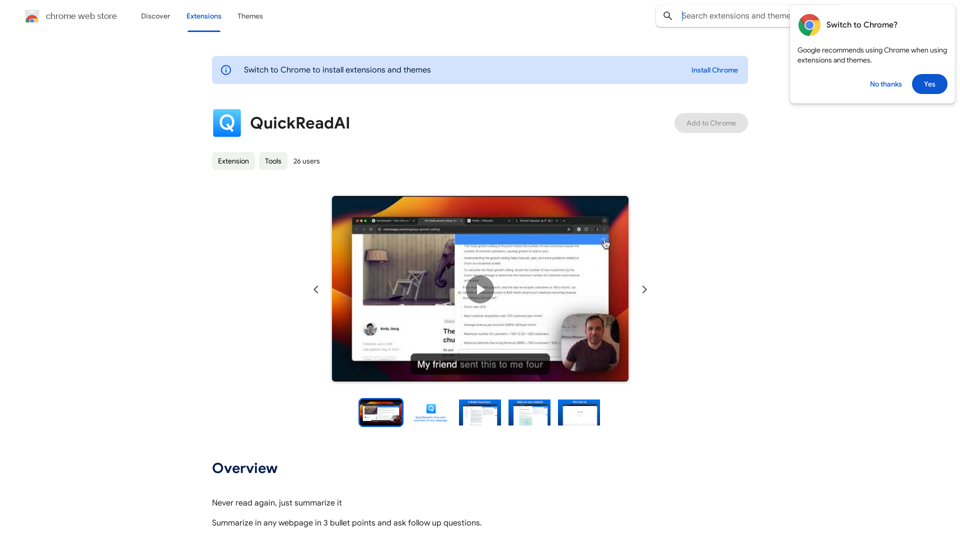
QuickRead AI is a browser extension designed to simplify web browsing by providing concise summaries and interactive learning. It offers users the ability to quickly grasp the main points of any webpage through three-bullet summaries and ask follow-up questions, making it an ideal tool for efficient research, news consumption, and documentation review.
QuickReadAI
Please provide me with the text you'd like me to summarize. 😊
Introduction
Feature
Webpage Summarization
QuickRead AI automatically condenses any webpage content into three key bullet points, allowing users to quickly grasp the essential information without reading the entire page.
Interactive Follow-up Questions
Users can ask follow-up questions to clarify doubts or gain deeper insights, enhancing comprehension and learning experience.
Minimal Design
The extension features a simple and clean interface, ensuring a distraction-free user experience while focusing on content summarization.
Versatile Use Cases
QuickRead AI is suitable for various scenarios, including:
- Research
- News consumption
- Documentation review
- General web browsing
Easy Installation and Usage
Users can easily install the extension and activate it by clicking the QuickRead AI icon in the browser toolbar when they want to summarize a webpage.
Free with Optional Upgrades
The extension is available for free, with the option to purchase additional features for enhanced functionality.
FAQ
How does QuickRead AI work?
QuickRead AI utilizes AI-powered technology to analyze webpage content and generate concise three-bullet summaries along with relevant follow-up questions.
Is QuickRead AI compatible with all webpages?
Yes, QuickRead AI can be used on any webpage, including news articles, research papers, and various other online content.
What are the pricing options for QuickRead AI?
QuickRead AI offers a free version with core functionality, and users can opt for in-app purchases to access additional features if desired.
Related Websites
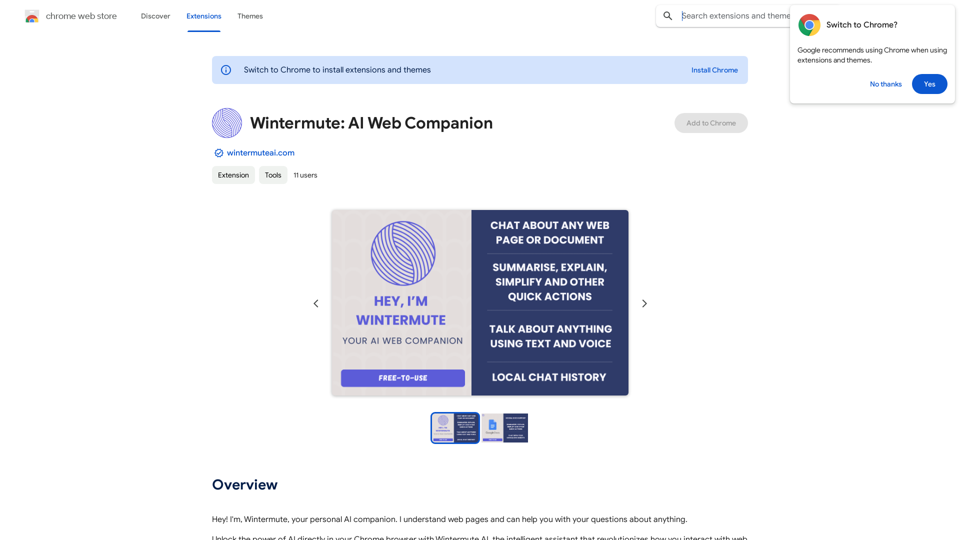
Hey! I'm Wintermute, your personal AI companion. I understand web pages and can help you with your questions about anything.
193.90 M
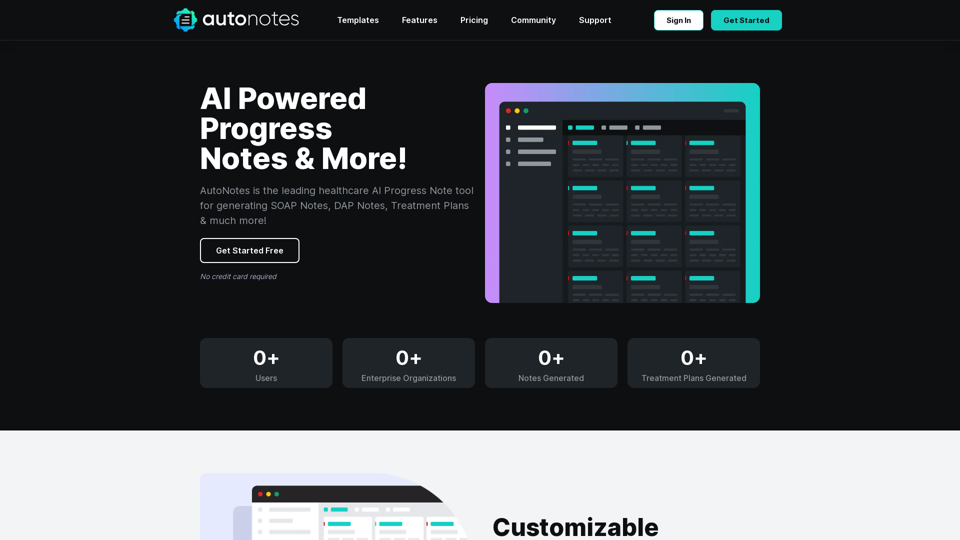
AutoNotes | AI Progress Notes, Assessments & More!
AutoNotes | AI Progress Notes, Assessments & More!AutoNotes is the top AI Progress Notes tool for Mental Health, Speech, and Occupational Therapy. Try AutoNotes for Free Now!
82.19 K

Copysense AI Copysense AI is an innovative artificial intelligence technology designed to detect and prevent copyright infringement.
Copysense AI Copysense AI is an innovative artificial intelligence technology designed to detect and prevent copyright infringement.Copysense AI is the Generative AI platform for crafting factually accurate, on-brand content with real-time data, generating images, voiceovers, and content from YouTube and URLs.
0

Knowyoursnack - Discover What’s Inside Your Snacks
Knowyoursnack - Discover What’s Inside Your SnacksKnowYourSnack is your personal guide to understanding snack ingredients. Simply snap a photo of the ingredients list on any snack package, and our AI-powered app will identify harmful substances, provide detailed information, and help you make healthier choices.
0
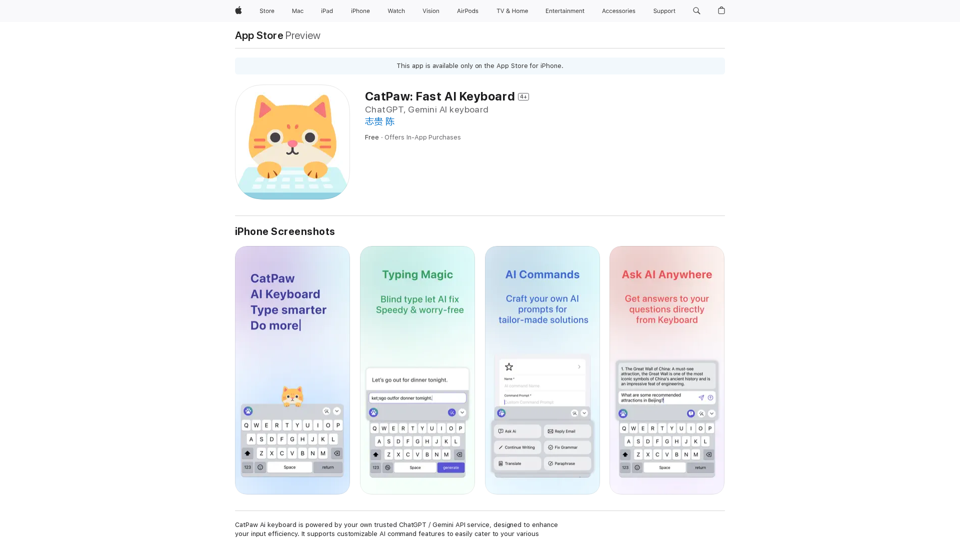
The CatPaw Ai keyboard is powered by your own trusted ChatGPT / Gemini API service, designed to enhance your input efficiency. It supports customizable AI commands for a more personalized experience.
124.77 M
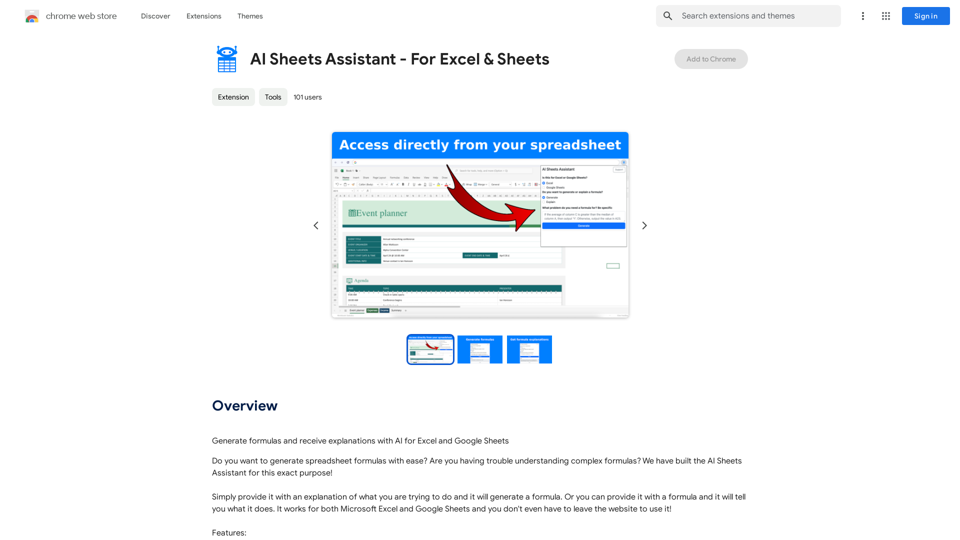
Generate Formulas and Receive Explanations with AI for Excel and Google Sheets This is a powerful tool that can help you with your spreadsheet work! Here's how it works: 1. You describe what you want to achieve. Be as specific as possible. For example, instead of saying "I need a formula to calculate the total," say "I need a formula to calculate the total of sales in column B." 2. The AI will generate a formula for you. It will also provide an explanation of how the formula works. 3. You can copy and paste the formula into your spreadsheet. Here are some examples: * "I need a formula to find the average of the numbers in cells A1 to A10." * Formula: `=AVERAGE(A1:A10)` * Explanation: The `AVERAGE` function calculates the average of a range of cells. In this case, it will calculate the average of the numbers in cells A1 through A10. * "I need a formula to count the number of cells that contain the word 'apple' in column C." * Formula: `=COUNTIF(C:C,"apple")` * Explanation: The `COUNTIF` function counts the number of cells in a range that meet a certain criteria. In this case, it will count the number of cells in column C that contain the word "apple". * "I need a formula to find the largest number in column D." * Formula: `=MAX(D:D)` * Explanation: The `MAX` function returns the largest number in a range of cells. In this case, it will return the largest number in column D. Let me know what you'd like to calculate, and I'll do my best to help!
193.90 M
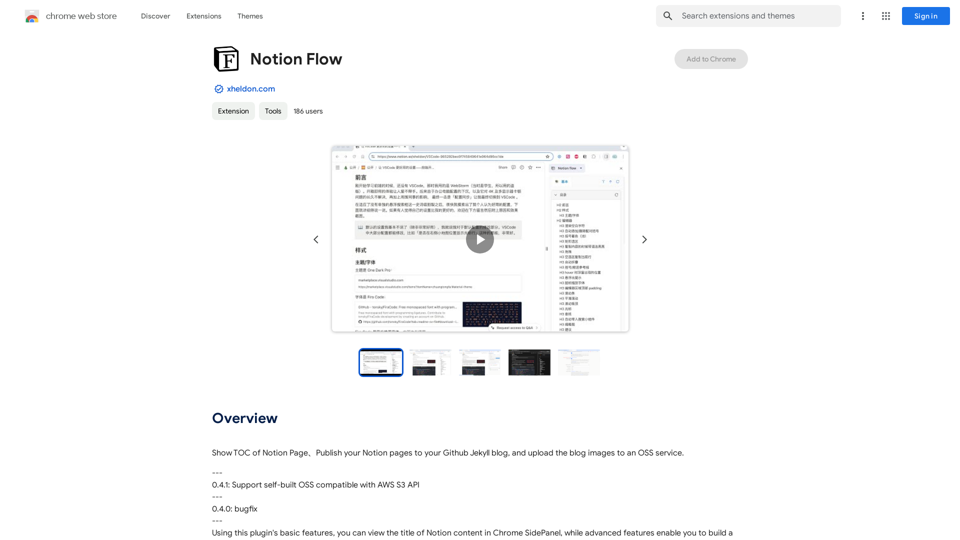
Show Notion Page Table of Contents Publish Notion Pages to a GitHub Jekyll Blog Upload Blog Images to an OSS Service
193.90 M
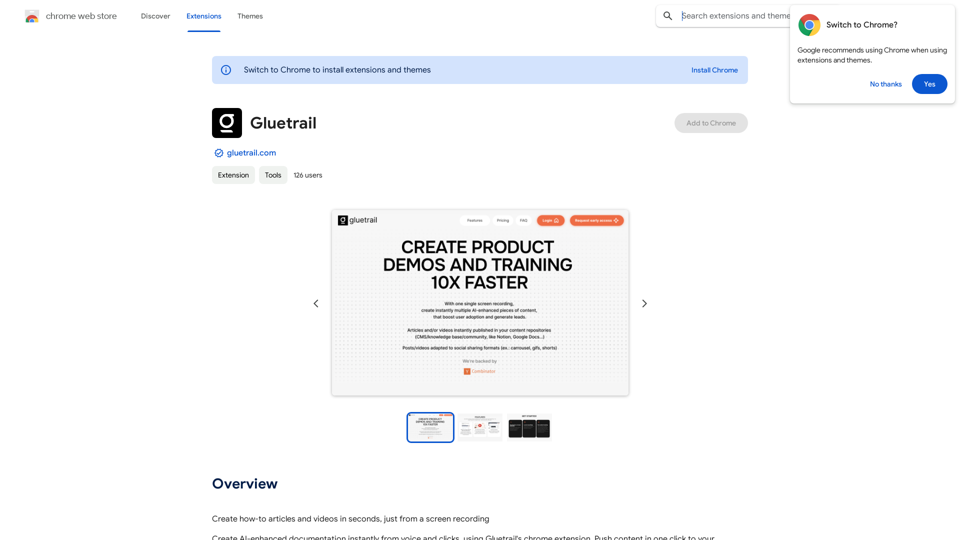
Turn Screen Recordings into How-To Content in Seconds! Tired of spending hours editing videos for tutorials? Introducing [Your Product Name]! Our revolutionary tool lets you instantly transform your screen recordings into professional-looking how-to articles and videos. Here's how it works: 1. Record your screen: Capture your steps clearly and concisely. 2. Upload to [Your Product Name]: Our AI does the heavy lifting. 3. Get your content: Choose from automatically generated articles or polished videos, ready to share! [Your Product Name] is perfect for: * Educators: Create engaging online lessons. * Businesses: Train employees efficiently. * YouTubers: Boost your content creation speed. Stop wasting time editing. Start creating with [Your Product Name]!
193.90 M