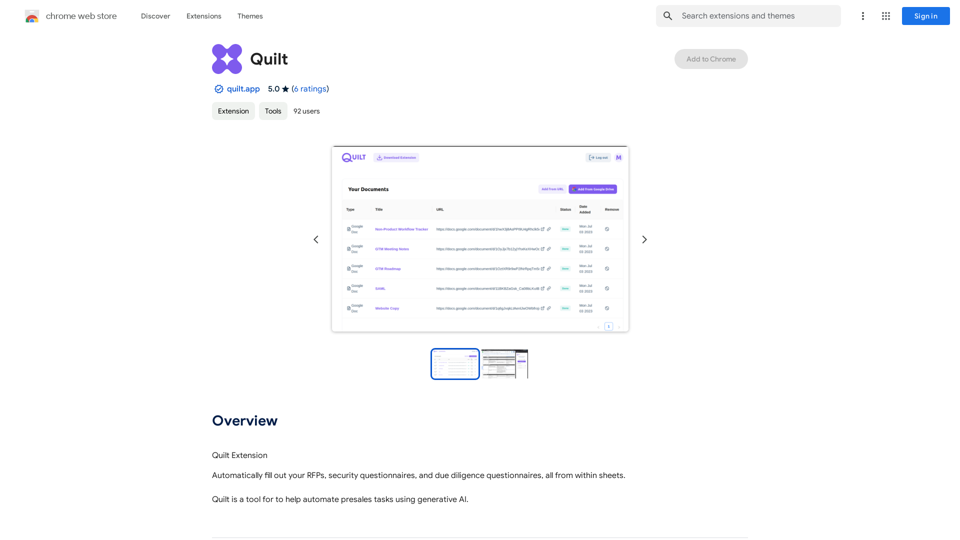
Quilt is a browser extension designed to streamline presales tasks through the power of generative AI. It seamlessly integrates with Google Sheets, enabling users to automatically complete RFPs, security questionnaires, and due diligence questionnaires without leaving their spreadsheet environment. This innovative tool aims to save time and increase efficiency in the presales process.
Quilt
Quilt Extension
Introduction
Feature
Automated Presales Tasks
Quilt leverages generative AI to automate time-consuming presales activities, significantly reducing manual effort and improving productivity.
Google Sheets Integration
The extension works directly within Google Sheets, allowing users to access and fill out various questionnaires and RFPs without switching between multiple applications.
Free Trial Availability
Users can test Quilt's capabilities with a free trial before deciding on a subscription, ensuring they can evaluate its benefits firsthand.
Easy Installation and Setup
Quilt can be quickly installed from the Chrome Web Store and configured to work with your Google Sheets account, providing a seamless user experience.
Versatile Document Handling
The extension supports multiple document types crucial for presales, including:
- RFPs (Request for Proposals)
- Security questionnaires
- Due diligence questionnaires
FAQ
What is Quilt and how does it work?
Quilt is a browser extension that automates presales tasks using generative AI. It integrates with Google Sheets, allowing users to automatically fill out RFPs, security questionnaires, and due diligence questionnaires directly within their spreadsheets.
How do I start using Quilt?
To begin using Quilt:
- Install the extension from the Chrome Web Store
- Configure Quilt by connecting it to your Google Sheets account
- Start automating your presales tasks within Google Sheets
Is Quilt free to use?
Quilt offers a free trial period for users to test its features. After the trial, a subscription fee is required to continue using the extension.
Related Websites

Stability Matrix CivitAI Integration This document outlines the integration of Stability Matrix into Civitai. What is Stability Matrix? Stability Matrix is a powerful tool for evaluating and comparing different AI models. It provides a comprehensive set of metrics to assess model performance across various tasks, including text generation, image generation, and code generation. Benefits of Integrating Stability Matrix into Civitai: * Enhanced Model Discovery: Users can easily identify high-performing models based on their desired tasks and preferences. * Improved Model Selection: The detailed metrics provided by Stability Matrix allow for informed decision-making when choosing a model for a specific project. * Community-Driven Evaluation: By leveraging the collective wisdom of the Civitai community, Stability Matrix fosters a transparent and collaborative approach to model evaluation. * Accelerated Model Development: Developers can use Stability Matrix to track the progress of their models and identify areas for improvement. Implementation Details: * Stability Matrix scores will be displayed alongside model descriptions on Civitai. * Users will be able to filter models based on their Stability Matrix scores. * The integration will initially focus on text generation and image generation models. Future Enhancements: * Expand support for additional model types, such as code generation models. * Implement interactive visualizations of Stability Matrix data. * Allow users to contribute their own model evaluations to the platform.
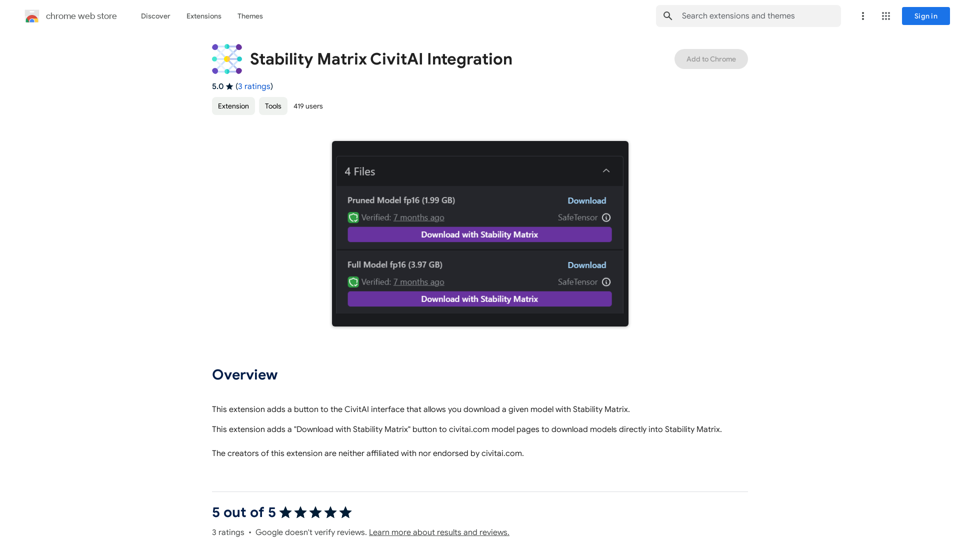
Stability Matrix CivitAI Integration This document outlines the integration of Stability Matrix into Civitai. What is Stability Matrix? Stability Matrix is a powerful tool for evaluating and comparing different AI models. It provides a comprehensive set of metrics to assess model performance across various tasks, including text generation, image generation, and code generation. Benefits of Integrating Stability Matrix into Civitai: * Enhanced Model Discovery: Users can easily identify high-performing models based on their desired tasks and preferences. * Improved Model Selection: The detailed metrics provided by Stability Matrix allow for informed decision-making when choosing a model for a specific project. * Community-Driven Evaluation: By leveraging the collective wisdom of the Civitai community, Stability Matrix fosters a transparent and collaborative approach to model evaluation. * Accelerated Model Development: Developers can use Stability Matrix to track the progress of their models and identify areas for improvement. Implementation Details: * Stability Matrix scores will be displayed alongside model descriptions on Civitai. * Users will be able to filter models based on their Stability Matrix scores. * The integration will initially focus on text generation and image generation models. Future Enhancements: * Expand support for additional model types, such as code generation models. * Implement interactive visualizations of Stability Matrix data. * Allow users to contribute their own model evaluations to the platform.This extension adds a button to the CivitAI interface that allows you to download a given model with Stability Matrix.
193.90 M



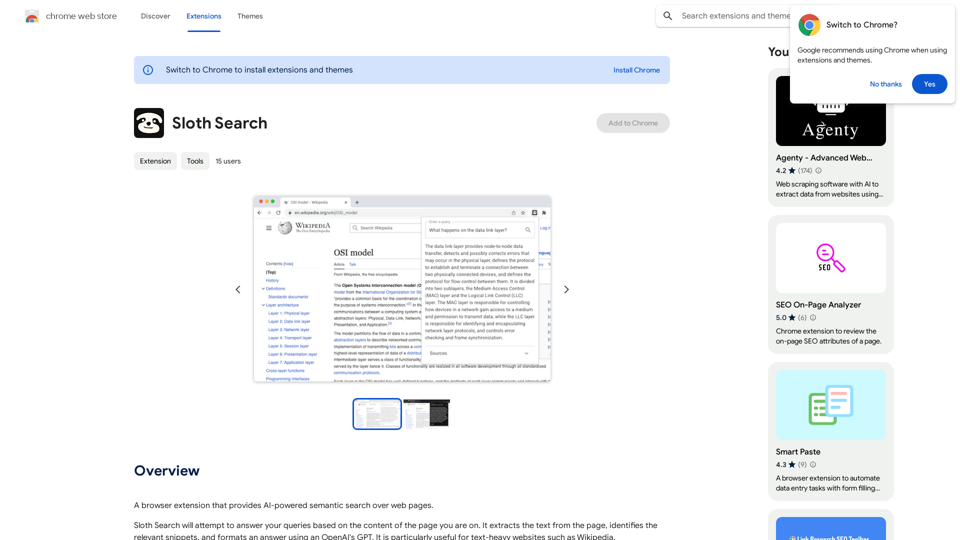
A browser extension that uses artificial intelligence to perform a deeper understanding search of web pages.
193.90 M

Break The Web is a real-time, AI-powered scoreboard that shows what's trending online. It tracks all the conversations happening on the internet, ranks them by virality, and…
124.77 M

Intelligent Web Translation - Automatic Translation, Bilingual Comparison, AI Dialogue
Intelligent Web Translation - Automatic Translation, Bilingual Comparison, AI DialogueSupports 20+ foreign languages/national languages, one-key rapid translation, supports bilingual comparison, automatic translation, AI summary, and phrase translation.
193.90 M