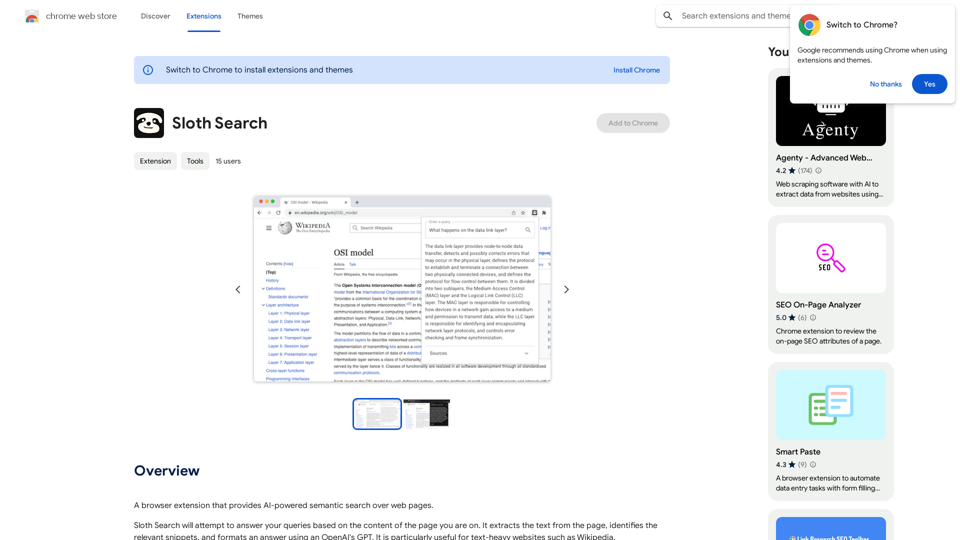
Sloth Search is an innovative browser extension that revolutionizes web page searching using AI-powered semantic technology. By leveraging OpenAI's GPT, it extracts and analyzes text from web pages, providing relevant snippets and formatted answers. This tool is particularly beneficial for users navigating text-heavy websites like Wikipedia, offering a more efficient and intelligent search experience.
Sloth Search
A browser extension that uses artificial intelligence to perform a deeper understanding search of web pages.
Introduction
Feature
AI-Powered Semantic Search
Sloth Search utilizes advanced AI technology to perform semantic searches on web pages, understanding context and meaning beyond simple keyword matching.
Text Extraction and Snippet Identification
The extension automatically extracts text from the current web page and identifies the most relevant snippets related to the user's query.
GPT-Powered Answer Formatting
Leveraging OpenAI's GPT, Sloth Search formats comprehensive and coherent answers based on the extracted information.
Open-Source Customization
As an open-source project, Sloth Search allows users to customize and adapt the extension to their specific needs. The source code is available on GitHub: https://github.com/Michael-JB/sloth-search
User-Provided API Key
To ensure privacy and control, users need to provide their own OpenAI API key to use the extension.
Chrome Browser Compatibility
Sloth Search is designed to work seamlessly with the Chrome browser, catering to a large user base.
FAQ
How do I start using Sloth Search?
To begin using Sloth Search:
- Install the extension in your Chrome browser
- Provide your personal OpenAI API key
- Navigate to a text-heavy website
- Use the extension to perform semantic searches on the page
What are the costs associated with Sloth Search?
Sloth Search features:
- Free extension download
- No subscription fees
- Requires user-provided OpenAI API key (may incur usage costs)
What makes Sloth Search unique?
Sloth Search stands out due to its:
- AI-powered semantic search capabilities
- Integration with OpenAI's GPT for answer formatting
- Open-source nature, allowing for customization
- Specialization in handling text-heavy websites
Is Sloth Search compatible with all web browsers?
Currently, Sloth Search is only compatible with the Chrome browser. Support for other browsers is not available at this time.
Can I modify Sloth Search to suit my needs?
Yes, as an open-source project, you can customize Sloth Search. The source code is available on GitHub, allowing developers to modify and adapt the extension as needed.
Related Websites
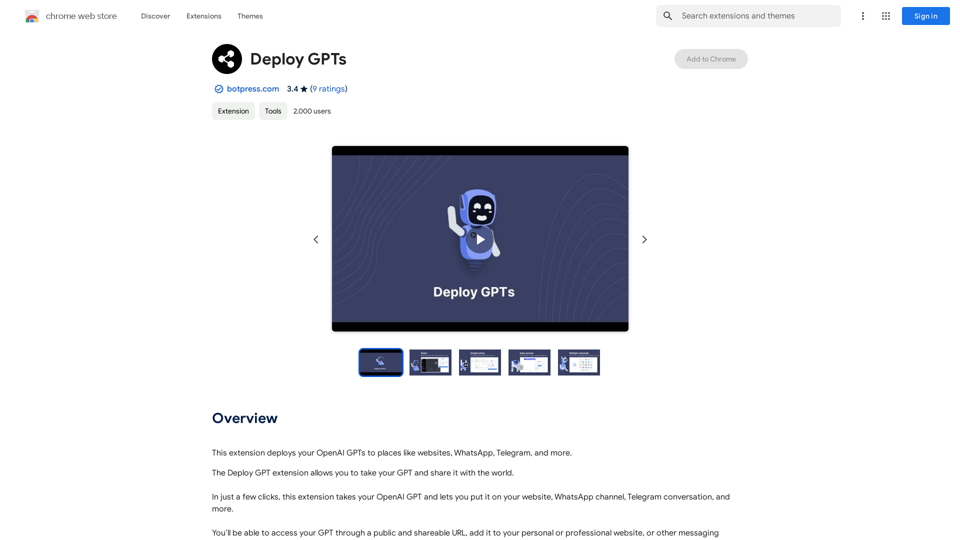
This extension deploys your OpenAI GPTs to places like websites, WhatsApp, Telegram, and more.
193.90 M
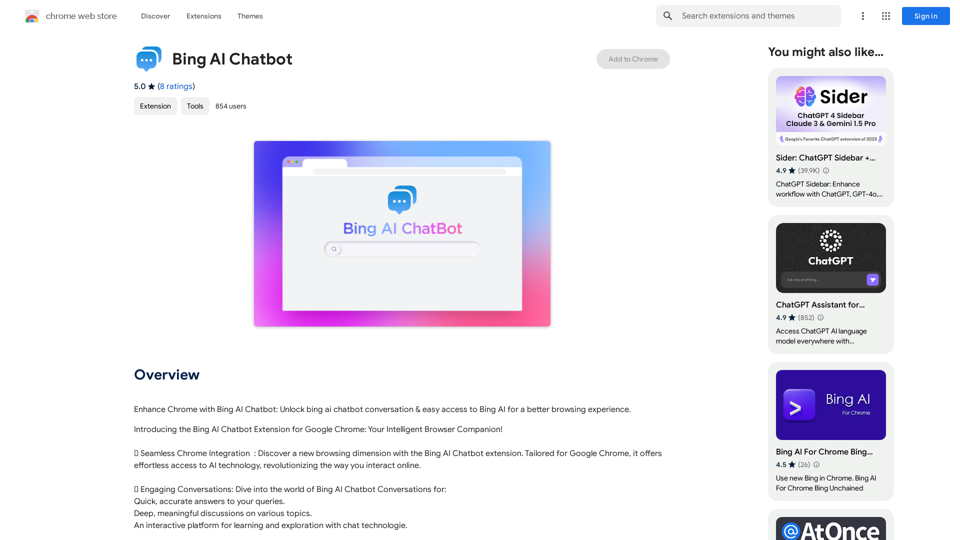
Bing AI Chatbot Bing AI Chatbot is a conversational AI developed by Microsoft, which uses natural language processing (NLP) technology to understand and respond to user queries.
Bing AI Chatbot Bing AI Chatbot is a conversational AI developed by Microsoft, which uses natural language processing (NLP) technology to understand and respond to user queries.Enhance Chrome with Bing AI Chatbot: Unlock Bing AI chatbot conversation and easily access Bing AI for a better browsing experience.
193.90 M
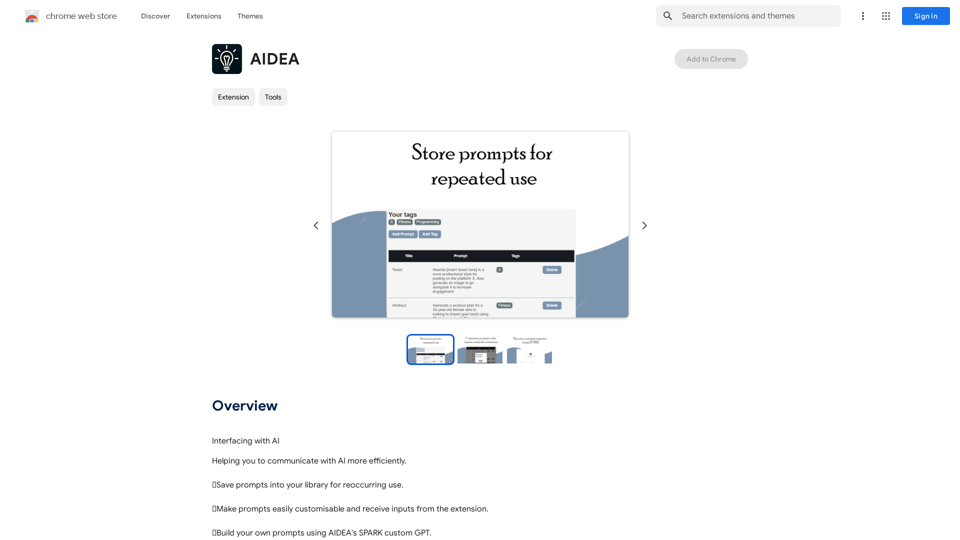
Interfacing with AI This document explores the various ways humans interact with artificial intelligence (AI). Types of Interfaces * Text-based Interfaces: These interfaces allow users to communicate with AI systems through written language. * Examples include chatbots, command-line interfaces, and search engines. * Voice-based Interfaces: Users interact with AI using spoken words. * Examples include virtual assistants like Siri, Alexa, and Google Assistant. * Graphical User Interfaces (GUIs): These interfaces use visual elements like icons, buttons, and menus to enable interaction with AI. * Examples include AI-powered image editing software and virtual reality experiences. * Gesture-based Interfaces: Users control AI systems through physical movements. * Examples include motion-controlled gaming and sign language recognition. Challenges of AI Interfacing * Natural Language Understanding (NLU): AI systems struggle to fully understand the nuances of human language. * Contextual Awareness: AI often lacks the ability to understand the broader context of a conversation or interaction. * Personalization: Creating AI interfaces that are tailored to individual user preferences and needs can be complex. * Ethical Considerations: * Bias in AI algorithms can lead to unfair or discriminatory outcomes. * Privacy concerns arise when AI systems collect and process personal data. Future of AI Interfacing * More Natural and Intuitive Interactions: Advancements in NLU and machine learning will lead to AI systems that can understand and respond to human input more naturally. * Multi-modal Interfaces: Future interfaces will likely combine multiple input methods (e.g., text, voice, gesture) for a richer and more immersive experience. * Personalized AI Assistants: AI assistants will become increasingly personalized, anticipating user needs and providing customized support. * Ethical AI Development: * Researchers and developers will continue to work on mitigating bias and ensuring responsible use of AI.
193.90 M
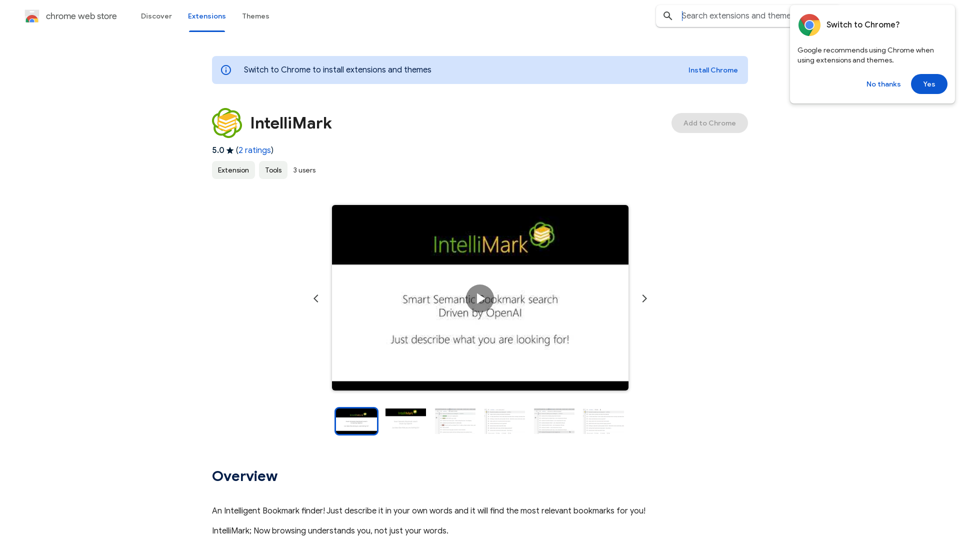
An intelligent bookmark finder! Just tell it what you're looking for in your own words, and it will find the most useful bookmarks for you!
193.90 M