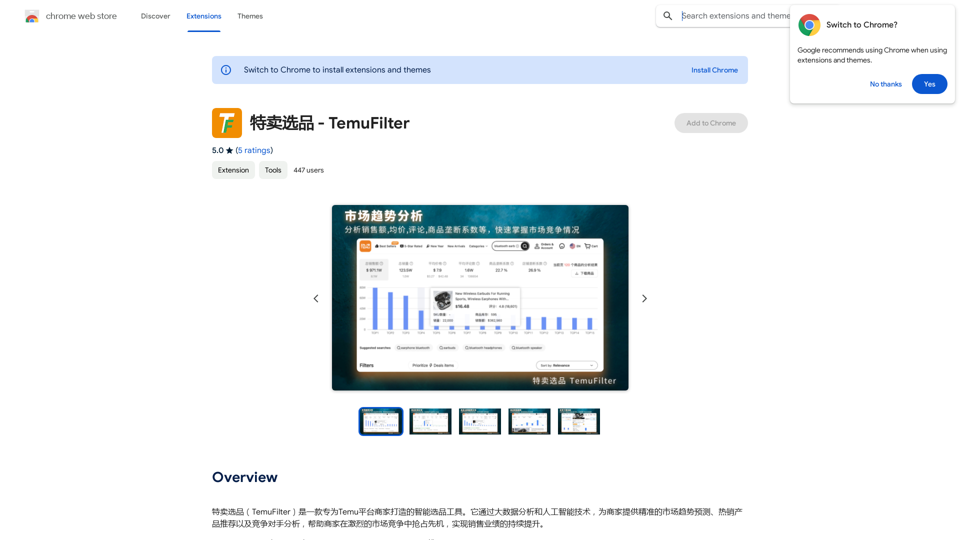
TemuFilter é uma ferramenta inteligente de seleção de produtos adaptada para comerciantes da plataforma Temu. Ela utiliza análise de big data e tecnologia de IA para fornecer previsões precisas de tendências de mercado, recomendações de produtos mais vendidos e análise de concorrentes. Esta poderosa ferramenta ajuda os comerciantes a obter uma vantagem competitiva e alcançar um crescimento contínuo nas vendas na plataforma Temu.
Promoções Selecionadas - TemuFilter
TemuFilter: Ferramenta Inteligente de Seleção de Produtos para Lojistas Temu
O TemuFilter é uma ferramenta inteligente de seleção de produtos desenvolvida especialmente para lojistas da plataforma Temu. Através da análise de grandes dados e de tecnologias de inteligência artificial, ele oferece aos lojistas previsões precisas de tendências de mercado, recomendações de produtos populares e análises de competidores, ajudando-os a se destacar na competição acirrada do mercado e a alcançar um crescimento contínuo nas vendas.
Introdução
Característica
Análise de Tendências de Mercado
O TemuFilter realiza análises em tempo real de dados massivos da plataforma Temu, permitindo que os comerciantes:
- Compreendam a dinâmica do mercado
- Formulem estratégias de vendas direcionadas
- Estejam à frente das tendências de mercado
Análise de Tendências de Vendas de Produtos
A ferramenta oferece uma análise abrangente das tendências de vendas de produtos, permitindo que os comerciantes:
- Entendam com precisão as tendências históricas dos produtos
- Obtenham insights sobre a situação dos concorrentes
- Tomem decisões informadas com base nos dados de vendas
Análise de Avaliações de Produtos Impulsionada por IA
O TemuFilter utiliza IA avançada para realizar uma análise profunda das avaliações dos produtos, ajudando os comerciantes a:
- Compreender a demografia dos consumidores
- Identificar os pontos fortes e fracos dos produtos
- Descobrir as motivações de compra
Visualização de Dados Intuitiva
A ferramenta fornece uma interface de visualização de dados fácil de usar, permitindo que os comerciantes:
- Compreendam as tendências de mercado rapidamente
- Identifiquem produtos mais vendidos
- Analisem visualmente a situação dos concorrentes
Funcionalidade de Download e Exportação de Dados
O TemuFilter suporta o download e exportação de dados de produtos e avaliações, permitindo que os comerciantes:
- Realizem análises de dados personalizadas
- Melhorem a eficiência do trabalho
- Integrem dados em seus próprios sistemas
FAQ
O que é o TemuFilter?
TemuFilter é uma ferramenta inteligente de seleção de produtos projetada especificamente para comerciantes da plataforma Temu. Ela usa análise de big data e tecnologia de IA para fornecer previsões de tendências de mercado, recomendações de produtos mais vendidos e análise de concorrentes.
Quem pode usar o TemuFilter?
O TemuFilter é projetado para comerciantes da plataforma Temu. É uma ferramenta gratuita que ajuda a melhorar a eficiência na seleção de produtos, reduzir custos e aumentar as vendas.
Quais são as principais características do TemuFilter?
As principais características do TemuFilter incluem:
- Análise de tendências de mercado
- Análise de tendências de vendas de produtos
- Análise de avaliações de produtos impulsionada por IA
- Visualização de dados intuitiva
- Funcionalidade de download e exportação de dados
Como o TemuFilter ajuda os comerciantes?
O TemuFilter ajuda os comerciantes:
- Fornecendo previsões precisas de tendências de mercado
- Oferecendo recomendações de produtos mais vendidos
- Entregando análise de concorrentes
- Permitindo tomada de decisões baseada em dados
- Melhorando a eficiência na seleção de produtos
- Reduzindo custos e aumentando as vendas
O TemuFilter é gratuito para usar?
Sim, o TemuFilter é uma ferramenta gratuita projetada especificamente para comerciantes da plataforma Temu.
Sites relacionados
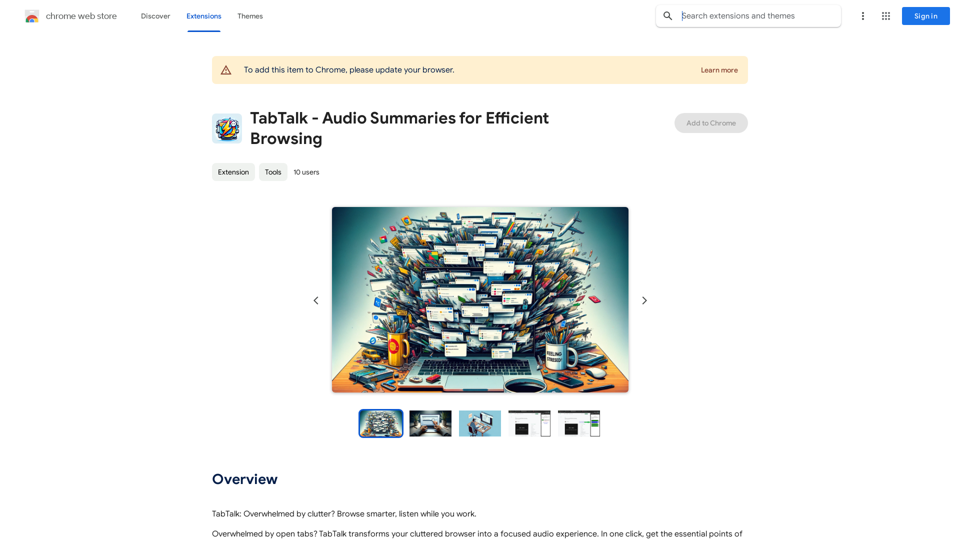
TabTalk - Resumos Auditivos para Navegação Eficiente
TabTalk - Resumos Auditivos para Navegação EficienteTabTalk: Sobrecarregado por bagunça? Navegue com mais inteligência, ouça enquanto trabalha.
193.90 M
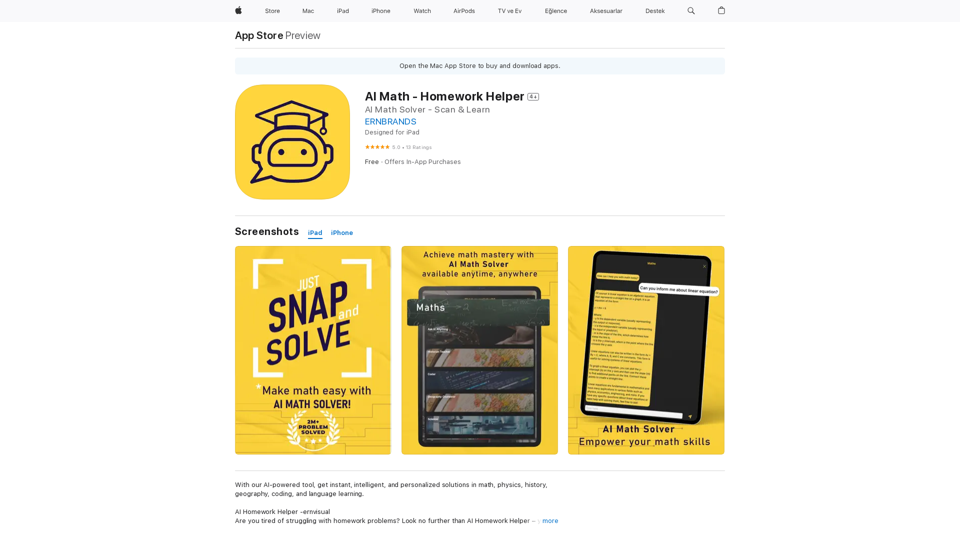
AI Matemática - Auxiliar de Tarefas de Casa na App Store
AI Matemática - Auxiliar de Tarefas de Casa na App StoreAI Homework Helper -ernvisual Você está cansado de lutar com problemas de tarefa de casa? Não procure mais além do AI Homework Helper – seu assistente acadêmico all-in-one.…
124.77 M
PandasAI é uma biblioteca Python que integra capacidades de inteligência artificial gerativa em pandas, tornando dataframes conversacionais.
44.27 K
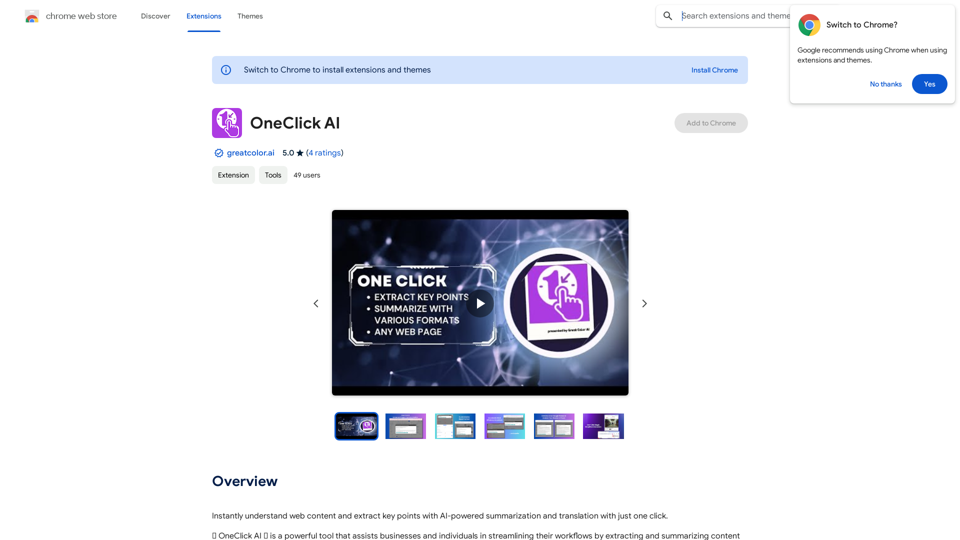
Compreenda instantaneamente o conteúdo da web e extraia os pontos principais com resumo e tradução com IA, com apenas um clique.
193.90 M
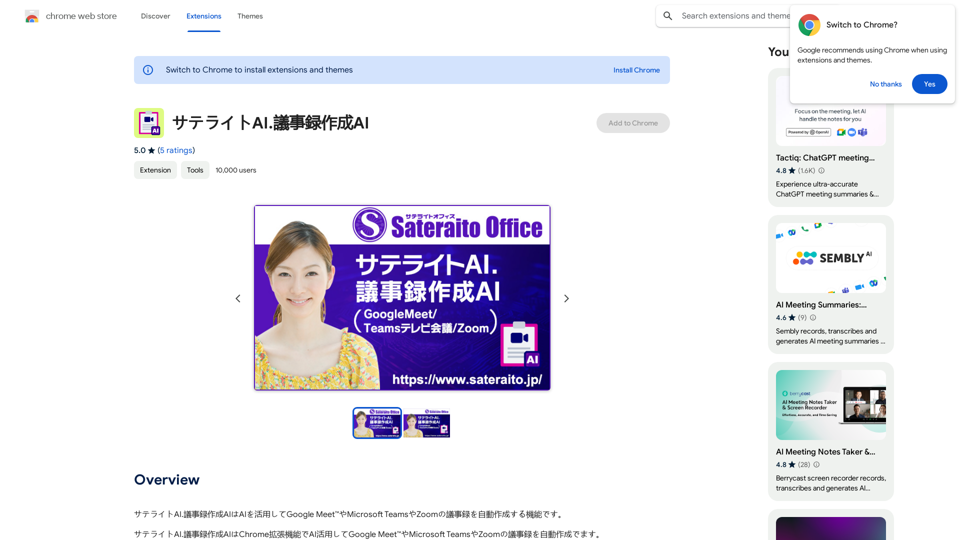
O Satellite AI. O registro de reunião AI é uma funcionalidade que utiliza o AI para criar automaticamente o registro de reuniões do Google Meet™, Microsoft Teams e Zoom.
193.90 M