Open-source RightAI Tools Directory
  • Discover AI
  • Submit
  • Startup
  • Blog
Open-source RightAI Tools Directory
Discover the best AI tools of 2025 with the RightAI Tools Directory!

Friend Links

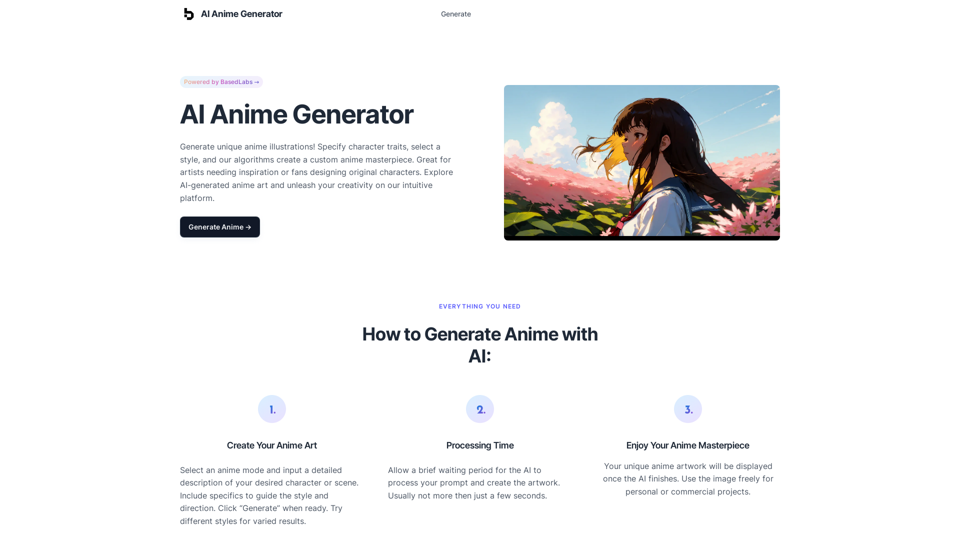
AI Anime GeneratorToolsApp AI

Support

Tap4
Privacy policyTerms & ConditionsContact Us
Loading...
loading...

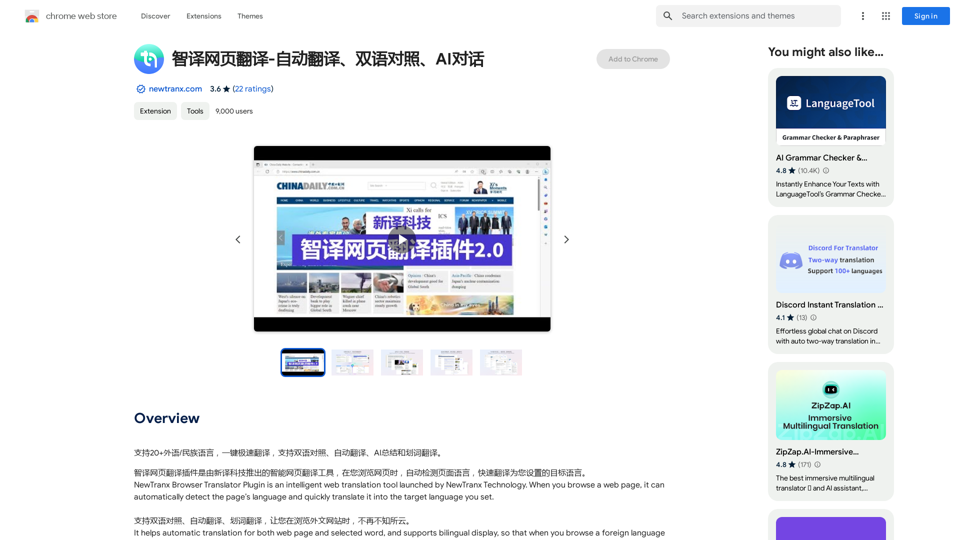
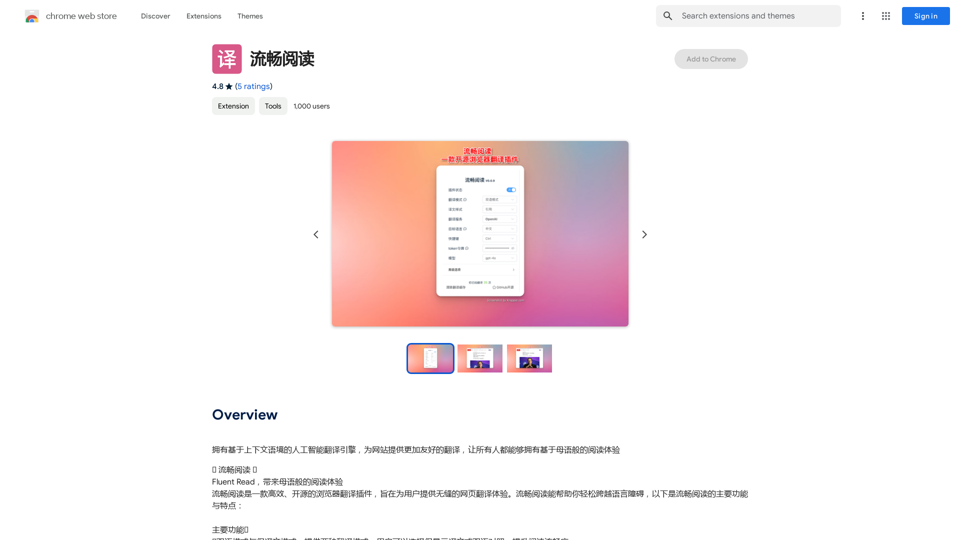
Intelligent Web Translation - Automatic Translation, Bilingual Comparison, AI Dialogue

Supports 20+ foreign languages/national languages, one-key rapid translation, supports bilingual comparison, automatic translation, AI summary, and phrase translation.
Visit Website
Intelligent Web Translation - Automatic Translation, Bilingual Comparison, AI Dialogue
Visit Website

Introduction

NewTranx Browser Translator Plugin is an intelligent web translation tool that automatically detects and translates web page content. It supports translation between Chinese and over 10 languages, including English, Russian, German, French, Spanish, and Asian languages like Cantonese, Japanese, Korean, Vietnamese, and Arabic. The plugin offers features such as automatic translation, bilingual display, word translation, and an AI assistant for summarizing content and answering questions.

Feature

Automatic Translation

NewTranx automatically translates web pages, selected words, and sentences into your target language. Users can easily switch between monolingual and bilingual modes for convenient reading.

Bilingual Display

This feature allows users to view both the original and translated texts on the same page, enabling easy comparison and language learning.

Word Translation

Users can select specific words or sentences on a web page for instant translation, providing quick understanding of unfamiliar terms or phrases.

AI Assistant

The built-in AI assistant can summarize the main content of the current page and answer user questions, enhancing the overall browsing and comprehension experience.

Customizable Settings

Users can personalize their experience by adjusting settings such as automatic translation, bilingual display, and word translation options through the plugin's setup page.

Multi-language Support

NewTranx supports translation between Chinese and over 10 languages, including major European, American, and Asian languages.

FAQ

How do I turn on/off the automatic translation?

Go to the setting-up page and click the option of "Automatic Translation for Web Page".

How do I turn on/off the bilingual display?

Go to the setting-up page and click the option of "Bilingual Languages Mode".

How do I turn on/off the word translation?

Go to the setting-up page and click the option of "Start the Word Translation" option.

How do I use the AI assistant?

Go to the menu of "NewTranx Icon" and click "Wake AI Assistant Up".

Is there a cost associated with using NewTranx?

The plugin offers in-app purchases, but specific pricing information is not available in the provided content.

Related Websites

SliceX AI Tweet Analyzer
View Detail

SliceX AI Tweet Analyzer

SliceX AI Tweet Analyzer

Search for tweets and get real-time statistics: general sentiment, toxicity levels, and emotions expressed.

193.90 M
Chrome Web Store
View Detail

Chrome Web Store

Chrome Web Store

Enhance your browser with new features and tailor your browsing experience to your preferences.

193.90 M
nbnm8
View Detail

nbnm8

nbnm8

Checks if nbn is available at your address, so you don't have to.

193.90 M
VNEdu Tool
View Detail

VNEdu Tool

VNEdu Tool

VNEDU Data Processing Tool

193.90 M
Clickque: search Google & your contacts
View Detail

Clickque: search Google & your contacts

Clickque: search Google & your contacts

Clickque Chrome Extension suggests your contacts for any Google™ search.

193.90 M
Coursnap - Summarizer for Long YouTube Videos
View Detail

Coursnap - Summarizer for Long YouTube Videos

Coursnap - Summarizer for Long YouTube Videos

Premier Summarizer for Courses, Lectures, and Long YouTube Videos.

193.90 M
Xmate: AI Girlfriend for Adults & Porn Chat & More
View Detail

Xmate: AI Girlfriend for Adults & Porn Chat & More

Xmate: AI Girlfriend for Adults & Porn Chat & More

Experience the ultimate thrill with NSFW Character AI Roleplay, where boundaries disappear. Engage in unrestricted AI conversations and uncensored NSFW AI interactions, and even request images from your virtual partner.

886
Claude to Notion

This is a guide on how to connect Claude, an AI assistant, with Notion, a note-taking and workspace app. 

Why connect Claude and Notion?

* Boost your productivity: Use Claude to generate content, summarize information, and automate tasks directly within Notion.
* Enhance your research: Ask Claude questions about your Notion notes and get insightful answers.
* Unlock new creative possibilities: Leverage Claude's generative capabilities to brainstorm ideas, write stories, or compose emails within your Notion workspace.

How to connect Claude and Notion:

1. API Keys: Obtain an API key for both Claude and Notion. 
2. Integration Tool: Explore integration tools like Zapier or Integromat to connect Claude and Notion. These platforms allow you to create workflows that trigger actions in one app based on events in the other.
3. Custom Development: For advanced users, you can develop your own custom integration using the Claude and Notion APIs. This gives you the most flexibility but requires coding knowledge.

Example Use Cases:

* Meeting Summarization: After a meeting, paste the transcript into Notion and use Claude to generate a concise summary.
* Content Creation:  Use Claude to write blog posts, articles, or social media captions directly within your Notion pages.
* Idea Generation: Brainstorm new ideas for projects or tasks by prompting Claude with specific questions within your Notion workspace.


Remember to review the documentation and terms of service for both Claude and Notion to ensure proper usage and security.
View Detail

Claude to Notion This is a guide on how to connect Claude, an AI assistant, with Notion, a note-taking and workspace app. Why connect Claude and Notion? * Boost your productivity: Use Claude to generate content, summarize information, and automate tasks directly within Notion. * Enhance your research: Ask Claude questions about your Notion notes and get insightful answers. * Unlock new creative possibilities: Leverage Claude's generative capabilities to brainstorm ideas, write stories, or compose emails within your Notion workspace. How to connect Claude and Notion: 1. API Keys: Obtain an API key for both Claude and Notion. 2. Integration Tool: Explore integration tools like Zapier or Integromat to connect Claude and Notion. These platforms allow you to create workflows that trigger actions in one app based on events in the other. 3. Custom Development: For advanced users, you can develop your own custom integration using the Claude and Notion APIs. This gives you the most flexibility but requires coding knowledge. Example Use Cases: * Meeting Summarization: After a meeting, paste the transcript into Notion and use Claude to generate a concise summary. * Content Creation: Use Claude to write blog posts, articles, or social media captions directly within your Notion pages. * Idea Generation: Brainstorm new ideas for projects or tasks by prompting Claude with specific questions within your Notion workspace. Remember to review the documentation and terms of service for both Claude and Notion to ensure proper usage and security.

Claude to Notion This is a guide on how to connect Claude, an AI assistant, with Notion, a note-taking and workspace app. Why connect Claude and Notion? * Boost your productivity: Use Claude to generate content, summarize information, and automate tasks directly within Notion. * Enhance your research: Ask Claude questions about your Notion notes and get insightful answers. * Unlock new creative possibilities: Leverage Claude's generative capabilities to brainstorm ideas, write stories, or compose emails within your Notion workspace. How to connect Claude and Notion: 1. API Keys: Obtain an API key for both Claude and Notion. 2. Integration Tool: Explore integration tools like Zapier or Integromat to connect Claude and Notion. These platforms allow you to create workflows that trigger actions in one app based on events in the other. 3. Custom Development: For advanced users, you can develop your own custom integration using the Claude and Notion APIs. This gives you the most flexibility but requires coding knowledge. Example Use Cases: * Meeting Summarization: After a meeting, paste the transcript into Notion and use Claude to generate a concise summary. * Content Creation: Use Claude to write blog posts, articles, or social media captions directly within your Notion pages. * Idea Generation: Brainstorm new ideas for projects or tasks by prompting Claude with specific questions within your Notion workspace. Remember to review the documentation and terms of service for both Claude and Notion to ensure proper usage and security.

Save Claude conversations to Notion with one click. Export Claude conversations.

193.90 M