Open-source RightAI Tools Directory
  • Discover AI
  • Submit
  • Startup
  • Blog
Open-source RightAI Tools Directory
Discover the best AI tools of 2025 with the RightAI Tools Directory!

Friend Links

AI Anime GeneratorToolsApp AI

Support

Tap4
Privacy policyTerms & ConditionsContact Us
Loading...
loading...

RESIPT.AI

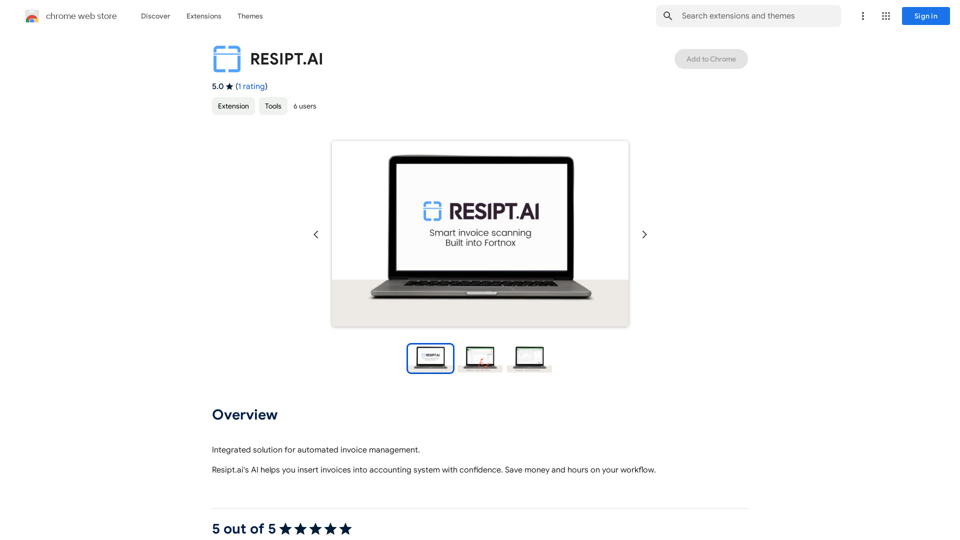
Integrated solution for automated invoice management.
Visit Website
RESIPT.AI
Visit Website

Introduction

RESIPT.AI is an AI-powered platform designed for automated invoice management. It streamlines the process of inserting invoices into accounting systems, offering users a time-saving and cost-effective solution. The platform aims to enhance workflow efficiency by reducing manual errors and providing a seamless integration with existing accounting systems.

Feature

Automated Invoice Management

RESIPT.AI utilizes artificial intelligence to automate the invoice insertion process, significantly reducing manual errors and saving valuable time for businesses.

Seamless Integration

The platform is designed to integrate effortlessly with existing accounting systems, ensuring a smooth transition and user-friendly experience.

Free Trial Offer

RESIPT.AI provides a free trial period, allowing users to experience the benefits of automated invoice management firsthand before committing to a subscription.

User-Friendly Setup

  1. Sign up for the free trial
  2. Integrate with your accounting system
  3. Start using RESIPT.AI for invoice management

Flexible Pricing Plans

After the free trial, users can choose from various affordable pricing plans tailored to their specific needs.

Secure and Compliant

RESIPT.AI prioritizes security and adheres to industry standards, ensuring the protection of sensitive financial data.

FAQ

Is RESIPT.AI secure?

Yes, RESIPT.AI is secure and compliant with industry standards, prioritizing the protection of user data and financial information.

Can I cancel my subscription at any time?

Yes, users have the flexibility to cancel their subscription at any time without incurring any penalties.

What if I need support or have questions?

RESIPT.AI provides a dedicated support team ready to assist users with any questions or concerns they may have throughout their experience with the platform.

How can I ensure optimal use of RESIPT.AI?

To maximize the benefits of RESIPT.AI:

  1. Ensure proper integration with your accounting system
  2. Utilize the AI-powered features to minimize manual errors
  3. Take advantage of the free trial to fully explore the platform's capabilities

Related Websites
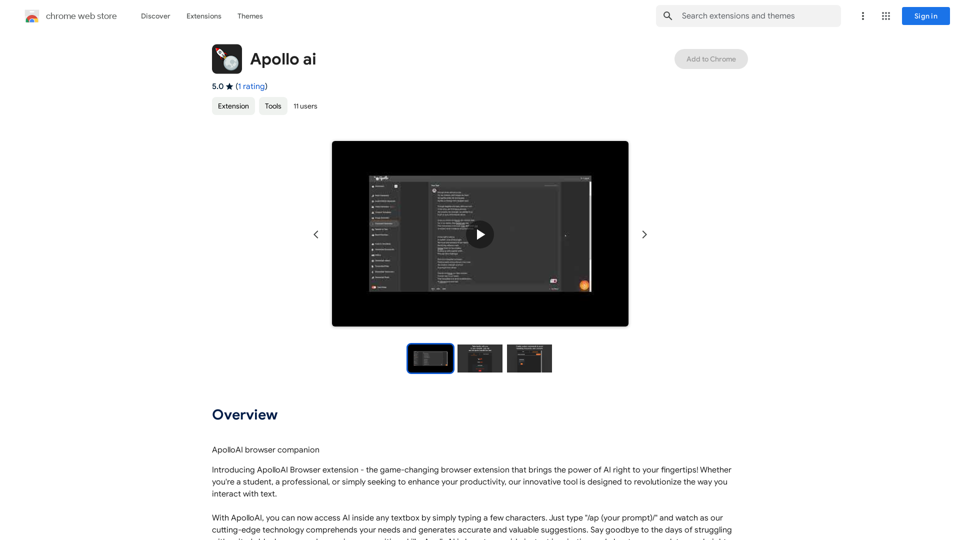
AI Group Tabs
View Detail

AI Group Tabs

AI Group Tabs

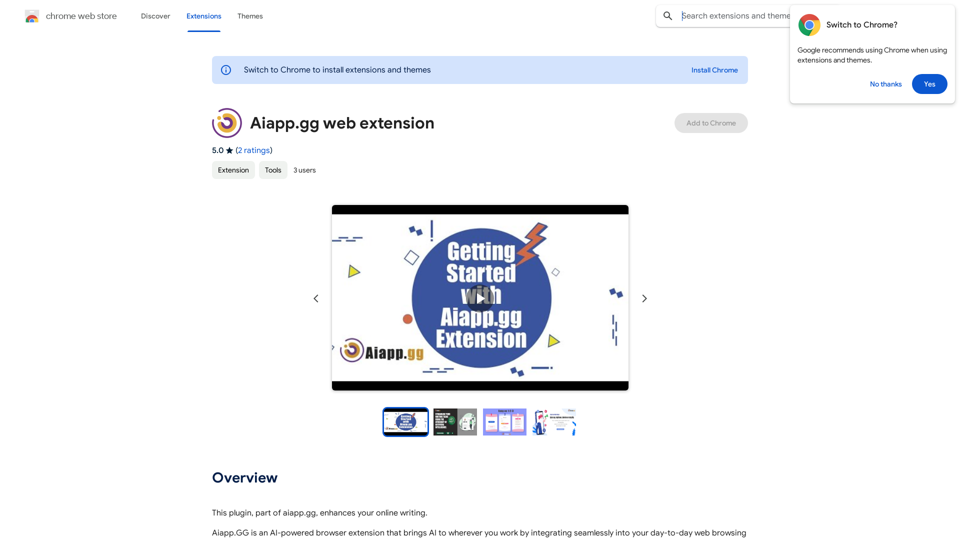
Group your tabs with AI This is a simple and effective way to organize your browser tabs using artificial intelligence. Here's how it works: * Select multiple tabs: Choose the tabs you want to group together. * AI grouping: Our AI will analyze the content of the selected tabs and suggest relevant groups. * Customize groups: You can adjust the suggested groups or create your own. * Save and access: Save your grouped tabs for easy access later. Let AI help you stay organized and productive!

193.90 M
Online Voice Generator for Free ❤️
View Detail

Online Voice Generator for Free ❤️

Online Voice Generator for Free ❤️

Online Voice Generator for Free with over 600 voices. Generate realistic voices on our website quickly and download it as MP3.

5.84 K
Pangeanic
View Detail

Pangeanic

Pangeanic

Hyper-automate linguistic services: AI assistants with your data, privacy, automatic translation with automatic post-editing, no hallucinations, human fluency

45.58 K
Glue Trail
View Detail

Glue Trail

Glue Trail

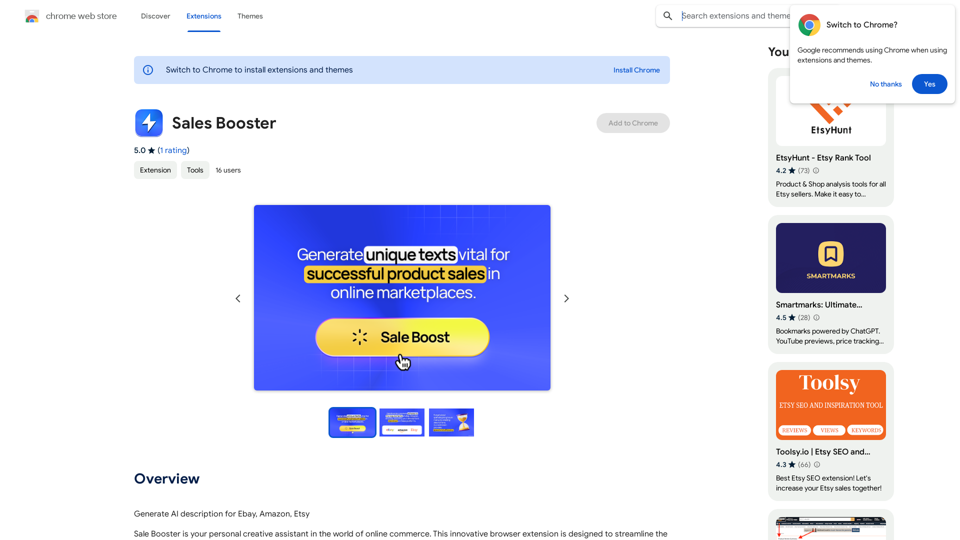
Turn Screen Recordings into How-To Content in Seconds! Tired of spending hours editing videos for tutorials? Introducing [Your Product Name]! Our revolutionary tool lets you instantly transform your screen recordings into professional-looking how-to articles and videos. Here's how it works: 1. Record your screen: Capture your steps clearly and concisely. 2. Upload to [Your Product Name]: Our AI does the heavy lifting. 3. Get your content: Choose from automatically generated articles or polished videos, ready to share! [Your Product Name] is perfect for: * Educators: Create engaging online lessons. * Businesses: Train employees efficiently. * YouTubers: Boost your content creation speed. Stop wasting time editing. Start creating with [Your Product Name]!

193.90 M
Love Proofreading
View Detail

Love Proofreading

Love Proofreading

Enhance your writing skills with an all-powerful proofreading tool, including typo correction, grammar checking, AI rewriting, and more.

193.90 M
Bilibili Recommendation Assistant
View Detail

Bilibili Recommendation Assistant

Bilibili Recommendation Assistant

Use machine learning algorithms to recommend similar B站 Up主 to find related videos, your B站 exploration assistant.

193.90 M
SHADE: Stylishly Sustainable
View Detail

SHADE: Stylishly Sustainable

SHADE: Stylishly Sustainable

Upgrade Your Style, Thoughtfully.

193.90 M
Claude to Notion

This is a guide on how to connect Claude, an AI assistant, with Notion, a note-taking and workspace app. 

Why connect Claude and Notion?

* Boost your productivity: Use Claude to generate content, summarize information, and automate tasks directly within Notion.
* Enhance your research: Ask Claude questions about your Notion notes and get insightful answers.
* Unlock new creative possibilities: Leverage Claude's generative capabilities to brainstorm ideas, write stories, or compose emails within your Notion workspace.

How to connect Claude and Notion:

1. API Keys: Obtain an API key for both Claude and Notion. 
2. Integration Tool: Explore integration tools like Zapier or Integromat to connect Claude and Notion. These platforms allow you to create workflows that trigger actions in one app based on events in the other.
3. Custom Development: For advanced users, you can develop your own custom integration using the Claude and Notion APIs. This gives you the most flexibility but requires coding knowledge.

Example Use Cases:

* Meeting Summarization: After a meeting, paste the transcript into Notion and use Claude to generate a concise summary.
* Content Creation:  Use Claude to write blog posts, articles, or social media captions directly within your Notion pages.
* Idea Generation: Brainstorm new ideas for projects or tasks by prompting Claude with specific questions within your Notion workspace.


Remember to review the documentation and terms of service for both Claude and Notion to ensure proper usage and security.
View Detail

Claude to Notion This is a guide on how to connect Claude, an AI assistant, with Notion, a note-taking and workspace app. Why connect Claude and Notion? * Boost your productivity: Use Claude to generate content, summarize information, and automate tasks directly within Notion. * Enhance your research: Ask Claude questions about your Notion notes and get insightful answers. * Unlock new creative possibilities: Leverage Claude's generative capabilities to brainstorm ideas, write stories, or compose emails within your Notion workspace. How to connect Claude and Notion: 1. API Keys: Obtain an API key for both Claude and Notion. 2. Integration Tool: Explore integration tools like Zapier or Integromat to connect Claude and Notion. These platforms allow you to create workflows that trigger actions in one app based on events in the other. 3. Custom Development: For advanced users, you can develop your own custom integration using the Claude and Notion APIs. This gives you the most flexibility but requires coding knowledge. Example Use Cases: * Meeting Summarization: After a meeting, paste the transcript into Notion and use Claude to generate a concise summary. * Content Creation: Use Claude to write blog posts, articles, or social media captions directly within your Notion pages. * Idea Generation: Brainstorm new ideas for projects or tasks by prompting Claude with specific questions within your Notion workspace. Remember to review the documentation and terms of service for both Claude and Notion to ensure proper usage and security.

Claude to Notion This is a guide on how to connect Claude, an AI assistant, with Notion, a note-taking and workspace app. Why connect Claude and Notion? * Boost your productivity: Use Claude to generate content, summarize information, and automate tasks directly within Notion. * Enhance your research: Ask Claude questions about your Notion notes and get insightful answers. * Unlock new creative possibilities: Leverage Claude's generative capabilities to brainstorm ideas, write stories, or compose emails within your Notion workspace. How to connect Claude and Notion: 1. API Keys: Obtain an API key for both Claude and Notion. 2. Integration Tool: Explore integration tools like Zapier or Integromat to connect Claude and Notion. These platforms allow you to create workflows that trigger actions in one app based on events in the other. 3. Custom Development: For advanced users, you can develop your own custom integration using the Claude and Notion APIs. This gives you the most flexibility but requires coding knowledge. Example Use Cases: * Meeting Summarization: After a meeting, paste the transcript into Notion and use Claude to generate a concise summary. * Content Creation: Use Claude to write blog posts, articles, or social media captions directly within your Notion pages. * Idea Generation: Brainstorm new ideas for projects or tasks by prompting Claude with specific questions within your Notion workspace. Remember to review the documentation and terms of service for both Claude and Notion to ensure proper usage and security.

Save Claude conversations to Notion with one click. Export Claude conversations.

193.90 M