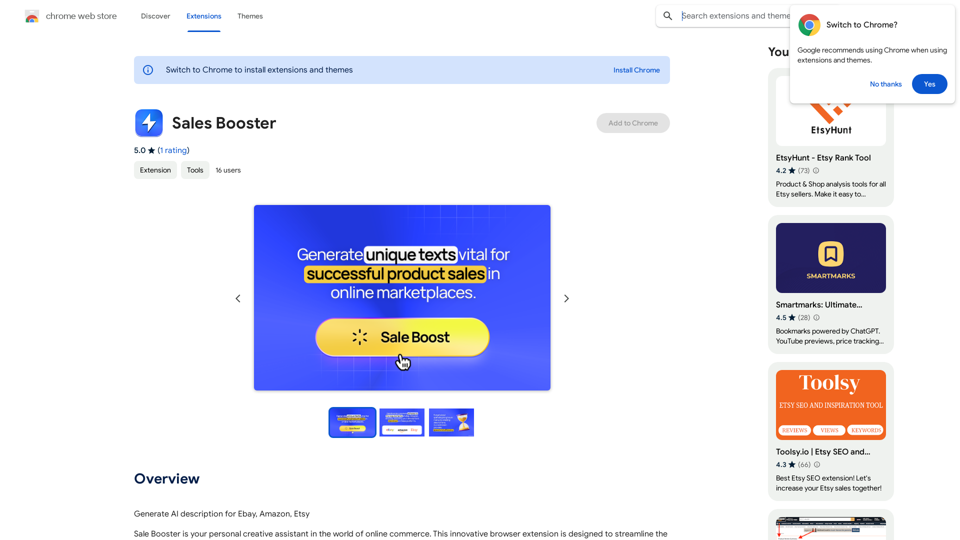
Sales Booster is a browser extension designed to revolutionize online commerce by generating AI-powered product descriptions for popular platforms like eBay, Amazon, and Etsy. This innovative tool streamlines the process of creating compelling product listings, saving time for businesses and enhancing product visibility in the competitive e-commerce landscape.
Sales Booster
AI Descriptions for Online Marketplaces:
eBay:
* The global marketplace where anyone can buy and sell almost anything. Discover unique items, bid on auctions, and find great deals from individuals and businesses worldwide.
Amazon:
* Your one-stop shop for millions of products, from everyday essentials to the latest gadgets. Enjoy fast shipping, convenient shopping, and a vast selection across all categories.
Etsy:
* A vibrant community of creative entrepreneurs selling handmade, vintage, and unique goods. Find one-of-a-kind treasures, support small businesses, and discover unique gifts for every occasion.
Introduction
Feature
AI-Powered Description Generation
Sales Booster utilizes advanced AI algorithms to instantly create unique and persuasive product descriptions, analyzing trends to produce attention-grabbing text.
Multi-Platform Optimization
The extension ensures that generated descriptions meet the specific requirements of eBay, Amazon, and Etsy, maximizing product visibility across these popular e-commerce platforms.
Time-Saving Solution
By automating the description creation process, Sales Booster eliminates the need for manual crafting, significantly reducing the time spent on listing products.
Easy Installation and Use
Users can quickly add Sales Booster from the Chrome Web Store and start receiving professionally crafted product descriptions immediately.
Customization Options
While the AI generates descriptions, users have the flexibility to customize the output to align with their specific business needs and branding.
FAQ
How does Sales Booster generate product descriptions?
Sales Booster employs powerful AI algorithms to analyze market trends and generate attention-grabbing text, ensuring each description is unique and compelling.
Is Sales Booster compatible with multiple e-commerce platforms?
Yes, Sales Booster is specifically designed to work with eBay, Amazon, and Etsy, optimizing descriptions for each platform's requirements.
Can I customize the AI-generated product descriptions?
Absolutely. While Sales Booster provides AI-generated descriptions, users have the ability to customize and tailor the content to fit their specific business needs and brand voice.
Is pricing information available for Sales Booster?
The exact pricing for Sales Booster is not specified on the Chrome Web Store. Interested users may need to install the extension or contact the developers for detailed pricing information.
Related Websites
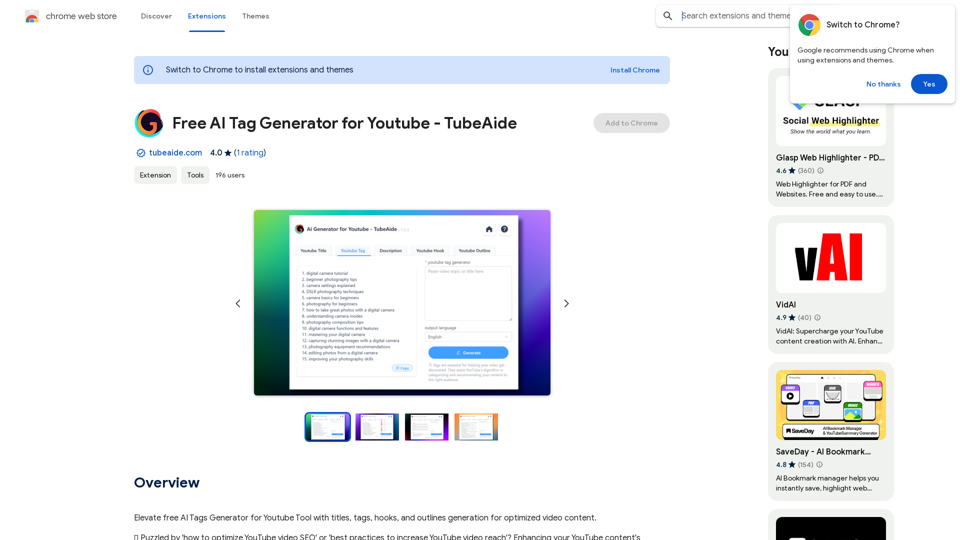
Improve the free AI Tags Generator for YouTube tool by adding features to generate titles, tags, hooks, and outlines for optimized video content.
193.90 M
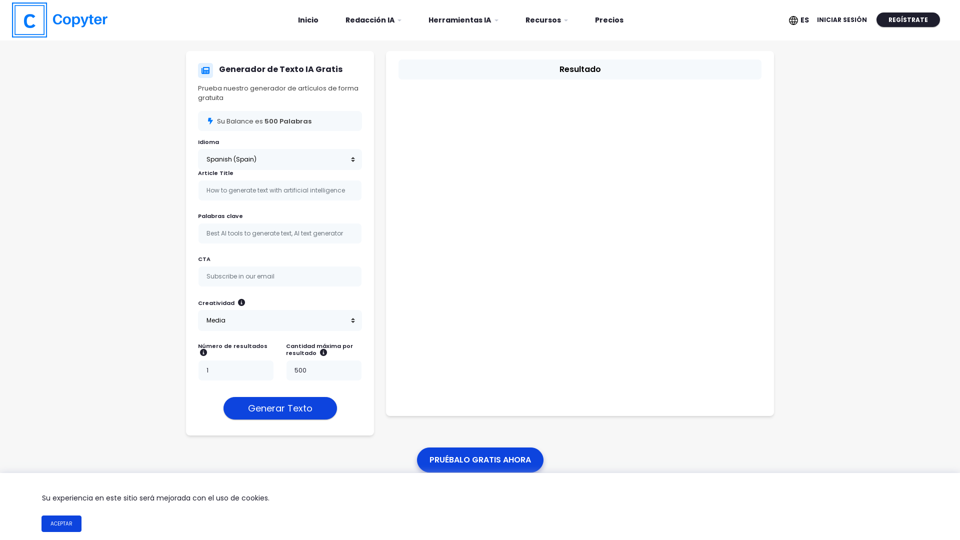
The High-Quality AI Text Generator. Writes texts with artificial intelligence for articles, essays, ecommerce, social media, blogs, and much more 🤖
38.49 K
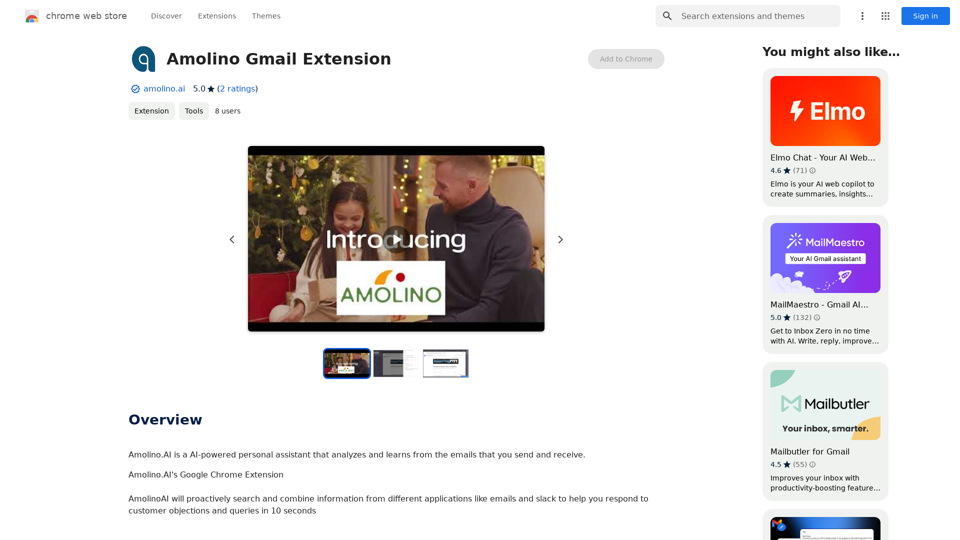
Amolino.AI is an AI-powered personal assistant that analyzes and learns from the emails you send and receive.
193.90 M
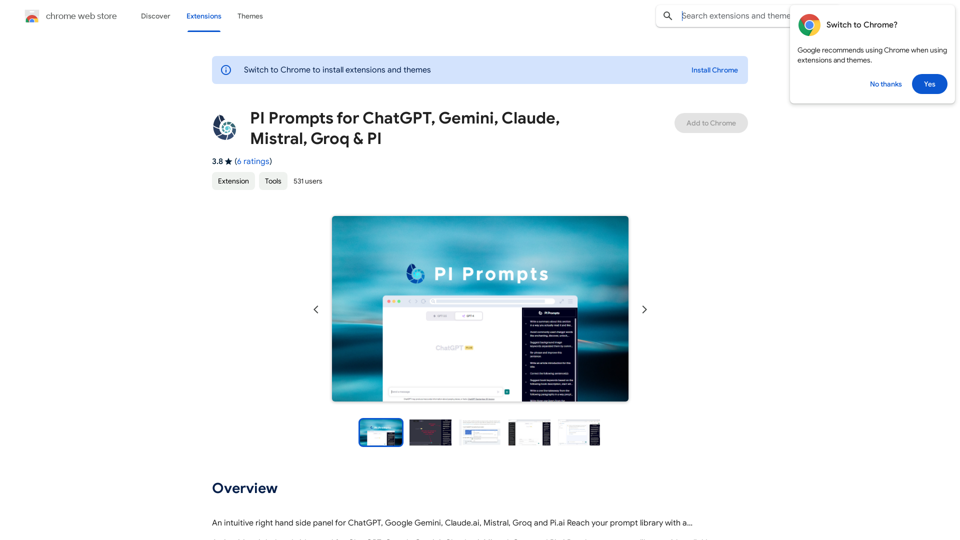
PI Prompts for ChatGPT, Gemini, Claude, Mistral, Groq & PI General Instructions: * Be specific: Clearly state what you want the AI to do. * Provide context: Give the AI enough information to understand your request. * Experiment: Try different prompts and see what works best. Creative Writing: * ChatGPT: Write a short story about a robot who learns to feel emotions. * Gemini: Compose a poem in the style of Emily Dickinson about the nature of time. * Claude: Create a fictional news article about a discovery on Mars. * Mistral: Generate a song lyric about the feeling of falling in love. * Groq: Write a screenplay for a 5-minute film about a lost dog finding its way home. * PI: Design a worldbuilding document for a fantasy novel, including its history, geography, and magic system. Informative Tasks: * ChatGPT: Summarize the main points of the article on climate change. * Gemini: Explain the concept of quantum mechanics in simple terms. * Claude: Compare and contrast the philosophies of Socrates and Plato. * Mistral: Create a list of 10 interesting facts about the human brain. * Groq: Write a code snippet to scrape data from a website. * PI: Generate a research proposal on the impact of social media on mental health. Code Generation: * ChatGPT: Write a Python function to calculate the factorial of a number. * Gemini: Generate HTML code for a simple webpage with a heading and a paragraph. * Claude: Create a SQL query to retrieve all customers from a database. * Mistral: Write a JavaScript function to validate an email address. * Groq: Generate code to create a new user account in a web application. * PI: Design a machine learning model to classify images of cats and dogs.
PI Prompts for ChatGPT, Gemini, Claude, Mistral, Groq & PI General Instructions: * Be specific: Clearly state what you want the AI to do. * Provide context: Give the AI enough information to understand your request. * Experiment: Try different prompts and see what works best. Creative Writing: * ChatGPT: Write a short story about a robot who learns to feel emotions. * Gemini: Compose a poem in the style of Emily Dickinson about the nature of time. * Claude: Create a fictional news article about a discovery on Mars. * Mistral: Generate a song lyric about the feeling of falling in love. * Groq: Write a screenplay for a 5-minute film about a lost dog finding its way home. * PI: Design a worldbuilding document for a fantasy novel, including its history, geography, and magic system. Informative Tasks: * ChatGPT: Summarize the main points of the article on climate change. * Gemini: Explain the concept of quantum mechanics in simple terms. * Claude: Compare and contrast the philosophies of Socrates and Plato. * Mistral: Create a list of 10 interesting facts about the human brain. * Groq: Write a code snippet to scrape data from a website. * PI: Generate a research proposal on the impact of social media on mental health. Code Generation: * ChatGPT: Write a Python function to calculate the factorial of a number. * Gemini: Generate HTML code for a simple webpage with a heading and a paragraph. * Claude: Create a SQL query to retrieve all customers from a database. * Mistral: Write a JavaScript function to validate an email address. * Groq: Generate code to create a new user account in a web application. * PI: Design a machine learning model to classify images of cats and dogs.An intuitive right-hand side panel for ChatGPT, Google Gemini, Claude.ai, Mistral, Groq, and Pi.ai. Reach your prompt library with a...
193.90 M
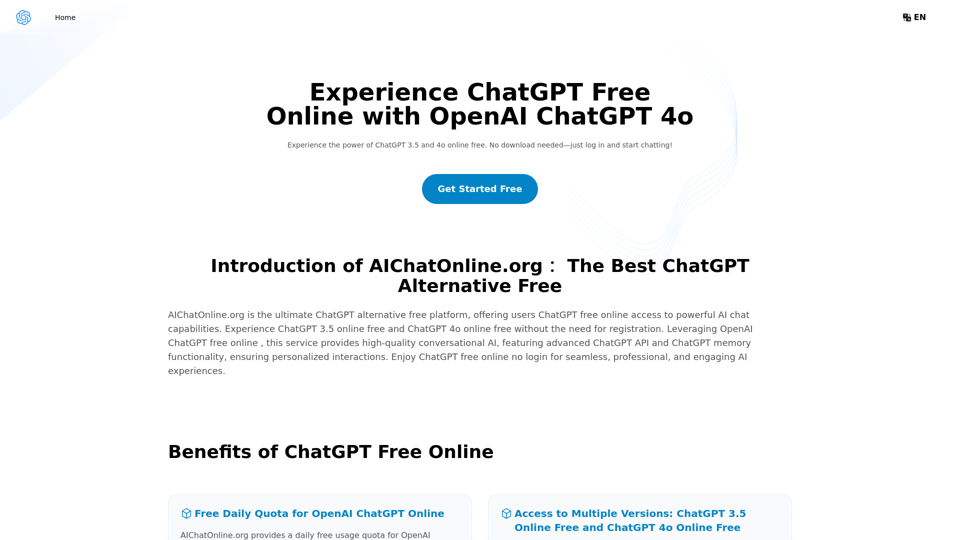
The Free Alternative to ChatGPT Powered by 4o | AIChatOnline.org
The Free Alternative to ChatGPT Powered by 4o | AIChatOnline.orgDiscover AIChatOnline.org, your ultimate platform for free online access to ChatGPT. Enjoy ChatGPT 3.5 online for free and ChatGPT 4 online for free, with no registration required. Take advantage of OpenAI's free online ChatGPT for advanced AI capabilities, including ChatGPT memory and ChatGPT API integration.
70.11 K
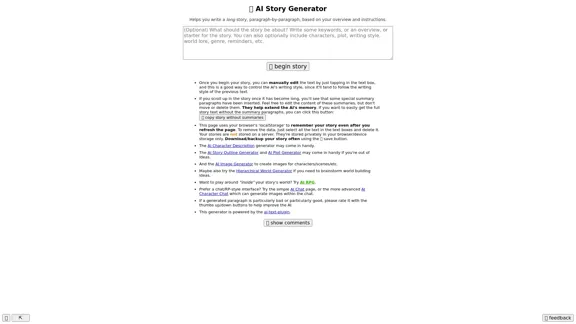
Here is the English translation: 📖 AI Story Generator (free, unlimited, no sign-up)
Here is the English translation: 📖 AI Story Generator (free, unlimited, no sign-up)Completely free & unlimited AI story generator/writer based on a prompt. No sign-up or login.
17.40 M