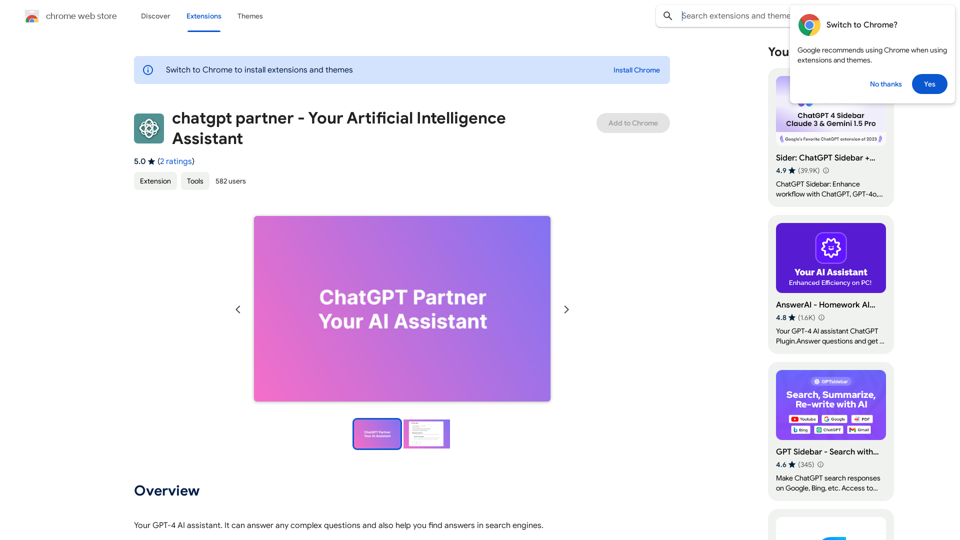
ChatGPT Partner es una innovadora extensión de navegador impulsada por IA que integra ChatGPT de OpenAI directamente en las páginas de resultados de los motores de búsqueda. Esta herramienta mejora la experiencia de búsqueda al proporcionar respuestas instantáneas y relevantes a las consultas sin requerir que los usuarios abandonen su página actual. Compatible con motores de búsqueda populares como Google, Bing y DuckDuckGo, ChatGPT Partner ofrece una gama de funciones avanzadas para mejorar la interacción y productividad del usuario.
chatgpt socio - Tu asistente de inteligencia artificial
Tu asistente de IA GPT-4. Puede responder cualquier pregunta compleja y también ayudarte a encontrar respuestas en los motores de búsqueda.
Introducción
Funcionalidad
Integración perfecta con motores de búsqueda
ChatGPT Partner funciona con los principales motores de búsqueda, incluyendo Google, Bing y DuckDuckGo, proporcionando una experiencia consistente en todas las plataformas.
Respuestas instantáneas impulsadas por IA
Obtén respuestas inmediatas generadas por IA a tus consultas directamente en la página de resultados de búsqueda, ahorrando tiempo y mejorando la productividad.
Capacidades avanzadas de renderizado
La extensión ofrece renderizado de markdown y resaltado de código, facilitando la lectura y comprensión de información compleja o fragmentos de código.
Soporte para modo oscuro
Mejora tu comodidad visual con una opción de modo oscuro incorporada, reduciendo la fatiga ocular durante el uso prolongado.
Asistente ChatGPT para cualquier sitio web
Utiliza las capacidades de ChatGPT en cualquier sitio web, expandiendo su funcionalidad más allá de las páginas de resultados de los motores de búsqueda.
Configuraciones personalizables
Adapta la extensión a tus preferencias con configuraciones personalizadas y opciones de retroalimentación.
Preguntas Frecuentes
¿Qué es ChatGPT Partner?
ChatGPT Partner es una extensión de navegador impulsada por IA que integra ChatGPT de OpenAI en las páginas de resultados de los motores de búsqueda, proporcionando respuestas instantáneas sin abandonar la página actual.
¿Cómo empiezo a usar ChatGPT Partner?
Para comenzar a usar ChatGPT Partner:
- Instala la extensión desde la Chrome Web Store
- Inicia sesión en tu cuenta de ChatGPT
- Comienza a usar ChatGPT para consultas, escritura o generación de código
- Personaliza la configuración a tu gusto
¿Es gratuito el uso de ChatGPT Partner?
ChatGPT Partner está disponible como una extensión gratuita. Sin embargo, hay actualizaciones opcionales de pago para usuarios que deseen acceder a funciones y soporte adicionales.
¿Cuáles son algunas aplicaciones prácticas de ChatGPT Partner?
ChatGPT Partner puede utilizarse para:
- Investigación rápida sobre diversos temas
- Escribir artículos, publicaciones de blog u otro contenido
- Desarrollar chatbots para servicio al cliente
- Generar código para diferentes lenguajes de programación
Sitios web relacionados

Minimizar Riesgo Climático | Maximizar Oportunidades Futuras | ClimateAi
Minimizar Riesgo Climático | Maximizar Oportunidades Futuras | ClimateAiConstruya resiliencia climática con información precisa y recomendaciones accionables que le brindarán una ventaja competitiva.
10.69 K
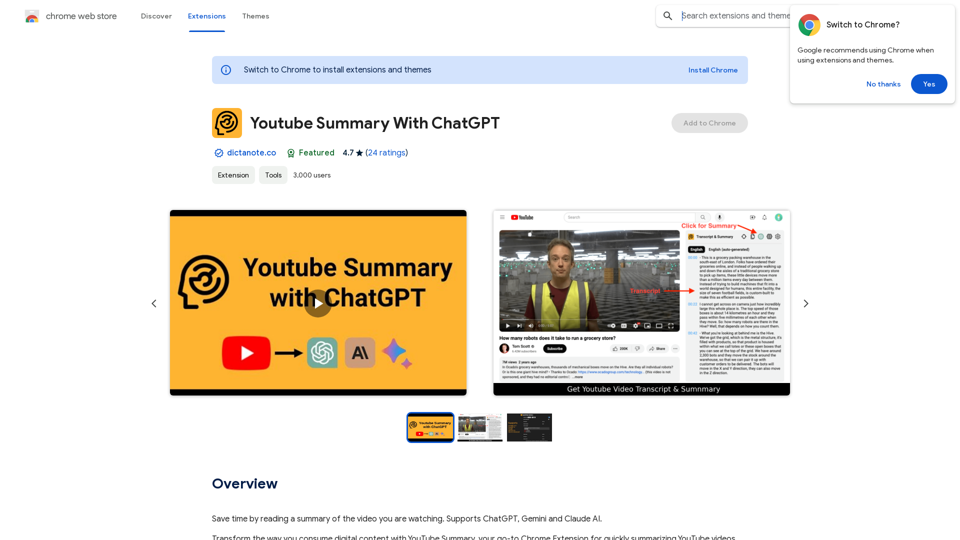
Resumen de Youtube con ChatGPT ChatGPT es una herramienta de inteligencia artificial que puede ayudar a los creadores de contenido de Youtube a generar resúmenes precisos y atractivos para sus videos. A continuación, se presentan algunas formas en que ChatGPT puede ayudar con la creación de resúmenes de Youtube: Generación de resúmenes automáticos ChatGPT puede analizar el audio o el texto de un video y generar un resumen automático. Esto puede ahorrar tiempo y esfuerzo a los creadores de contenido, ya que no necesitan ver todo el video para crear un resumen. Mejora de la precisión ChatGPT puede analizar el lenguaje natural y comprender el contexto del video, lo que permite generar resúmenes más precisos y relevantes. Esto es especialmente útil para videos largos o complejos que requieren una mayor claridad. Personalización del tono y el estilo ChatGPT puede adaptarse al tono y el estilo del creador de contenido, lo que permite generar resúmenes que se ajustan a la marca y la audiencia del canal. Ayuda para la optimización SEO Los resúmenes generados por ChatGPT pueden incluir palabras clave relevantes y frases que ayudan a mejorar la optimización SEO del video en Youtube. Creación de contenido adicional ChatGPT puede generar ideas para contenido adicional, como títulos de videos, descripciones de videos, etiquetas y más, lo que puede ayudar a los creadores de contenido a crear contenido más atractivo y relevante. En resumen, ChatGPT es una herramienta poderosa que puede ayudar a los creadores de contenido de Youtube a generar resúmenes precisos, atractivos y optimizados para SEO.
Resumen de Youtube con ChatGPT ChatGPT es una herramienta de inteligencia artificial que puede ayudar a los creadores de contenido de Youtube a generar resúmenes precisos y atractivos para sus videos. A continuación, se presentan algunas formas en que ChatGPT puede ayudar con la creación de resúmenes de Youtube: Generación de resúmenes automáticos ChatGPT puede analizar el audio o el texto de un video y generar un resumen automático. Esto puede ahorrar tiempo y esfuerzo a los creadores de contenido, ya que no necesitan ver todo el video para crear un resumen. Mejora de la precisión ChatGPT puede analizar el lenguaje natural y comprender el contexto del video, lo que permite generar resúmenes más precisos y relevantes. Esto es especialmente útil para videos largos o complejos que requieren una mayor claridad. Personalización del tono y el estilo ChatGPT puede adaptarse al tono y el estilo del creador de contenido, lo que permite generar resúmenes que se ajustan a la marca y la audiencia del canal. Ayuda para la optimización SEO Los resúmenes generados por ChatGPT pueden incluir palabras clave relevantes y frases que ayudan a mejorar la optimización SEO del video en Youtube. Creación de contenido adicional ChatGPT puede generar ideas para contenido adicional, como títulos de videos, descripciones de videos, etiquetas y más, lo que puede ayudar a los creadores de contenido a crear contenido más atractivo y relevante. En resumen, ChatGPT es una herramienta poderosa que puede ayudar a los creadores de contenido de Youtube a generar resúmenes precisos, atractivos y optimizados para SEO.Ahorrar tiempo leyendo un resumen del video que estás viendo. Compatible con ChatGPT, Gemini y Claude AI.
193.90 M
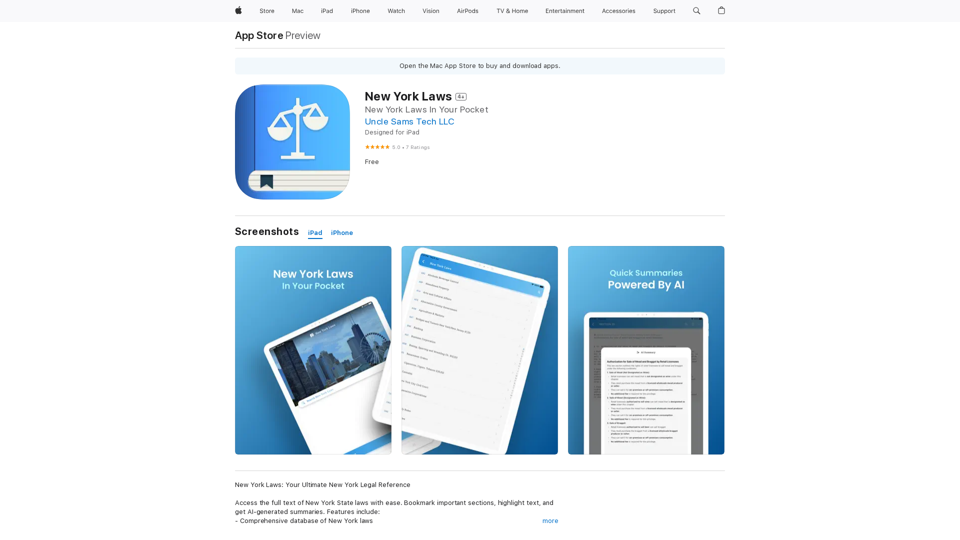
Accede al texto completo de las leyes del estado de Nueva York con facilidad. Marca secciones importantes, resalta texto y obtiene resúmenes generados por IA. Las características incluyen: - Comprende…
124.77 M
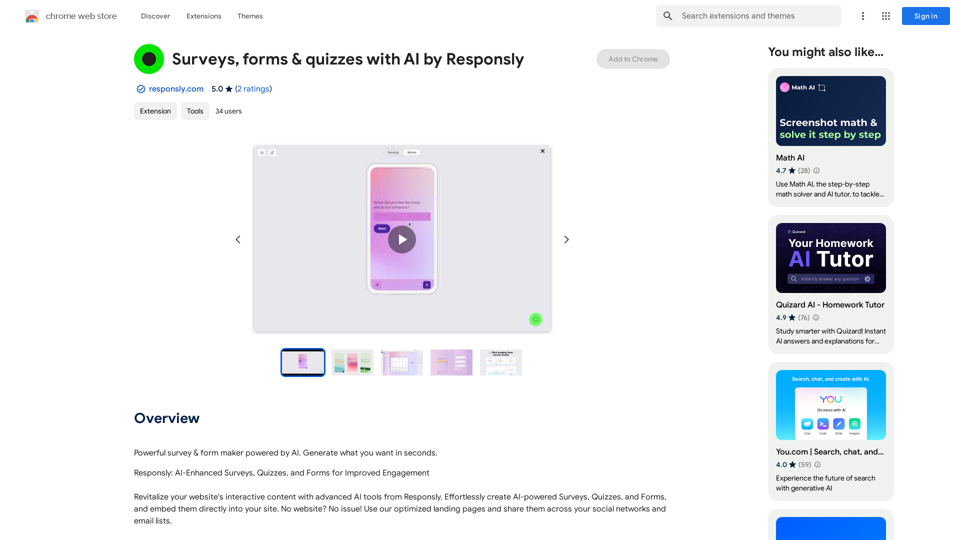
Encuestas, formularios y cuestionarios con IA por Responsly
Encuestas, formularios y cuestionarios con IA por ResponslyCreador de encuestas y formularios potente impulsado por IA. Genera lo que quieras en segundos.
193.90 M
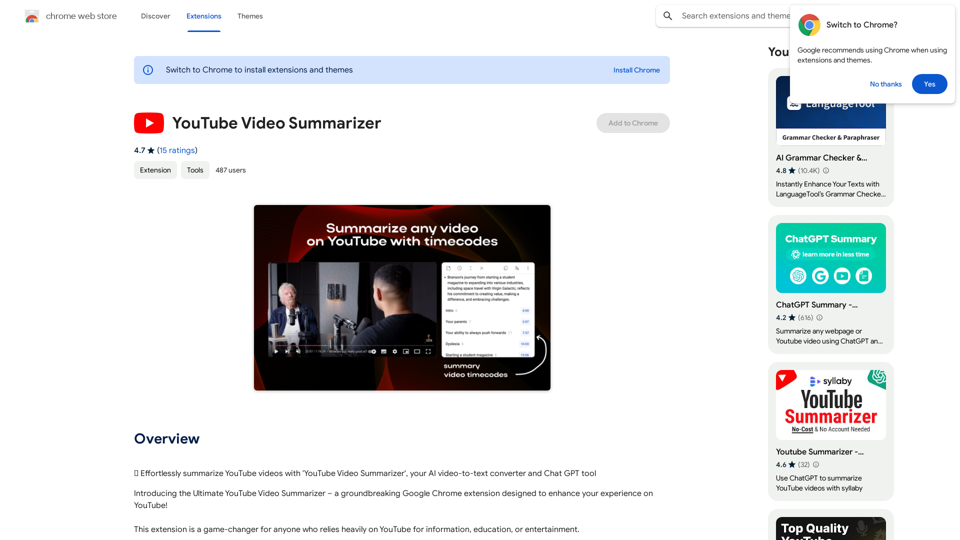
📝 Resume fácilmente videos de YouTube con 'YouTube Video Summarizer', tu convertidor de video a texto AI y herramienta Chat GPT.
193.90 M
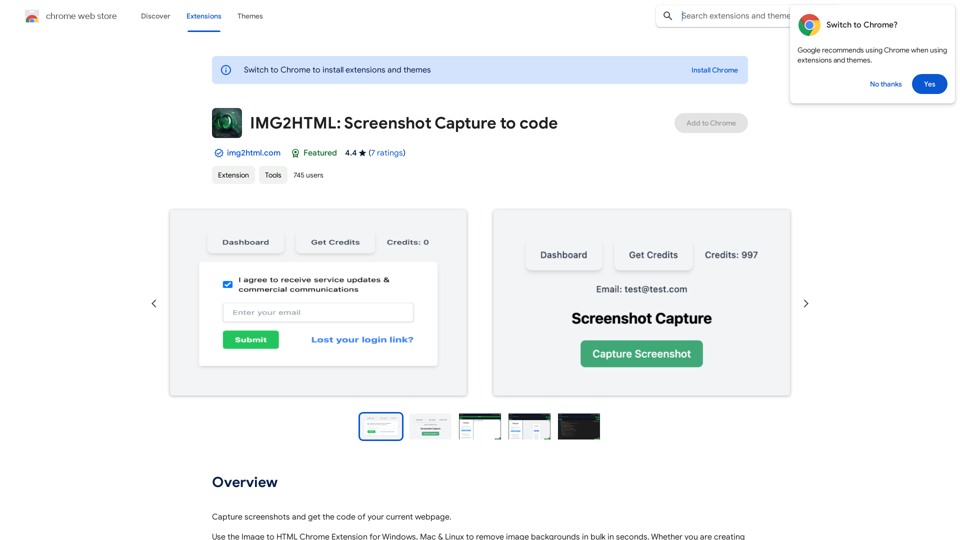
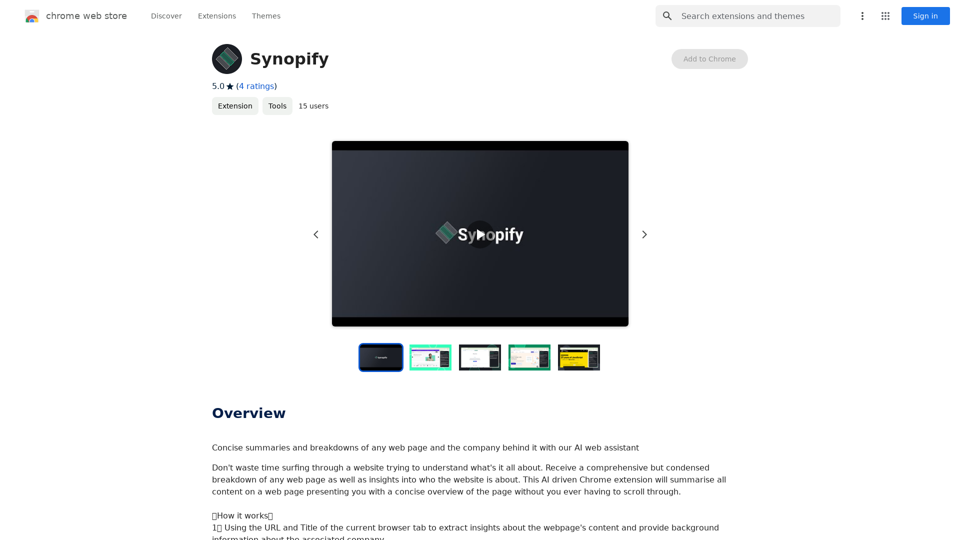
Resúmenes concisos y desgloses de cualquier página web y la empresa detrás de ella con nuestro asistente web de IA
193.90 M