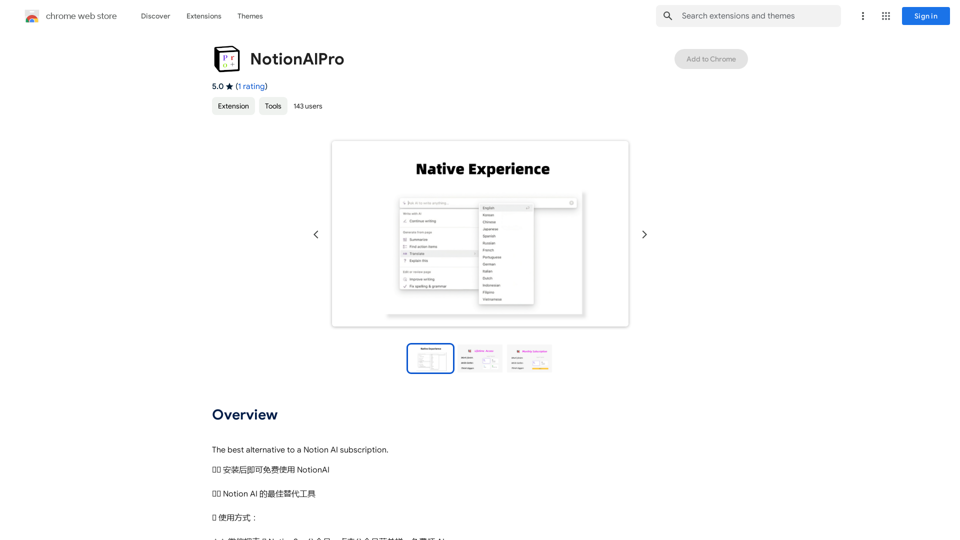
Notion AlPro is a browser extension that seamlessly integrates Notion AI with any website, allowing users to access powerful AI features without a separate subscription. This tool enhances productivity by bringing Notion AI capabilities directly to your browsing experience, making it accessible and easy to use for anyone working with web content.
Notion AI Pro
The Best Alternative to a Notion AI Subscription.
Introduction
Feature
Free Usage
Notion AlPro offers free access to Notion AI features, eliminating the need for additional subscriptions or payments. Users can install the extension and start benefiting from AI-powered assistance immediately.
Easy Integration
The extension integrates smoothly with any website, providing a user-friendly interface to access Notion AI features. This seamless integration allows users to enhance their web browsing and content creation experience effortlessly.
No Subscription Required
Unlike other Notion AI solutions, Notion AlPro doesn't require a separate subscription. This feature makes it an attractive option for users looking to leverage AI capabilities without additional costs.
Simple Setup Process
Getting started with Notion AlPro is straightforward:
- Install the browser extension
- Search for Notion in the extension's search bar
- Bind your Notion email to the extension
- Refresh the Notion page to activate AI features
Wide Compatibility
Notion AlPro is designed to work with most websites, though some may require additional setup. This broad compatibility ensures users can benefit from AI assistance across various online platforms.
FAQ
Is Notion AlPro completely free to use?
Yes, Notion AlPro is free to use with no subscription required. However, there is an option to purchase a membership through the official website for those interested in additional features.
Do I need a separate Notion AI subscription?
No, Notion AlPro does not require a separate Notion AI subscription. The extension provides access to AI features without additional subscriptions.
How do I start using Notion AI with the extension?
To start using Notion AI:
- Install the Notion AlPro extension
- Search for Notion in the extension's search bar
- Bind your Notion email to the extension
- Refresh the Notion page
Are there any tips for using Notion AlPro effectively?
Some helpful tips include:
- Ensure your Notion email is correctly bound to the extension
- Always refresh the page after binding your email to activate AI features
- Be aware that while Notion AlPro works with most websites, some may require additional setup
Related Websites

Octane AI | Intelligent Quizzes That Boost Sales for Shopify Stores
Octane AI | Intelligent Quizzes That Boost Sales for Shopify StoresYou can't afford to have leaks in your customer journey. Plug the leak with product quizzes that sell like crazy. No coding required (unless you want to!).
136.30 K
Generates new versions of resumes to match keywords and important skills in a job description using AI
193.90 M
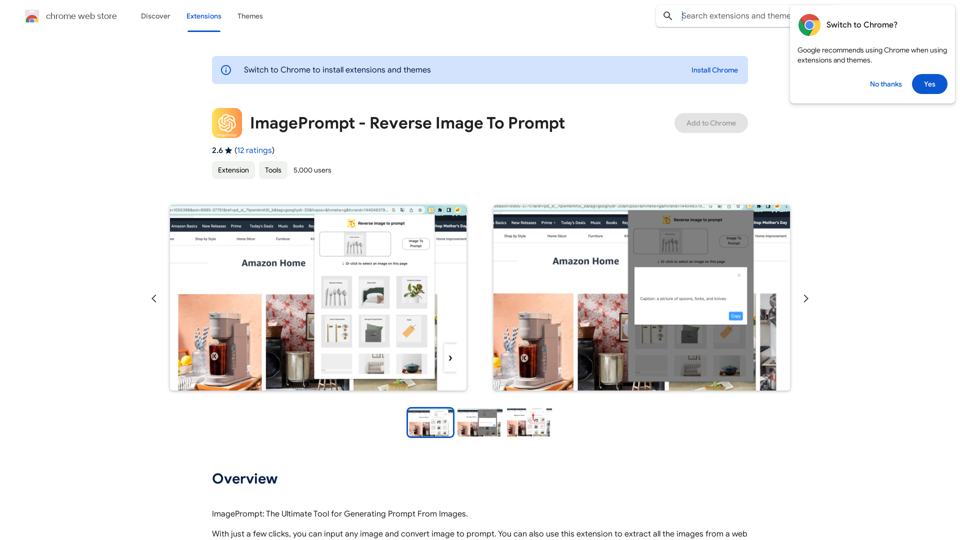
ImagePrompt - Reverse Image To Prompt This tool takes an image as input and generates a textual description (prompt) that can be used to recreate the image using text-to-image AI models.
ImagePrompt - Reverse Image To Prompt This tool takes an image as input and generates a textual description (prompt) that can be used to recreate the image using text-to-image AI models.ImagePrompt: The Ultimate Tool for Generating Prompts From Images.
193.90 M
Description: Meet Mashagpt - your new helper for working with ChatGPT right in your browser! With Mashagpt you'll get access to...
193.90 M
Octoparse VOC - AI Review Research & Analysis This is a document outlining the research and analysis conducted on user voice (VOC) data using Octoparse's AI capabilities.
Octoparse VOC - AI Review Research & Analysis This is a document outlining the research and analysis conducted on user voice (VOC) data using Octoparse's AI capabilities.AI Consumer Review Research Extension by Octoparse.
193.90 M