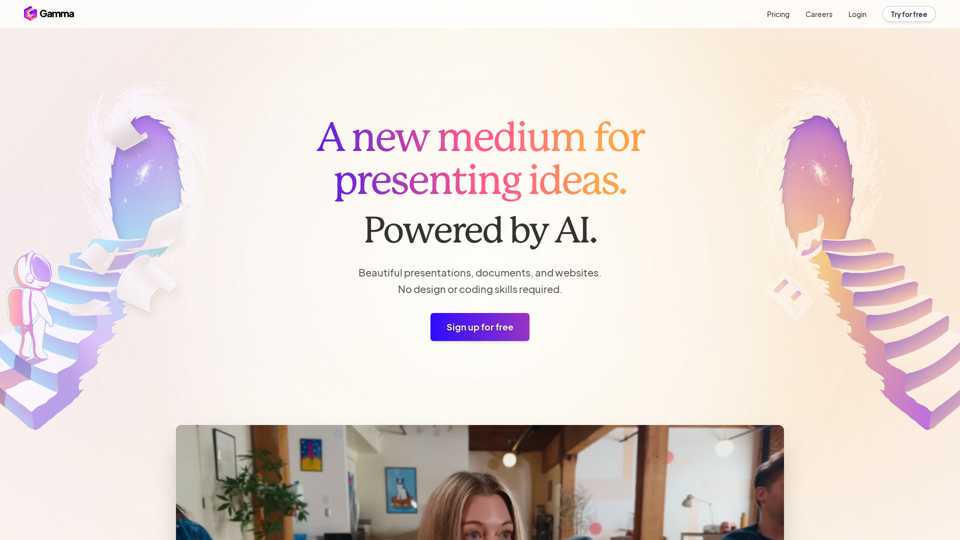
Gamma is an innovative AI-powered platform designed to revolutionize content creation. It empowers users to effortlessly produce stunning presentations, documents, and websites without requiring design or coding expertise. By leveraging advanced AI technology, Gamma streamlines the process of creating polished, professional-looking content, making it accessible to users of all skill levels.
Gamma
Made with Gamma. A new medium for presenting ideas, powered by AI.
Introduction
Feature
AI-Powered Content Creation
Gamma utilizes cutting-edge AI technology to assist users in creating and refining content quickly. This feature includes:
- Advanced AI for text generation and autocomplete
- AI-powered image creation and search capabilities
- Intelligent content rewriting tools
Professional Design Tools
Users can access a wide range of design features to enhance their content:
- Expert-level designs and layouts
- Eye-catching templates for various projects
- One-click restyling options for existing content
Versatile Content Types
Gamma supports the creation of multiple content formats:
- Polished slide presentations
- Dynamic websites
- Interactive documents
Rich Media Integration
Enhance content with various media elements:
- Interactive galleries
- Video embeds
- Data visualization through charts, diagrams, and tables
Seamless Workflow
Gamma offers features to streamline the content creation process:
- Easy import of existing documents and presentations
- Quick text pasting from any source
- Unlimited PDF and PPT file exports
Collaboration and Sharing
Facilitate teamwork and content distribution:
- Real-time collaboration tools
- Easy sharing and publishing options
- Multi-device compatibility for user engagement
Analytics and Security
Ensure content performance and protection:
- Built-in, advanced analytics for tracking engagement
- Password protection for sensitive files
FAQ
What is Gamma?
Gamma is an AI-powered platform that enables users to create professional-quality presentations, documents, and websites without requiring design or coding skills. It offers a range of features including AI-assisted content creation, expert-level designs, and easy sharing options.
How can I use Gamma?
To use Gamma, you can:
- Sign up for a free trial
- Explore its features and tools
- Create presentations, websites, or documents using AI-powered assistance
- Apply pre-made templates or custom designs
- Enhance your content with various media elements
- Share or publish your creations effortlessly
What are the key features of Gamma?
Some of Gamma's key features include:
- AI-powered content creation and refinement
- Professional design tools and templates
- Versatile content type support (presentations, websites, documents)
- Rich media integration (galleries, videos, charts)
- Seamless workflow with easy import/export options
- Collaboration tools and multi-device compatibility
- Advanced analytics and security features
Is there a free trial available for Gamma?
Yes, Gamma offers a free trial. Users can sign up for free to explore its features before deciding to subscribe to its products. However, specific pricing details are not explicitly mentioned in the provided information.
Related Websites

Good AI Tools is your ultimate resource for discovering the best AI tools to enhance your productivity. Explore our extensive AI directory and find leading software and applications that match what you're looking for.
0
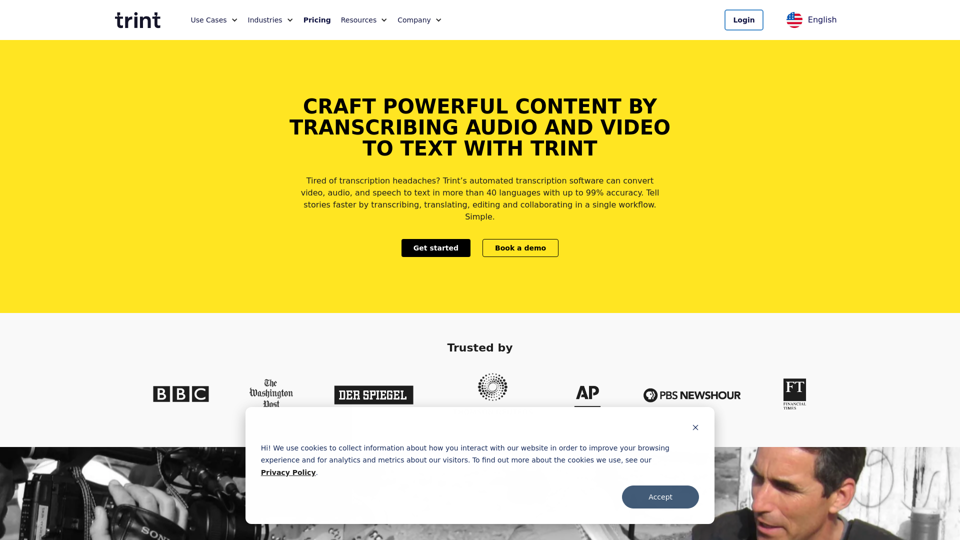
Transcription Software | AI Transcription & Content Editor | Trint
Transcription Software | AI Transcription & Content Editor | TrintTrint's AI-powered software swiftly converts video and audio files into text. Transcribe, edit, share, and collaborate to boost your team's productivity.
399.58 K

Playground AI - Find The Best AI Tools On The Web.
Playground AI - Find The Best AI Tools On The Web.Discover Playground AI, your online hub for top AI tools and a vibrant community. Start exploring over 5000+ curated AI websites today at playgroundai.net.
2.31 K
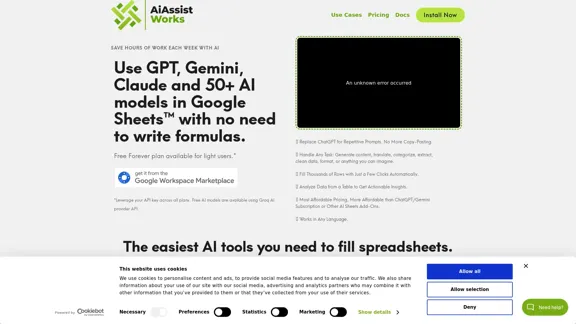
AiAssistWorks - AI for Google Sheets™ - GPT- Claude - Gemini - Llama, Mistral, OpenRouter, Groq.
AiAssistWorks - AI for Google Sheets™ - GPT- Claude - Gemini - Llama, Mistral, OpenRouter, Groq.4.99 K
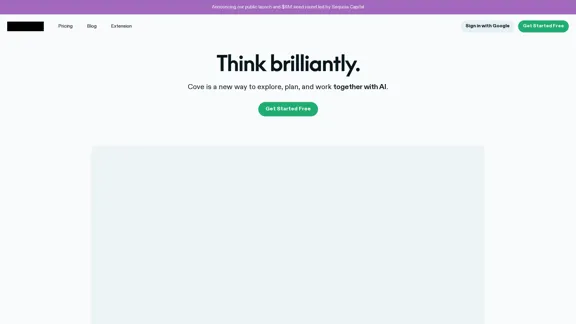

Focus on completing your tasks while BeforeSunset AI plans the ideal schedule for you. Daily planning has never been simpler.
76.01 K
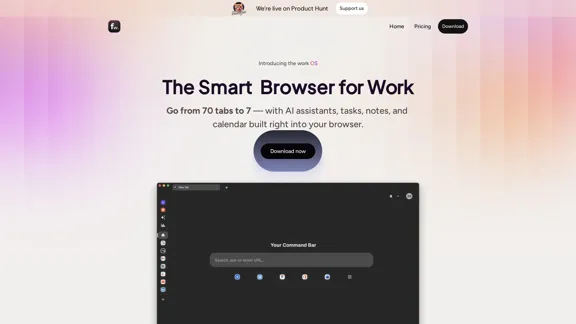
Floutwork – The AI-Enhanced Browser for Work and Efficiency
Floutwork – The AI-Enhanced Browser for Work and EfficiencyFloutwork is an AI-powered productivity browser that brings together workspaces, organizes your tabs, and integrates AI assistants directly into your workflow. It is designed to help you stay focused, streamline tasks, and accomplish more without distractions.
0