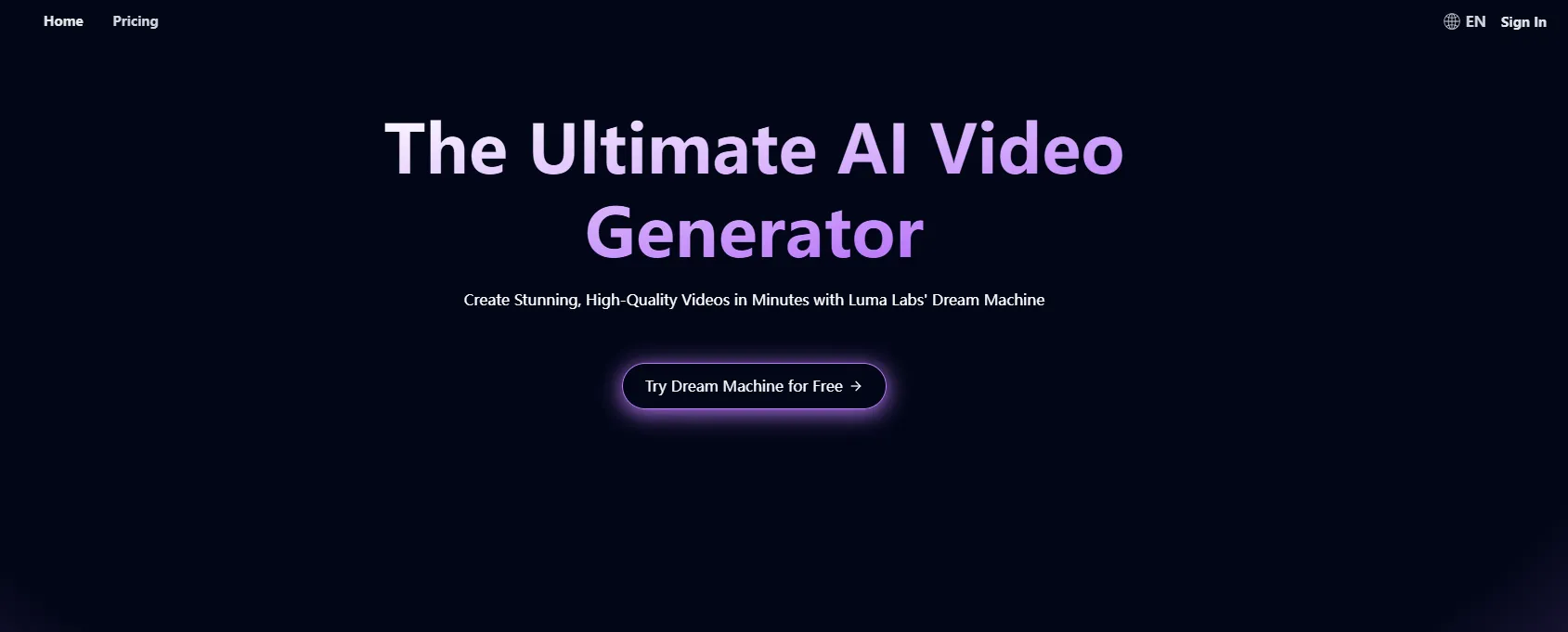
LunaAI's Dream Machine by Luma Labs is an AI-powered video generator that transforms creative ideas into high-quality videos efficiently. Whether starting from text or image inputs, it provides users with a versatile and scalable tool for producing realistic videos.
Luma AI Video Generator: LunaAI's Dream Machine
LunaAI’s Dream Machine is an advanced AI-powered video generator by Luma Labs that creates high-quality, realistic videos quickly.
Introduction
Feature
- High-Quality Video Generation: Produces lifelike visuals and smooth motion, ensuring professional-grade content.
- Versatile Inputs: Accepts text descriptions or images, allowing diverse creative possibilities.
- Scalability: Uses more GPUs to enhance video quality, scaling with user needs.
- Efficiency: Utilizes a Transformer model trained on videos for fast and precise generation.
- Real-Time Access: Offers instant video generation and user-friendly interface for quick creative iteration.
- Continuous Improvement: Regular updates ensure access to cutting-edge video generation technology.
How to Use?
- Visit LunaAI.video and sign up for a free account.
- Explore the Dream Machine's interface and input a text description or upload an image.
- Use the "Generate" feature to create your video.
- Experiment with different inputs to find the best output.
- Take advantage of free trials before choosing a subscription plan for more features.
FAQ
What is LunaAI's Dream Machine?
LunaAI's Dream Machine is an AI video generator that creates high-quality, realistic videos using text descriptions or images as inputs.
How does Dream Machine work?
The Dream Machine leverages advanced AI technology, including a Transformer model trained on videos, to generate videos quickly and efficiently from various inputs.
Can I use Dream Machine for free?
Yes, LunaAI offers a free plan with 30 video generations per month. Subscription plans are also available for more extensive use.
What types of inputs does Dream Machine accept?
It accepts both text descriptions and images, providing flexibility for users to explore different creative formats.
Price
- Free Plan: 30 generations per month.
- Subscription Plans: Various plans available with additional features and more generations.
The price is for reference only, please refer to the latest official data for actual information.
Evaluation
- Strengths: LunaAI’s Dream Machine offers high-quality, realistic video output with efficient, real-time generation and versatile input options.
- Areas for Improvement: Could benefit from more customization options and additional input formats.
- Overall: A strong tool for both professionals and hobbyists looking to quickly produce high-quality videos. However, advanced users may require more control over video parameters.
Related Websites

Addlly AI: 1st Complete AI Playground for Content Creation
Addlly AI: 1st Complete AI Playground for Content CreationThe best all-in-one, no-prompt Gen AI Playground for enterprises. Generate SEO blogs, social media posts, ad copy, press releases, newsletters & more.
46.81 K

Note AI Tools This is a placeholder for a list of AI tools related to note-taking. Please provide me with the content you'd like me to translate.
Note AI Tools This is a placeholder for a list of AI tools related to note-taking. Please provide me with the content you'd like me to translate.AI Tools
193.90 M
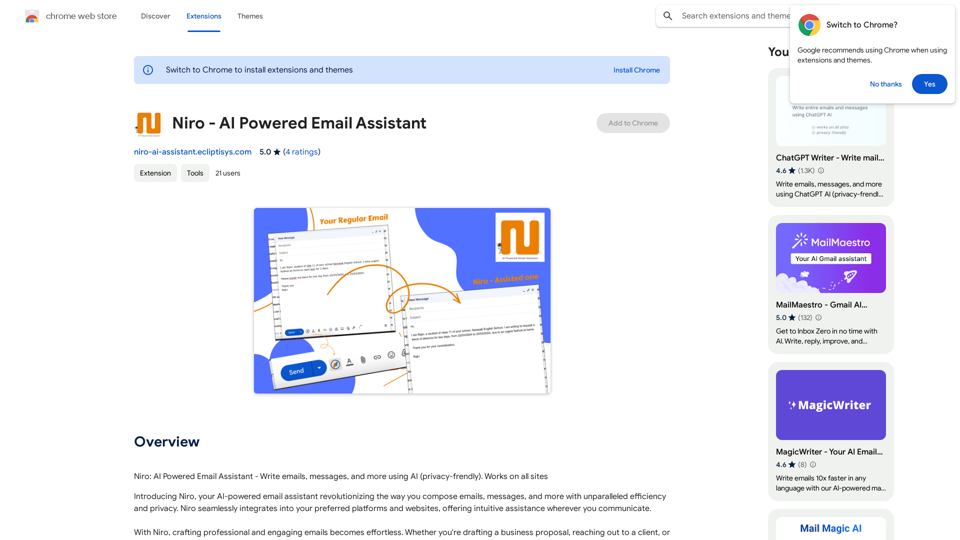
Niro: AI Powered Email Assistant - Write emails, messages, and more using AI (privacy-friendly). Works on all sites
193.90 M

Revolutionize video creation with AI Short Video Generator - quick, easy, and tailored for engaging content!
193.90 M
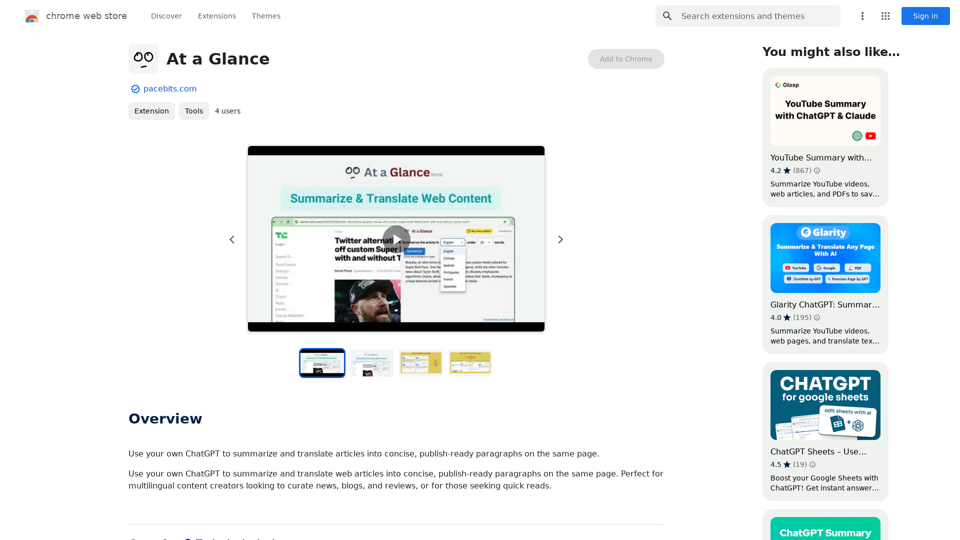
Use an AI like ChatGPT to condense and translate articles into short, ready-to-publish paragraphs directly on the webpage.
193.90 M
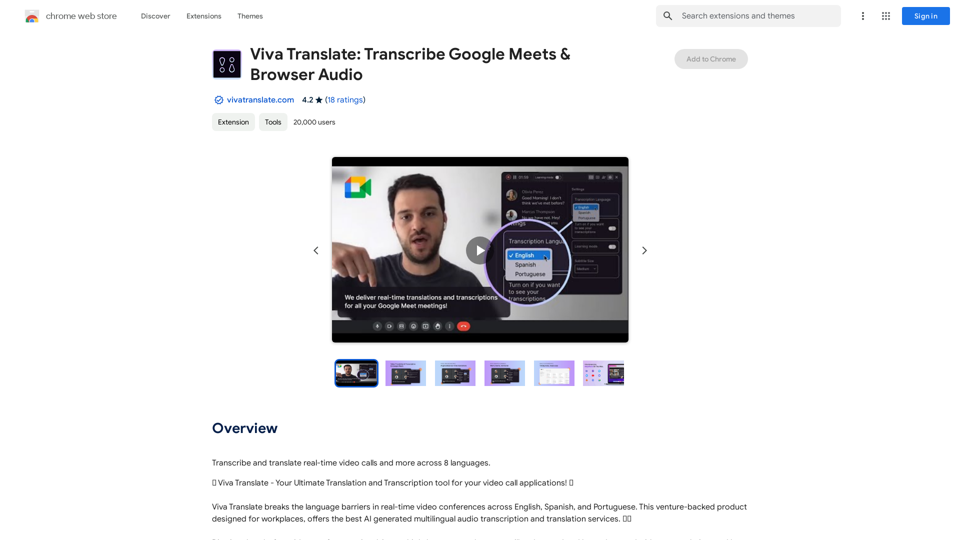
Viva Translate: Transcribe Google Meets & Browser Audio
Viva Translate: Transcribe Google Meets & Browser AudioTranscribe and translate real-time video calls and more across 8 languages.
193.90 M