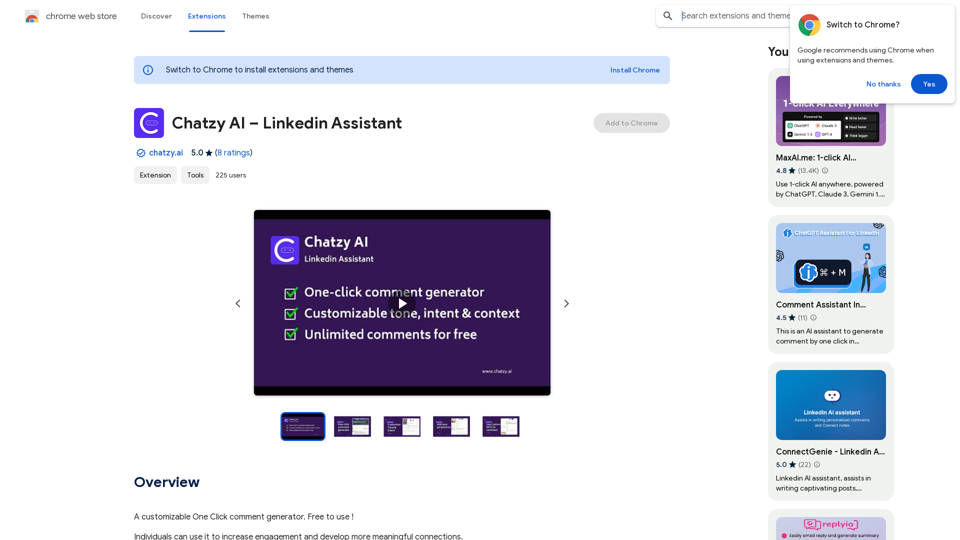
Chatzy AI - LinkedIn助手是一个旨在增强LinkedIn互动的人工智能驱动平台。它提供可定制的一键评论生成器,使用户能够建立有意义的联系并高效回应客户互动。这个工具对于寻求提升LinkedIn存在感的个人和旨在改善客户沟通的品牌都很有价值。
Chatzy AI - 领英助手
一个可定制的单键评论生成器。免费使用!
介绍
功能
一键评论生成器
Chatzy AI提供优化的默认设置,可快速生成评论,简化LinkedIn上的互动过程。
无限评论
用户可以生成无限数量的评论,确保在整个LinkedIn网络中保持持续互动。
可定制的语气和意图
该平台允许用户调整评论的语气和意图,保持互动的真实性。
基于上下文的定制
用户可以提供特定上下文以进一步个性化他们的评论,确保相关性和周到性。
评论回复生成
Chatzy AI使用户能够生成对评论的回复,促进持续对话和更深入的互动。
自定义GPT创建
用户可以创建基于自己写作风格、知名影响者或品牌指南训练的自定义GPT,确保LinkedIn沟通的一致性。
简易设置流程
该扩展可以快速添加到Chrome,通过简单的登录过程即可开始在LinkedIn上使用该工具。
灵活的定价计划
Chatzy AI提供多种定价选项,包括免费的入门计划和具有高级功能和GPT 4.0集成的基础计划。
常见问题
如何设置Chatzy AI - LinkedIn助手?
- 点击"添加到Chrome"并接受权限
- 您将被重定向到Chatzy AI登录
- 登录后,返回LinkedIn开始使用扩展
如何在LinkedIn上使用Chatzy AI?
- 通过点击评论按钮使用默认设置快速生成
- 对于自定义,点击评论框中的Chatzy AI设置图标
- 根据需要选择或提供GPT、语气、意图和上下文
Chatzy AI的定价选项有哪些?
- 入门计划:免费,使用GPT 3.5
- 基础计划:包括使用GPT 4.0集成创建自定义机器人
使用Chatzy AI - LinkedIn助手的主要好处是什么?
- 高效互动
- 提升互动质量
- 个性化选项
- 持续互动
- 用户友好界面
- 获取创新AI技术
- 增加合作和业务增长机会
如何联系Chatzy AI获得支持?
如有问题或建议,请联系[email protected]或[email protected]