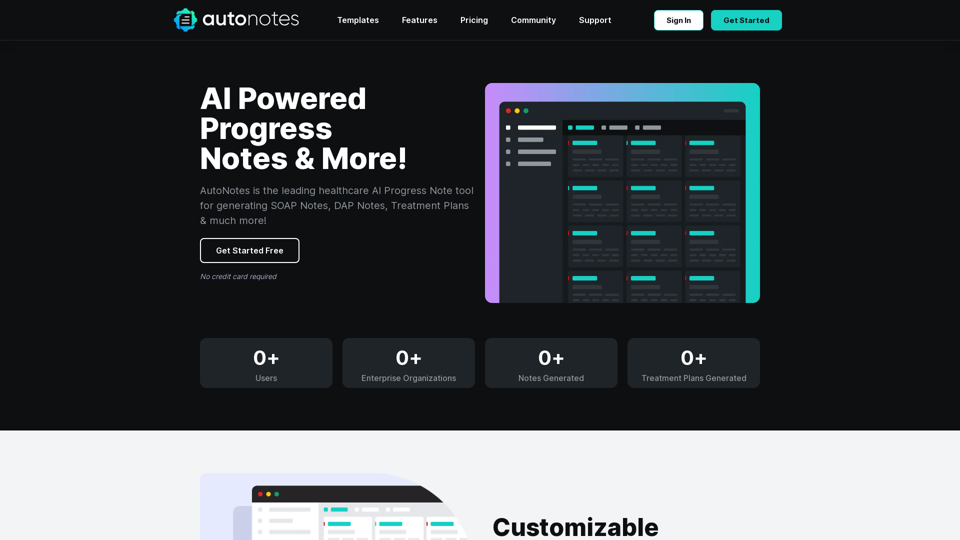
AutoNotes is an AI-powered platform designed to revolutionize clinical documentation for healthcare professionals. It offers efficient generation of SOAP notes, DAP notes, treatment plans, and other essential documents. By streamlining the documentation process, AutoNotes helps healthcare providers save time and increase productivity in their practice.
AutoNotes | AI Progress Notes, Assessments & More!
AutoNotes is the top AI Progress Notes tool for Mental Health, Speech, and Occupational Therapy. Try AutoNotes for Free Now!
Introduction
Feature
Customizable Document Templates
AutoNotes provides a variety of customizable templates, including:
- Individual progress notes
- Group note templates
- Treatment plan templates These templates allow for easy tracking of patient encounters and treatment evolution.
AI-Powered Session Summarization
Users can:
- Summarize sessions in a few sentences
- Utilize dictation features
- Include treatment plan goals, methods, and evidence-based practices
Edit and Download Functionality
AutoNotes offers:
- Easy creation of detailed clinical notes
- Customization options:
- Add personal logo
- Include clinician details
- Input client's name, diagnosis, session type, and duration
Flexible Pricing Plans
| Plan | Features | Price |
|---|---|---|
| Basic | 10 document generations/month, template settings, secure storage, dictation | Free |
| Pro | Unlimited generations, custom templates, priority support | $24.99/month |
| Enterprise | 5+ users, unlimited generations/user, account manager | Custom pricing |
Secure Document Storage
AutoNotes prioritizes the security of client information with secure document storage features.
FAQ
What is AutoNotes?
AutoNotes is an AI-powered platform that assists healthcare professionals in generating various clinical documents, including SOAP notes, DAP notes, and treatment plans.
What are the key features of AutoNotes?
Key features include:
- Customizable document templates
- AI-powered session summarization
- Edit and download functionality
- Secure document storage
- Multiple pricing plans for different needs
How can I use AutoNotes effectively?
To use AutoNotes effectively:
- Choose the appropriate plan for your needs
- Customize document templates to fit your practice
- Utilize the dictation feature for efficient note-taking
- Take advantage of secure storage for client information
What pricing options are available for AutoNotes?
AutoNotes offers three pricing tiers:
- Basic Plan: Free
- Pro Plan: $24.99 per month
- Enterprise Plan: Custom pricing (contact sales)
Related Websites
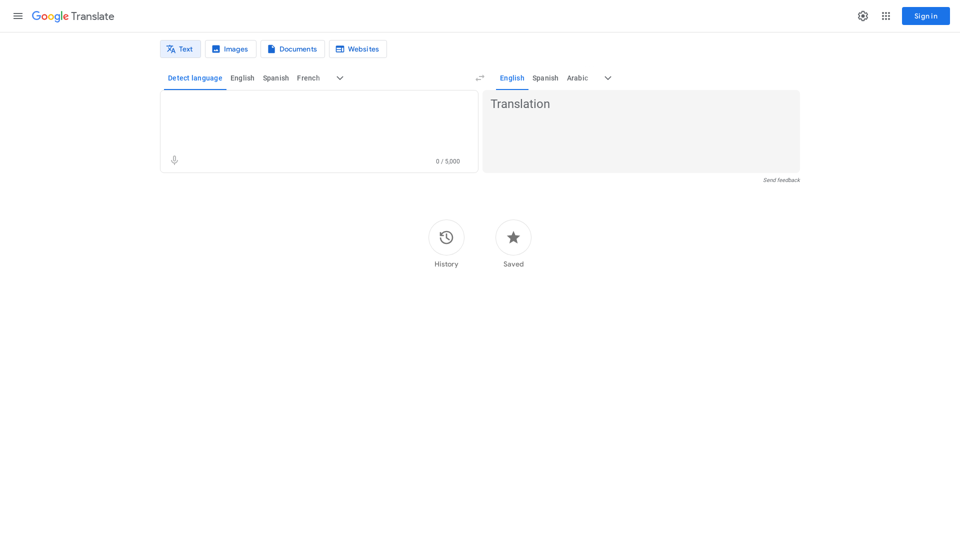
Google's service, provided at no cost, instantly translates words, phrases, and web pages between English and more than 100 other languages.
598.01 M
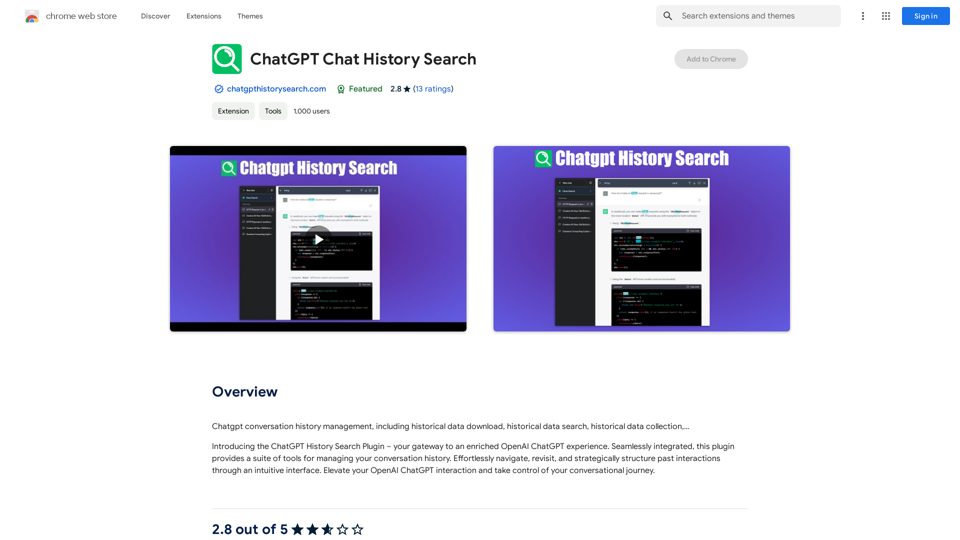
ChatGPT Conversation History Management, including: Historical Data Download Historical Data Search Historical Data Collection …
193.90 M
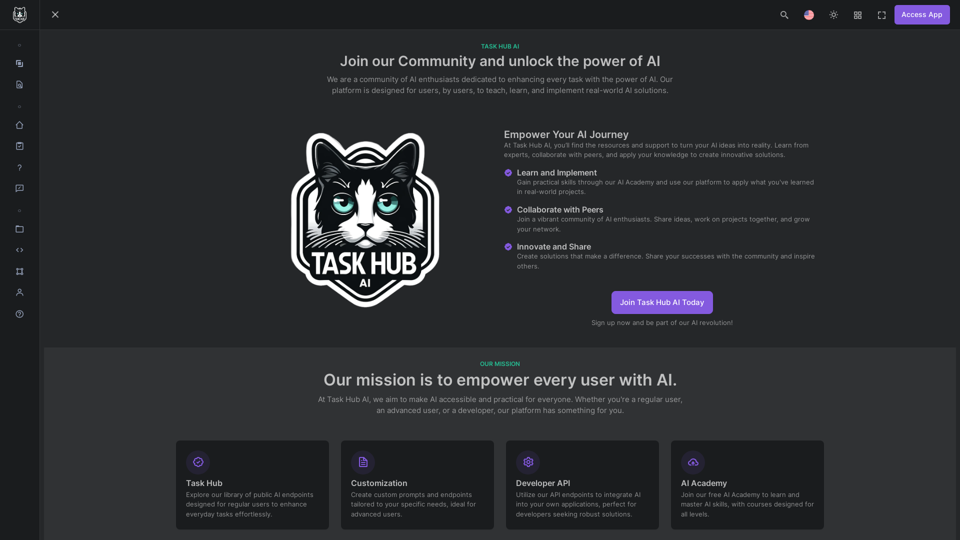
Unlock the power of AI with Task Hub AI. Learn from experts, collaborate with peers, and innovate with our AI community. Sign up now to turn your AI ideas into reality!
0
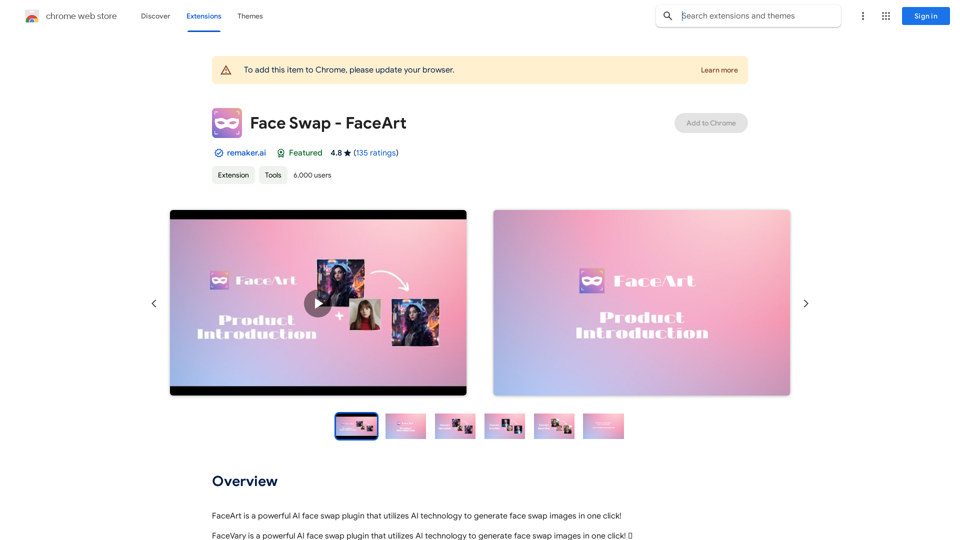
FaceArt is a powerful AI face swap plugin that utilizes AI technology to generate face swap images in one click!
193.90 M
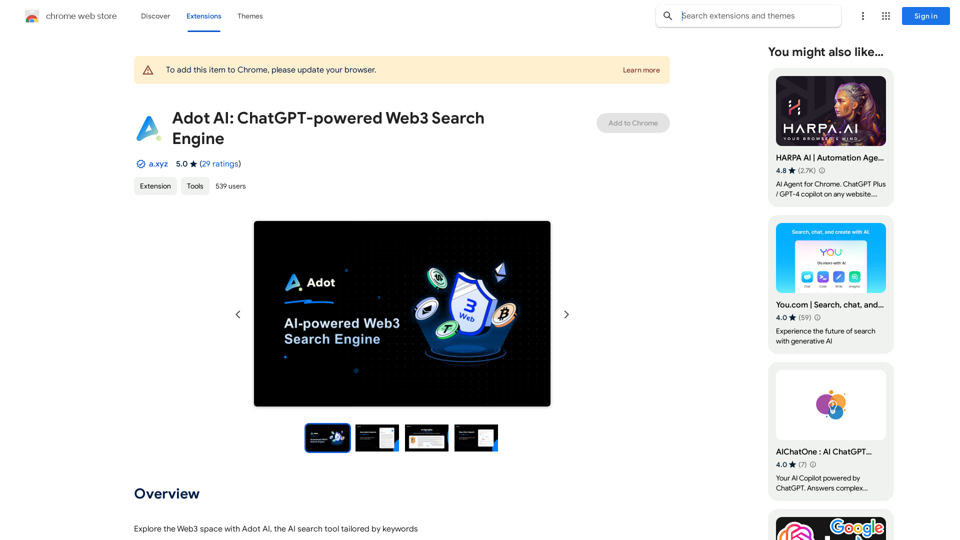
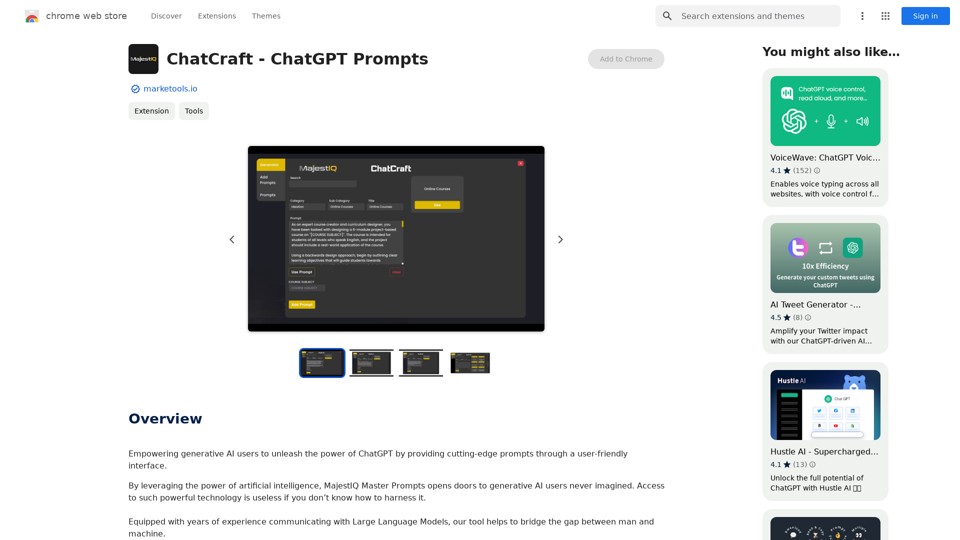
ChatCraft - ChatGPT Prompts What is ChatCraft? ChatCraft is a tool that helps you generate creative and effective prompts for ChatGPT. Why Use ChatCraft? * Unlock ChatGPT's Potential: Get more insightful, engaging, and surprising responses from ChatGPT. * Save Time and Effort: Quickly brainstorm and refine prompts without getting stuck. * Explore New Ideas: Discover unique angles and perspectives for your ChatGPT interactions. How to Use ChatCraft: 1. Choose a Category: Select from a range of categories like storytelling, code generation, dialogue writing, and more. 2. Provide Input: Give ChatCraft some context or keywords related to your desired outcome. 3. Generate Prompts: ChatCraft will generate a variety of tailored prompts for you to use with ChatGPT. 4. Experiment and Refine: Try out different prompts and see what works best for your needs. Let ChatCraft be your guide to unlocking the full potential of ChatGPT!
ChatCraft - ChatGPT Prompts What is ChatCraft? ChatCraft is a tool that helps you generate creative and effective prompts for ChatGPT. Why Use ChatCraft? * Unlock ChatGPT's Potential: Get more insightful, engaging, and surprising responses from ChatGPT. * Save Time and Effort: Quickly brainstorm and refine prompts without getting stuck. * Explore New Ideas: Discover unique angles and perspectives for your ChatGPT interactions. How to Use ChatCraft: 1. Choose a Category: Select from a range of categories like storytelling, code generation, dialogue writing, and more. 2. Provide Input: Give ChatCraft some context or keywords related to your desired outcome. 3. Generate Prompts: ChatCraft will generate a variety of tailored prompts for you to use with ChatGPT. 4. Experiment and Refine: Try out different prompts and see what works best for your needs. Let ChatCraft be your guide to unlocking the full potential of ChatGPT!Helping users of generative AI get the most out of ChatGPT by giving them easy-to-use, advanced prompts.
193.90 M
Bing AI Chatbot Bing AI Chatbot is a conversational AI developed by Microsoft, which uses natural language processing (NLP) technology to understand and respond to user queries.
Bing AI Chatbot Bing AI Chatbot is a conversational AI developed by Microsoft, which uses natural language processing (NLP) technology to understand and respond to user queries.Enhance Chrome with Bing AI Chatbot: Unlock Bing AI chatbot conversation and easily access Bing AI for a better browsing experience.
193.90 M