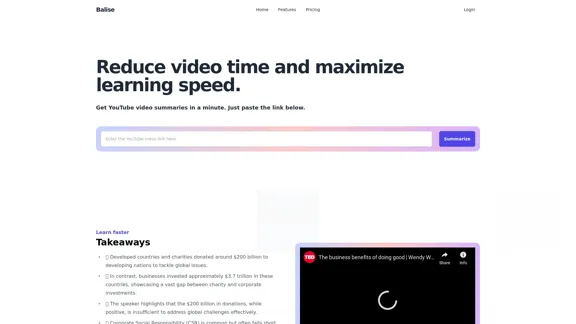
Balise Video Summarizer is an innovative tool designed to condense YouTube videos into concise summaries, enhancing learning efficiency. By simply pasting a video link, users can receive quick insights and key takeaways, making it easier to grasp complex subjects across various fields.
Balise Video Summarizer
Video Summarizer
Introduction
Feature
-
Detailed Summaries
Access AI-crafted summaries that distill complex lessons and tutorials into clear overviews, saving you hours of viewing time.
-
Insightful Highlights
Beyond text summaries, Balise provides detailed highlights to help users understand intricate subjects and serve as a quick reference.
-
Core Questions & Responses
The system generates 10 central questions and answers based on the video, offering a concise method to review and retain main points.
-
Central Concepts & Key Phrases
Key ideas and terminology are identified and clarified, making it easier to understand central topics, especially in dense or technical videos.
-
AI-Powered Summaries
Utilizing the latest AI technology from OpenAI, Balise ensures cutting-edge functionality for summarizing YouTube content.
-
Straightforward Insights
Information is presented in a clear format, simplifying the grasp of key concepts and essential details without overwhelming the user.
How to Use?
- Visit the Balise website and log in or create an account.
- Paste the YouTube video link into the designated area.
- Click on the "Summarize" button to generate your summary.
- Review the detailed summary, highlights, and core questions provided.
- Use the insights to enhance your understanding of the video's content.
FAQ
What is Balise?
Balise is a service that delivers instant, AI-generated summaries of YouTube videos, condensing lengthy content into clear overviews.
What kind of summaries can I expect?
Users can expect detailed summaries, highlights, and Q&As to help grasp the video's content effectively.
Can I summarize any YouTube video?
Yes, Balise can summarize a wide variety of YouTube videos, including educational content and how-to guides.
How accurate are the summaries?
The AI algorithm aims to accurately capture the essence of each video, though minor interpretation differences may occur.
How often is Balise updated?
Balise is regularly updated with new features and improvements, ensuring users always have access to the latest version.
Is Balise free?
Yes, Balise offers a free tier along with premium features for a small fee for additional in-depth analysis.
Price
| Plan | Price |
|---|---|
| Free Tier | $0/month |
| Premium Tier | Small fee |
The price is for reference only, please refer to the latest official data for actual information.
Evaluation
-
Balise effectively simplifies the learning process by providing concise and accurate video summaries, making it a valuable tool for users looking to save time.
-
The AI-generated summaries are generally reliable, but occasional discrepancies in interpretation may affect the user experience.
-
While the free tier offers substantial value, the premium features could enhance the summarization process further, appealing to users seeking deeper insights.
-
Overall, Balise serves as a practical solution for anyone looking to digest large amounts of video content quickly, though continuous updates and improvements will be essential for maintaining user satisfaction.
Related Websites
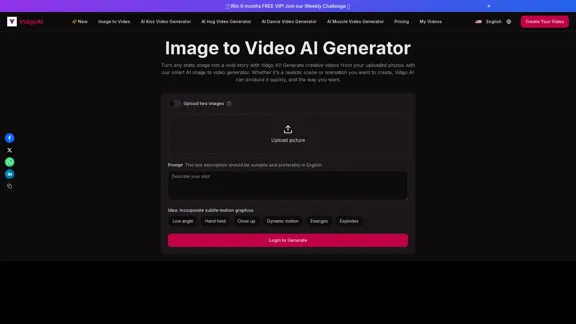
Image to Video AI Generator: Convert Images into Videos for Free
Image to Video AI Generator: Convert Images into Videos for FreeUse the Vidgo AI image to video generator for free. Transform photos into videos with high-quality and engaging results. Try our image to video AI now!
206.70 K
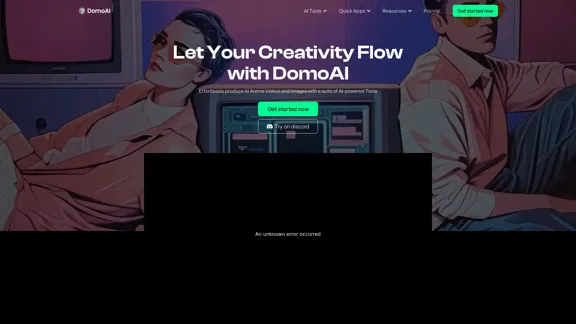
DomoAI | AI Art Generator & Video to Animation Converter
DomoAI | AI Art Generator & Video to Animation ConverterAI video editor that converts videos, text, and images into animation. Make your character move as you want.
1.03 M
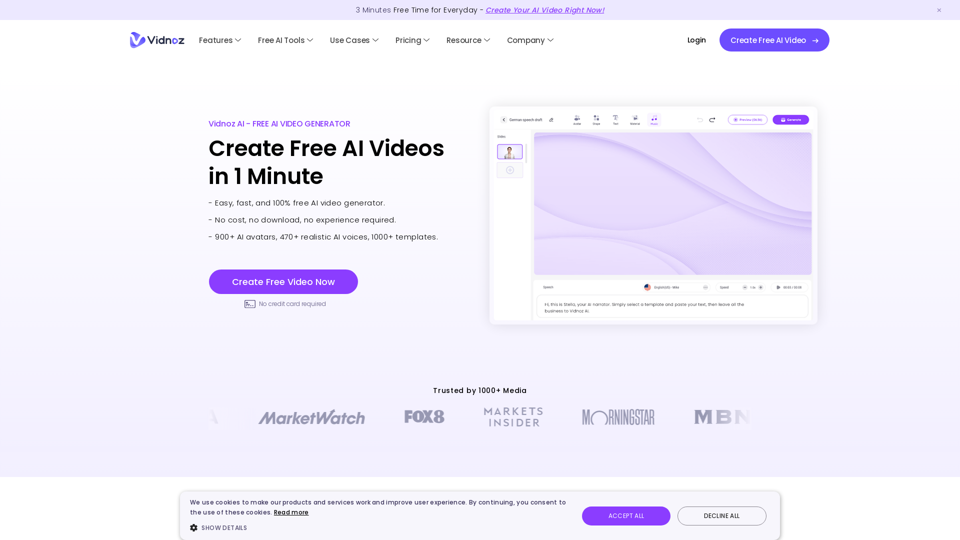
Vidnoz AI Tools: Create FREE Engaging AI Videos 10X Faster
Vidnoz AI Tools: Create FREE Engaging AI Videos 10X FasterVidnoz is the leading provider of free online video creation tools, powered by AI and intelligent automation. Use Vidnoz AI tools to create successful videos!
5.20 M
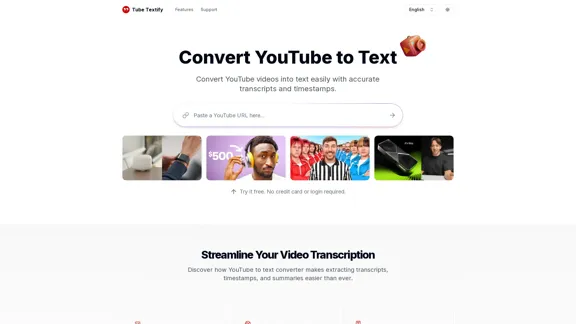
Convert YouTube videos to text with accurate transcripts and timestamps. Easily extract and download YouTube transcripts. Supports multiple languages.
1.32 K
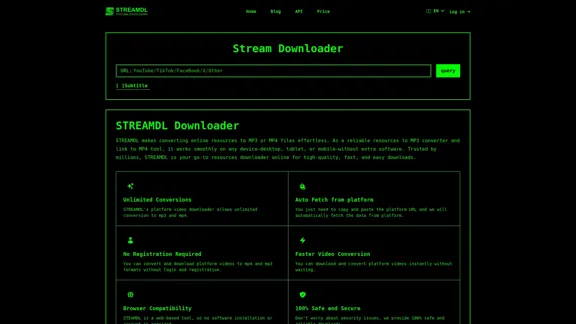
Free, the fastest, no ads, more resolution options. Paste a YouTube URL to download instantly. No need to download any plugins.
627

Overlap builds multimodal AI agents and has the most advanced video marketing agent for autonomous editing and short-form content.
44.54 K
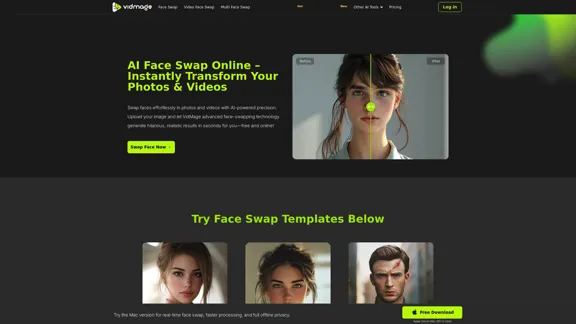
AI Face Swap Online – Instantly Exchange Faces in Photos and Videos
AI Face Swap Online – Instantly Exchange Faces in Photos and VideosSwap faces in photos, videos, and GIFs with AI. Try face swap, gender swap, celebrity swap, and more for fun, realistic results. No watermarks, fast, and high-quality. Start now!
797.14 K