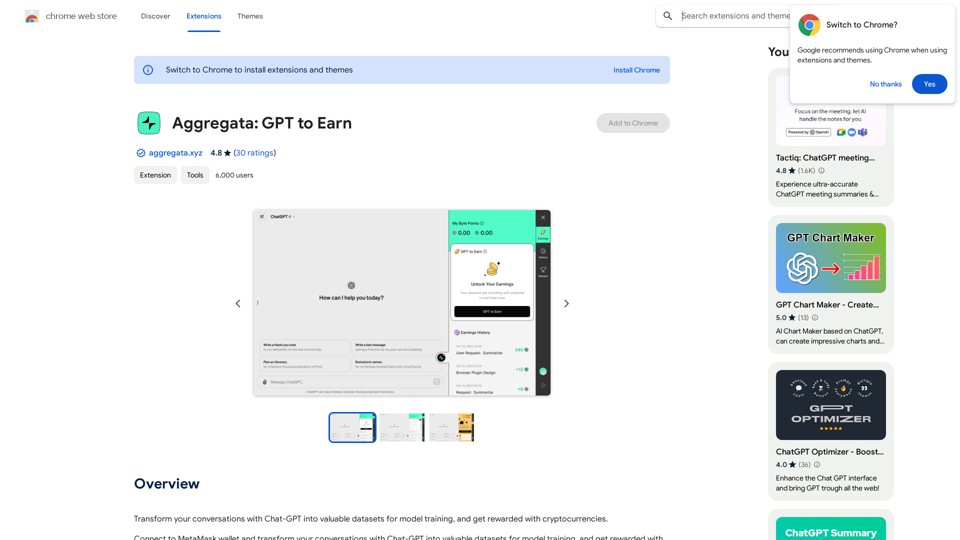
Aggregata: GPT to Earn is an innovative browser extension that enables users to monetize their Chat-GPT conversations. By transforming these interactions into valuable datasets for AI model training, users can earn cryptocurrencies. The extension seamlessly integrates with MetaMask wallet, providing a user-friendly way to capitalize on everyday AI interactions.
Aggregata: GPT to Earn
Transform your conversations with Chat-GPT into valuable datasets for model training, and get rewarded with cryptocurrencies.
Introduction
Feature
Connect to MetaMask Wallet
Aggregata: GPT to Earn offers seamless integration with MetaMask wallet, allowing users to:
- Easily link their cryptocurrency wallet
- Receive earnings directly in their preferred digital currency
- Manage their earnings securely within the MetaMask ecosystem
Transform Conversations into Datasets
The extension automatically converts Chat-GPT conversations into valuable training data:
- Captures user-AI interactions in real-time
- Processes conversations into structured datasets
- Contributes to improving AI model accuracy and performance
Earn Cryptocurrencies
Users can monetize their AI interactions effortlessly:
- Automatic earnings for each conversation transformed
- No minimum threshold for payouts
- Potential for passive income through regular AI usage
User-Friendly Interface
Aggregata: GPT to Earn prioritizes ease of use:
- Simple installation process
- Intuitive connection to MetaMask wallet
- Automatic dataset creation without user intervention
Free to Use
The extension comes with no hidden costs:
- Free installation
- No subscription fees
- Immediate earning potential upon setup
FAQ
How do I start earning with Aggregata: GPT to Earn?
To begin earning:
- Install the Aggregata: GPT to Earn extension
- Connect your MetaMask wallet following the in-app instructions
- Start conversations with Chat-GPT as usual
- The extension will automatically process your conversations and credit your earnings
Is there a cost associated with using Aggregata: GPT to Earn?
No, Aggregata: GPT to Earn is completely free to use. There are no hidden costs or subscription fees involved.
How do I connect my MetaMask wallet to the extension?
To connect your MetaMask wallet:
- Open the Aggregata: GPT to Earn extension
- Follow the in-app instructions for wallet connection
- Enter your MetaMask wallet address when prompted
- Confirm the connection in your MetaMask wallet
Can I increase my earnings with Aggregata: GPT to Earn?
Yes, you can potentially increase your earnings by:
- Engaging in more conversations with Chat-GPT
- Providing diverse and high-quality interactions
- Using the extension regularly to maximize dataset contributions
Related Websites
Omost | Try Omost for Free Online - AI-Powered Image Generation from Code
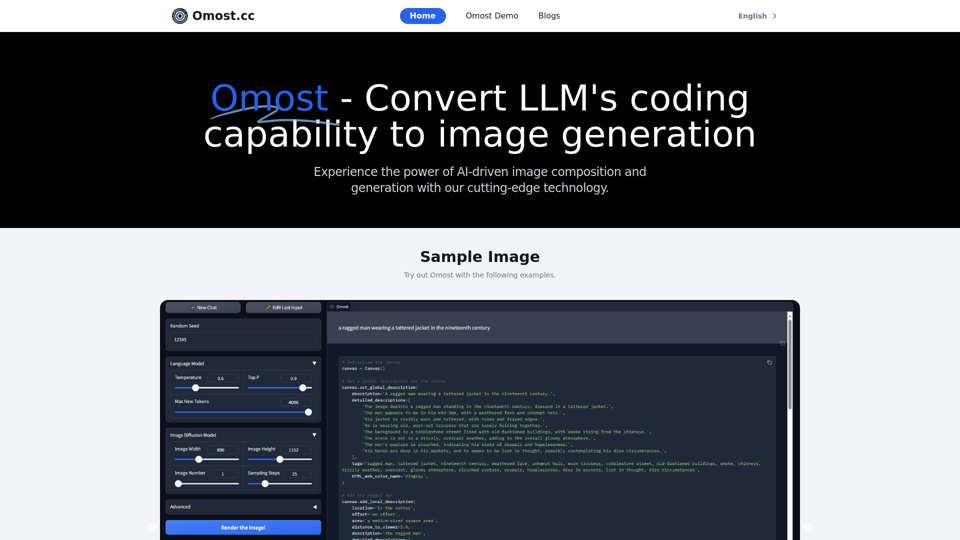
Omost | Try Omost for Free Online - AI-Powered Image Generation from CodeOmost offers large language model (LLM) models that can generate code to create visual images using Omost's virtual Canvas agent.
0
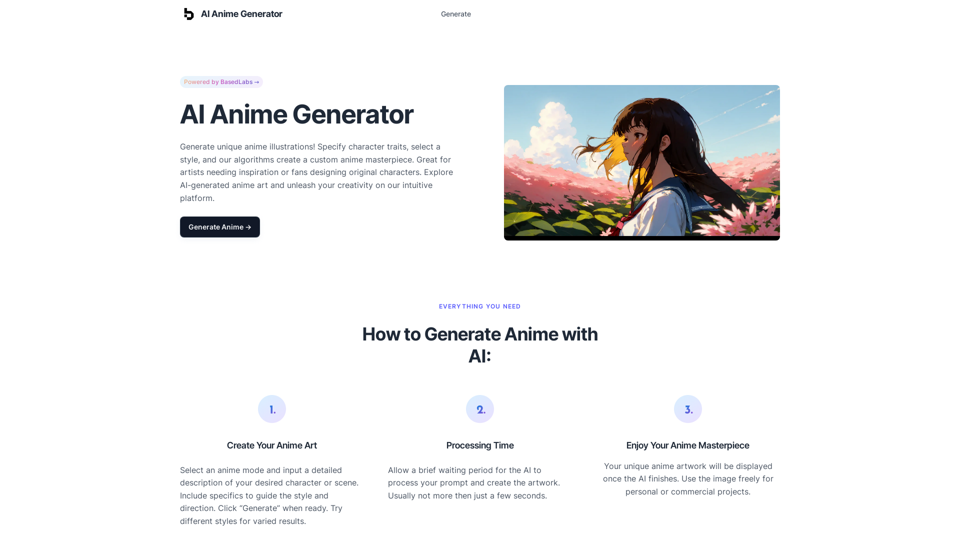
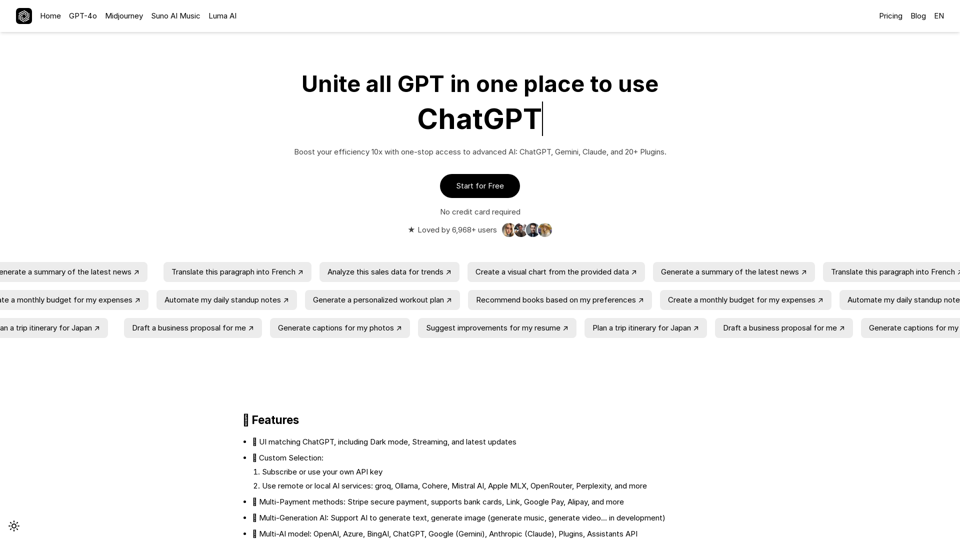
UniGPT UniGPT is a type of artificial intelligence (AI) model that combines the capabilities of both Unified and Generative models.
UniGPT UniGPT is a type of artificial intelligence (AI) model that combines the capabilities of both Unified and Generative models.UniGPT is a platform that unites all GPTs in one place, providing access to advanced AI technologies
0
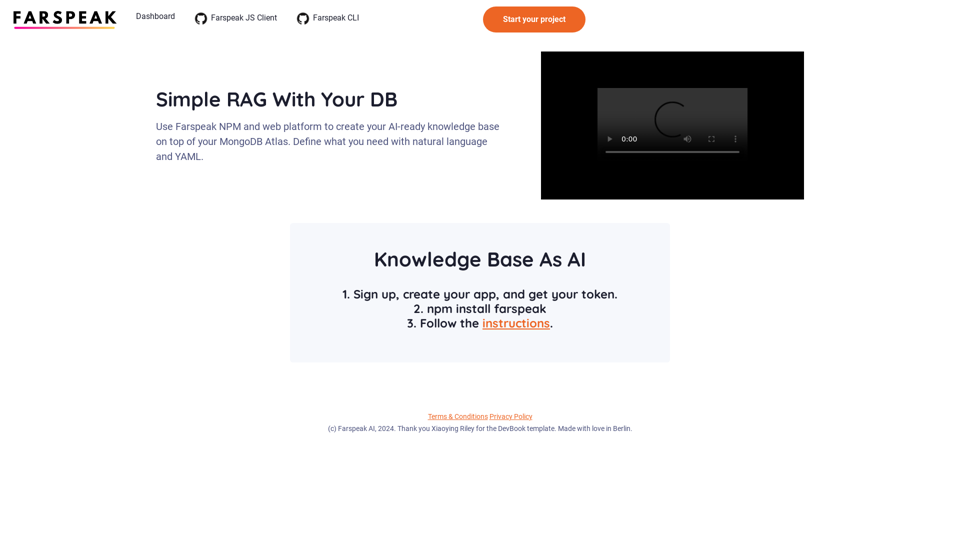
Farspeak is a Gen AI platform made for building apps. It makes it easy to create AI-powered knowledge bases and connect them to your MongoDB Atlas database.
0
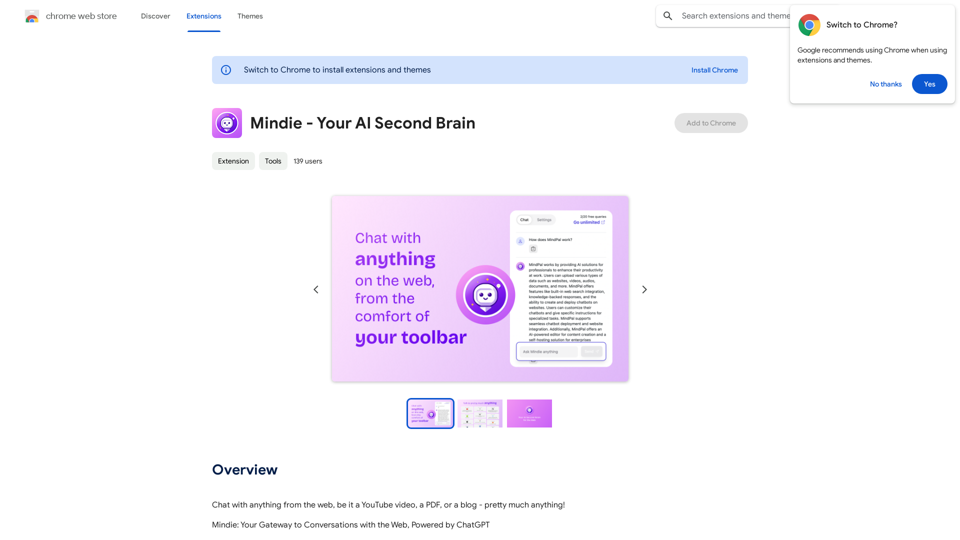
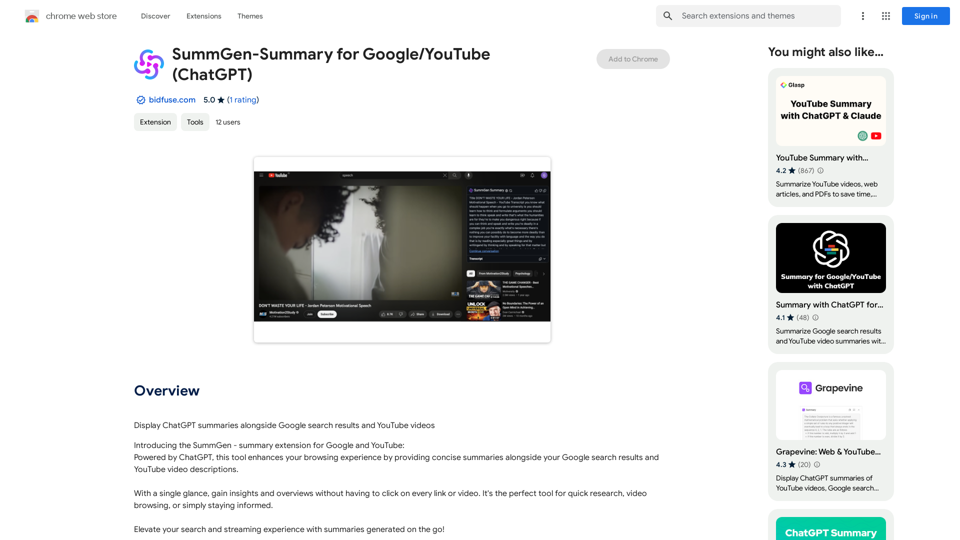
SummGen-Summary for Google/YouTube (ChatGPT) This is a summary of the capabilities and potential uses of SummGen, a text summarization model, specifically in the context of Google and YouTube. * What is SummGen? SummGen is a powerful text summarization model developed by Google DeepMind. It excels at condensing large amounts of text into concise and informative summaries. * How can SummGen be used with Google Search? Imagine searching Google for a complex topic. SummGen could analyze the top search results and generate a brief, clear summary of the key information, saving you time and effort. * Applications for YouTube: * Video Summaries: SummGen could automatically generate summaries of YouTube videos, making it easier for viewers to quickly understand the content. * Closed Captions: SummGen could enhance closed captions by providing more accurate and concise summaries of the spoken words. * Content Discovery: YouTube could use SummGen to create summaries of trending videos, helping users discover new content based on their interests. * Benefits: * Efficiency: SummGen saves time by providing concise summaries of large amounts of text. * Accessibility: Summaries can make information more accessible to people with visual or cognitive impairments. * Improved Understanding: Summaries can help users grasp complex topics more easily. SummGen has the potential to revolutionize how we interact with information on Google and YouTube, making it more efficient, accessible, and understandable.
SummGen-Summary for Google/YouTube (ChatGPT) This is a summary of the capabilities and potential uses of SummGen, a text summarization model, specifically in the context of Google and YouTube. * What is SummGen? SummGen is a powerful text summarization model developed by Google DeepMind. It excels at condensing large amounts of text into concise and informative summaries. * How can SummGen be used with Google Search? Imagine searching Google for a complex topic. SummGen could analyze the top search results and generate a brief, clear summary of the key information, saving you time and effort. * Applications for YouTube: * Video Summaries: SummGen could automatically generate summaries of YouTube videos, making it easier for viewers to quickly understand the content. * Closed Captions: SummGen could enhance closed captions by providing more accurate and concise summaries of the spoken words. * Content Discovery: YouTube could use SummGen to create summaries of trending videos, helping users discover new content based on their interests. * Benefits: * Efficiency: SummGen saves time by providing concise summaries of large amounts of text. * Accessibility: Summaries can make information more accessible to people with visual or cognitive impairments. * Improved Understanding: Summaries can help users grasp complex topics more easily. SummGen has the potential to revolutionize how we interact with information on Google and YouTube, making it more efficient, accessible, and understandable.Display ChatGPT Summaries Alongside Google Search Results and YouTube Videos This feature would allow users to see concise summaries generated by ChatGPT directly integrated with their Google search results and YouTube video pages. Imagine searching for a topic on Google and seeing a ChatGPT-generated summary at the top of the results, providing a quick overview of the key points. Or, watching a YouTube video and having a ChatGPT summary appear below, highlighting the main takeaways. This integration could significantly enhance the user experience by: * Saving time: Quickly grasp the essence of information without having to read through lengthy articles or watch entire videos. * Improving comprehension: ChatGPT summaries can rephrase complex information in a more accessible way. * Encouraging exploration: Summaries can spark curiosity and lead users to explore related content further.
193.90 M