Open-source RightAI Tools Directory
  • Discover AI
  • Submit
  • Startup
  • Blog
Open-source RightAI Tools Directory
Discover the best AI tools of 2025 with the RightAI Tools Directory!

Friend Links

AI Anime GeneratorToolsApp AI

Support

Tap4
Privacy policyTerms & ConditionsContact Us
Loading...
loading...

Omost | Try Omost for Free Online - AI-Powered Image Generation from Code

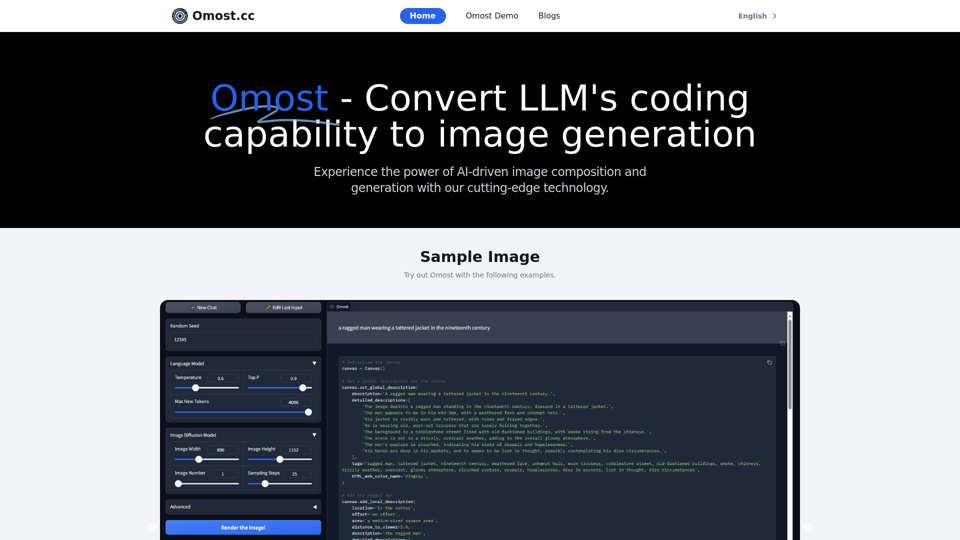
Omost offers large language model (LLM) models that can generate code to create visual images using Omost's virtual Canvas agent.
Visit Website
Omost | Try Omost for Free Online - AI-Powered Image Generation from Code
Visit Website

Introduction

Omost is an innovative project that harnesses the power of Large Language Models (LLMs) to transform coding capabilities into image generation and composition. This cutting-edge technology allows users to create high-quality images from simple text prompts, revolutionizing the creative process and enhancing efficiency in visual content creation.

Feature

LLM-Powered Image Generation

Omost utilizes pretrained LLM models to write codes that compose visual contents on a virtual Canvas, which are then rendered by image generators. This unique approach combines the power of language models with image creation techniques.

Multiple Pretrained Models

The platform offers three pretrained models based on variations of Llama3 and Phi3, providing users with diverse options for image generation.

Free Stable Video Diffusion Tool

Users can access the Stable Video Diffusion tool online for free, expanding the possibilities of AI-driven content creation.

Text-to-Image Generation

With Omost, users can generate stunning images from simple text prompts, making complex image creation accessible to everyone.

User-Friendly Interface

The platform is designed to be easy to use, allowing users to explore different models and features without extensive technical knowledge.

Experimental Playground

Omost encourages users to experiment with various text prompts and parameters, fostering creativity and innovation in image generation.

FAQ

What is Omost?

Omost is a project that leverages Large Language Models (LLMs) to convert coding capabilities into image generation and composition. It enables users to create high-quality images from simple text prompts.

How does Omost work?

Omost uses pretrained LLM models to write codes that compose visual contents on a virtual Canvas, which are then rendered by image generators. This innovative approach combines language processing with image creation techniques.

Is Omost free to use?

Yes, users can try the Stable Video Diffusion tool for free online. However, more advanced features or extended access may require a paid subscription.

What models does Omost use?

Omost offers three pretrained models based on variations of Llama3 and Phi3, providing users with diverse options for image generation.

How can I get the best results with Omost?

To maximize your experience with Omost:

  1. Explore the available models and features
  2. Experiment with different text prompts and parameters
  3. Don't hesitate to try new approaches and push the boundaries of what's possible

Latest Traffic Insights

  • Monthly Visits

    0

  • Bounce Rate

    0.00%

  • Pages Per Visit

    0.00

  • Time on Site(s)

    0.00

  • Global Rank

    6897433

  • Country Rank

    -

Recent Visits

Traffic Sources

  • Social Media:
    0.00%
  • Paid Referrals:
    0.00%
  • Email:
    0.00%
  • Referrals:
    0.00%
  • Search Engines:
    0.00%
  • Direct:
    0.00%
More Data

Related Websites

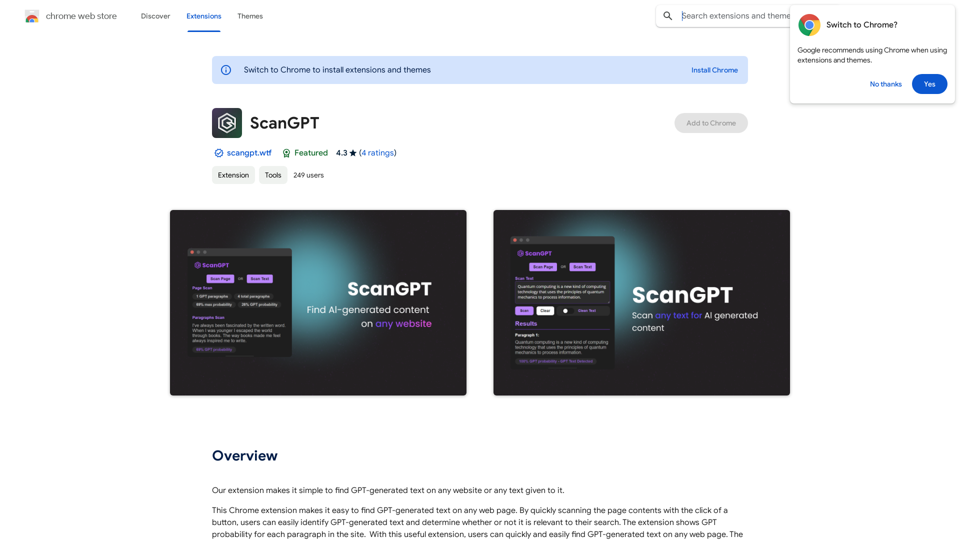
AI Detector for Text and Images - Winston AI
View Detail

AI Detector for Text and Images - Winston AI

AI Detector for Text and Images - Winston AI

Winston AI is the most trusted AI detector to help identify AI-generated content and AI images.

193.90 M
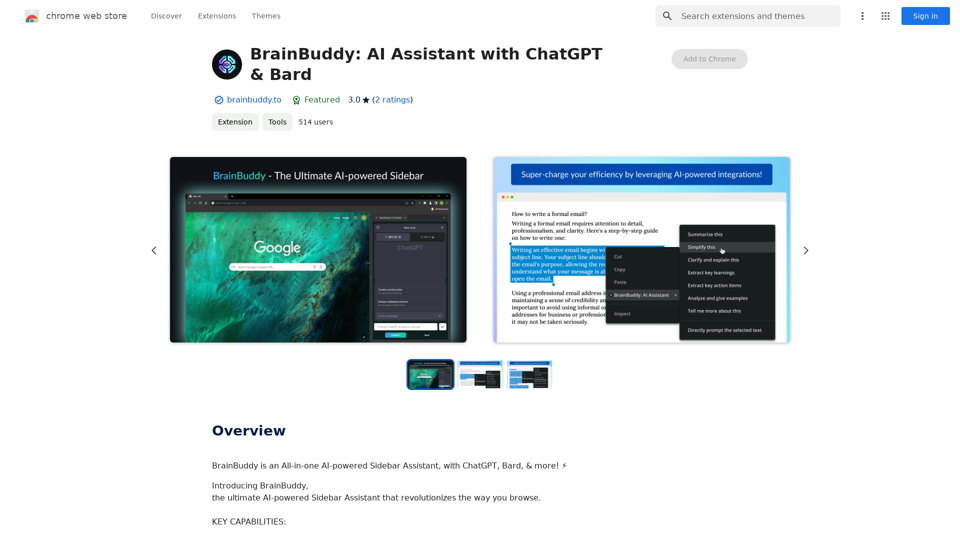
ChatGPT Prompt Builder
View Detail

ChatGPT Prompt Builder

ChatGPT Prompt Builder

Master ChatGPT with ease! Use pre-made prompts or create and save your own for later.

193.90 M
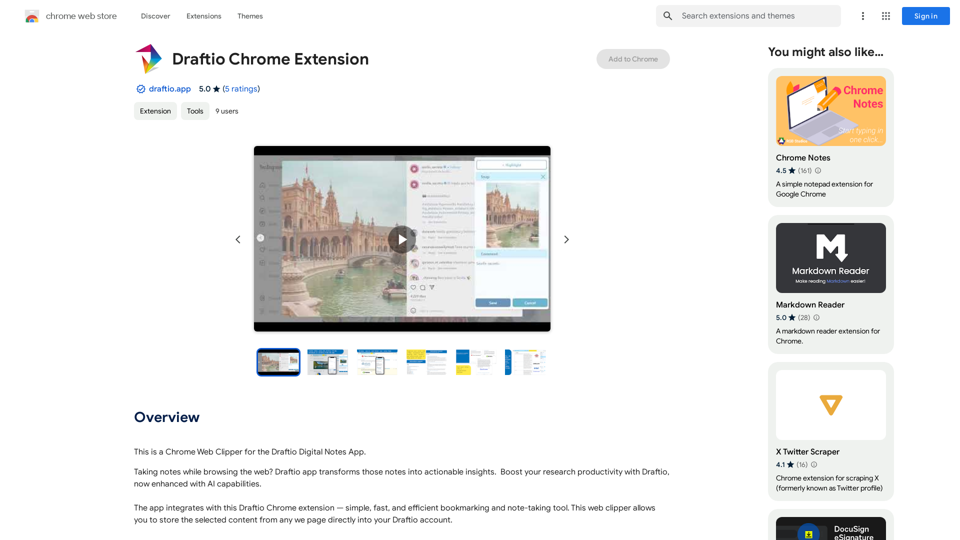
Datafi for Chrome
View Detail

Datafi for Chrome

Datafi for Chrome

Datafi Extension for Chrome

193.90 M
YouTube Summary with ChatGPT
View Detail

YouTube Summary with ChatGPT

YouTube Summary with ChatGPT

Save time by reading a summary of the video you are watching. Supports ChatGPT, Gemini, and Claude AI.

193.90 M
Ask AI
View Detail

Ask AI

Ask AI

Ask AI is an AI-powered Search Assistant, with Bing, ChatGPT, Bard, & more! ⚡

193.90 M
Dashworks

Dashworks is a powerful and flexible IT transformation and cloud migration planning tool that helps organizations to assess, plan, and execute their IT transformation projects.
View Detail

Dashworks Dashworks is a powerful and flexible IT transformation and cloud migration planning tool that helps organizations to assess, plan, and execute their IT transformation projects.

Dashworks Dashworks is a powerful and flexible IT transformation and cloud migration planning tool that helps organizations to assess, plan, and execute their IT transformation projects.

Dash AI is your company's knowledge assistant.

193.90 M
ChatGPT Context Menu

* Copy: Copies the selected text.
* Paste: Pastes the copied text.
* Delete: Deletes the selected text.
* Edit: Opens a text editor to modify the selected text.
* Generate: Uses ChatGPT to generate new text based on the selected context.
* Summarize: Creates a concise summary of the selected text.
* Translate: Translates the selected text into another language.
* Translate to English: Translates the selected text into English.
* Code: Attempts to identify and format the selected text as code.
* Help: Provides information about the context menu options.
View Detail

ChatGPT Context Menu * Copy: Copies the selected text. * Paste: Pastes the copied text. * Delete: Deletes the selected text. * Edit: Opens a text editor to modify the selected text. * Generate: Uses ChatGPT to generate new text based on the selected context. * Summarize: Creates a concise summary of the selected text. * Translate: Translates the selected text into another language. * Translate to English: Translates the selected text into English. * Code: Attempts to identify and format the selected text as code. * Help: Provides information about the context menu options.

ChatGPT Context Menu * Copy: Copies the selected text. * Paste: Pastes the copied text. * Delete: Deletes the selected text. * Edit: Opens a text editor to modify the selected text. * Generate: Uses ChatGPT to generate new text based on the selected context. * Summarize: Creates a concise summary of the selected text. * Translate: Translates the selected text into another language. * Translate to English: Translates the selected text into English. * Code: Attempts to identify and format the selected text as code. * Help: Provides information about the context menu options.

Please provide the text you would like to send to ChatGPT.

193.90 M
French Fry AI
View Detail

French Fry AI

French Fry AI

French Fry AI

193.90 M