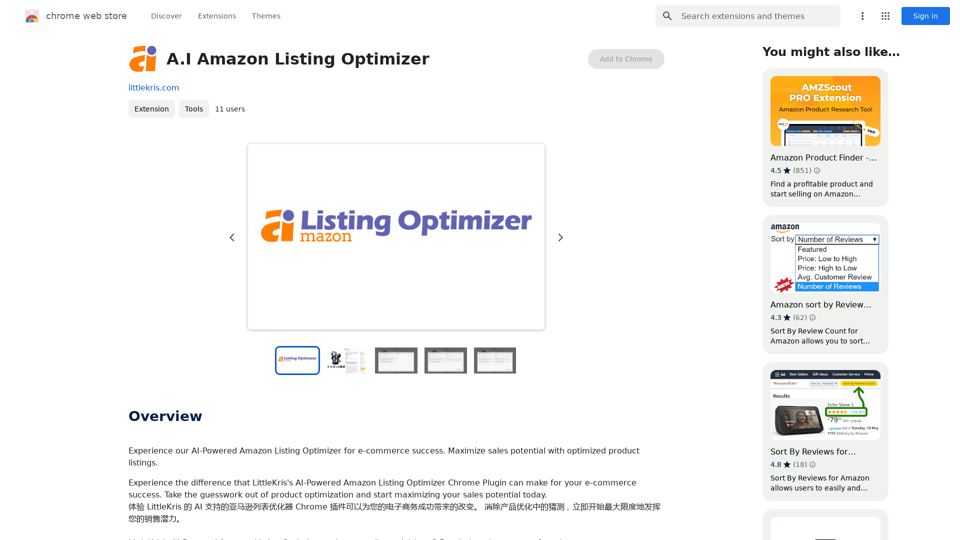
A.I Amazon Listing Optimizer is a Chrome extension designed to enhance e-commerce businesses' sales potential on Amazon. This AI-powered tool utilizes OpenAI's GPT-3.5-turbo model to analyze and improve product listings, making them more visible and appealing to potential customers. The extension is specifically tailored for Amazon listing pages on US sites, offering personalized recommendations to optimize product descriptions and increase sales.
A.I. Amazon Listing Optimizer
Experience our AI-Powered Amazon Listing Optimizer for e-commerce success. Maximize sales potential with optimized product listings.
Introduction
Feature
Advanced AI Technology
The extension leverages OpenAI's GPT-3.5-turbo model to provide intelligent analysis and improvements for Amazon product listings.
Personalized Optimization Recommendations
A.I Amazon Listing Optimizer offers tailored suggestions to enhance product listings, increasing their visibility and sales potential.
Continuous Prompt Word Updates
The tool regularly updates its prompt words to train the GPT model, ensuring more appropriate and effective responses.
Easy-to-Use Chrome Extension
Users can easily install the extension on their Chrome browser and start optimizing listings with a simple click on the extension icon.
US Amazon Site Compatibility
Currently, the extension is designed to work specifically on Amazon listing pages of US sites.
Performance Monitoring
The tool allows users to continuously track their product listings' performance, enabling them to adjust their optimization strategy as needed.
Advanced Features
Additional capabilities, such as tone analysis, are available to further enhance product listings.
FAQ
What is the main purpose of A.I Amazon Listing Optimizer?
The primary goal of A.I Amazon Listing Optimizer is to help e-commerce businesses maximize their sales potential by optimizing product listings on Amazon.
How does the A.I Amazon Listing Optimizer function?
The extension utilizes OpenAI's GPT-3.5-turbo model to analyze and improve product listings, making them more discoverable and appealing to potential customers.
Is there a cost associated with using A.I Amazon Listing Optimizer?
While specific pricing details are not provided on the website, it is likely that A.I Amazon Listing Optimizer operates on a subscription-based model with various pricing tiers based on service level and support requirements.
What are some best practices for using A.I Amazon Listing Optimizer?
To maximize the benefits of A.I Amazon Listing Optimizer:
- Regularly update your product listings
- Implement the extension's personalized recommendations
- Monitor your listings' performance consistently
- Explore advanced features like tone analysis for further improvements
Related Websites
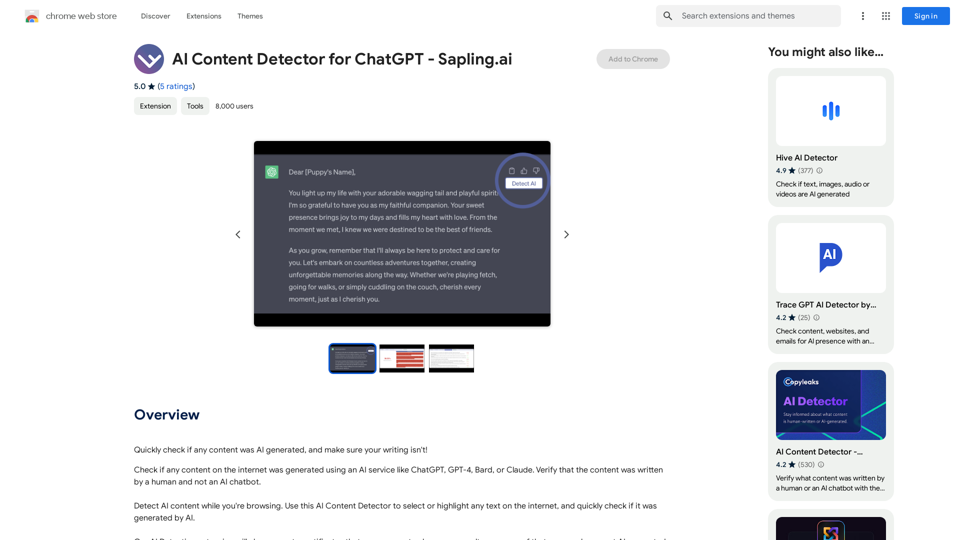
AI Content Detector for ChatGPT - Sapling.ai Sapling.ai's AI Content Detector is a powerful tool designed to detect AI-generated content, including those produced by ChatGPT. This innovative solution helps you identify and flag suspicious content, ensuring the authenticity and credibility of the information you receive. How it Works Our AI Content Detector uses advanced machine learning algorithms to analyze the linguistic patterns, syntax, and semantics of the input text. This allows it to identify the subtle differences between human-written and AI-generated content. Key Features * High Accuracy: Our detector boasts an impressive accuracy rate, ensuring reliable results even with complex or nuanced content. * Real-time Analysis: Get instant results with our real-time analysis feature, perfect for high-volume content screening. * Customizable Thresholds: Set your own thresholds for detection, allowing you to fine-tune the sensitivity of the tool to your specific needs. * Integration Ready: Seamlessly integrate our API with your existing workflows and platforms. Use Cases * Content Moderation: Ensure the quality and authenticity of user-generated content on your platform. * Academic Integrity: Detect AI-generated essays and papers, promoting original work and academic honesty. * Marketing and Advertising: Verify the authenticity of customer reviews and testimonials. Try it Out Experience the power of Sapling.ai's AI Content Detector for yourself. Sign up for a free trial and start detecting AI-generated content today!
AI Content Detector for ChatGPT - Sapling.ai Sapling.ai's AI Content Detector is a powerful tool designed to detect AI-generated content, including those produced by ChatGPT. This innovative solution helps you identify and flag suspicious content, ensuring the authenticity and credibility of the information you receive. How it Works Our AI Content Detector uses advanced machine learning algorithms to analyze the linguistic patterns, syntax, and semantics of the input text. This allows it to identify the subtle differences between human-written and AI-generated content. Key Features * High Accuracy: Our detector boasts an impressive accuracy rate, ensuring reliable results even with complex or nuanced content. * Real-time Analysis: Get instant results with our real-time analysis feature, perfect for high-volume content screening. * Customizable Thresholds: Set your own thresholds for detection, allowing you to fine-tune the sensitivity of the tool to your specific needs. * Integration Ready: Seamlessly integrate our API with your existing workflows and platforms. Use Cases * Content Moderation: Ensure the quality and authenticity of user-generated content on your platform. * Academic Integrity: Detect AI-generated essays and papers, promoting original work and academic honesty. * Marketing and Advertising: Verify the authenticity of customer reviews and testimonials. Try it Out Experience the power of Sapling.ai's AI Content Detector for yourself. Sign up for a free trial and start detecting AI-generated content today!Quickly Check if Any Content was AI Generated, and Make Sure Your Writing Isn't! With the rapid development of artificial intelligence (AI) technology, AI-generated content has become increasingly prevalent. As a result, it's essential to verify the authenticity of content and ensure that your writing is original. Here are some tips to help you quickly check if any content was AI generated and make sure your writing isn't: #1. Check for Overly Formal Language AI-generated content often uses overly formal language, which may sound unnatural or even awkward. Be wary of sentences that are too structured or contain overly complex vocabulary. #2. Look for Repetitive Phrases or Sentences AI algorithms may reuse phrases or sentences to fill content gaps. If you notice repetitive language or sentences that seem out of place, it could be a sign of AI-generated content. #3. Verify Facts and Statistics AI-generated content may contain inaccurate or outdated information. Always fact-check statistics, quotes, and other data to ensure they are reliable and up-to-date. #4. Evaluate the Writing Style AI-generated content often lacks the personal touch and emotional depth of human writing. Look for writing that seems too perfect, lacks humor, or feels overly generic. #5. Use AI Detection Tools There are various AI detection tools available online that can help identify AI-generated content. These tools analyze language patterns, syntax, and other factors to determine the likelihood of AI involvement. #6. Read Beyond the Headlines AI-generated content may have attention-grabbing headlines, but the actual content may be lacking in substance. Always read beyond the headlines to ensure the content is well-researched and informative. #7. Check for Human Touch Human writing often includes personal anecdotes, experiences, and emotions. Look for content that includes these elements, as they are more difficult for AI algorithms to replicate. By following these tips, you can quickly check if any content was AI generated and ensure that your writing is original and authentic. Remember, AI-generated content may be convenient, but it can never replace the creativity, empathy, and nuance of human writing.
193.90 M
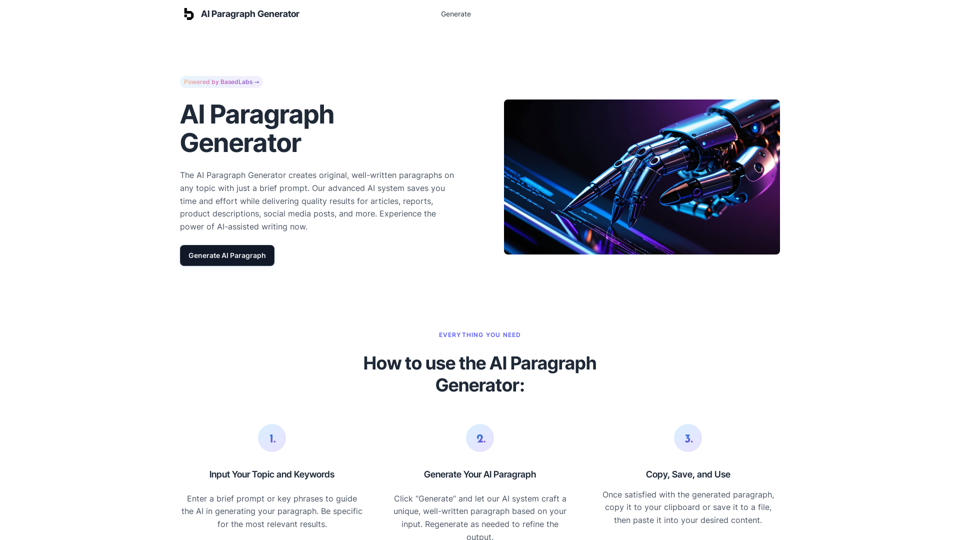
AI Paragraph Generator – Quickly generate paragraphs on any topic with our state-of-the-art AI Paragraph Generator
AI Paragraph Generator – Quickly generate paragraphs on any topic with our state-of-the-art AI Paragraph GeneratorAI Paragraph Generator – Quickly generate paragraphs on any topic with our state-of-the-art AI Paragraph Generator
0

Automatically Apply to Jobs on LinkedIn, Indeed, Monster, and Auto-Fill on All Websites
Automatically Apply to Jobs on LinkedIn, Indeed, Monster, and Auto-Fill on All WebsitesSave time applying for jobs! Auto-applies job bot. Auto-fills in forms on all websites. Get hired faster! - Apply smarter, not harder.
260

Print Perfect helps you correct and edit your text to make it sound like it was written by a native English speaker.
193.90 M
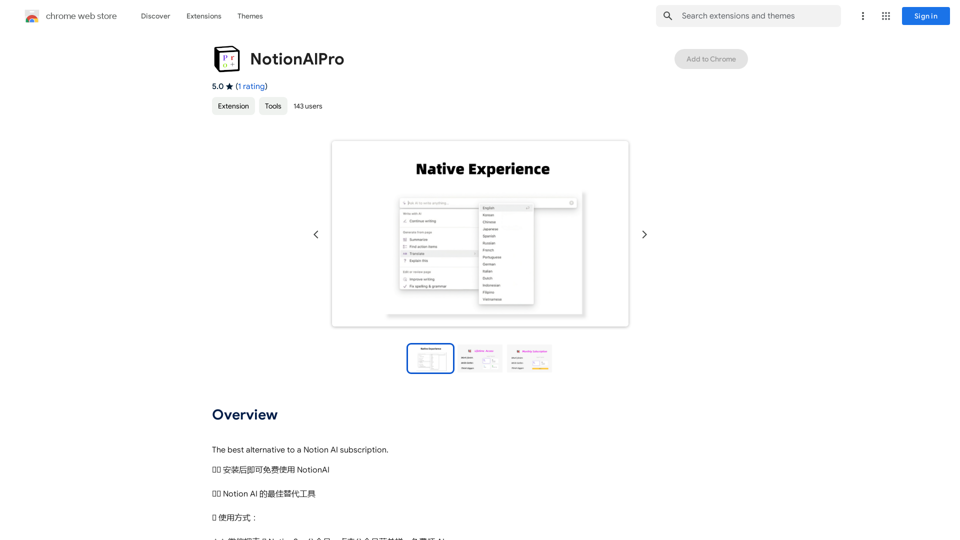

Wallow To roll or move about in a lazy, relaxed way, often in a pleasant or enjoyable manner.
Wallow To roll or move about in a lazy, relaxed way, often in a pleasant or enjoyable manner.Wallow streamlines digital product development with real-time incident tracking, team alignment, and integrated communication tools. Experience seamless collaboration and boost productivity with Wallow.
847