Kimi Copilot is an AI-powered web page summary assistant designed to simplify complex information. It offers one-click summarization for web pages, articles, and documents, making it an invaluable tool for those seeking to quickly grasp the essence of online content. This free-to-use extension employs advanced AI technology to provide accurate and comprehensive summaries across multiple formats.
Kimi Copilot - Web Page Summarizer
Summarize webpage content with one click using Kimi AI.
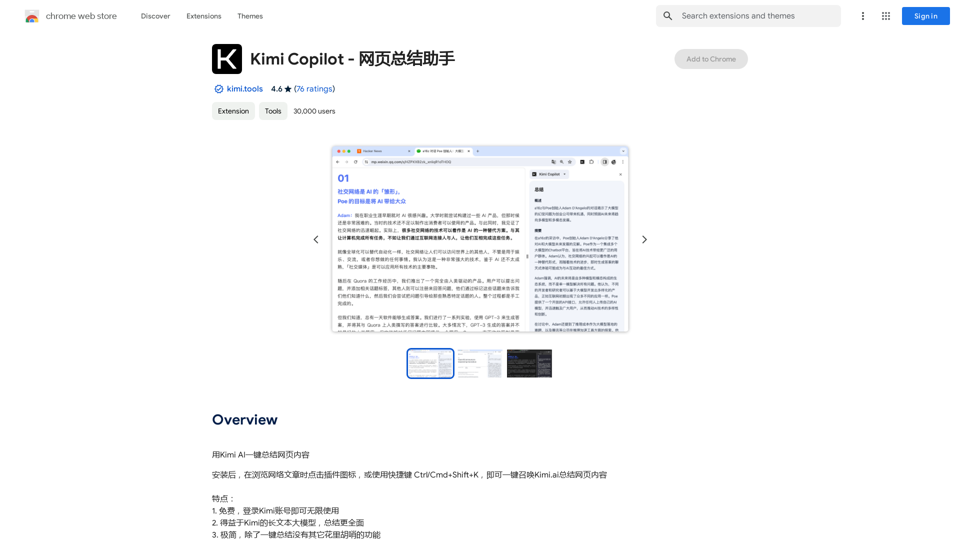
Introduction
Feature
Free and Unlimited Usage
Kimi Copilot is completely free to use, with no restrictions on the number of summaries you can generate.
Advanced AI Technology
The extension utilizes cutting-edge AI algorithms to analyze and summarize web content, ensuring high-quality and accurate results.
User-Friendly Interface
With its intuitive design, Kimi Copilot offers a seamless user experience, making web content summarization accessible to everyone.
Multi-Format Support
Kimi Copilot can summarize various content types, including:
- Web pages
- Articles
- Documents
- Other online formats
Customizable Settings
Users have the flexibility to tailor the summarization process by:
- Adding custom prompts
- Adjusting summary settings
- Personalizing the output to their preferences
One-Click Operation
Summarizing content is as simple as clicking the Kimi Copilot icon in your browser toolbar and selecting the desired web page or document.
FAQ
Is Kimi Copilot really free?
Yes, Kimi Copilot is entirely free to use, with no hidden costs or usage limits.
How does Kimi Copilot's AI technology work?
Kimi Copilot employs advanced AI algorithms to analyze web content, extract key information, and generate concise, accurate summaries.
Can I customize the summary output?
Absolutely. Kimi Copilot allows users to customize the summarization process by adding custom prompts and adjusting various settings to suit their needs.
What are some practical uses for Kimi Copilot?
Kimi Copilot is ideal for:
- Quickly summarizing long articles and documents
- Getting a rapid overview of complex information
- Staying updated with the latest news and trends efficiently
Related Websites
Open ChatGPT in a New Tab You can open ChatGPT in a new tab by following these steps: #Method 1: Using the Browser's Context Menu 1. Right-click on the ChatGPT link or button. 2. Select "Open in new tab" or "Open link in new tab" from the context menu. #Method 2: Using the Keyboard Shortcut 1. Press `Ctrl + Click` (Windows/Linux) or `Cmd + Click` (Mac) on the ChatGPT link or button. #Method 3: Using the Browser's Toolbar 1. Click on the ChatGPT link or button while holding down the `Ctrl` key (Windows/Linux) or `Cmd` key (Mac). 2. Release the key after the new tab is opened. By following these methods, you can easily open ChatGPT in a new tab and start chatting without leaving your current page.
Open ChatGPT in a New Tab You can open ChatGPT in a new tab by following these steps: #Method 1: Using the Browser's Context Menu 1. Right-click on the ChatGPT link or button. 2. Select "Open in new tab" or "Open link in new tab" from the context menu. #Method 2: Using the Keyboard Shortcut 1. Press `Ctrl + Click` (Windows/Linux) or `Cmd + Click` (Mac) on the ChatGPT link or button. #Method 3: Using the Browser's Toolbar 1. Click on the ChatGPT link or button while holding down the `Ctrl` key (Windows/Linux) or `Cmd` key (Mac). 2. Release the key after the new tab is opened. By following these methods, you can easily open ChatGPT in a new tab and start chatting without leaving your current page.New Tab with Quick ChatGPT Access
193.90 M
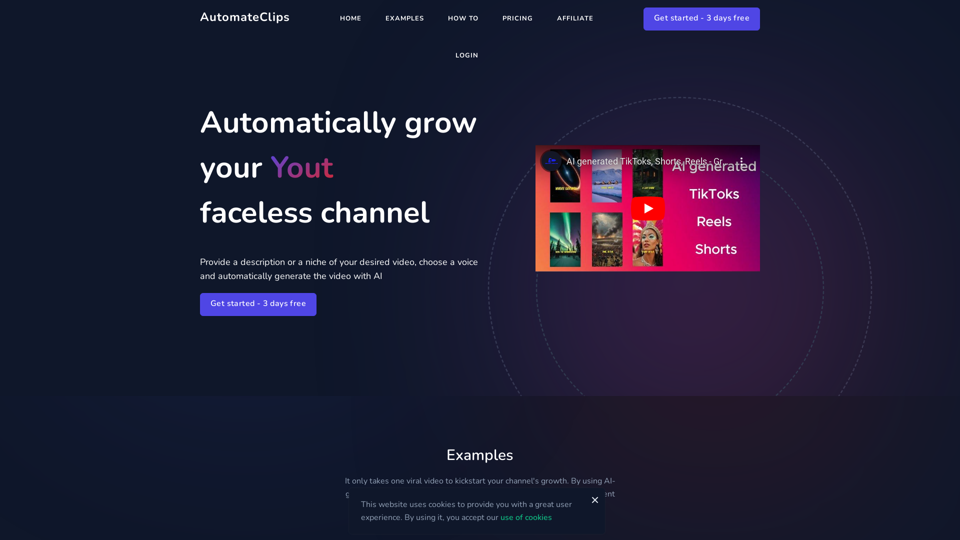
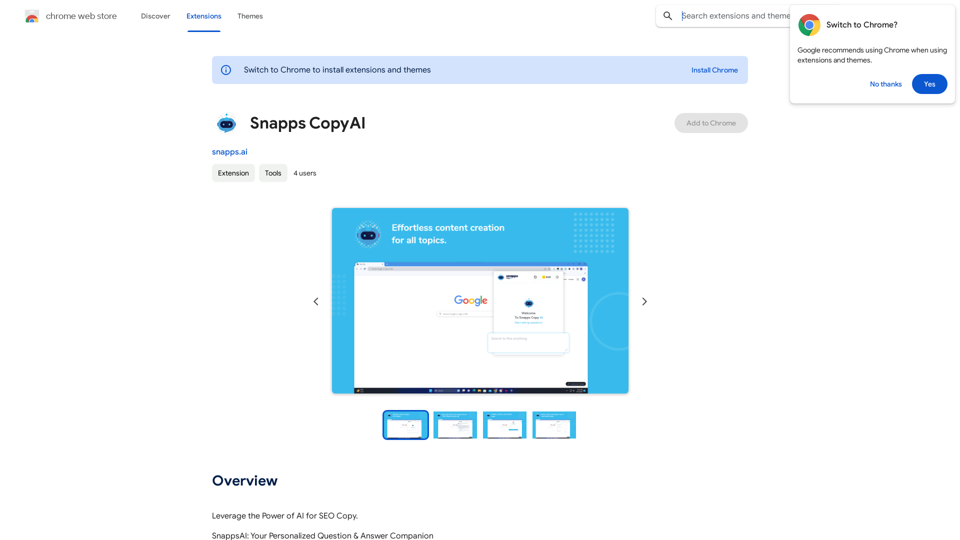

Universal Listening Comprehension - Speech-to-Text, Bilingual Subtitle Translation
Universal Listening Comprehension - Speech-to-Text, Bilingual Subtitle TranslationAlibaba's free large model application, real-time speech recognition, AI subtitle translation, and intelligent summarization. Essential for online courses, chasing dramas, and online meetings. Record, transcribe, translate, and summarize online courses and meetings from any web page.
193.90 M

Hocoos AI Website Builder - Create Your Website in 5 Minutes
Hocoos AI Website Builder - Create Your Website in 5 MinutesCreate professional websites in seconds with Hocoos AI website builder. Get all the sales and marketing tools to start & grow your online business now.
111.35 K
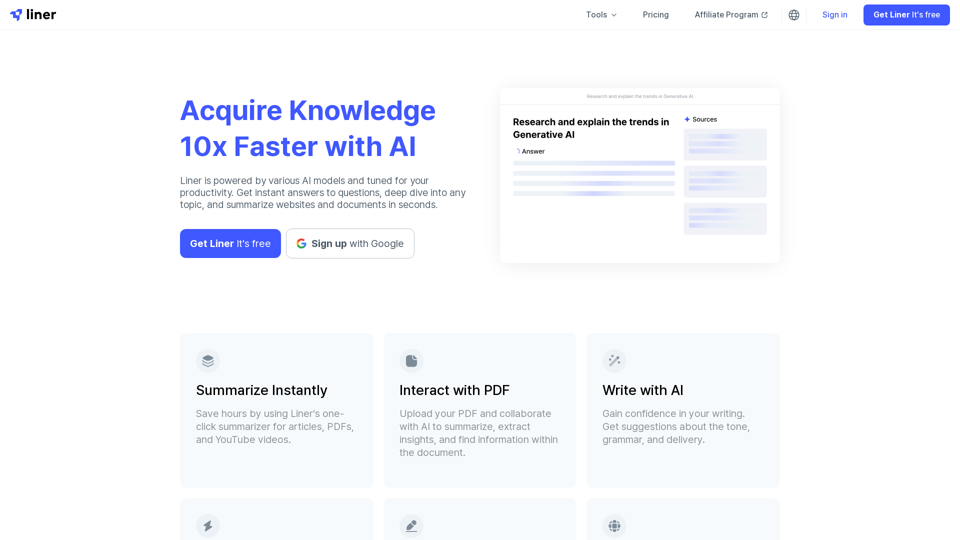
Liner | AI Copilot on Your Workspace, Powered by ChatGPT
Liner | AI Copilot on Your Workspace, Powered by ChatGPTTry Liner. Boost productivity and optimize your workflow with AI Copilot by summarizing articles, generating code, and composing emails.
6.20 M