Open-source RightAI Tools Directory
  • Discover AI
  • Submit
  • Startup
  • Blog
Open-source RightAI Tools Directory
Discover the best AI tools of 2025 with the RightAI Tools Directory!

Friend Links

AI Anime GeneratorToolsApp AI

Support

Tap4
Privacy policyTerms & ConditionsContact Us
Loading...
loading...

Copy.ai

Use Artificial Intelligence to write better SEO content.
Visit Website
Copy.ai
Visit Website

Introduction

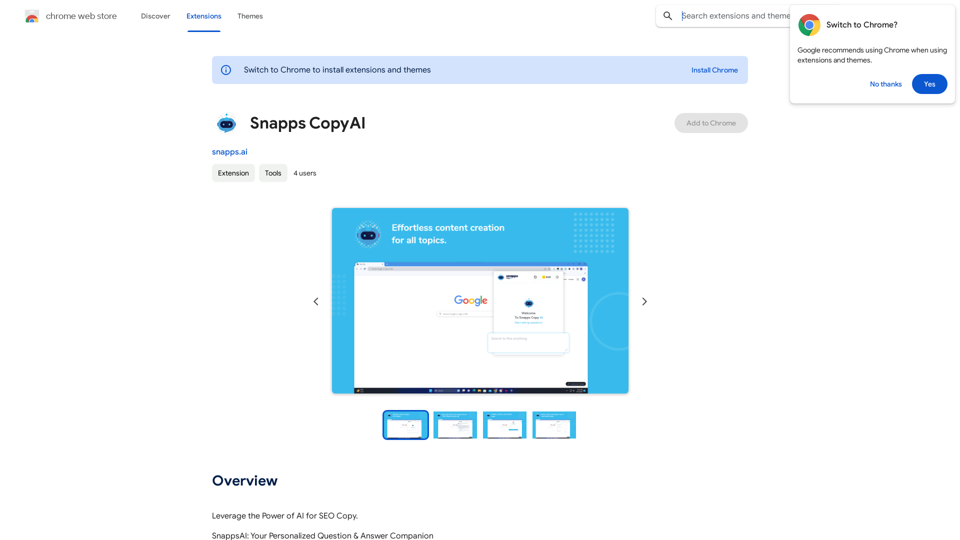
Snapps AI is a Chrome extension that revolutionizes online browsing by providing instant access to AI-powered tools and services. It offers real-time answers to questions across various topics, making it an invaluable resource for research, quick facts, and general knowledge acquisition. The extension seamlessly integrates with your browsing experience, offering personalized responses and a user-friendly interface.

Feature

Instant Access to AI-Powered Tools

Snapps AI provides immediate answers to queries without requiring users to leave their current webpage, enhancing browsing efficiency and convenience.

Personalized User Experience

The AI understands individual queries and tailors responses accordingly, ensuring relevance and helpfulness in every interaction.

Secure Sign-In Functionality

Users can securely sign in to save preferences and interactions, guaranteeing a customized experience with each use of the extension.

Comprehensive Knowledge Base

Snapps AI covers a wide range of subjects including science, technology, culture, and history, offering users access to a vast wealth of information.

User-Friendly Design

The extension features a simple and intuitive interface, making the process of finding answers both easy and enjoyable for users of all levels.

FAQ

What is Snapps AI?

Snapps AI is a Chrome extension that provides instant access to AI-driven tools and services, offering real-time answers to questions across various topics without leaving your current webpage.

How does Snapps AI work?

Users can ask questions directly through the extension, receiving instant, personalized responses. The AI draws from a broad knowledge base to provide informative and detailed answers.

Is Snapps AI free to use?

Snapps AI offers a free version with limited usage. A subscription-based model is available for extended access and additional benefits.

What are the benefits of subscribing to Snapps AI?

Subscribing grants users additional benefits and extended access beyond the free usage limits, though specific details of these benefits are not provided in the given information.

Is my data secure with Snapps AI?

Yes, Snapps AI ensures data security through a secure sign-in feature that protects users' preferences and interactions.

Latest Traffic Insights

  • Monthly Visits

    193.90 M

  • Bounce Rate

    56.27%

  • Pages Per Visit

    2.71

  • Time on Site(s)

    115.91

  • Global Rank

    -

  • Country Rank

    -

Recent Visits

Traffic Sources

  • Social Media:
    0.48%
  • Paid Referrals:
    0.55%
  • Email:
    0.15%
  • Referrals:
    12.81%
  • Search Engines:
    16.21%
  • Direct:
    69.81%
More Data

Related Websites

AI Journey: Explore the Leading AI Tools Software - Expert Reviews & Insights
View Detail

AI Journey: Explore the Leading AI Tools Software - Expert Reviews & Insights

AI Journey: Explore the Leading AI Tools Software - Expert Reviews & Insights

Find the best AI tools and software with AIJourney. Our daily updates and expert reviews help you enhance your productivity and efficiency.

56.90 K
AI Video API 

This is a general term and could refer to many different things. To give you a helpful answer, I need more context. 

For example, are you interested in:

* APIs that allow you to generate videos using AI?
* APIs that analyze video content using AI?
* APIs that edit or enhance videos using AI?


Please tell me more about what you'd like to know about AI Video APIs.
View Detail

AI Video API This is a general term and could refer to many different things. To give you a helpful answer, I need more context. For example, are you interested in: * APIs that allow you to generate videos using AI? * APIs that analyze video content using AI? * APIs that edit or enhance videos using AI? Please tell me more about what you'd like to know about AI Video APIs.

AI Video API This is a general term and could refer to many different things. To give you a helpful answer, I need more context. For example, are you interested in: * APIs that allow you to generate videos using AI? * APIs that analyze video content using AI? * APIs that edit or enhance videos using AI? Please tell me more about what you'd like to know about AI Video APIs.

All-in-one API Hub for AI Generated Video This is a platform that brings together all the tools you need to create videos using artificial intelligence.

16.01 K
Personal Vocabulary (Highlight/Read Aloud/Translate/Grammar)
View Detail

Personal Vocabulary (Highlight/Read Aloud/Translate/Grammar)

Personal Vocabulary (Highlight/Read Aloud/Translate/Grammar)

Highlight new words, read aloud | Translate, lexical dependency | Syntax analysis

193.90 M
Parental Search - Keep Your Kids Safe
View Detail

Parental Search - Keep Your Kids Safe

Parental Search - Keep Your Kids Safe

Parental Search uses AI to protect your children from harmful content online. It's free and easy to use.

193.90 M
XOR Extension RU
View Detail

XOR Extension RU

XOR Extension RU

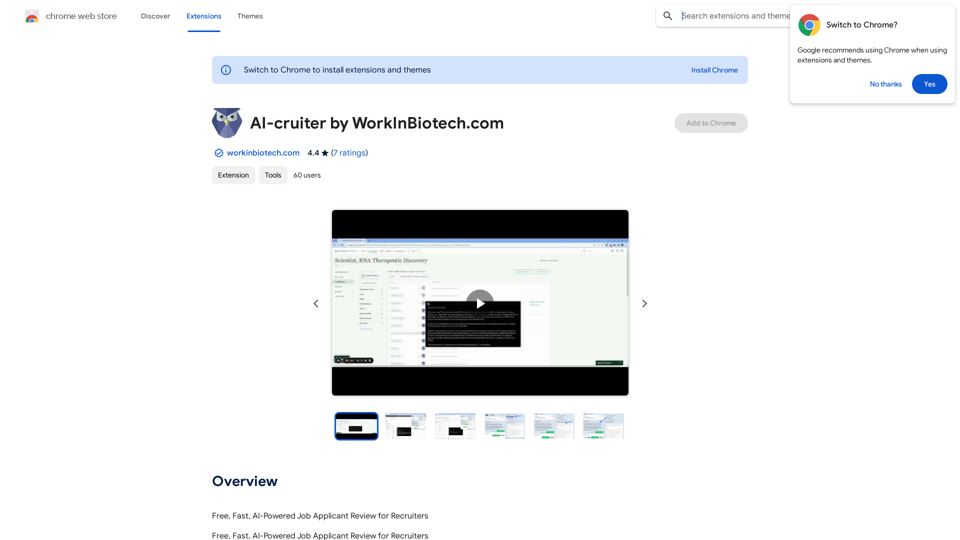
XOR Extension helps recruiters communicate with candidates from ATS, job boards, or LinkedIn.

193.90 M
Chat-GPT PDF

What is Chat-GPT PDF?

Chat-GPT PDF is a tool that allows users to generate PDF files from Chat-GPT conversations. This innovative tool enables users to save and share their conversations in a more organized and visually appealing format.

How does Chat-GPT PDF work?

The process is simple and straightforward. Here's a step-by-step guide:

1. Copy the conversation: Copy the entire conversation from the Chat-GPT platform.
2. Paste the conversation: Paste the copied conversation into the Chat-GPT PDF tool.
3. Customize the layout: Customize the layout, font, and design of the PDF file according to your preferences.
4. Generate the PDF: Click the "Generate PDF" button to create a downloadable PDF file.

Features of Chat-GPT PDF

Chat-GPT PDF offers several features that make it an essential tool for users:

* Customizable layout: Customize the layout, font, and design of the PDF file to suit your needs.
* Easy sharing: Share the PDF file with others via email, social media, or messaging apps.
* Offline access: Access your conversations offline, even without an internet connection.
* Organization: Organize your conversations in a neat and tidy format, making it easier to review and reference.

Benefits of Chat-GPT PDF

The benefits of using Chat-GPT PDF are numerous:

* Improved productivity: Save time and increase productivity by having all your conversations in one place.
* Enhanced collaboration: Collaborate with others more effectively by sharing conversations in a clear and concise format.
* Better organization: Keep your conversations organized, making it easier to review and reference them later.

Conclusion

Chat-GPT PDF is a game-changer for anyone who uses Chat-GPT regularly. With its ease of use, customization options, and benefits, it's an essential tool for anyone looking to get the most out of their conversations.
View Detail

Chat-GPT PDF What is Chat-GPT PDF? Chat-GPT PDF is a tool that allows users to generate PDF files from Chat-GPT conversations. This innovative tool enables users to save and share their conversations in a more organized and visually appealing format. How does Chat-GPT PDF work? The process is simple and straightforward. Here's a step-by-step guide: 1. Copy the conversation: Copy the entire conversation from the Chat-GPT platform. 2. Paste the conversation: Paste the copied conversation into the Chat-GPT PDF tool. 3. Customize the layout: Customize the layout, font, and design of the PDF file according to your preferences. 4. Generate the PDF: Click the "Generate PDF" button to create a downloadable PDF file. Features of Chat-GPT PDF Chat-GPT PDF offers several features that make it an essential tool for users: * Customizable layout: Customize the layout, font, and design of the PDF file to suit your needs. * Easy sharing: Share the PDF file with others via email, social media, or messaging apps. * Offline access: Access your conversations offline, even without an internet connection. * Organization: Organize your conversations in a neat and tidy format, making it easier to review and reference. Benefits of Chat-GPT PDF The benefits of using Chat-GPT PDF are numerous: * Improved productivity: Save time and increase productivity by having all your conversations in one place. * Enhanced collaboration: Collaborate with others more effectively by sharing conversations in a clear and concise format. * Better organization: Keep your conversations organized, making it easier to review and reference them later. Conclusion Chat-GPT PDF is a game-changer for anyone who uses Chat-GPT regularly. With its ease of use, customization options, and benefits, it's an essential tool for anyone looking to get the most out of their conversations.

Chat-GPT PDF What is Chat-GPT PDF? Chat-GPT PDF is a tool that allows users to generate PDF files from Chat-GPT conversations. This innovative tool enables users to save and share their conversations in a more organized and visually appealing format. How does Chat-GPT PDF work? The process is simple and straightforward. Here's a step-by-step guide: 1. Copy the conversation: Copy the entire conversation from the Chat-GPT platform. 2. Paste the conversation: Paste the copied conversation into the Chat-GPT PDF tool. 3. Customize the layout: Customize the layout, font, and design of the PDF file according to your preferences. 4. Generate the PDF: Click the "Generate PDF" button to create a downloadable PDF file. Features of Chat-GPT PDF Chat-GPT PDF offers several features that make it an essential tool for users: * Customizable layout: Customize the layout, font, and design of the PDF file to suit your needs. * Easy sharing: Share the PDF file with others via email, social media, or messaging apps. * Offline access: Access your conversations offline, even without an internet connection. * Organization: Organize your conversations in a neat and tidy format, making it easier to review and reference. Benefits of Chat-GPT PDF The benefits of using Chat-GPT PDF are numerous: * Improved productivity: Save time and increase productivity by having all your conversations in one place. * Enhanced collaboration: Collaborate with others more effectively by sharing conversations in a clear and concise format. * Better organization: Keep your conversations organized, making it easier to review and reference them later. Conclusion Chat-GPT PDF is a game-changer for anyone who uses Chat-GPT regularly. With its ease of use, customization options, and benefits, it's an essential tool for anyone looking to get the most out of their conversations.

Exporting Chat History to PDF You can export your chat history with Chat-GPT to a PDF file using the following methods: #Method 1: Browser Print Function 1. Open your chat conversation with Chat-GPT in a web browser. 2. Press `Ctrl + P` (Windows) or `Cmd + P` (Mac) to open the print dialog box. 3. Select "Save as PDF" as the printer destination. 4. Choose a location to save the PDF file and set the file name. 5. Click "Save" to export the chat history to a PDF file. #Method 2: Online PDF Conversion Tools 1. Copy the entire chat conversation by pressing `Ctrl + A` (Windows) or `Cmd + A` (Mac) and then `Ctrl + C` (Windows) or `Cmd + C` (Mac). 2. Go to an online PDF conversion tool, such as SmallPDF or Convertio. 3. Paste the chat conversation into the conversion tool's text box. 4. Select the PDF format and click "Convert" to generate the PDF file. 5. Download the PDF file to your computer. #Method 3: Browser Extensions 1. Install a browser extension, such as Print Friendly & PDF or FireShot, that allows you to save web pages as PDF files. 2. Open your chat conversation with Chat-GPT in a web browser. 3. Click the browser extension's icon in the toolbar. 4. Select the "Save as PDF" option and choose a location to save the file. 5. Click "Save" to export the chat history to a PDF file. By following these methods, you can easily export your chat history with Chat-GPT to a PDF file for future reference or sharing.

193.90 M
Minimize Climate Risk | Maximize Future Opportunities | ClimateAi
View Detail

Minimize Climate Risk | Maximize Future Opportunities | ClimateAi

Minimize Climate Risk | Maximize Future Opportunities | ClimateAi

Build climate resilience with accurate insights and actionable recommendations that will give you a competitive edge.

10.69 K
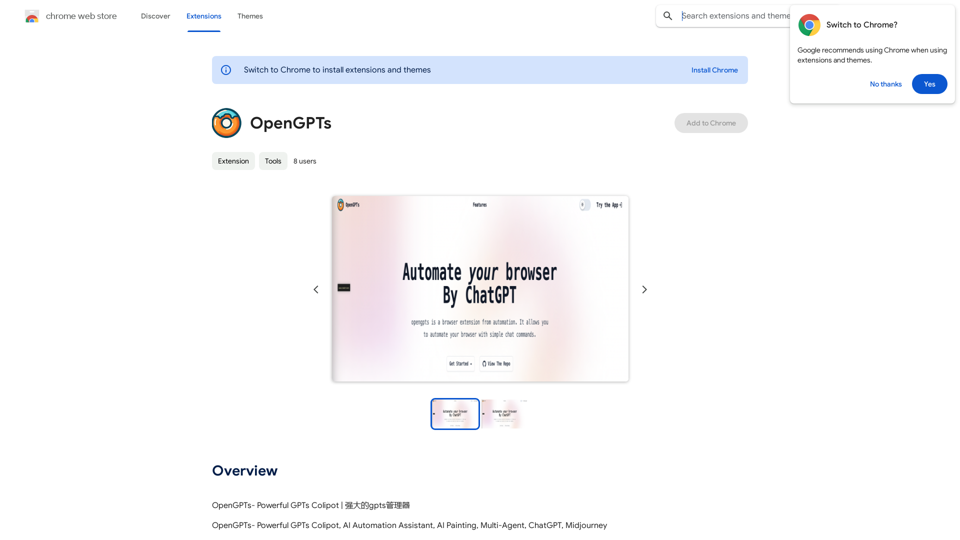
AiTab New Tab with ChatGPT
View Detail

AiTab New Tab with ChatGPT

AiTab New Tab with ChatGPT

AiTab new tab page, integrates AI capabilities such as AI Chat, drawing, translation, and integrated ChatGPT components

193.90 M