Open-source RightAI Tools Directory
  • Discover AI
  • Submit
  • Startup
  • Blog
Open-source RightAI Tools Directory
Discover the best AI tools of 2025 with the RightAI Tools Directory!

Friend Links

AI Anime GeneratorToolsApp AI

Support

Tap4
Privacy policyTerms & ConditionsContact Us
Loading...
loading...

Enterprise Bot: AI Chatbot For Website | EntBot.ai

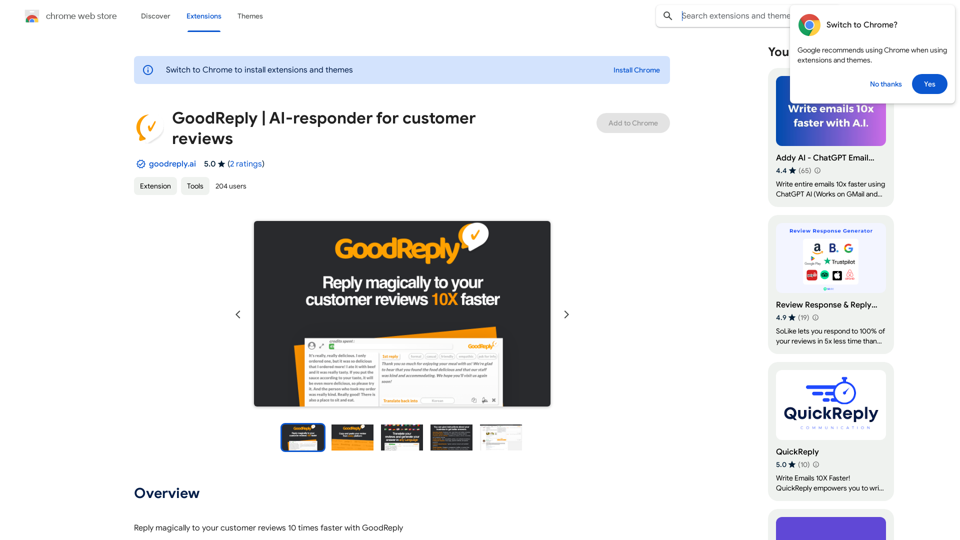
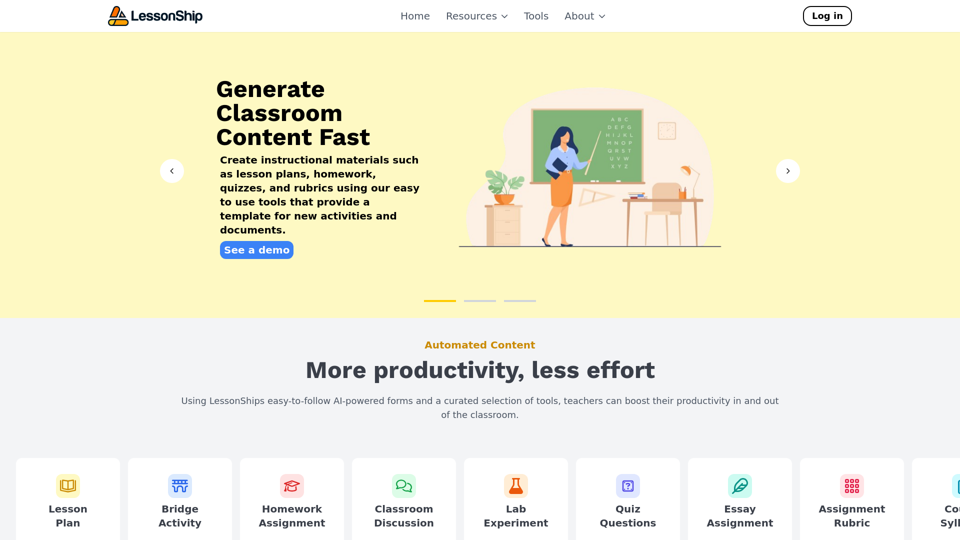
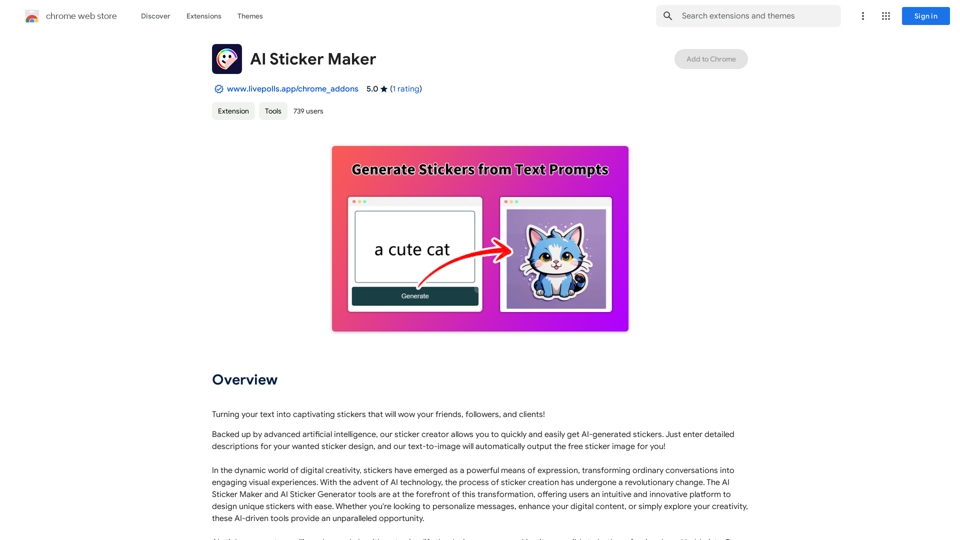
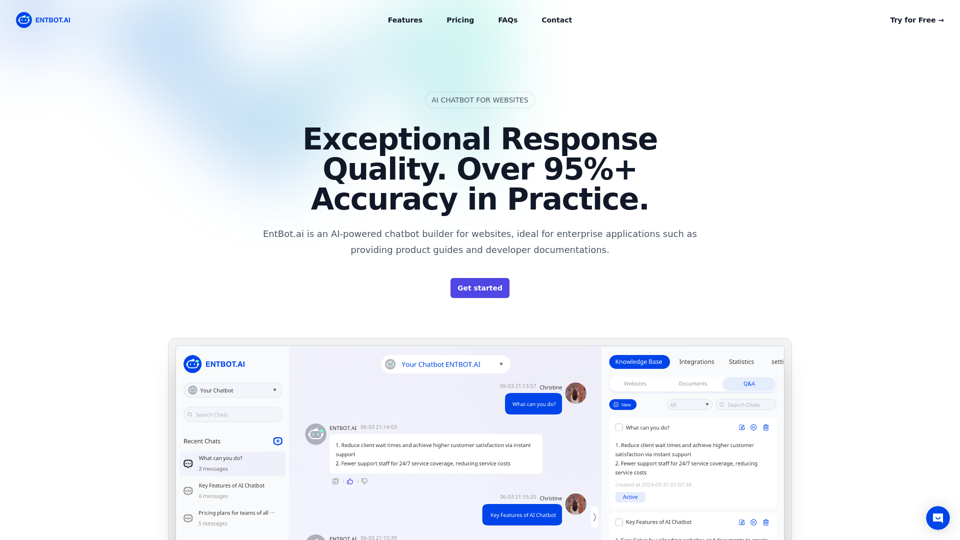
EntBot.ai can build an AI chatbot for your website in just 5 minutes, no technical skills required. You can easily embed it on your website, resulting in a 100% increase in customer response speed.
Visit Website
Enterprise Bot: AI Chatbot For Website | EntBot.ai
Visit Website

Introduction

EntBot.ai is an advanced AI-powered chatbot builder designed for enterprise applications. It excels in providing product guides and developer documentation through website integration. With exceptional response quality, multimodal capabilities, and no-code integration options, EntBot.ai offers a comprehensive solution for businesses seeking to enhance their customer support and engagement.

Feature

Exceptional Response Quality

EntBot.ai delivers consistently accurate answers in over 20 languages, boasting an impressive 95%+ accuracy rate in practice. This high-quality response system ensures reliable information for users across various languages.

Multimodal Capabilities

The chatbot supports both input and output of pictures and videos, making it an excellent tool for answering complex questions that may require visual aids. This feature enhances the user experience and allows for more comprehensive support.

No Code Integration

EntBot.ai seamlessly integrates with popular platforms like Discord and Slack without requiring any coding. This feature makes it easy for businesses to implement the chatbot across various communication channels.

Efficient Knowledge Processing

The system converts websites, documents, and FAQ content into manageable chunks, transforming them into numerical embeddings stored in vector databases. This process enables efficient semantic search and retrieval of relevant information.

Intelligent Query Processing

When a user submits a query, EntBot converts it into an embedding and compares it with document embeddings to find the most relevant content. This semantic search capability ensures accurate and context-aware responses.

LLM-Powered Responses

EntBot utilizes a Large Language Model (LLM) to generate informative and accurate responses based on the most relevant content identified through semantic search.

Flexible Pricing Plans

EntBot offers various pricing tiers to accommodate teams of different sizes:

PlanPriceMessagesBotsWebpagesFeatures
Basic$39/month400/mo1Up to 100Web SDK, H5 integrations
Pro$99/month1000/mo3Up to 1000Team management, Web SDK, H5, Discord, API integrations
EnterpriseCustomCustomCustomCustomTailored solutions for large teams

FAQ

How does an enterprise chatbot work with GPT-4?

Enterprise chatbots like EntBot leverage GPT-4's advanced natural language processing capabilities to understand and respond to user queries more accurately and contextually. GPT-4 enables the chatbot to generate human-like responses, handle complex conversations, and provide more nuanced and relevant information.

How can an enterprise chatbot enhance customer engagement?

Enterprise chatbots enhance customer engagement by providing instant, 24/7 support, reducing wait times, and offering personalized assistance. They can handle multiple queries simultaneously, provide consistent information, and escalate complex issues to human agents when necessary, improving overall customer satisfaction and loyalty.

Can enterprise chatbots be customized to fit specific business needs?

Yes, enterprise chatbots like EntBot can be customized to fit specific business needs. They can be trained on company-specific data, integrated with existing systems, and programmed to handle industry-specific queries. This customization ensures that the chatbot aligns with the company's brand voice, processes, and unique requirements.

Latest Traffic Insights

  • Monthly Visits

    0

  • Bounce Rate

    0.00%

  • Pages Per Visit

    0.00

  • Time on Site(s)

    0.00

  • Global Rank

    -

  • Country Rank

    -

Recent Visits

Traffic Sources

  • Social Media:
    0.00%
  • Paid Referrals:
    0.00%
  • Email:
    0.00%
  • Referrals:
    0.00%
  • Search Engines:
    0.00%
  • Direct:
    0.00%
More Data

Related Websites

Reviewer Recommender
View Detail

Reviewer Recommender

Reviewer Recommender

Reviewer Recommender

193.90 M
AI Voice Over for YouTube 

This is a guide to using AI voice over for your YouTube videos. 

Why Use AI Voice Over?

* Cost-Effective: AI voice over is much cheaper than hiring a professional voice actor.
* Time-Saving: You can generate voice over quickly and easily, without needing to schedule recording sessions.
* Variety of Voices: Choose from a wide range of AI voices, including male, female, and even robotic voices.
* Accessibility: Make your videos accessible to viewers who are deaf or hard of hearing by adding captions generated by AI.

How to Use AI Voice Over

1. Choose a Platform: There are many different platforms that offer AI voice over services, such as:
    * Google Cloud Text-to-Speech
    * Amazon Polly
    * Microsoft Azure Text to Speech
    * Murf.ai
    * NaturalReader
2. Write Your Script:  Write a clear and concise script for your video.
3. Upload Your Script:  Upload your script to the chosen platform.
4. Select a Voice: Choose the voice that best suits your video.
5. Adjust Settings:  Adjust settings such as speed, pitch, and volume.
6. Generate Voice Over:  Click the "Generate" button to create your voice over.
7. Download and Edit: Download the generated voice over file and edit it as needed.
8. Add to Your Video:  Add the voice over to your YouTube video.

Tips for Using AI Voice Over

* Use Natural Language:  Write your script as if you were speaking naturally.
* Vary Your Tone:  Use different tones of voice to keep your viewers engaged.
* Add Pauses:  Include pauses in your script to allow viewers to process information.
* Proofread Carefully:  Always proofread your script before generating the voice over.
* Experiment:  Try different voices, settings, and styles to find what works best for you.
View Detail

AI Voice Over for YouTube This is a guide to using AI voice over for your YouTube videos. Why Use AI Voice Over? * Cost-Effective: AI voice over is much cheaper than hiring a professional voice actor. * Time-Saving: You can generate voice over quickly and easily, without needing to schedule recording sessions. * Variety of Voices: Choose from a wide range of AI voices, including male, female, and even robotic voices. * Accessibility: Make your videos accessible to viewers who are deaf or hard of hearing by adding captions generated by AI. How to Use AI Voice Over 1. Choose a Platform: There are many different platforms that offer AI voice over services, such as: * Google Cloud Text-to-Speech * Amazon Polly * Microsoft Azure Text to Speech * Murf.ai * NaturalReader 2. Write Your Script: Write a clear and concise script for your video. 3. Upload Your Script: Upload your script to the chosen platform. 4. Select a Voice: Choose the voice that best suits your video. 5. Adjust Settings: Adjust settings such as speed, pitch, and volume. 6. Generate Voice Over: Click the "Generate" button to create your voice over. 7. Download and Edit: Download the generated voice over file and edit it as needed. 8. Add to Your Video: Add the voice over to your YouTube video. Tips for Using AI Voice Over * Use Natural Language: Write your script as if you were speaking naturally. * Vary Your Tone: Use different tones of voice to keep your viewers engaged. * Add Pauses: Include pauses in your script to allow viewers to process information. * Proofread Carefully: Always proofread your script before generating the voice over. * Experiment: Try different voices, settings, and styles to find what works best for you.

AI Voice Over for YouTube This is a guide to using AI voice over for your YouTube videos. Why Use AI Voice Over? * Cost-Effective: AI voice over is much cheaper than hiring a professional voice actor. * Time-Saving: You can generate voice over quickly and easily, without needing to schedule recording sessions. * Variety of Voices: Choose from a wide range of AI voices, including male, female, and even robotic voices. * Accessibility: Make your videos accessible to viewers who are deaf or hard of hearing by adding captions generated by AI. How to Use AI Voice Over 1. Choose a Platform: There are many different platforms that offer AI voice over services, such as: * Google Cloud Text-to-Speech * Amazon Polly * Microsoft Azure Text to Speech * Murf.ai * NaturalReader 2. Write Your Script: Write a clear and concise script for your video. 3. Upload Your Script: Upload your script to the chosen platform. 4. Select a Voice: Choose the voice that best suits your video. 5. Adjust Settings: Adjust settings such as speed, pitch, and volume. 6. Generate Voice Over: Click the "Generate" button to create your voice over. 7. Download and Edit: Download the generated voice over file and edit it as needed. 8. Add to Your Video: Add the voice over to your YouTube video. Tips for Using AI Voice Over * Use Natural Language: Write your script as if you were speaking naturally. * Vary Your Tone: Use different tones of voice to keep your viewers engaged. * Add Pauses: Include pauses in your script to allow viewers to process information. * Proofread Carefully: Always proofread your script before generating the voice over. * Experiment: Try different voices, settings, and styles to find what works best for you.

Watch foreign language YouTube videos in your own language.

193.90 M
EasyGen - Chrome Web Store
View Detail

EasyGen - Chrome Web Store

EasyGen - Chrome Web Store

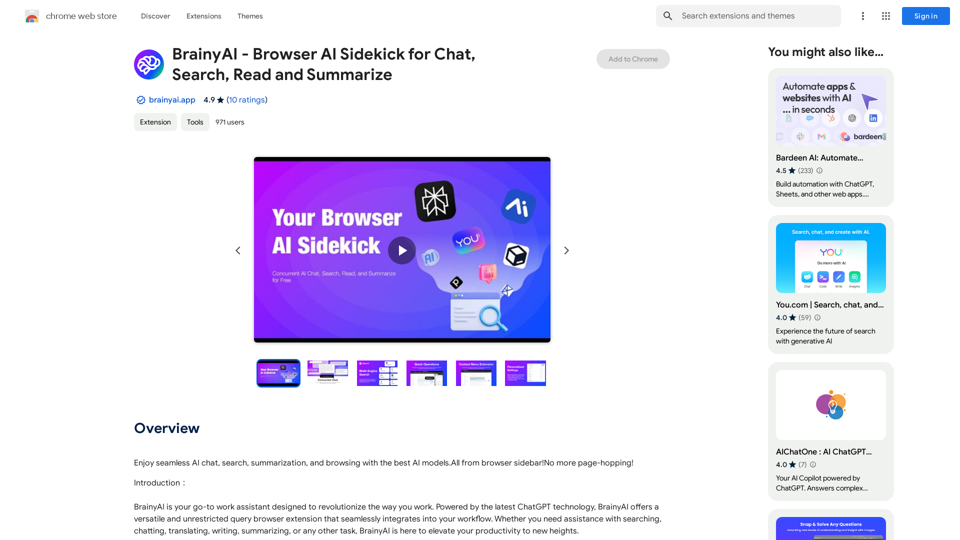
EasyGen is a powerful and user-friendly text generation tool that leverages advanced language models to create high-quality content across various domains. It offers a seamless interface for users to input prompts and generate coherent, contextually relevant text for a wide range of applications, including creative writing, content marketing, and academic research. Key features of EasyGen include: 1. Multiple language model options 2. Customizable generation parameters 3. Fine-tuning capabilities for specific use cases 4. Integration with popular writing and productivity tools 5. Real-time collaboration features EasyGen aims to streamline the content creation process, helping users save time and effort while maintaining high standards of quality and creativity. Whether you're a professional writer, marketer, or researcher, EasyGen provides the tools and flexibility needed to enhance your productivity and unlock new possibilities in text generation.

193.90 M
GPT Finland AssistantThe
View Detail

GPT Finland AssistantThe

GPT Finland AssistantThe

Free, ad-free, fast ChatGPT add-on on the Finnish community page, which has links to top-notch websites.

193.90 M
Fast translation
View Detail

Fast translation

Fast translation

Fast translation for full text and word highlighting.

193.90 M
Upgrade My Chat
View Detail

Upgrade My Chat

Upgrade My Chat

ChatGPT Improvements: Enhanced User Experience: * Seamless Chat History Search: Easily find past conversations and specific messages within your chat history. New Features: * Search your Chat History: A dedicated search bar allows you to quickly locate past interactions, saving time and effort.

193.90 M
Speedie AI - YouTube Video Summary Expert
View Detail

Speedie AI - YouTube Video Summary Expert

Speedie AI - YouTube Video Summary Expert

AI-powered summaries for YouTube videos. Unlimited summaries, supports many languages.

193.90 M
jKeywording | Stock Photo Keyword Generator
View Detail

jKeywording | Stock Photo Keyword Generator

jKeywording | Stock Photo Keyword Generator

Adds a right-click menu to images, allowing users to easily add keywords to stock photos on websites like Alamy and Getty.

193.90 M