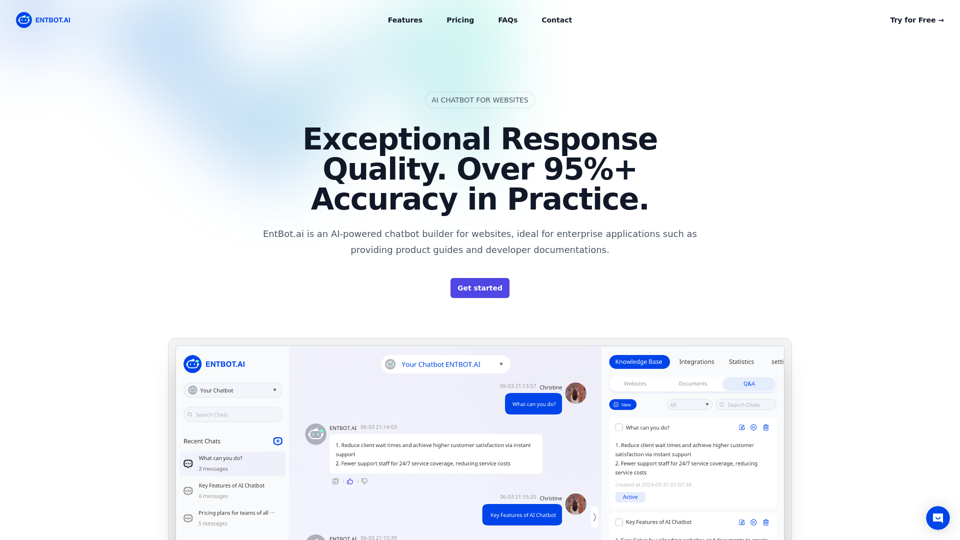
EntBot.ai is an advanced AI-powered chatbot builder designed for enterprise applications. It excels in providing product guides and developer documentation through website integration. With exceptional response quality, multimodal capabilities, and no-code integration options, EntBot.ai offers a comprehensive solution for businesses seeking to enhance their customer support and engagement.
Enterprise Bot: AI Chatbot For Website | EntBot.ai
EntBot.ai can build an AI chatbot for your website in just 5 minutes, no technical skills required. You can easily embed it on your website, resulting in a 100% increase in customer response speed.
Introduction
Feature
Exceptional Response Quality
EntBot.ai delivers consistently accurate answers in over 20 languages, boasting an impressive 95%+ accuracy rate in practice. This high-quality response system ensures reliable information for users across various languages.
Multimodal Capabilities
The chatbot supports both input and output of pictures and videos, making it an excellent tool for answering complex questions that may require visual aids. This feature enhances the user experience and allows for more comprehensive support.
No Code Integration
EntBot.ai seamlessly integrates with popular platforms like Discord and Slack without requiring any coding. This feature makes it easy for businesses to implement the chatbot across various communication channels.
Efficient Knowledge Processing
The system converts websites, documents, and FAQ content into manageable chunks, transforming them into numerical embeddings stored in vector databases. This process enables efficient semantic search and retrieval of relevant information.
Intelligent Query Processing
When a user submits a query, EntBot converts it into an embedding and compares it with document embeddings to find the most relevant content. This semantic search capability ensures accurate and context-aware responses.
LLM-Powered Responses
EntBot utilizes a Large Language Model (LLM) to generate informative and accurate responses based on the most relevant content identified through semantic search.
Flexible Pricing Plans
EntBot offers various pricing tiers to accommodate teams of different sizes:
| Plan | Price | Messages | Bots | Webpages | Features |
|---|---|---|---|---|---|
| Basic | $39/month | 400/mo | 1 | Up to 100 | Web SDK, H5 integrations |
| Pro | $99/month | 1000/mo | 3 | Up to 1000 | Team management, Web SDK, H5, Discord, API integrations |
| Enterprise | Custom | Custom | Custom | Custom | Tailored solutions for large teams |
FAQ
How does an enterprise chatbot work with GPT-4?
Enterprise chatbots like EntBot leverage GPT-4's advanced natural language processing capabilities to understand and respond to user queries more accurately and contextually. GPT-4 enables the chatbot to generate human-like responses, handle complex conversations, and provide more nuanced and relevant information.
How can an enterprise chatbot enhance customer engagement?
Enterprise chatbots enhance customer engagement by providing instant, 24/7 support, reducing wait times, and offering personalized assistance. They can handle multiple queries simultaneously, provide consistent information, and escalate complex issues to human agents when necessary, improving overall customer satisfaction and loyalty.
Can enterprise chatbots be customized to fit specific business needs?
Yes, enterprise chatbots like EntBot can be customized to fit specific business needs. They can be trained on company-specific data, integrated with existing systems, and programmed to handle industry-specific queries. This customization ensures that the chatbot aligns with the company's brand voice, processes, and unique requirements.
Related Websites
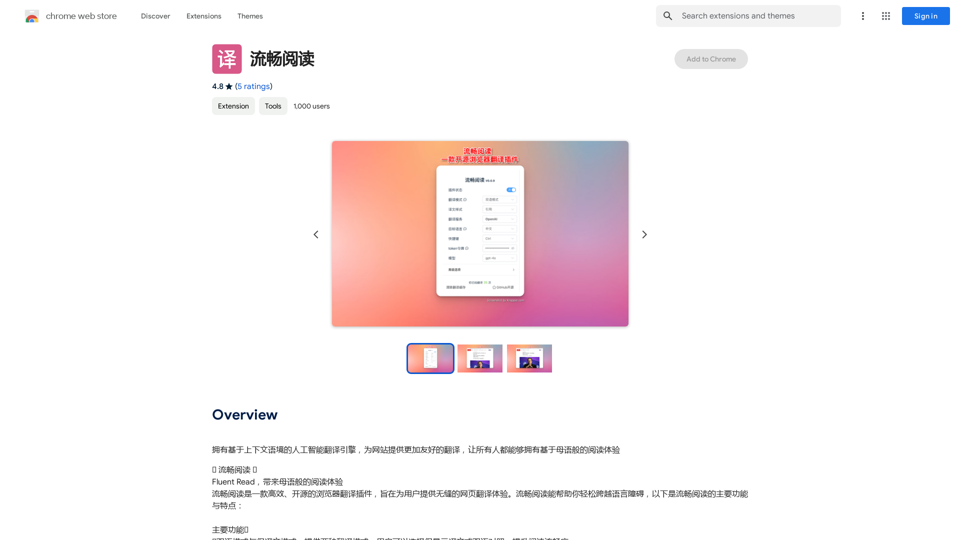
An AI translation engine that understands context will provide a more user-friendly translation for websites, allowing everyone to have a reading experience in their native language.
193.90 M
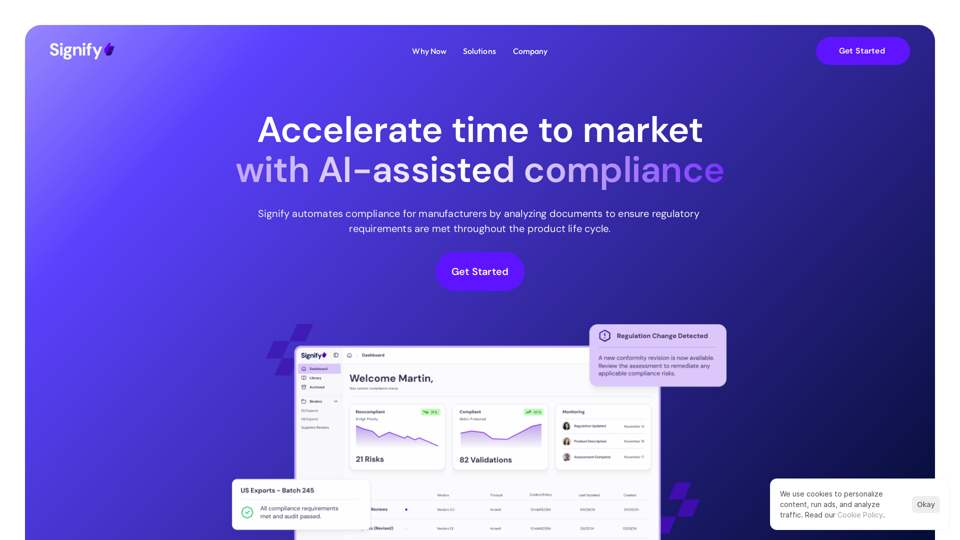
Signify - Compliance Management System for Manufacturing
Signify - Compliance Management System for ManufacturingSignify automates compliance for manufacturers by analyzing documents to ensure regulatory requirements are met throughout the product lifecycle.
3.17 K
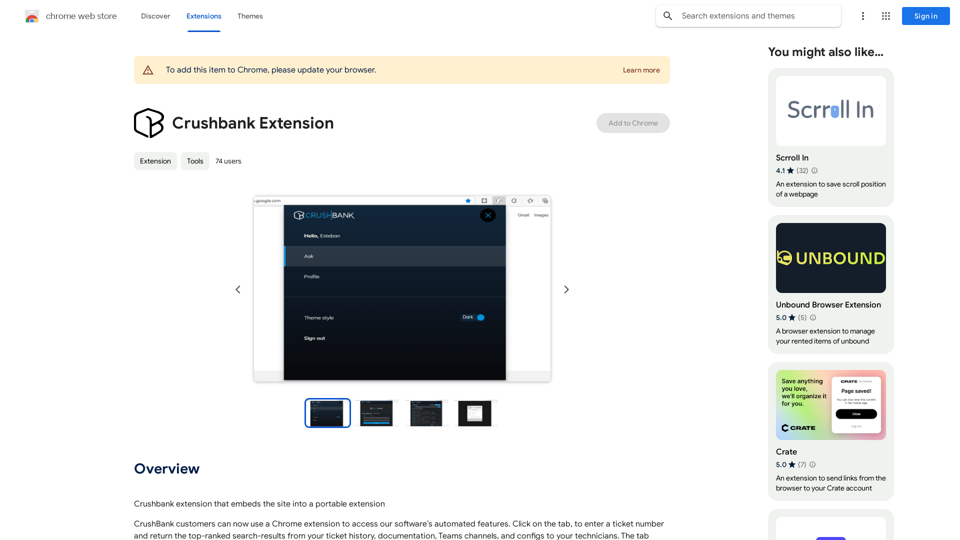
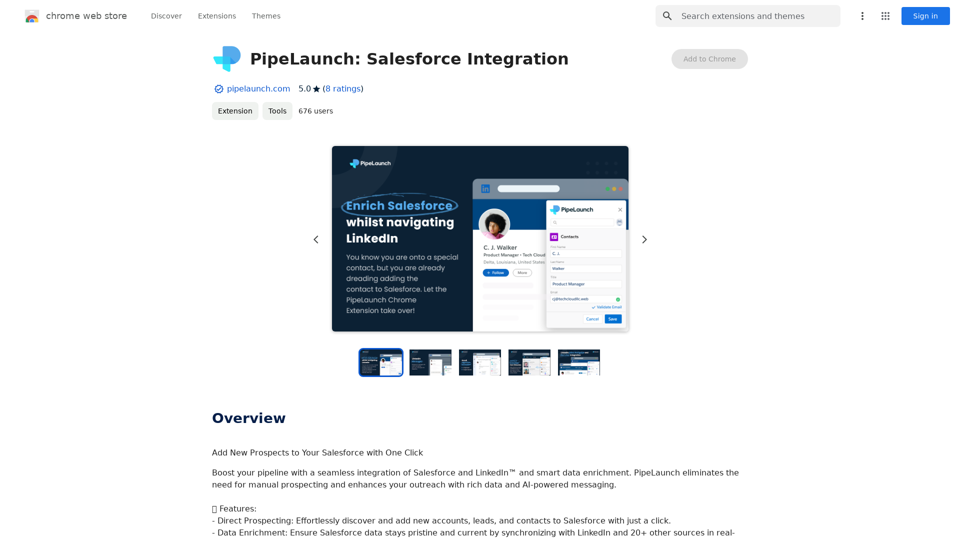
A browser extension for Crushbank that lets you use the site in a standalone, portable way.
193.90 M
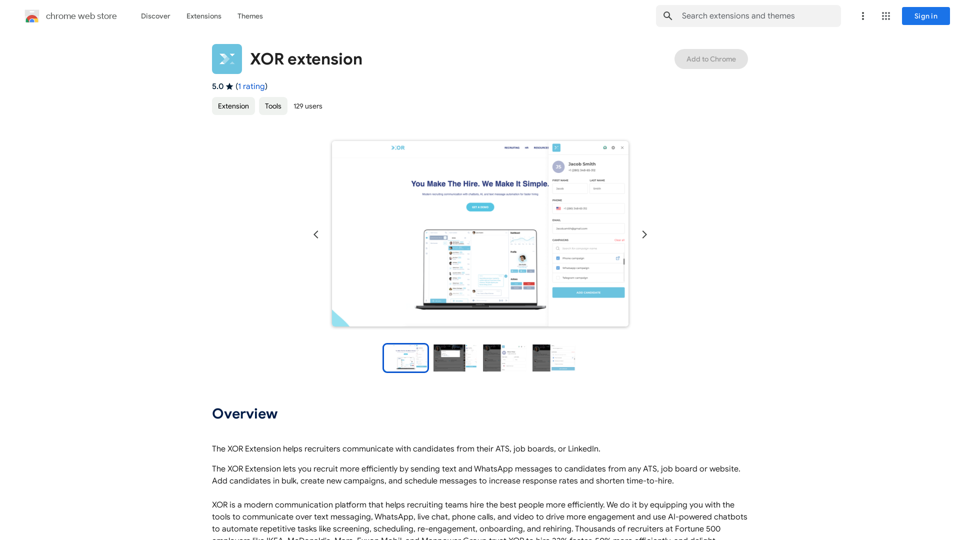
The XOR Extension lets recruiters talk to candidates from their Applicant Tracking System (ATS), job boards, or LinkedIn.
193.90 M
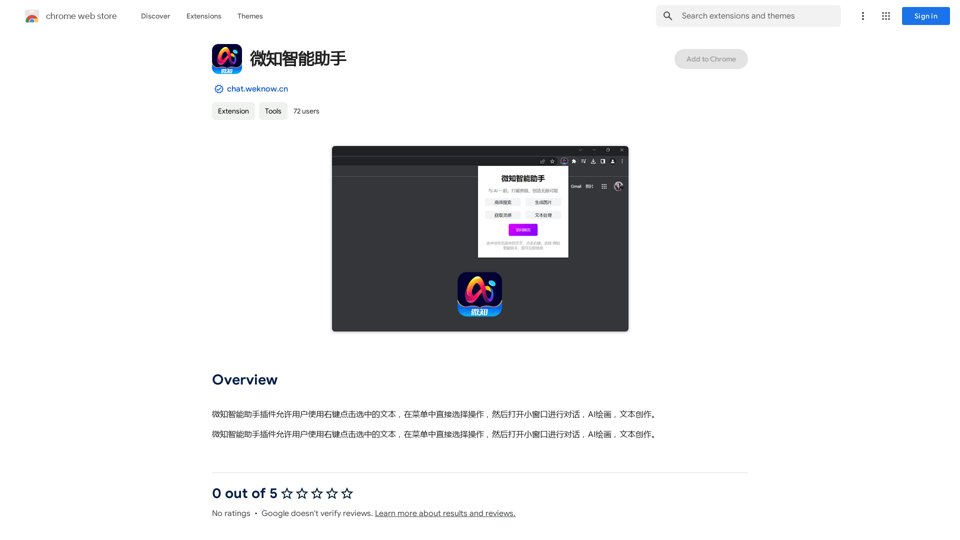
The Wechat Intelligent Assistant plugin allows users to right-click on selected text, choose an operation from the menu, and then open a small window for conversation, AI drawing, and text creation.
193.90 M
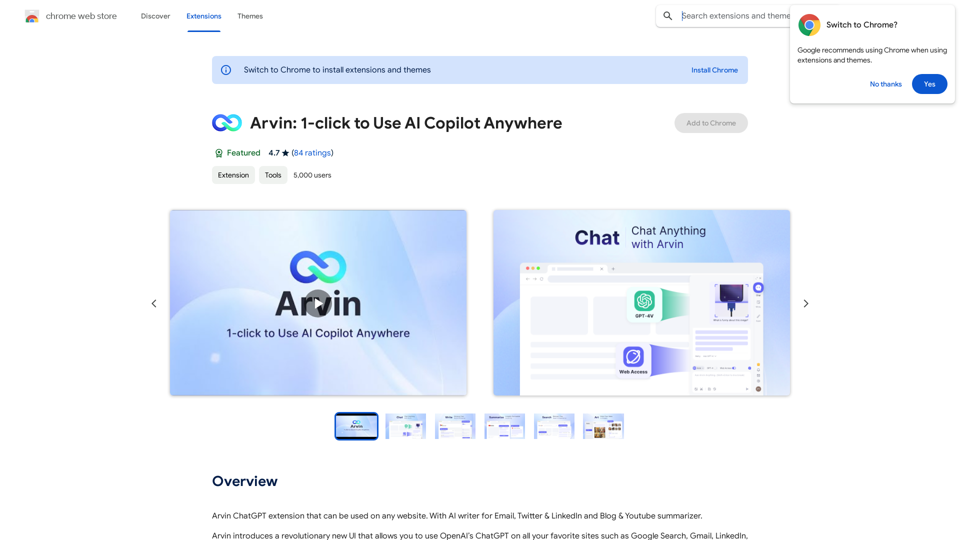
The Arvin ChatGPT extension is a versatile tool that can be used on any website, offering a range of features to enhance your online experience. These features include an AI writer for crafting emails, Twitter posts, and LinkedIn updates, as well as a summarizer for blogs and YouTube videos.
193.90 M