Liner is a productivity AI copilot designed to enhance research efficiency. It offers instant answers, summarizes content, and interacts with various document types. With a user base of over 10 million across 218 countries, Liner has gained significant popularity and trust in the productivity tool market.
Liner | AI Copilot on Your Workspace, Powered by ChatGPT
Try Liner. Boost productivity and optimize your workflow with AI Copilot by summarizing articles, generating code, and composing emails.

Introduction
Feature
Instant Summarization
Liner provides quick summaries for articles, PDFs, and YouTube videos, allowing users to grasp key information rapidly.
PDF Collaboration
Users can upload PDFs and collaborate with AI to extract insights and generate summaries, streamlining document analysis.
AI-Powered Writing Assistance
The tool offers writing suggestions to improve tone, grammar, and delivery, enhancing the overall quality of user-generated content.
Multiple AI Models and Agents
Liner provides access to various AI models and agents, offering versatile solutions for different tasks and requirements.
Content Organization
Users can highlight and organize insightful texts, YouTube videos, and images, creating a personalized knowledge base.
Browser Integration
Liner offers a browser extension for seamless integration with users' browsing experience, enhancing productivity across the web.
Flexible Pricing Options
The tool provides a Basic plan with limited features for free and a Professional plan with unlimited access to advanced features.
FAQ
What is Liner?
Liner is a productivity AI copilot that enhances research efficiency by providing instant answers, summarizing content, and interacting with various document types.
How can I use Liner for free?
Users can access Liner's basic features for free, including the one-click summarizer for articles, PDFs, and YouTube videos.
What features does Liner offer?
Liner offers:
- Instant summarization
- PDF collaboration
- AI-powered writing assistance
- Access to multiple AI models and agents
- Content organization tools
- Browser extension
What is Liner's pricing plan?
Liner offers:
- Basic plan: Limited features, free
- Professional plan: Unlimited access to AI models and agents, additional features like unlimited file uploads and AI calls
What do users say about Liner?
Liner is widely appreciated, with:
- Over 10 million users across 218 countries
- 40 million AI searches per month
- Selected as a "2022 Favorite" on the Chrome Web Store
- Trusted by Forbes
Related Websites

With just one URL link, you can quickly generate videos in multiple styles using AI. It supports secondary editing and ensures controllable results.
193.90 M
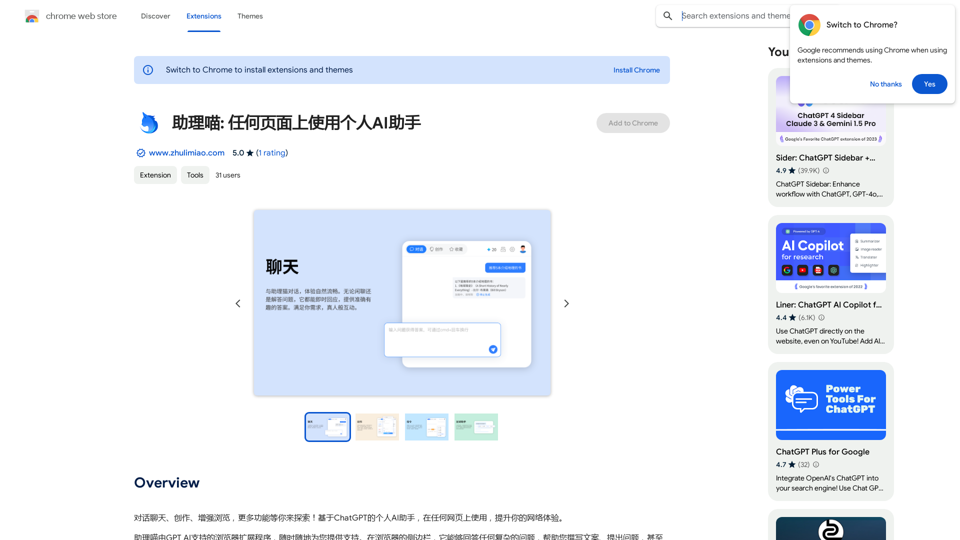
Assistant Meow: Any page using a personal AI assistant
Assistant Meow: Any page using a personal AI assistantChat, create, and enhance your browsing experience - there's more to discover! This personal AI assistant, powered by ChatGPT, works on any webpage to boost your online experience.
193.90 M
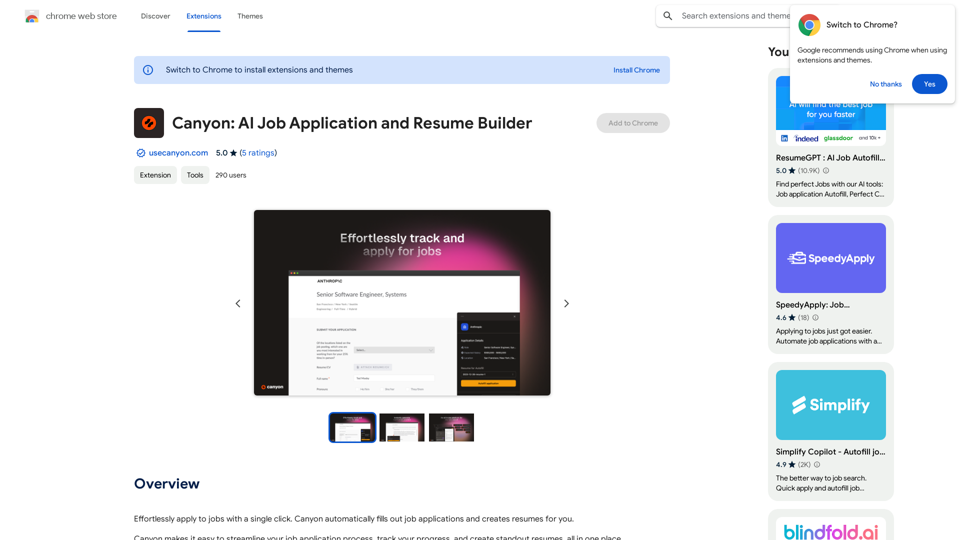
Effortlessly apply to jobs with a single click. Canyon automatically fills out job applications and creates resumes for you.
193.90 M
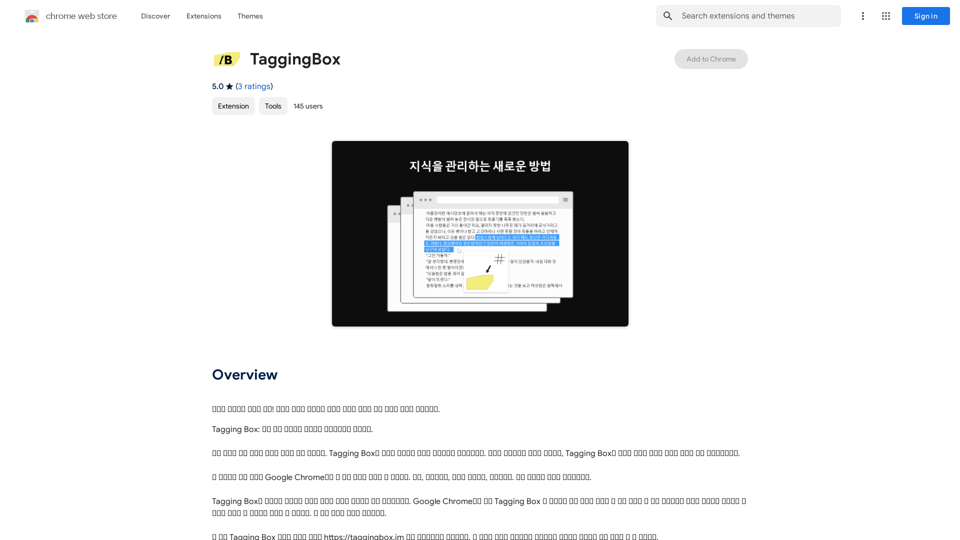
A new way to manage your knowledge! Just like sticking a sticker on an important note, we recommend the best tags for your information.
193.90 M
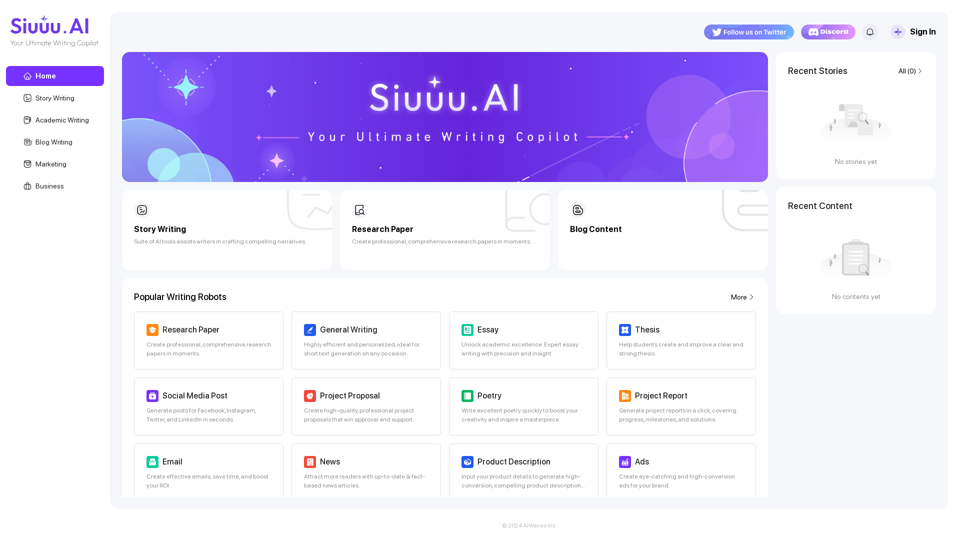
Siuuu.ai provides personalized writing tools for writers, students, educators, marketing professionals, and others. Our goal is to support and enhance your writing experience across a wide range of content types, including novels, research papers, marketing emails, blogs, and more.
0
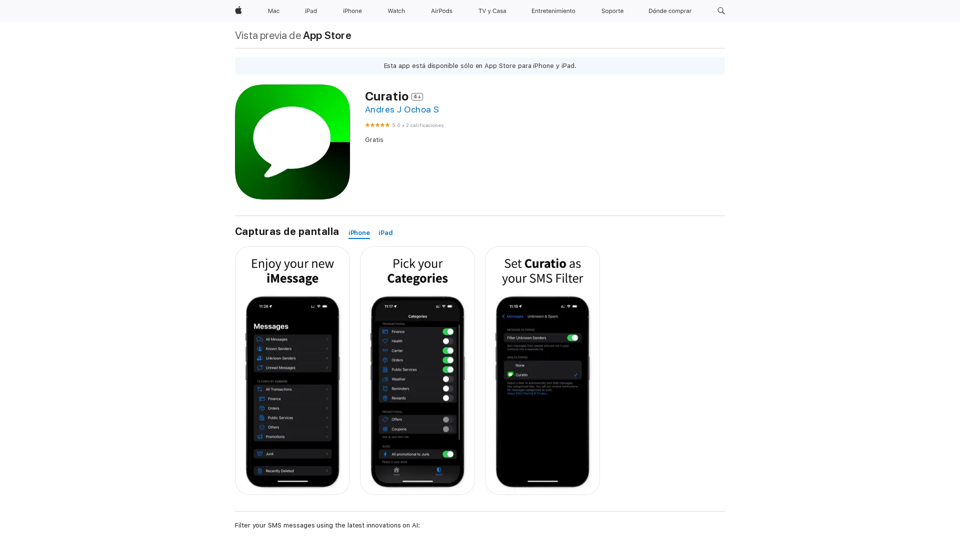
Filter your SMS messages using the latest innovations on AI: - Curatio categorizes every new SMS message without any previous instructions. - Curatio filters every unwanted SMS, such as spam or promotional messages, to keep your inbox clean and organized.
124.77 M