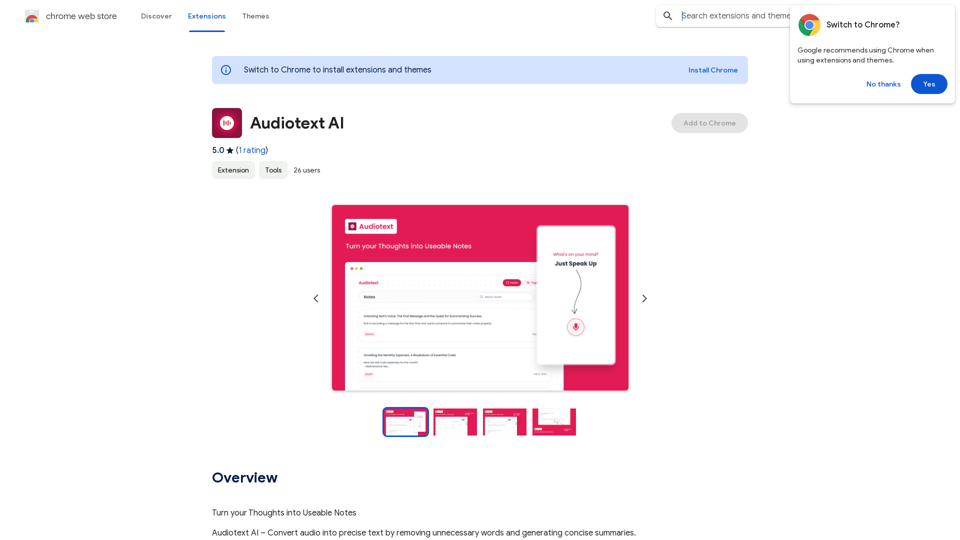
Audiotext AI is an innovative tool that transforms spoken words into concise, well-structured text. It removes unnecessary filler words and generates summaries in various styles. Users can speak naturally and select their preferred transcription style, making it an efficient solution for converting thoughts into usable notes.
Audiotext AI
Transform Your Ideas into Actionable Notes
Introduction
Feature
Voice-to-Text Conversion
Audiotext AI accurately converts spoken words into text, including natural speech patterns and filler words. Users can speak normally, and the AI will process and refine the content.
Customizable Transcription Styles
Users can choose from various transcription styles, including short summaries, long summaries, bullet points, passive voice, and active voice. This flexibility allows for tailored output based on specific needs.
AI-Powered Rewriting
With a single click, Audiotext AI can intelligently rewrite notes according to the chosen style, enhancing clarity and coherence.
Easy Sharing
Users can quickly share their notes by toggling a switch, generating a unique link for web and social media sharing.
Multiple Use Cases
Audiotext AI supports various applications, including:
- Note-taking
- Content creation
- Student lecture recording
- Personal journaling
- Interview transcription
- Meeting minutes extraction
Privacy Protection
User privacy is prioritized, with no data used for training purposes. Users can delete their accounts at any time, removing all associated data.
Free Daily Usage
Users can access daily free uses of GPT-4o document reading and Dalle's image generation, providing a range of AI-powered tools for various tasks.
FAQ
How do I use Audiotext AI?
- Speak naturally, including filler words and pauses.
- Select your desired transcription style (e.g., short summary, bullet points, active voice).
- Click "Transcribe" to generate your text.
What are the benefits of using Audiotext AI for content creation?
Audiotext AI streamlines the content creation process by allowing bloggers, writers, and YouTubers to dictate their ideas, stories, or scripts and have them transcribed efficiently.
How can students benefit from Audiotext AI?
Students can record lectures, convert them to text, review at their own pace, highlight important points, and create comprehensive study guides.
Is there a subscription option for Audiotext AI?
Yes, if the 20 free GPT-4o conversations per day are insufficient, users can subscribe to affordable products for increased usage.
How does Audiotext AI handle user privacy?
Audiotext AI prioritizes user privacy. Your data is not used for training purposes, and you can delete your account at any time, removing all associated data.
Related Websites
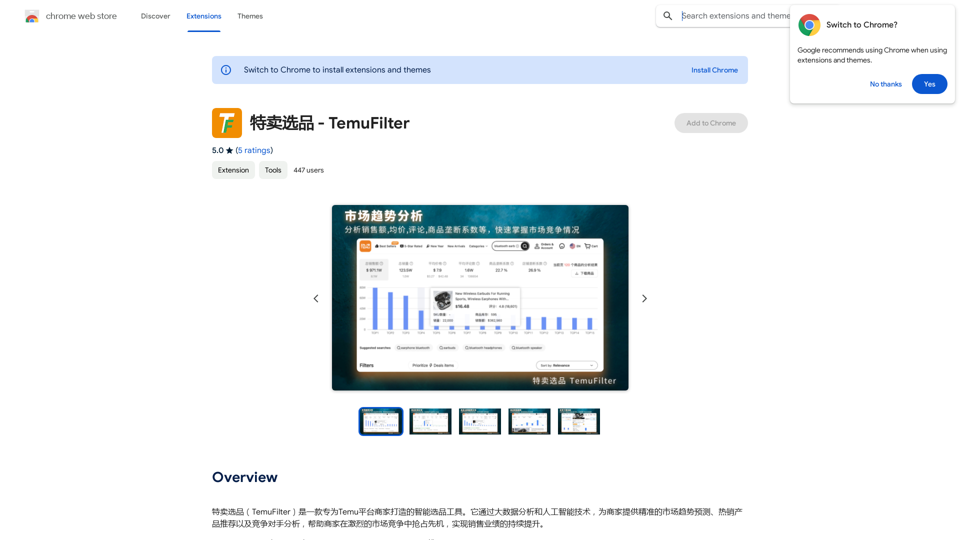
TemuFilter is an intelligent product selection tool designed specifically for Temu platform merchants. It uses big data analysis and artificial intelligence technology to provide merchants with accurate market trend predictions, popular product recommendations, and competitor analysis, helping merchants seize the opportunity in the fierce market competition and achieve continuous improvement in sales performance.
193.90 M
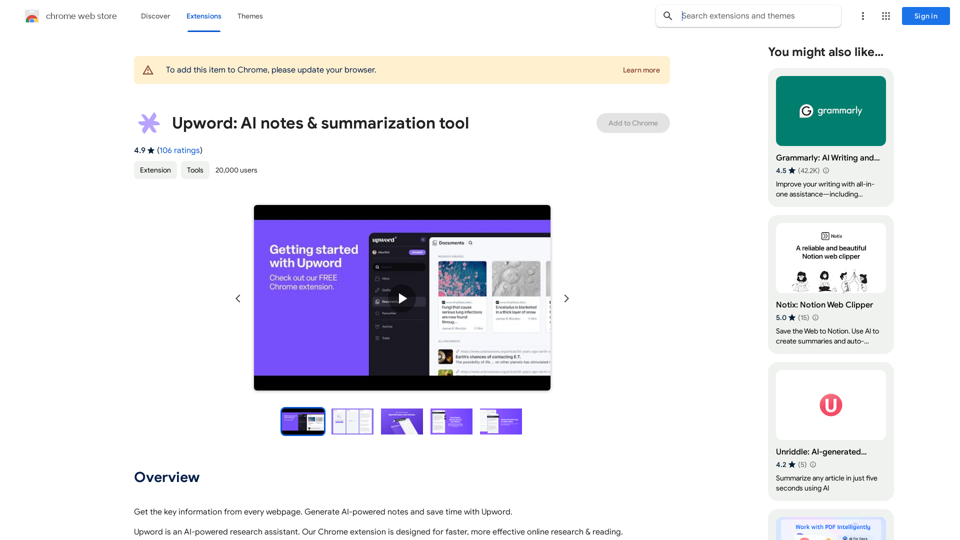
Get the key information from every webpage. Generate AI-powered notes and save time with Upword.
193.90 M
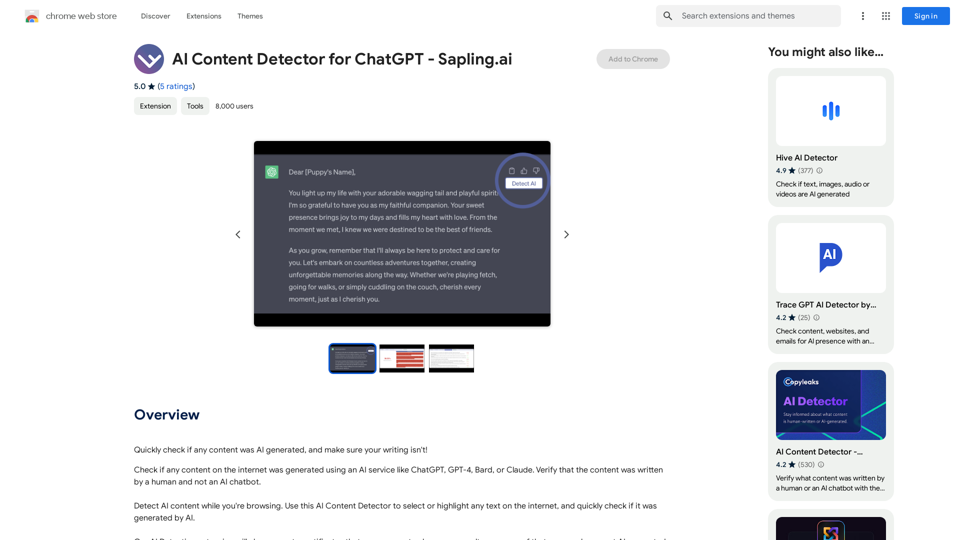
AI Content Detector for ChatGPT - Sapling.ai Sapling.ai's AI Content Detector is a powerful tool designed to detect AI-generated content, including those produced by ChatGPT. This innovative solution helps you identify and flag suspicious content, ensuring the authenticity and credibility of the information you receive. How it Works Our AI Content Detector uses advanced machine learning algorithms to analyze the linguistic patterns, syntax, and semantics of the input text. This allows it to identify the subtle differences between human-written and AI-generated content. Key Features * High Accuracy: Our detector boasts an impressive accuracy rate, ensuring reliable results even with complex or nuanced content. * Real-time Analysis: Get instant results with our real-time analysis feature, perfect for high-volume content screening. * Customizable Thresholds: Set your own thresholds for detection, allowing you to fine-tune the sensitivity of the tool to your specific needs. * Integration Ready: Seamlessly integrate our API with your existing workflows and platforms. Use Cases * Content Moderation: Ensure the quality and authenticity of user-generated content on your platform. * Academic Integrity: Detect AI-generated essays and papers, promoting original work and academic honesty. * Marketing and Advertising: Verify the authenticity of customer reviews and testimonials. Try it Out Experience the power of Sapling.ai's AI Content Detector for yourself. Sign up for a free trial and start detecting AI-generated content today!
AI Content Detector for ChatGPT - Sapling.ai Sapling.ai's AI Content Detector is a powerful tool designed to detect AI-generated content, including those produced by ChatGPT. This innovative solution helps you identify and flag suspicious content, ensuring the authenticity and credibility of the information you receive. How it Works Our AI Content Detector uses advanced machine learning algorithms to analyze the linguistic patterns, syntax, and semantics of the input text. This allows it to identify the subtle differences between human-written and AI-generated content. Key Features * High Accuracy: Our detector boasts an impressive accuracy rate, ensuring reliable results even with complex or nuanced content. * Real-time Analysis: Get instant results with our real-time analysis feature, perfect for high-volume content screening. * Customizable Thresholds: Set your own thresholds for detection, allowing you to fine-tune the sensitivity of the tool to your specific needs. * Integration Ready: Seamlessly integrate our API with your existing workflows and platforms. Use Cases * Content Moderation: Ensure the quality and authenticity of user-generated content on your platform. * Academic Integrity: Detect AI-generated essays and papers, promoting original work and academic honesty. * Marketing and Advertising: Verify the authenticity of customer reviews and testimonials. Try it Out Experience the power of Sapling.ai's AI Content Detector for yourself. Sign up for a free trial and start detecting AI-generated content today!Quickly Check if Any Content was AI Generated, and Make Sure Your Writing Isn't! With the rapid development of artificial intelligence (AI) technology, AI-generated content has become increasingly prevalent. As a result, it's essential to verify the authenticity of content and ensure that your writing is original. Here are some tips to help you quickly check if any content was AI generated and make sure your writing isn't: #1. Check for Overly Formal Language AI-generated content often uses overly formal language, which may sound unnatural or even awkward. Be wary of sentences that are too structured or contain overly complex vocabulary. #2. Look for Repetitive Phrases or Sentences AI algorithms may reuse phrases or sentences to fill content gaps. If you notice repetitive language or sentences that seem out of place, it could be a sign of AI-generated content. #3. Verify Facts and Statistics AI-generated content may contain inaccurate or outdated information. Always fact-check statistics, quotes, and other data to ensure they are reliable and up-to-date. #4. Evaluate the Writing Style AI-generated content often lacks the personal touch and emotional depth of human writing. Look for writing that seems too perfect, lacks humor, or feels overly generic. #5. Use AI Detection Tools There are various AI detection tools available online that can help identify AI-generated content. These tools analyze language patterns, syntax, and other factors to determine the likelihood of AI involvement. #6. Read Beyond the Headlines AI-generated content may have attention-grabbing headlines, but the actual content may be lacking in substance. Always read beyond the headlines to ensure the content is well-researched and informative. #7. Check for Human Touch Human writing often includes personal anecdotes, experiences, and emotions. Look for content that includes these elements, as they are more difficult for AI algorithms to replicate. By following these tips, you can quickly check if any content was AI generated and ensure that your writing is original and authentic. Remember, AI-generated content may be convenient, but it can never replace the creativity, empathy, and nuance of human writing.
193.90 M
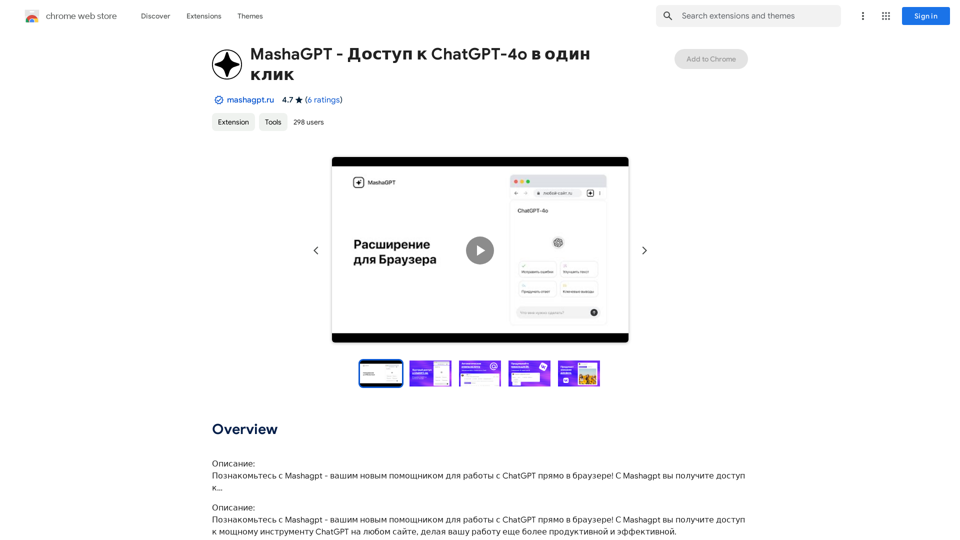
Description: Meet Mashagpt - your new helper for working with ChatGPT right in your browser! With Mashagpt you'll get access to...
193.90 M
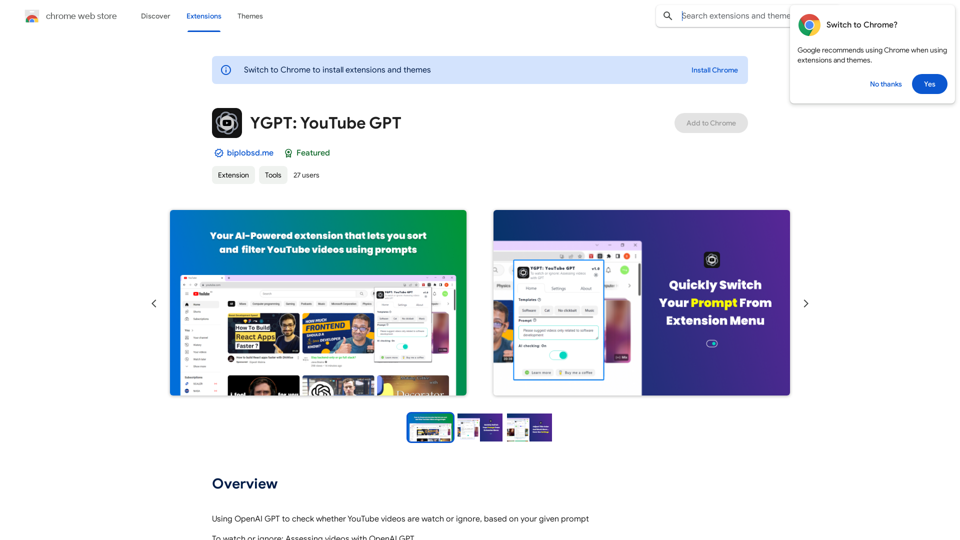
Using OpenAI's GPT to determine if YouTube videos have been watched or ignored, based on your instructions.
193.90 M