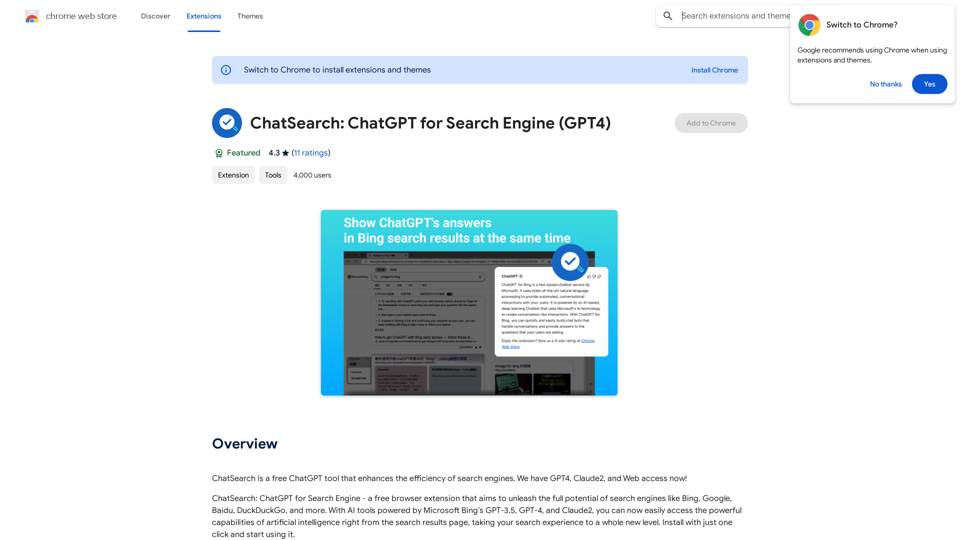
ChatSearch is a free ChatGPT tool that enhances search engine efficiency by integrating AI-powered answers directly into search results. It leverages Microsoft Bing's GPT-3.5, GPT-4, and Claude2 models to provide users with advanced artificial intelligence capabilities, elevating the search experience to new heights.
ChatSearch: ChatGPT for Search Engine (GPT-4)
ChatSearch is a free ChatGPT tool that makes search engines more efficient. It now has GPT4, Claude2, and access to the web!
Introduction
Feature
Enhanced Search Results
Integrates ChatGPT's answers into any search engine, improving the quality and relevance of search results.
Free and Unrestricted Access
Available for use without any cost, restrictions, or account registration requirements.
Instant AI Interaction
Users can immediately start chatting with ChatGPT by clicking the plugin button within search results.
Expanded Model Support
In addition to GPT-3.5, ChatSearch offers access to GPT-4 and Claude2, enhancing information accuracy and diversity.
Advanced Content Summarization
Utilizes ChatGPT or Claude2's powerful summarization capabilities for efficient web content analysis.
Improved Internet Connectivity
Eliminates information gaps by providing real-time, accurate web information.
User-Friendly Interface
Simple three-step process to start using ChatSearch:
- Choose an API type (Developer API recommended)
- Search questions on various engines
- View ChatGPT-generated answers or start chatting directly
FAQ
Is ChatSearch really free?
Yes, ChatSearch is completely free to use, with no hidden costs or registration requirements.
What is the relationship between ChatSearch and ChatGPT?
ChatSearch is an AI tool developed based on the ChatGPT model, leveraging its powerful capabilities to enhance search experiences.
Which AI models does ChatSearch support?
ChatSearch currently supports GPT-3.5, GPT-4, and Claude2 models, with plans to integrate more large language models in the future.
Related Websites
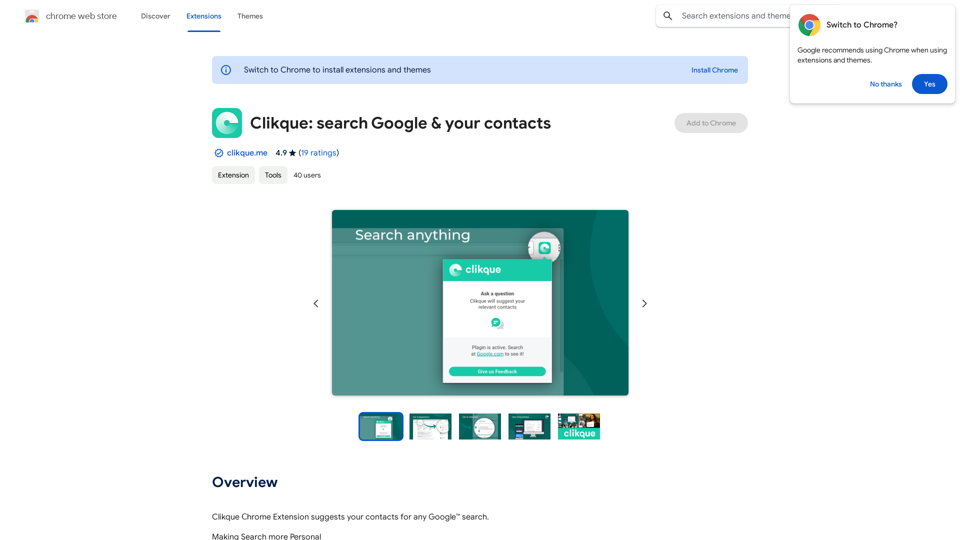
Smart Template - DocumentAI This is a placeholder for content about Smart Templates in DocumentAI. Please provide me with the content you'd like me to translate.
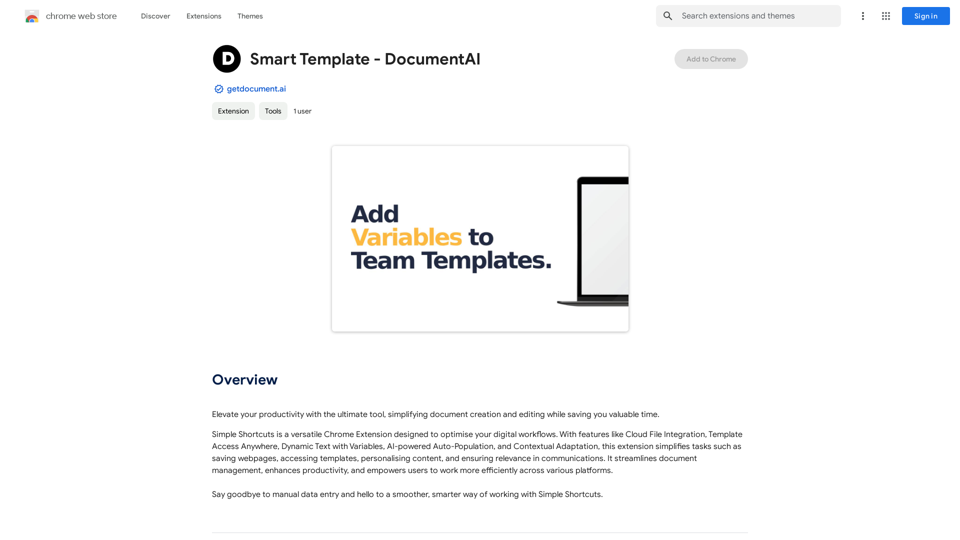
Smart Template - DocumentAI This is a placeholder for content about Smart Templates in DocumentAI. Please provide me with the content you'd like me to translate.Boost your productivity with the best tool around, making it easy to create and edit documents and saving you precious time.
193.90 M
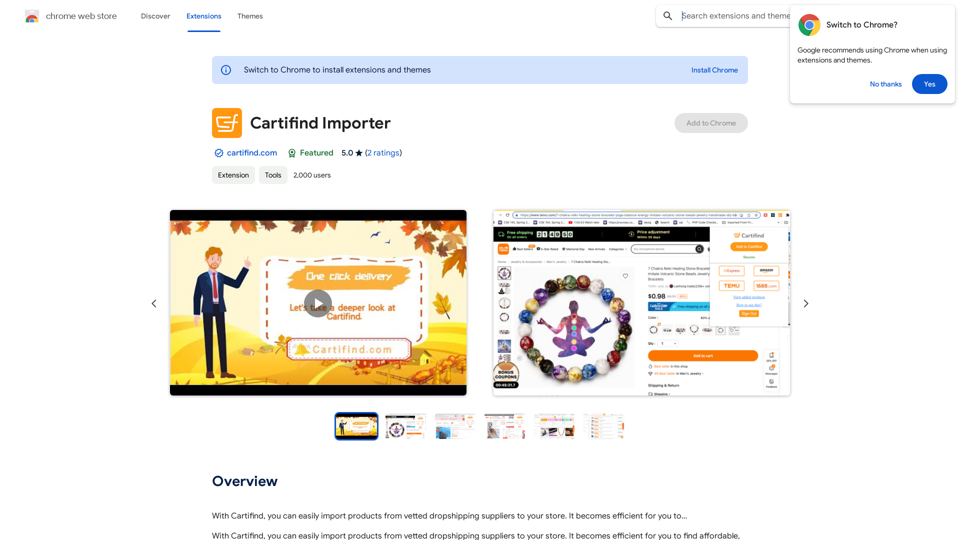
With Cartifind, you can easily import products from vetted dropshipping suppliers to your store. It becomes efficient for you to manage your product catalog, track inventory, and fulfill orders seamlessly.
193.90 M
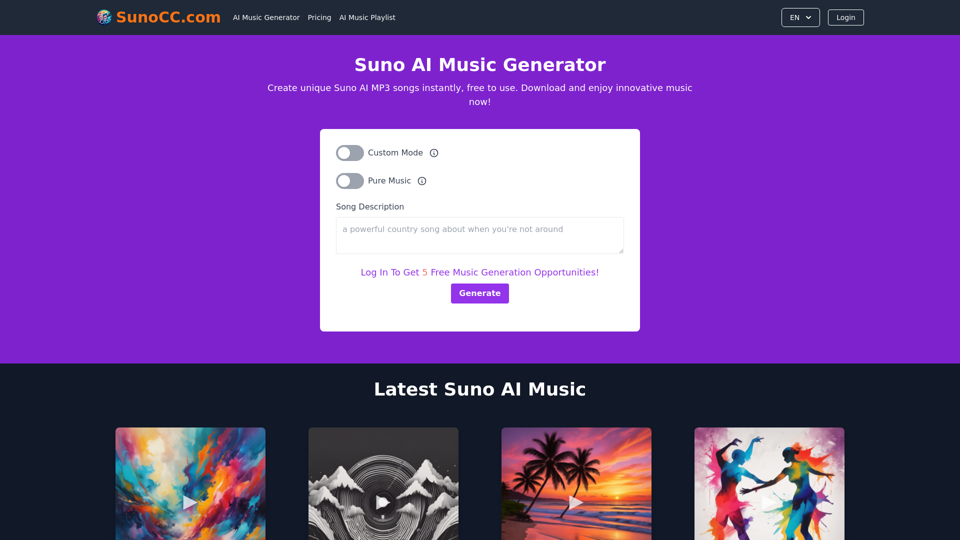
Create music with Suno AI for free. Download and enjoy new music today! Discover SunoCC.com and the innovative Suno AI Music Generator V3.
96.16 K
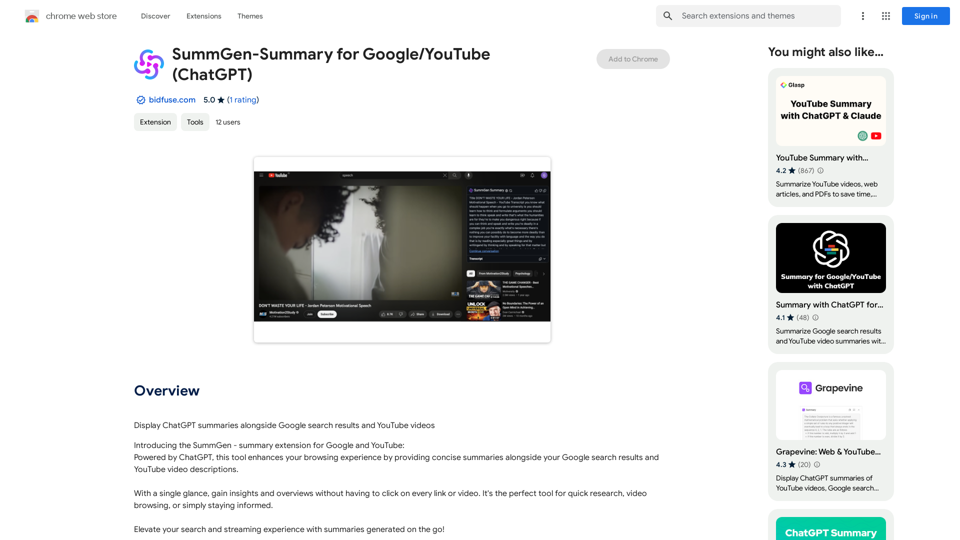
SummGen-Summary for Google/YouTube (ChatGPT) This is a summary of the capabilities and potential uses of SummGen, a text summarization model, specifically in the context of Google and YouTube. * What is SummGen? SummGen is a powerful text summarization model developed by Google DeepMind. It excels at condensing large amounts of text into concise and informative summaries. * How can SummGen be used with Google Search? Imagine searching Google for a complex topic. SummGen could analyze the top search results and generate a brief, clear summary of the key information, saving you time and effort. * Applications for YouTube: * Video Summaries: SummGen could automatically generate summaries of YouTube videos, making it easier for viewers to quickly understand the content. * Closed Captions: SummGen could enhance closed captions by providing more accurate and concise summaries of the spoken words. * Content Discovery: YouTube could use SummGen to create summaries of trending videos, helping users discover new content based on their interests. * Benefits: * Efficiency: SummGen saves time by providing concise summaries of large amounts of text. * Accessibility: Summaries can make information more accessible to people with visual or cognitive impairments. * Improved Understanding: Summaries can help users grasp complex topics more easily. SummGen has the potential to revolutionize how we interact with information on Google and YouTube, making it more efficient, accessible, and understandable.
SummGen-Summary for Google/YouTube (ChatGPT) This is a summary of the capabilities and potential uses of SummGen, a text summarization model, specifically in the context of Google and YouTube. * What is SummGen? SummGen is a powerful text summarization model developed by Google DeepMind. It excels at condensing large amounts of text into concise and informative summaries. * How can SummGen be used with Google Search? Imagine searching Google for a complex topic. SummGen could analyze the top search results and generate a brief, clear summary of the key information, saving you time and effort. * Applications for YouTube: * Video Summaries: SummGen could automatically generate summaries of YouTube videos, making it easier for viewers to quickly understand the content. * Closed Captions: SummGen could enhance closed captions by providing more accurate and concise summaries of the spoken words. * Content Discovery: YouTube could use SummGen to create summaries of trending videos, helping users discover new content based on their interests. * Benefits: * Efficiency: SummGen saves time by providing concise summaries of large amounts of text. * Accessibility: Summaries can make information more accessible to people with visual or cognitive impairments. * Improved Understanding: Summaries can help users grasp complex topics more easily. SummGen has the potential to revolutionize how we interact with information on Google and YouTube, making it more efficient, accessible, and understandable.Display ChatGPT Summaries Alongside Google Search Results and YouTube Videos This feature would allow users to see concise summaries generated by ChatGPT directly integrated with their Google search results and YouTube video pages. Imagine searching for a topic on Google and seeing a ChatGPT-generated summary at the top of the results, providing a quick overview of the key points. Or, watching a YouTube video and having a ChatGPT summary appear below, highlighting the main takeaways. This integration could significantly enhance the user experience by: * Saving time: Quickly grasp the essence of information without having to read through lengthy articles or watch entire videos. * Improving comprehension: ChatGPT summaries can rephrase complex information in a more accessible way. * Encouraging exploration: Summaries can spark curiosity and lead users to explore related content further.
193.90 M
SafeGPT =============== SafeGPT is an AI model designed to generate human-like text while avoiding harmful or toxic content. It is trained on a massive dataset of text from the internet and can understand and respond to user input in a conversational manner. SafeGPT is capable of generating text on a wide range of topics, from simple questions to complex discussions, and can even create stories, dialogues, and more. Key Features: * Harmless responses: SafeGPT is designed to avoid generating harmful or toxic content, making it a safe and reliable tool for users of all ages. * Conversational understanding: SafeGPT can understand and respond to user input in a conversational manner, making it feel more like a human-like interaction. * Creative freedom: SafeGPT can generate text on a wide range of topics, from simple questions to complex discussions, and can even create stories, dialogues, and more. * Continuous learning: SafeGPT is constantly learning and improving its responses based on user feedback, ensuring that it becomes more accurate and helpful over time. Use Cases: * Chatbots and virtual assistants: SafeGPT can be used to power chatbots and virtual assistants, providing users with a safe and reliable way to interact with machines. * Content generation: SafeGPT can be used to generate content for websites, social media, and other platforms, helping to reduce the workload of content creators. * Language learning: SafeGPT can be used to help language learners practice their conversational skills, providing them with a safe and interactive way to improve their language abilities. Benefits: * Improved safety: SafeGPT's ability to avoid generating harmful or toxic content makes it a safer tool for users of all ages. * Increased creativity: SafeGPT's ability to generate text on a wide range of topics and in various styles makes it a valuable tool for content creators and language learners. * Enhanced user experience: SafeGPT's conversational understanding and ability to respond in a human-like manner make it a more enjoyable and interactive tool for users.
SafeGPT =============== SafeGPT is an AI model designed to generate human-like text while avoiding harmful or toxic content. It is trained on a massive dataset of text from the internet and can understand and respond to user input in a conversational manner. SafeGPT is capable of generating text on a wide range of topics, from simple questions to complex discussions, and can even create stories, dialogues, and more. Key Features: * Harmless responses: SafeGPT is designed to avoid generating harmful or toxic content, making it a safe and reliable tool for users of all ages. * Conversational understanding: SafeGPT can understand and respond to user input in a conversational manner, making it feel more like a human-like interaction. * Creative freedom: SafeGPT can generate text on a wide range of topics, from simple questions to complex discussions, and can even create stories, dialogues, and more. * Continuous learning: SafeGPT is constantly learning and improving its responses based on user feedback, ensuring that it becomes more accurate and helpful over time. Use Cases: * Chatbots and virtual assistants: SafeGPT can be used to power chatbots and virtual assistants, providing users with a safe and reliable way to interact with machines. * Content generation: SafeGPT can be used to generate content for websites, social media, and other platforms, helping to reduce the workload of content creators. * Language learning: SafeGPT can be used to help language learners practice their conversational skills, providing them with a safe and interactive way to improve their language abilities. Benefits: * Improved safety: SafeGPT's ability to avoid generating harmful or toxic content makes it a safer tool for users of all ages. * Increased creativity: SafeGPT's ability to generate text on a wide range of topics and in various styles makes it a valuable tool for content creators and language learners. * Enhanced user experience: SafeGPT's conversational understanding and ability to respond in a human-like manner make it a more enjoyable and interactive tool for users.Safe Web Co-pilot
193.90 M
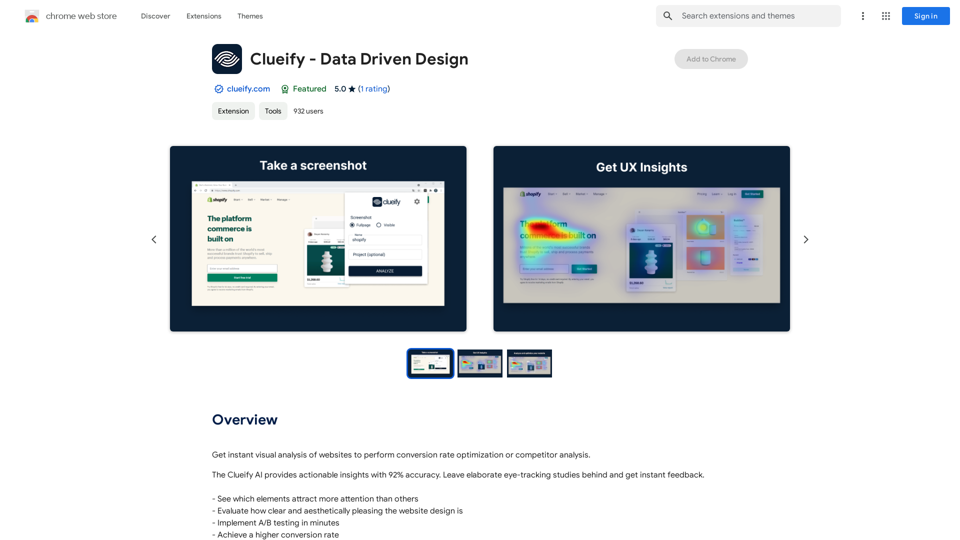
Get instant visual analysis of websites to perform conversion rate optimization or competitor analysis.
193.90 M
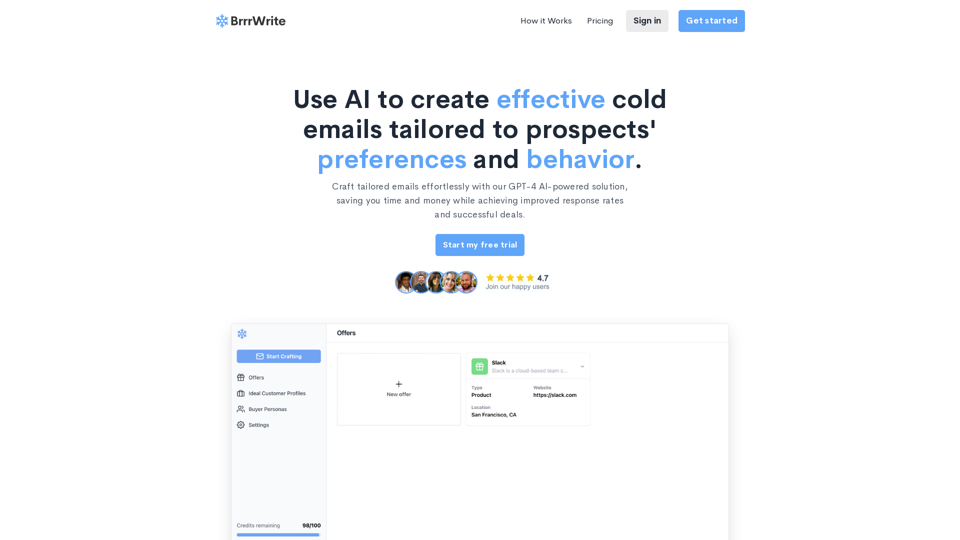
BrrrWrite - Create Compelling Cold Emails Using AI
BrrrWrite - Create Compelling Cold Emails Using AICraft tailored emails effortlessly with our GPT-4 AI-powered solution, saving you time and money while achieving improved response rates and successful deals.
0